
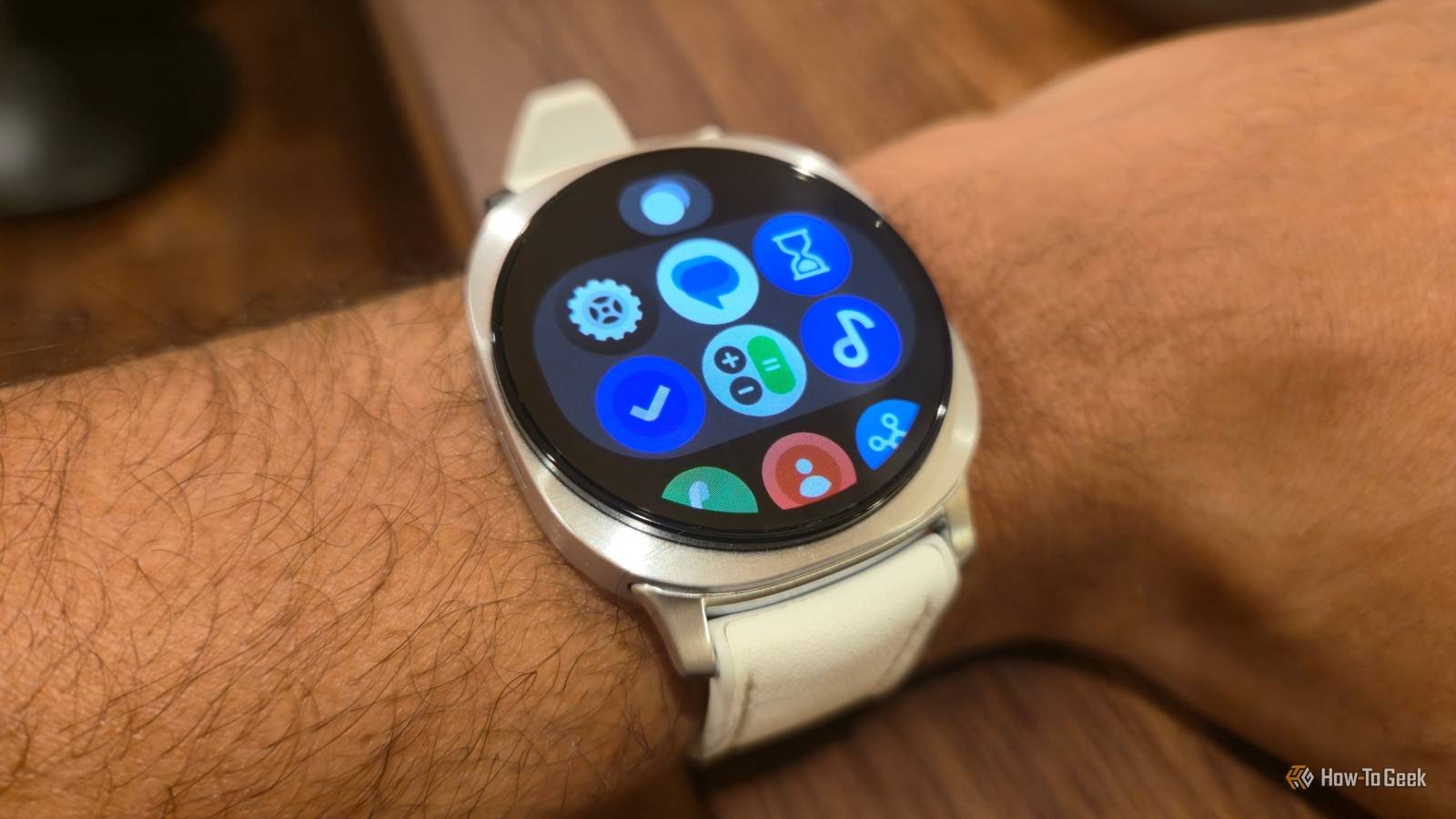
The Samsung Galaxy Watch Classic has its fans not because of any special software, but due to the rotating bezel that surrounds its screen. While the standard Galaxy Watch does not have the same tactile feedback, it turns out you can control it in much the same way.
Your Samsung Galaxy Watch comes with touch bezels
You can navigate the interface by swiping your finger along the edge
Credit: Bertel King / How-To Geek
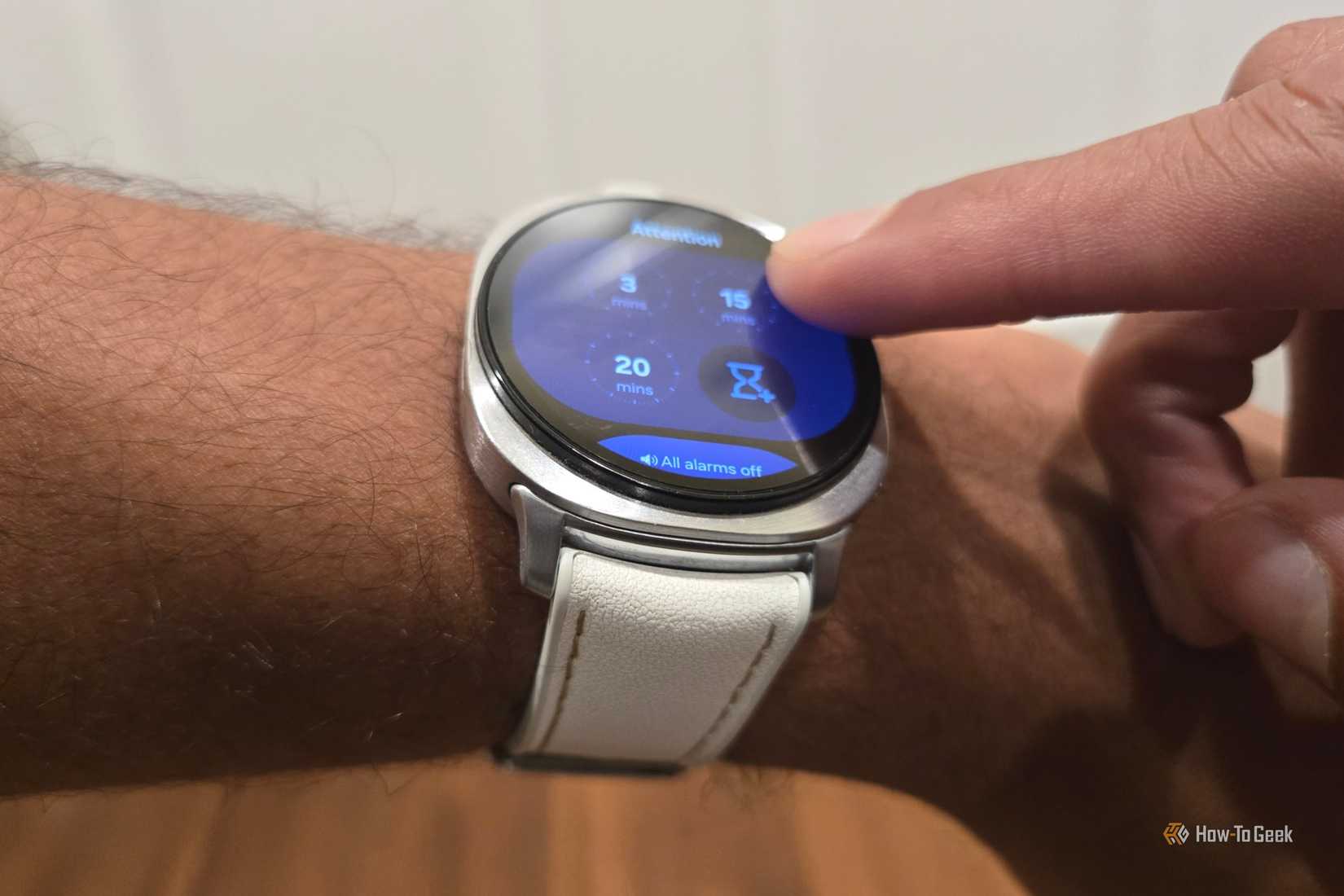
Like your phone, Android Wear is designed to be navigated by swipes. You swipe up from the bottom to pull up apps, and you swipe down from the top to view your quick tiles. Swiping to the right surfaces notifications. Swiping to the left switches through your available tiles. You can switch between several pages of tiles by continuously swiping to the left.
If you find yourself tiring of all this swiping, there’s an alternative approach that doesn’t require moving your finger nearly as much. Just place a finger at the top of the screen and drag it in a clockwise motion along the edge. As you do, the watch will switch from one tile to the next. To go back to a previous tile, all you need to do is move counter-clockwise instead.
Brand
Samsung
Operating System
Wear OS
CPU
Exynos W1000 (5 Core , 3nm)
RAM
2GB
Storage
32GB
Dimensions
43.7 x 46.0 x 8.6t
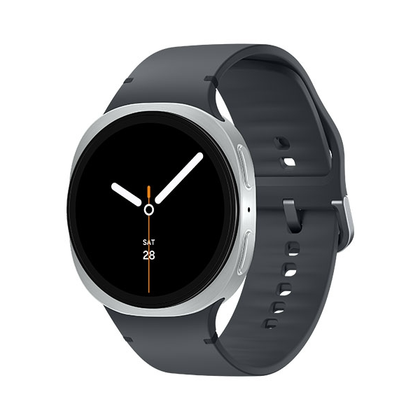
Now thinner and more comfortable, the Galaxy Watch 8 adds new health-tracking features like sleep apnea detection and antioxidant readings.
How to enable touch bezels
It’s all a matter of knowing where to place your finger.
Credit: Bertel King / How-To Geek
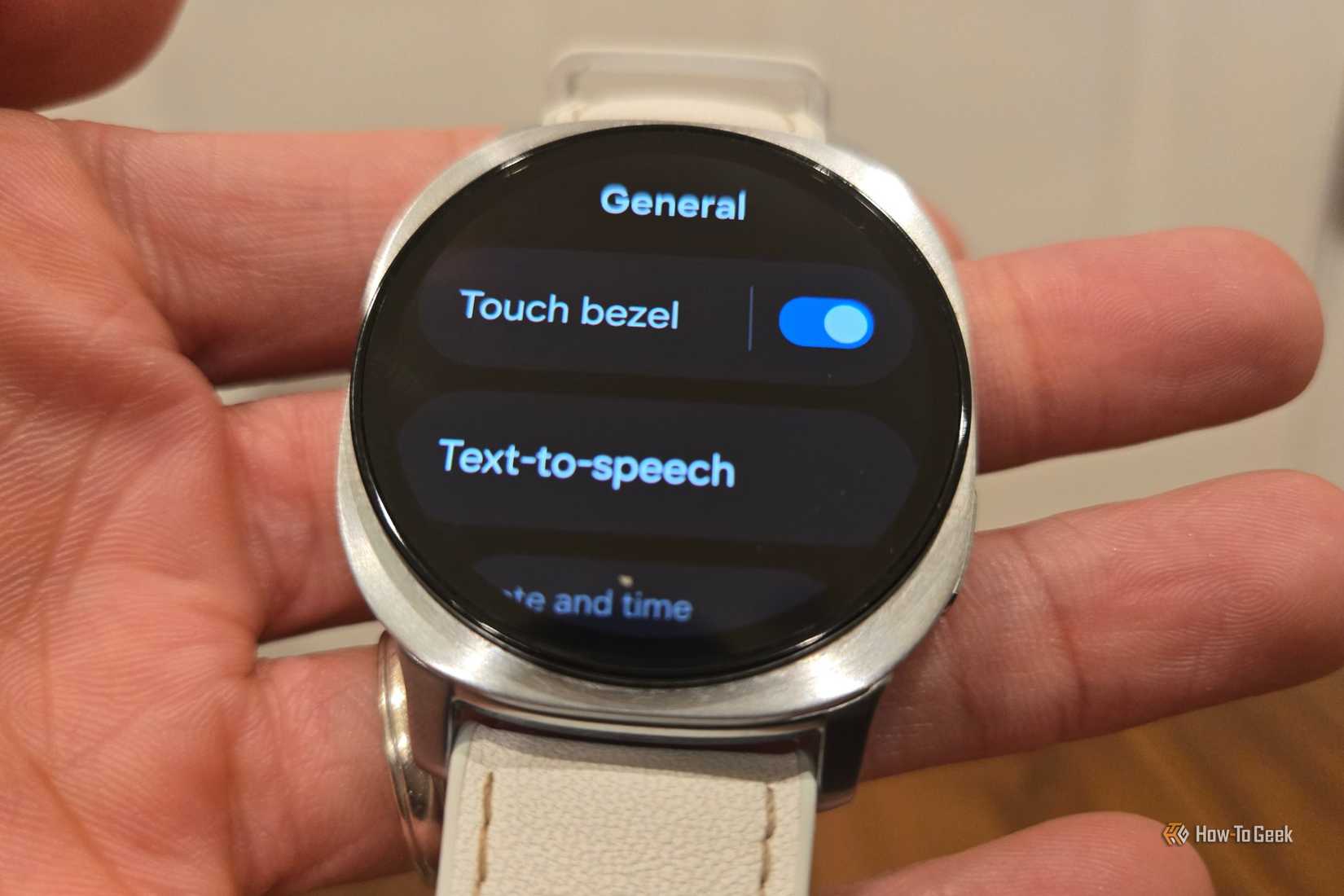
If moving your finger along the edge of the screen doesn’t do anything, you just need to enable the feature in your smart watch’s settings. Fortunately, it’s easy enough to find.
All you need to do is swipe up from the bottom of the screen and tap the Settings app. It’s the icon with the cog. Swipe down until you see General. After tapping here, you will see the option labeled Touch bezel at the top of your screen. Simply tap the toggle next to these words to turn the feature on and off.
While you’re there, you might as well configure other important Galaxy Watch settings.
Almost a Galaxy Watch Classic replacement
Not the same, but it’s the next best thing
Touch screens have their place, but there is a fundamental difference between a touch screen and a physical button. The same can be said for a rotating watch bezel. There is something about the physical click of a bezel as it spins around your watch face that no software implementation is able to replicate.
If you’ve already fallen in love with a Galaxy Watch Classic for this reason, I am not about to argue that the touch gesture will change your mind. Galaxy Watch reviews and Reddit pages are lined with comments from fans who are still holding on to their older watches for precisely this reason, and while I’ve never owned this version of a Galaxy Watch, I get it. I prefer physical buttons in my car, and I miss them dearly when I’m in a car that has touch controls instead.
Nonetheless, it’s better to have a version of the feature available than not. Hopefully, if your aging Galaxy Watch bites the dust, or your carrier offers you a deal on a newer model, this takes some of the pain off from making the switch.
A gesture that’s most helpful for Galaxy Watch Power users
A quick way to navigate a watch filled with tiles
Credit: Bertel King / How-To Geek
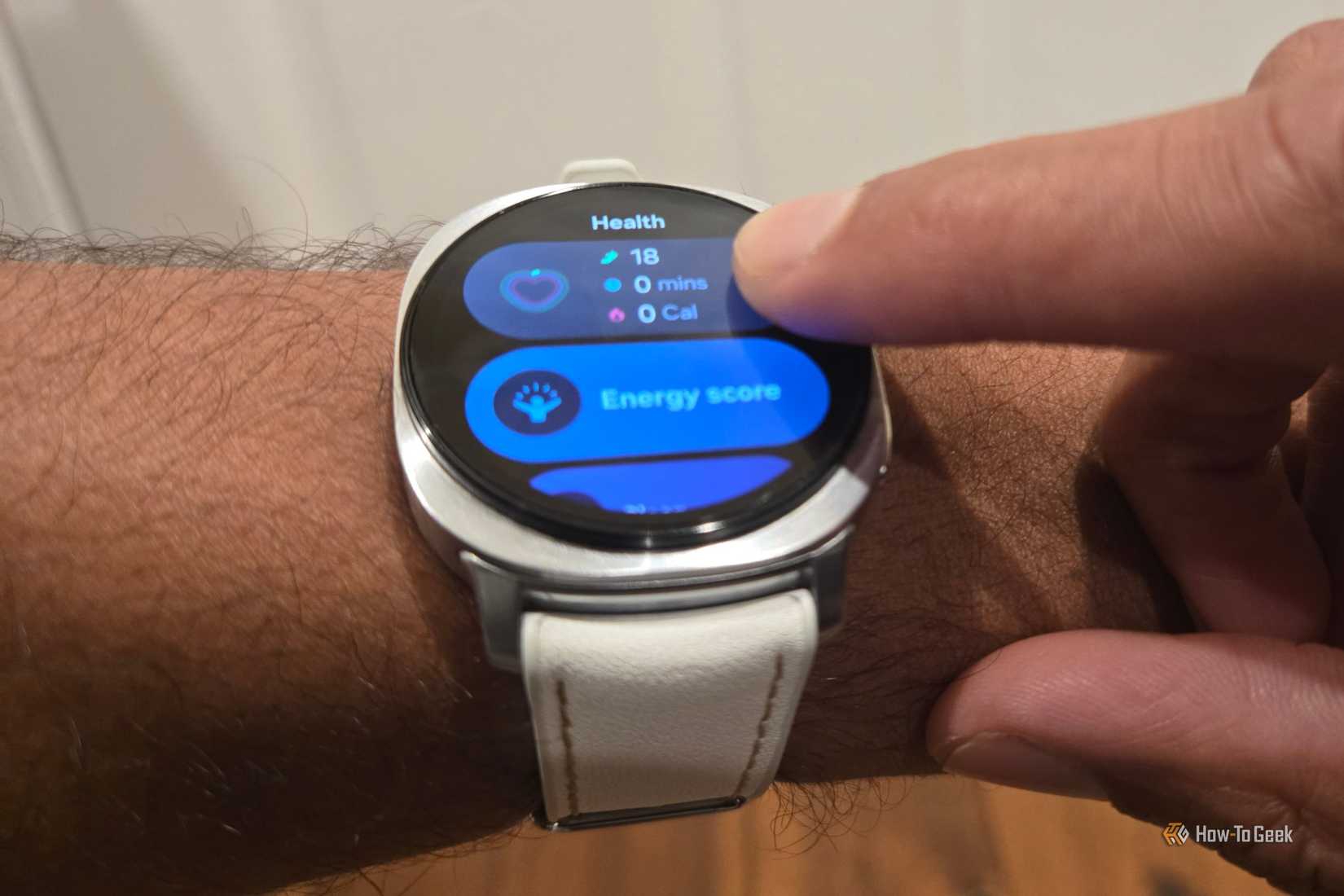
If you only have a few pages of tiles, then the touch bezel may seem pointless. You aren’t saving much effort if you only ever swipe once or twice to get to what you need. The people who really benefit from this functionality are those who find themselves with many pages of tiles. Swiping through eight pages of tiles is something that gets old very quickly.
In contrast, swiping along the edge of your screen is a relatively fast way to get to the exact tile you want, especially once you’ve committed to memory exactly which place along the curve activates each tile. This way, you can get back to enjoying all of those smart watch apps you downloaded. While you’re at it, go ahead and make the most of that always-on display as well.
Samsung’s touch bezels feature is easy to overlook. After all, the One UI implementation of Android Wear is still built around swipes, not a circular bezel, but it can still be a godsend to those who love their Galaxy watches the most.
Touch bezels don’t make up for what’s lost, but they’re nice to have
The touch bezel option on Samsung Galaxy Watches is, like many Samsung features, a tucked away perk that enhances the way you use your device. It’s not a complete game-changer for everyone, but there are some who find they actually prefer it to a physical bezel. After all, this is an easier motion to make with one hand. Give it a try, and see how you feel.