
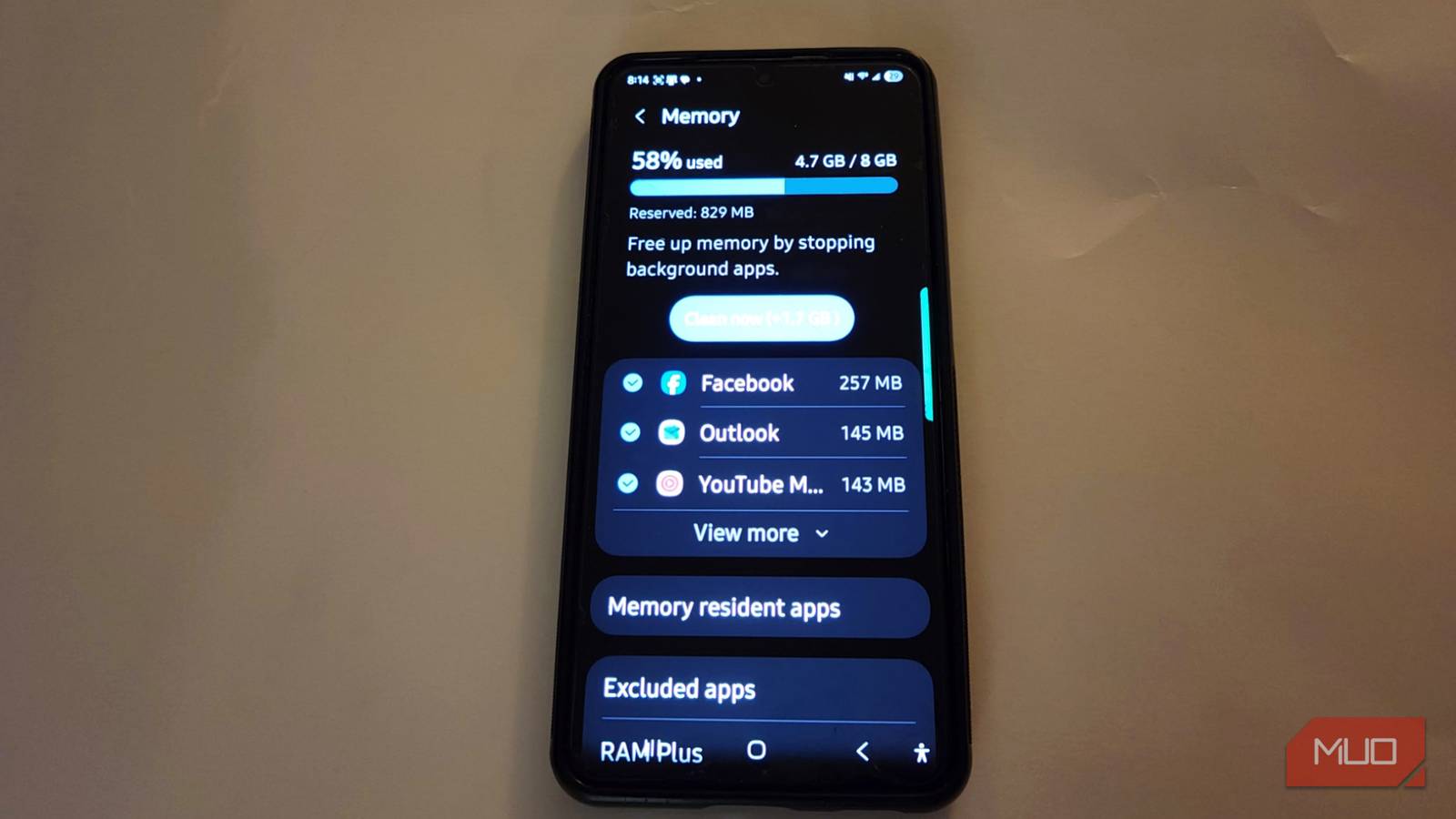
It is frustrating when you reach for your phone to check a message, but the interface hitches or the app takes a few seconds just to register your touch. It is easy to assume that these small stutters are just how things work. In reality, it could be a feature called RAM Plus that helps you in some ways but hurts you in others.
Related
My 2-year-old Android phone felt too slow to keep— then I fixed it without upgrading
I saved money by fixing my slow phone.
RAM isn’t as simple as it sounds
Your phone is actively trying to juggle apps
Jorge Aguilar / MakeUseOf
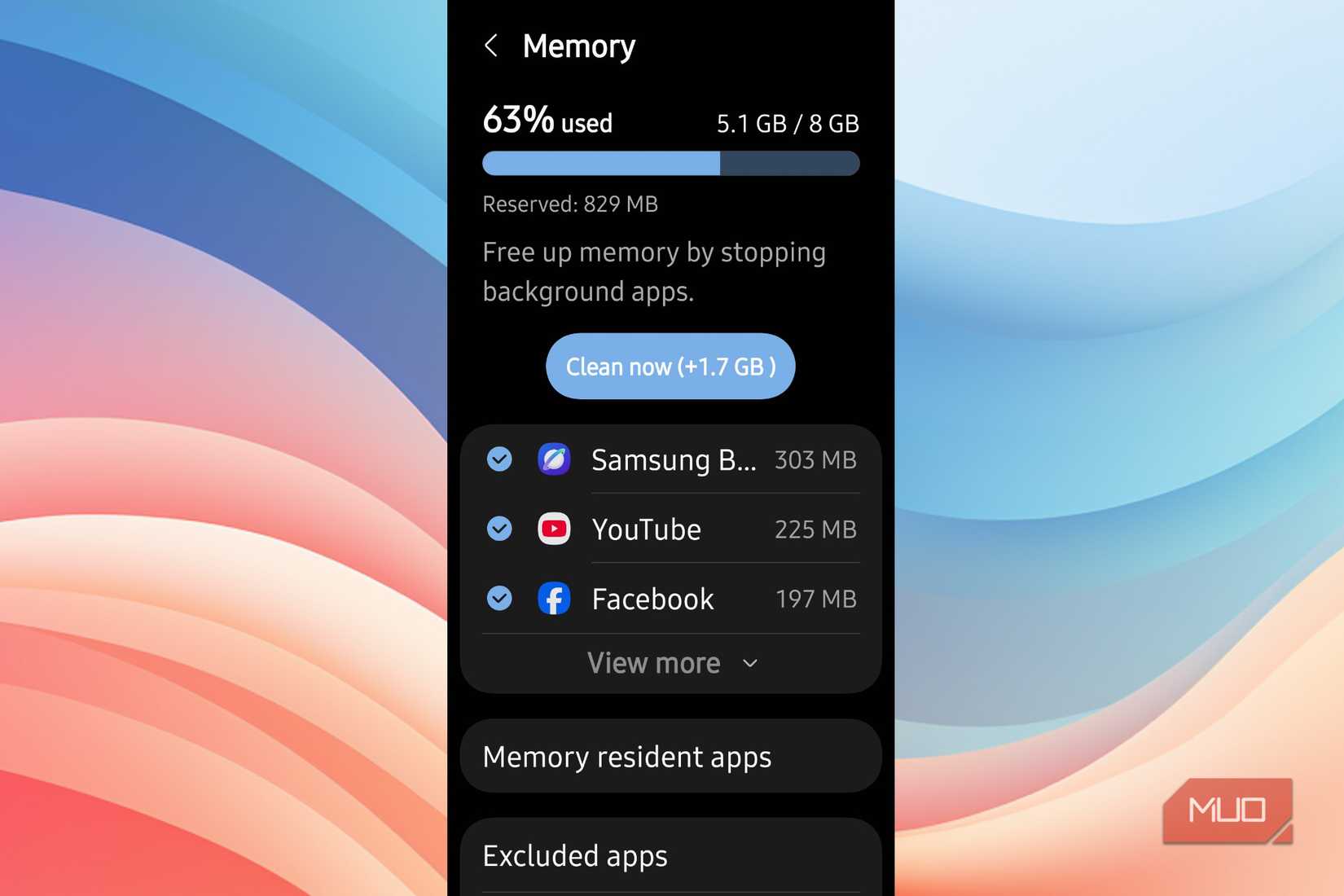
Samsung first brought in its virtual memory feature, RAM Plus, in early 2021 with the Galaxy S21 series. It works by taking a chunk of your internal storage drive, like the Universal Flash Storage, and using it as a secondary swap space. This is meant to act like an extra pool of RAM for your system that will slow it down..
Basically, this gives your phone more capacity for background apps. As you use your phone throughout the day, the physical memory fills up. Instead of having the operating system kill older processes to make room, it moves that background data to this reserved storage space. So you can run multiple apps without any crashing or getting closed.
The Android system uses fast physical RAM, and a compressed swap space called ZRAM that lives inside the physical memory. When your memory gets full, the kernel finds inactive pages, compresses them, and moves them to ZRAM. Once the physical ZRAM is full, the kernel moves compressed data off the physical RAM and onto that storage partition.
This gives the system a larger memory headroom. When you go back to an app that was moved to storage, the system has to pull that data back, decompress it, and put it into the physical RAM for the processor to use.
Keep in mind that physical RAM works in nanoseconds, while flash storage is slower. Every time the system needs to swap data between the fast RAM and the slow storage, it forces the processor to wait for read and write cycles. That is what causes the stuttering and slow processing when you switch between apps.
The speed difference between storage and memory
Why can’t your storage keep up with your processor
Jorge Aguilar / MakeUseOf
Not all phones are made equally, and that causes issues when dealing with RAM+. Flagship phones use Low-Power Double Data Rate memory like LPDDR5 or LPDDR5X, which is soldered to the motherboard. RAM can reach speeds around 8.5 gigabytes per second, while storage hits roughly 3 to 4 gigabytes per second in the best cases.
When you use RAM Plus, the phone treats the slow storage as if it is high-speed memory, and that’s why people turn it off. The system struggles because internal storage wasn’t built to handle the constant, high-frequency read and write tasks that RAM manages all day.
When you look at RAM Plus, you’d be forgiven for thinking this was made to let your phone run more quickly. Instead, it is solely there, so your apps can resume quickly. To make this work, you have to lose chunks of your own active memory just to keep those apps running.
This makes your phone run slower because the app you are using is fighting for the space that’s left. That’s not a good tradeoff when you likely don’t need all those apps in the background. I think it’s more common to need to close background apps than to want to keep more than one or two open.
If you need that many apps open at once, you probably should be working on a computer. A phone is not built for serious work, and should really only be used for one or two apps at a time. It feels more like a waste of the space you paid for, because closing an app is better than having too many open at once.
Disable the feature for better speed
How to get your performance back
The great way to stop the stuttering is to turn off RAM Plus so your phone only uses its physical hardware memory. Go to your Settings app and look for the Device Care or Battery and device care menu. Tap on the Memory section and wait for the system to finish its scan.
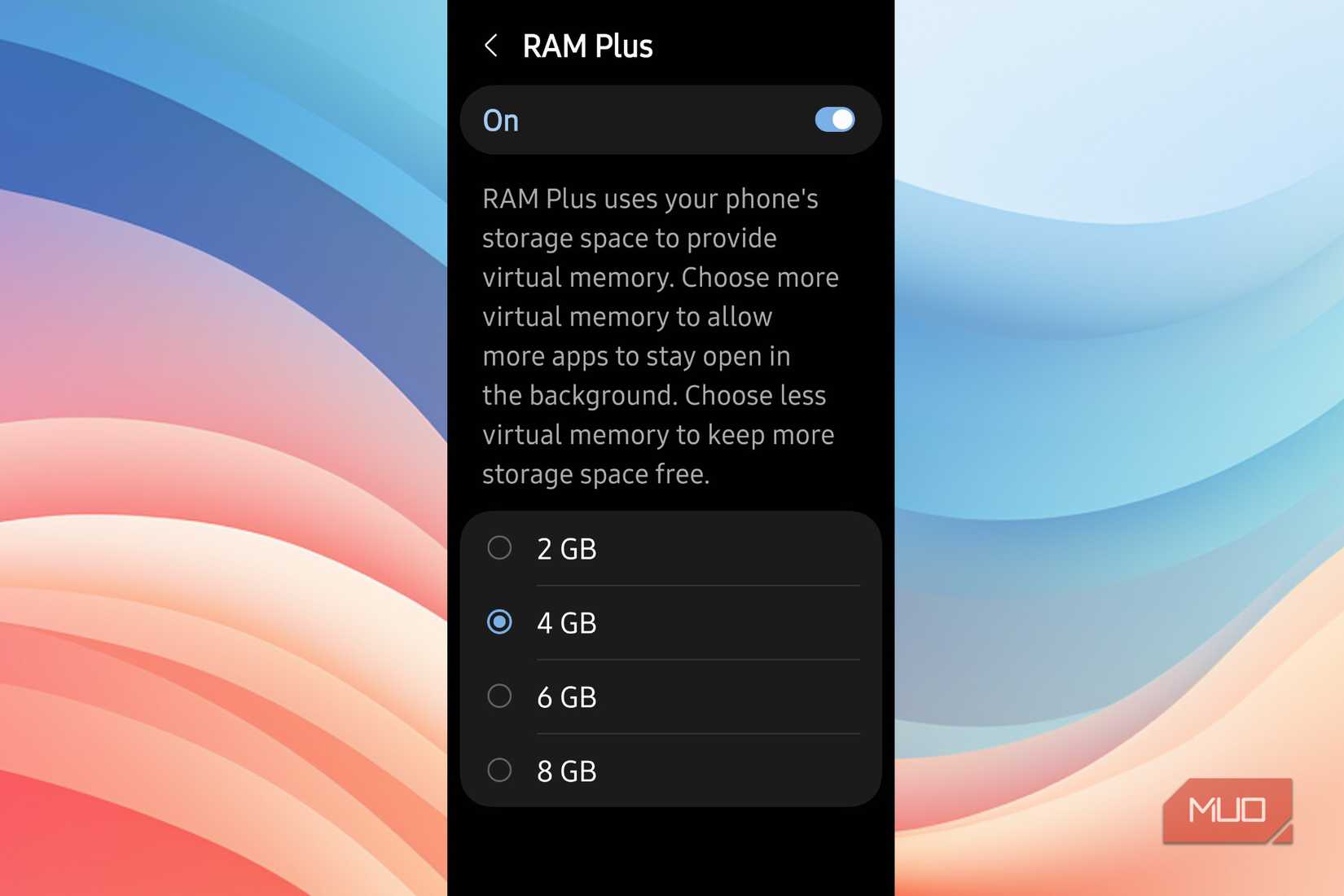
Scroll to the bottom to find the RAM Plus option. You will see a toggle at the top right of the screen. Switch that to the Off position. The system will ask you to restart your phone to finish the change. Once it reboots, your phone will use only its physical RAM, and you will get back those gigabytes of storage space.
Keep in mind that turning it off entirely leaves you with less memory available to the system. If you don’t want to disable it completely, you can just lower it. Mine was set to 4GB, which wasted too much space.
Instead, I dropped it to 2GB. My phone is noticeably faster, and apps aren’t closing on me unexpectedly. It isn’t a bad feature, it just takes too much by default. If you do turn it off entirely, you get the same solid performance you had before the feature even came out.
RAM Plus is not needed
Running out of physical memory can be annoying, and having the system close your old apps means you might lose your place in a specific task. However, the constant stuttering caused by swapping data to your slow storage drive is a much bigger problem for your day-to-day experience. If you want a smooth interface over keeping dozens of background processes suspended, turning this feature off is the right choice.
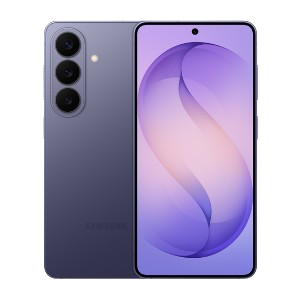
SoC
Snapdragon 8 Elite Gen 5
Display
6.3-inch Dynamic AMOLED 2x
RAM
12 GB
Storage
256 or 512 GB