
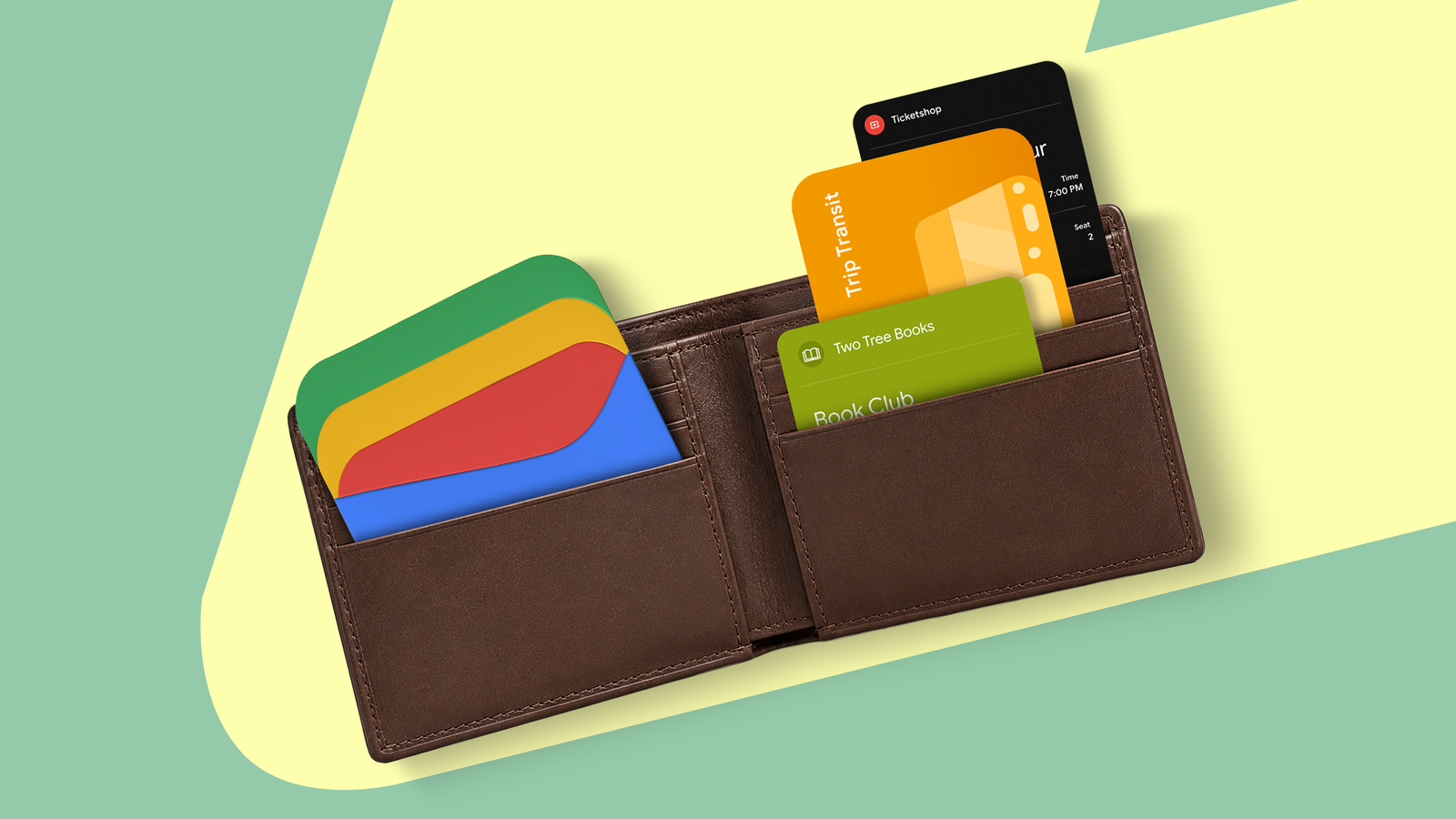
Google Wallet has slowly crept its way into my everyday life over the years.
As an older millennial, I’ve maintained a healthy skepticism about trusting technology with my financial data. However, at a certain point, the convenience became a bit too much not to try it out.
As I did, I found I really liked using my phone to pay for everything. Fumbling with a wallet always felt so clumsy, and tapping my Google Pixel 10 Pro on card readers just feels right.
I didn’t realize there was a vast world of functionality beyond payment transactions on Google Wallet, until that fateful day … at Walgreens.

Quiz
8 Questions · Test Your KnowledgeGoogle Wallet app
Trivia challenge
From tap-to-pay to digital passes — how well do you really know Google Wallet?
PaymentsFeaturesHistorySecurityCompatibility
Begin
In what year was the original Google Wallet first launched?
A2010B2011C2013D2015
Correct! Google Wallet launched in 2011, making it one of the earliest mainstream mobile payment apps. It initially worked with select Citi Mastercard and Google Prepaid Cards on supported Android devices.
Not quite — Google Wallet actually launched in 2011. It was a pioneering move into mobile payments, though it took years and a rebrand before it truly gained widespread adoption.
Continue
What was the name of Google’s payment service that replaced Google Wallet before the Wallet brand was revived?
AGoogle CashBAndroid PayCGoogle PayDGPay Plus
Correct! Google Pay was the unified payment brand Google introduced in 2018, merging Android Pay and the original Google Wallet. The Wallet name and app were later revived in 2022 with an expanded feature set.
The answer is Google Pay. Google unified its payment services under the Google Pay brand in 2018, combining Android Pay and the original Wallet. The Wallet app was then relaunched separately in 2022.
Continue
Which technology does Google Wallet primarily use to enable contactless payments at terminals?
ABluetooth Low EnergyBQR codesCNFCDUltrasound
Correct! Google Wallet uses NFC (Near Field Communication) to enable tap-to-pay at contactless terminals. NFC allows devices to exchange data over very short distances, typically a few centimeters.
The correct answer is NFC (Near Field Communication). While QR codes are used in some payment systems, Google Wallet’s tap-to-pay functionality relies on NFC chips built into Android devices to communicate with payment terminals.
Continue
Besides payment cards, which of the following can you store in Google Wallet?
ACryptocurrency walletsBBoarding passes and loyalty cardsCSocial media profilesDWi-Fi passwords
Correct! Google Wallet supports a wide range of passes beyond payment cards, including boarding passes, loyalty cards, event tickets, hotel keys, and even COVID-19 vaccination records in supported regions.
The right answer is boarding passes and loyalty cards. Google Wallet has evolved into a broad digital wallet for many types of passes and credentials, though cryptocurrency storage is not a native Google Wallet feature.
Continue
What security feature does Google Wallet use to protect your card details during a contactless payment transaction?
AYour actual card number is transmitted each timeBA one-time virtual account number (tokenization)CEnd-to-end SMS verificationDA static encrypted PIN shared with the merchant
Correct! Google Wallet uses tokenization, which means a one-time virtual account number is generated for each transaction instead of sharing your real card number. This significantly reduces the risk of fraud and card data theft.
The answer is tokenization — a one-time virtual account number. Your real card number is never shared with the merchant during a Google Wallet transaction, making it more secure than swiping a physical card.
Continue
Which operating system is required to use Google Wallet’s tap-to-pay feature on a smartphone?
AAndroid 5.0 or higherBAndroid 9.0 or higherCAndroid 6.0 or higherDAndroid 8.0 or higher
Correct! Google Wallet requires Android 6.0 (Marshmallow) or higher to use tap-to-pay functionality. The device also needs an NFC chip, which is standard on most mid-range and flagship Android phones.
The correct minimum version is Android 6.0 (Marshmallow). In addition to the OS requirement, the device must also have an NFC chip to enable contactless payments through Google Wallet.
Continue
What is the name of the feature in Google Wallet that allows users to store and use digital versions of their government-issued ID in supported US states?
AGoogle ID VaultBDigital IDCVerified MeDGovPass
Correct! Google Wallet’s Digital ID feature lets users in select US states store a digital version of their driver’s license or state ID. It’s accepted at certain TSA checkpoints and partner locations, representing a major step toward digital identity.
The feature is simply called Digital ID within Google Wallet. Rolled out in partnership with select US states, it allows users to present a verified digital driver’s license or state ID at TSA checkpoints and other supported venues.
Continue
When using Google Wallet to pay, what must you typically do on your device before holding it near a payment terminal?
AOpen the Google Wallet app manually every timeBUnlock your device or authenticate with biometricsCEnable airplane mode firstDConnect to a Wi-Fi network
Correct! For security, Google Wallet requires you to unlock your device or verify your identity via fingerprint, face unlock, or PIN before a payment can be made. This ensures that only the authorized user can complete a transaction.
The correct answer is unlocking your device or authenticating with biometrics. This is a deliberate security measure — Google Wallet won’t transmit payment data to a terminal unless the device owner has been verified first.
See My Score
Challenge CompleteYour Score
/ 8
Thanks for playing!
Try Again
Rewards and loyalty cards
Never miss out on those points again
As the story goes, I was at Walgreens, about to place my phone on the card reader to purchase my items. The patented beep happened, and I thought I was ready to go.
However, the Walgreens employee pointed to the card reader; I still hadn’t paid.
Instead, I had skipped the phone number entry step of accessing a loyalty program, and I was all set to get some points. I just needed another tap to take care of the payment. What a dream!
Walgreens is not the only retail establishment that allows its loyalty and reward cards to be added to Google Wallet. Other stores include Kroger, CVS, IKEA, Safeway, and thousands of others.
To add a loyalty card, open Google Wallet and select Add to wallet. Pick a loyalty card, and scroll down the lengthy list until you find your particular brand.
Each brand is different when it comes to adding it to your list, but in most cases, you’ll scan a barcode and be ready to go.
Movie and plane tickets
No more rifling through your inbox at the ticket counter
After the accidental loyalty login at Walgreens, my interest was piqued. I started digging into the Google Wallet experience, finding one of the more convenient options: movie and plane tickets.
Whether it’s Regal Theaters or United Airlines, you can pull up tickets for flights and movies in a few clicks. Even better, the tickets are available offline, so if you have connectivity problems, you can still get in without any problems.
To use this handy feature, airlines and movie theaters typically provide a dedicated Add to Google Wallet button after you’ve made a purchase or checked in for your flight, allowing you to easily gain access without clicking through the spam folder in your email.
If that doesn’t work, you can also screenshot a QR or barcode. Android will often recognize compatible tickets and ask if you want to add them to Google Wallet.
It’s not fool-proof, though, so don’t waste image storage space taking a million screenshots.
Related
Google Wallet vs. Samsung Wallet: Which is better?
Which digital wallet should you be using?
Your identification
Finally, but with a catch
Now that your plane ticket is taken care of, all you have to worry about is your ID. That is, unless you’re one of the Android users who is eligible to have your identification ready and available in Google Wallet.
You can now add an ID pass, driver’s license, or state ID to Google Wallet, which is good enough to get you through TSA checkpoints at the airport.
You might still have trouble getting into a bar, though, so it’s probably worth holding onto your actual ID in the meantime.
For state IDs and driver’s licenses, there are some pretty big caveats. For starters, only a few states have state IDs and driver’s licenses that are compatible with Google Wallet, including Arizona, Arkansas, California, Colorado, Georgia, Iowa, Maryland, Montana, New Mexico, North Dakota, and Puerto Rico.
For passports, there are no state-specific limitations, but you will have to get your phone to connect to the Near Field Communication (NFC) chip on the back of your booklet.
If you’ve ever tried to do this, you know that it’s difficult to get it to recognize the chip, but it’s not impossible.
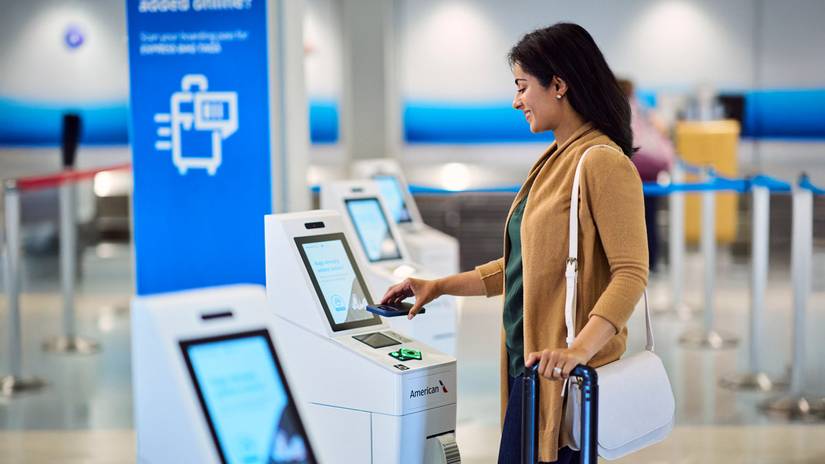
Credit: American Airlines
The future of Google Wallet
It’s only going to get better
This month, Google Wallet added many new features, including categories to organize your cards and live activity tracking for airline tickets.
The sky is the limit for Google Wallet, though, with some amazing plans on the horizon.
From digital car key sharing to expanded ID compatibility, Google Wallet clearly has a bright future in terms of what will actually be available on the platform.
So, if you’re like me and you’ve been hesitant to make the switch from physical IDs and loyalty cards, or you’re still rifling through your inbox or frantically opening mobile apps to get into airplanes and movie theaters, it’s time to make a change.