
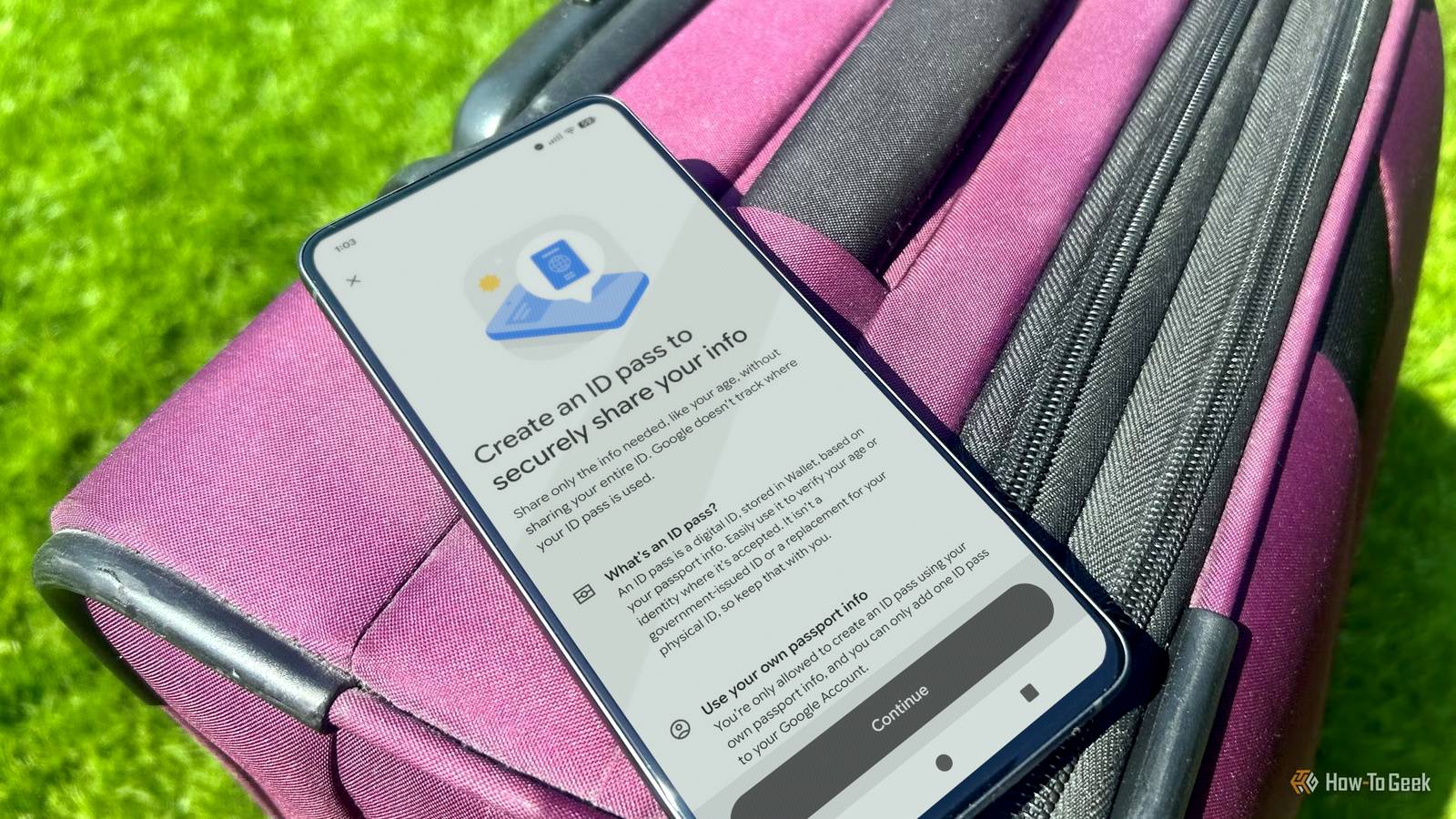
The preparation leading up to a trip is always my least favorite part. You need your ID, flight tickets that are scattered between apps, various emails, and maybe a screenshot or two. This is important information scattered across an aggravating number of locations. After getting unbelievably frustrated with the situation, I tried loading everything into Google Wallet.
Adding everything to Google Wallet makes travel better
My flights, trains, and buses all load from one app now
Credit: Nick Lewis / How-To Geek
Google Wallet allows me to keep all of my travel tickets in one place, so instead of jumping between three different apps to get around, I can add my boarding passes, bus tickets, and train passes so they’re safely stored in one place. Additionally, most of those passes will automatically update themselves, so if there is a gate change or delay, you’ll see it as soon as you check your ticket in your Wallet without needing to open up a separate app.
If you’re running Android 16 or newer, you may also see that live updates display your flight status directly on the lock screen shortly before departure.

Related
Google Wallet is becoming a better travel companion
The power of real-time updates in your pocket.
You can use your phone at security instead of fumbling for ID
TSA now accepts digital IDs at more than 250 airports. This means getting through security only requires tapping your phone or scanning an ID if you add it to your wallet, and if you need to present your boarding pass, it is immediately available.
There are a few important limitations. Only a handful of U.S. states support digital IDs, and not all that do support Google Wallet. As of June 2026, those states include:
Arizona
Arkansas
California
Colorado
Georgia
Iowa
Maryland
Montana
New Mexico
North Dakota
You can always check the state picker in the app to see if your state has been added.
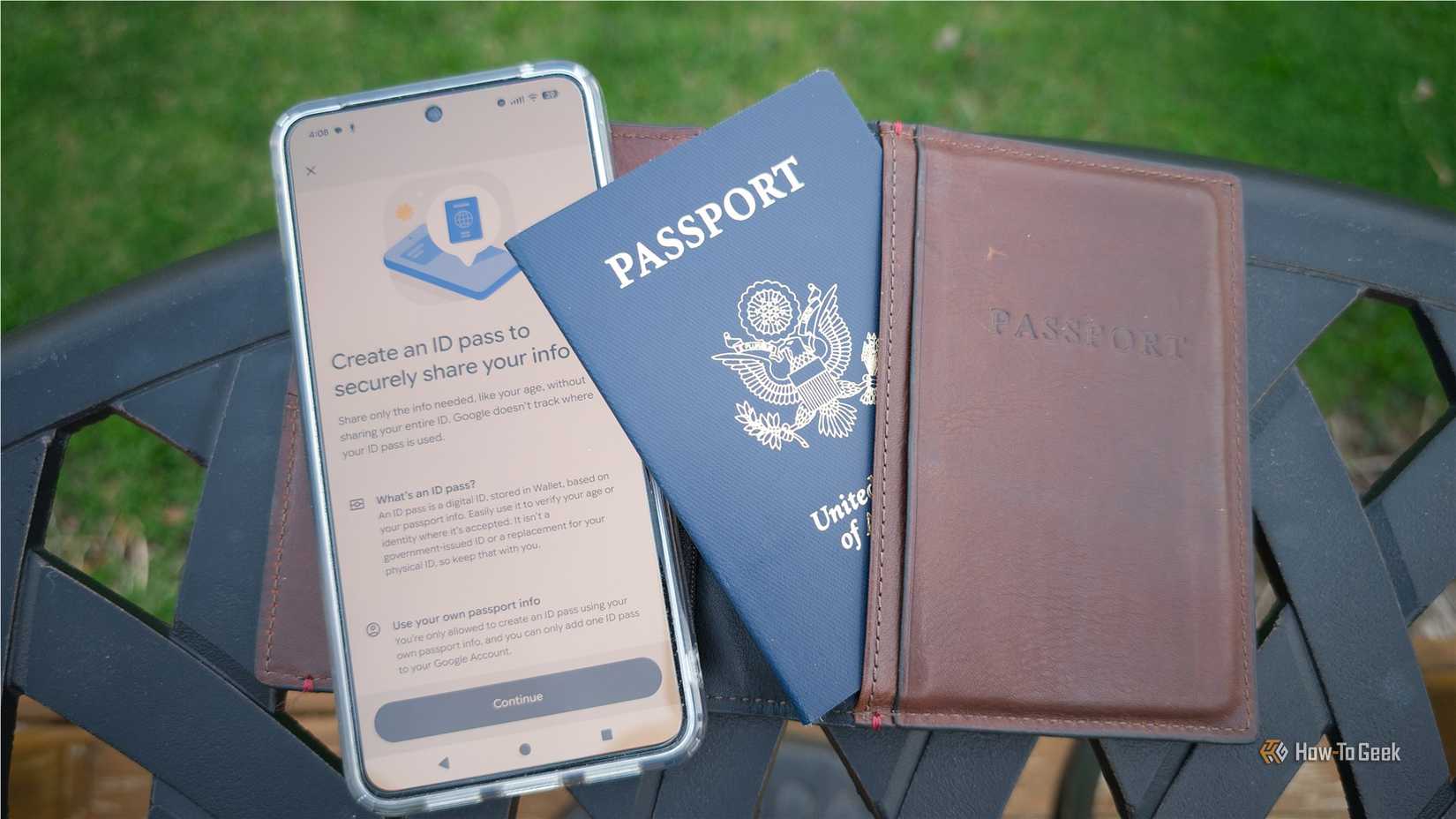
If your state isn’t supported, you can still use a passport-based ID Pass for domestic flights, even if you don’t have a REAL ID. At the podium, you tap your phone or watch to the reader and approve only the specific fields being shared. It is important to remember that you must still carry your physical, REAL ID-compliant ID or passport; the digital version is a convenience only, and you may be required to display your actual physical ID instead.

7/10
SoC
Google Tensor G4
Display
6.3-inch Actua display
RAM
8GB
Storage
128 or 256GB
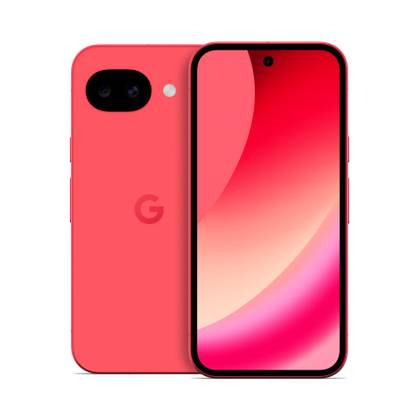
The Google Pixel 10a is a barely updated version of the Google Pixel 9a, with a slightly brighter screen and an upgrade from Gorilla Glass 3 to Gorilla Glass 7i. Google has shaved the remaining few millimeters from the camera bump, making it completely flat. Unlike prior versions of the Pixel a series, this model year does not share the same Tensor processor as the mainline Pixel 10.
My event tickets stop getting lost, too
Of course, going on a trip isn’t just about the actual travel. The tickets for events, once you’re there, are as much of a pain as the actual travel tickets.
By storing your event tickets in your Wallet with your travel documents, all of the mess from travel and multiple events gets consolidated down to one app. Just like airline tickets or train passes, many of the event passes can push reminders as the date nears and update automatically if the venue or time changes.
How to get everything into Google Wallet
Google Wallet walks you through the process
Actually getting your passes into Google Wallet is pretty easy. Many tickets will come with a “Add to Google Wallet” button underneath them; in those situations, all you have to do is tap and confirm.
Wallet has a guided process that will walk you through digitizing your ID or passport. When I tested it with my passport, it only took about 5 minutes, including the verification process.
A U.S. passport has a chip embedded in the back cover. I found scanning the chip was more reliable when I actually flipped it over.
Events are a bit more variable. Many come with an Add to Wallet button, but in situations where they don’t, you can always just take a screenshot of the PDF (or email) to add it to your wallet manually. It won’t update automatically if you do that, though, so be sure to keep an eye out for any important information that may change.
The payoff once it’s all in one place
Spending a single after getting everything setup trades a recurring headache for a tap-and-go routine. When your ID, travel tickets, and event passes are all stored securely in one place, it takes a lot of the stress out of the equation. So long as you have your phone, you have what you need.
However convenient Google Wallet may be, you should always carry a physical ID as a backup, confirm that your specific venue supports digital passes, and keep an eye on your battery—a digital wallet isn’t helpful if your phone dies.