
Scroll through your app drawer, and you’ll probably find a bunch of apps you forgot you installed.
A remote control app for a gadget you don’t own anymore. Some random utility you downloaded for one specific problem and never opened again.
The problem is that when developers abandon those apps, or Google removes them from the Play Store, they can still sit on your phone, and you’d have no idea.
Google may soon warn users when the forgotten apps on their phones are no longer welcome in the Play Store.
APK teardowns show work-in-progress features. The feature may change, be delayed, or never roll out.
A Play Store teardown points to a useful safety alert
The Play Store may revisit old installs
An APK teardown of Google Play Store version 51.4.19 by Android Authority found a work-in-progress code showing the company is preparing to warn users when an installed app has been pulled. The notification reads:
%1$s was removed from Google Play and will no longer receive updates
%1$s and %2$d other apps were removed from Google Play and will no longer receive updates
%1$s and %2$s were removed from Google Play and will no longer receive updates
Play Protect only solves part of the issue
Not every problem is malware
Credit: Lucas Gouveia / Android Police
Google Play Protect already scans your device and blocks apps it considers high-risk. If something is caught stealing credentials or lying about what it does, you get an aggressive push notification.
But Play Protect is designed for harmful apps and risk cases. It isn’t really built to tell users when an old installed app has been delisted or left behind without updates.
If a developer pulls their app because they can’t afford the server bills anymore, or Google delists an app because the developer didn’t update a privacy policy, you are in a blind spot.
App neglect can become a security problem
Old code does not age gracefully
Credit: Lucas Gouveia/Android Police
Even non-malicious abandoned apps are a problem. Android keeps evolving with new permission models and privacy rules, and old code rots. What used to be harmless can become an open door to your data.
Cybersecurity firm Black Duck published an advisory about three Android remote mouse and keyboard apps with a combined two million installs on the Play Store. They found critical remote code execution vulnerabilities in all three.
The apps were abandoned, but anyone who had already installed them was carrying around an unpatched liability with no idea that anything was wrong.
A direct Play Store notification would have given those people the push to delete the apps.
The biggest question is what happens outside the Play Store
Power users are on their own
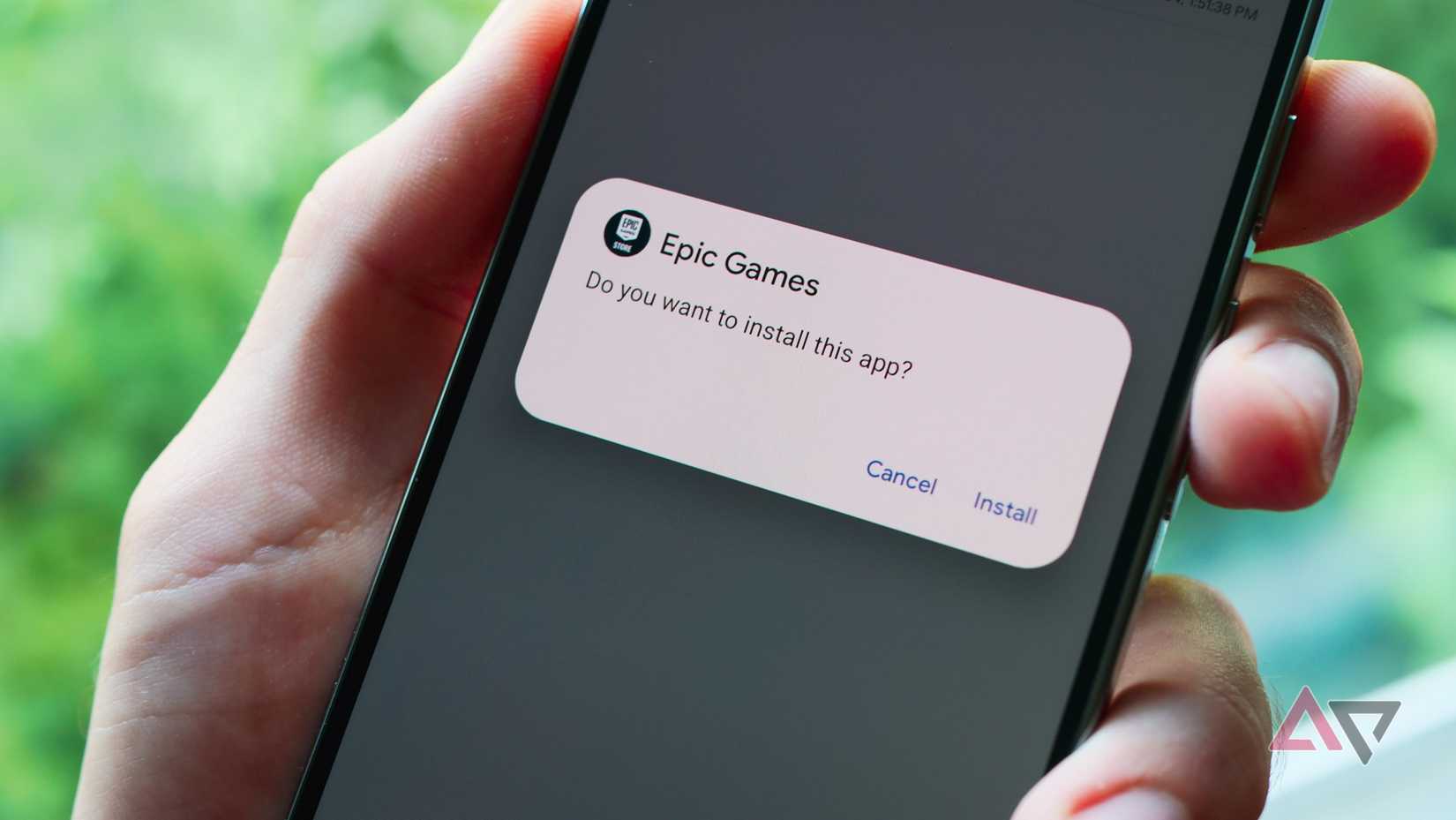
There is one question mark surrounding Google’s new warning system. How will it handle sideloaded apps installed from outside the Google ecosystem?
Because this feature is still in the pre-release code, we have to wait and see whether it will be strictly limited to the Play Store’s database.
On one hand, the feature is being built into the Play Store app, suggesting it might only monitor packages pulled from its own official catalog.
On the other hand, Google Play Protect already scans sideloaded apps for known malware and security risks and has a mechanism that analyzes third-party APKs on your device.
Until the feature goes live, we won’t know for sure. For the average consumer, a Play Store-only restriction wouldn’t be a problem.
But for power users who rely on the open nature of Android, it means keeping an eye out to see whether Google’s new safety net extends to all apps.
Related
Google to ease sideload warnings with an option to pause Play Protect
Play Protect auto-enables the next day
Don’t wait for Google to clean up your phone
Taking the burden of discovery away from the user is a big win. You shouldn’t have to read security blogs to learn that your PDF scanner from 2020 is now dead.
But this warning system is currently a string of code buried in a Play Store teardown. It could be months before the feature reaches your phone.
You don’t have to wait for Google to tap you on the shoulder to start cleaning your device. Open your app drawer, question the apps you forgot, and uninstall anything you no longer use or recognize.
It’s also a good excuse to check your app permissions. Not every app on your phone needs access to your location, contacts, files, microphone, or camera.