
I have relied on Google Lens since I bought my first Xiaomi smartphone in 2016, and it has been an essential feature in every device I have owned.
I keep it set up as a standalone app, a widget claiming prime screen real estate on all my phones, or a shortcut permanently pinned to the Google Search bar for immediate access.
When I stumble upon an unknown plant on a hike or in a garden, I pull out my phone, point the camera at it, and let the app identify the plant I am looking at.
The same muscle memory kicks in when I stare blankly at a convoluted train schedule in a foreign city. I don’t panic. I am confident that Lens can accurately decode or translate it for me in real time.
Lens has consistently delivered reliable results for years. But the arrival of Gemini, with its multimodal capabilities and more capable models, suddenly disrupted this routine.
Instead of just identifying an object or scene, I suddenly wanted to ask more complex, conversational questions when using visual search. This forced me to switch back and forth between the two apps.
Last week, I decided to run a test and make Gemini my primary visual search tool on my Google Pixel 9 Pro XL and Samsung Galaxy Tab S10 FE tablet to see whether it is superior in all tasks and whether it could entirely replace Lens.
Related
I found a Gemini feature so good, I stopped using everything else
From chatbot to custom workspace
Gemini offers a flexible way to make queries
It supports both image and video uploads
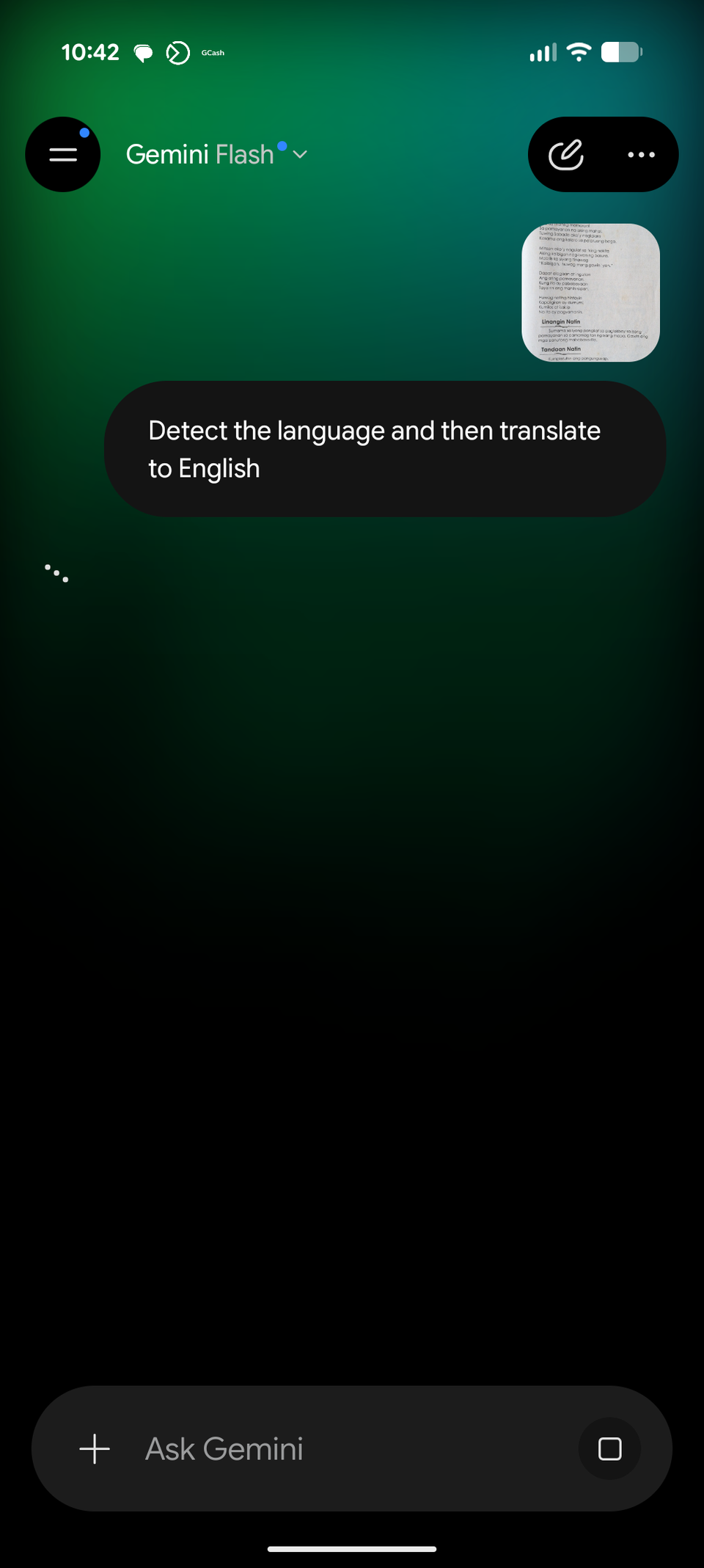
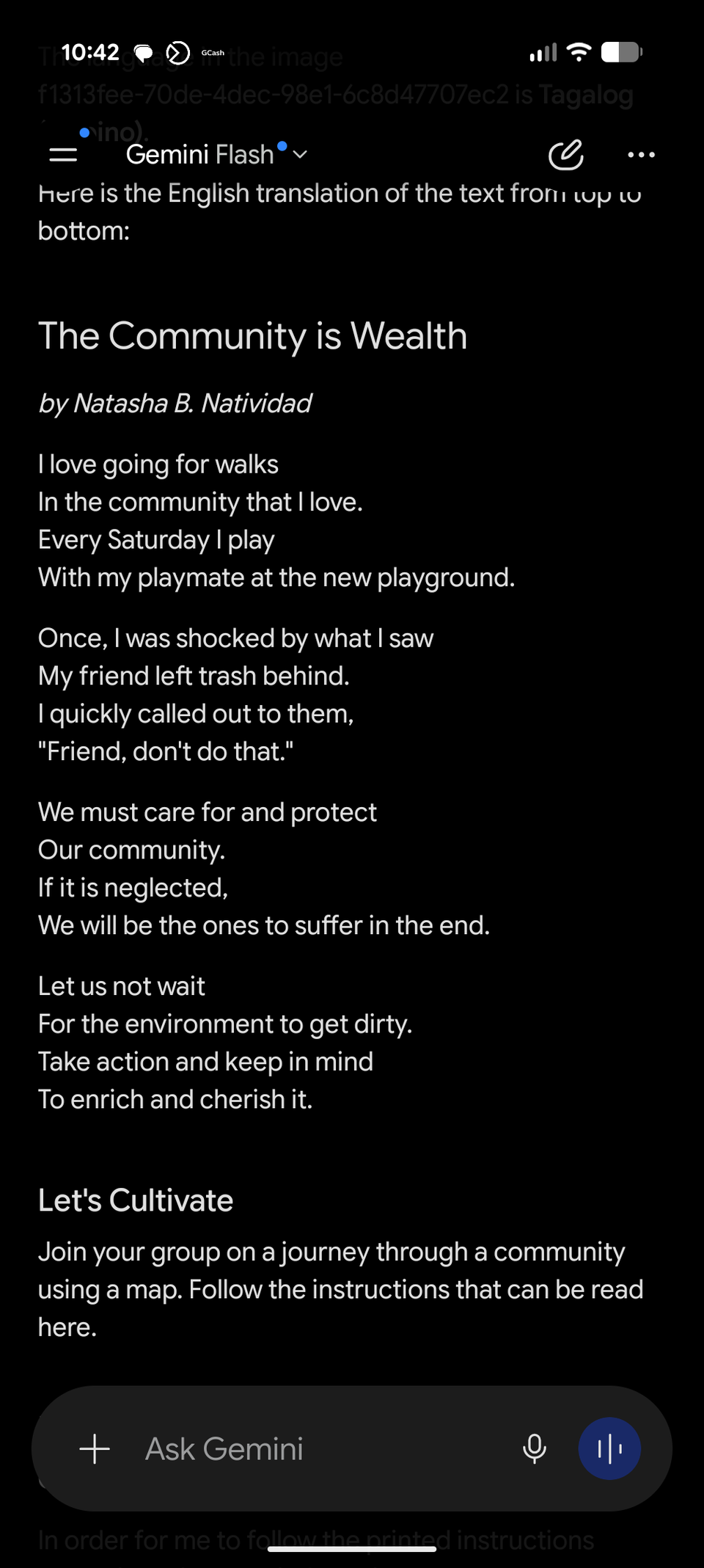
When transitioning to Gemini for visual search, I noticed one significant feature difference that I needed to overcome as a pain point.
If you used the early versions of Gemini, you already know how barebones its search capabilities felt, especially for visual search and analysis.
But in the current version, Gemini supports both attaching an image or video and sharing the screen via Ask Gemini for image analysis.
With the first method, you need to capture the image and attach it to your prompt. While it creates a clunky user experience, it allows for complex problem-solving and deeper analysis.
It’s also an option for Android devices that don’t support on-screen sharing with Ask Gemini.
The quickest and most efficient way to access Gemini for visual search is to use Ask Gemini. I launched it by pressing the side button, and it immediately followed a voice prompt.
Similar to the attachment, my current screen is snapped and saved in Gemini chat, which I can access later through the history.
I highly appreciate being able to jump back into a specific conversation with Gemini to continue where I left off or ask further questions.
With Lens, you are forced to perform the visual search all over again on the web if you want to add follow-up questions or descriptions to your query or simply want to translate text into a different language.
Furthermore, Lens lacks the ability to analyze recorded video clips, which is a standout feature that Gemini handles with ease.
While Lens has a Live feature, it is strictly for real-time camera feeds and cannot process pre-recorded clips to extract text or analyze past video events.
Where Gemini outperforms Google Lens
It provides powerful context over fragmented visual queries
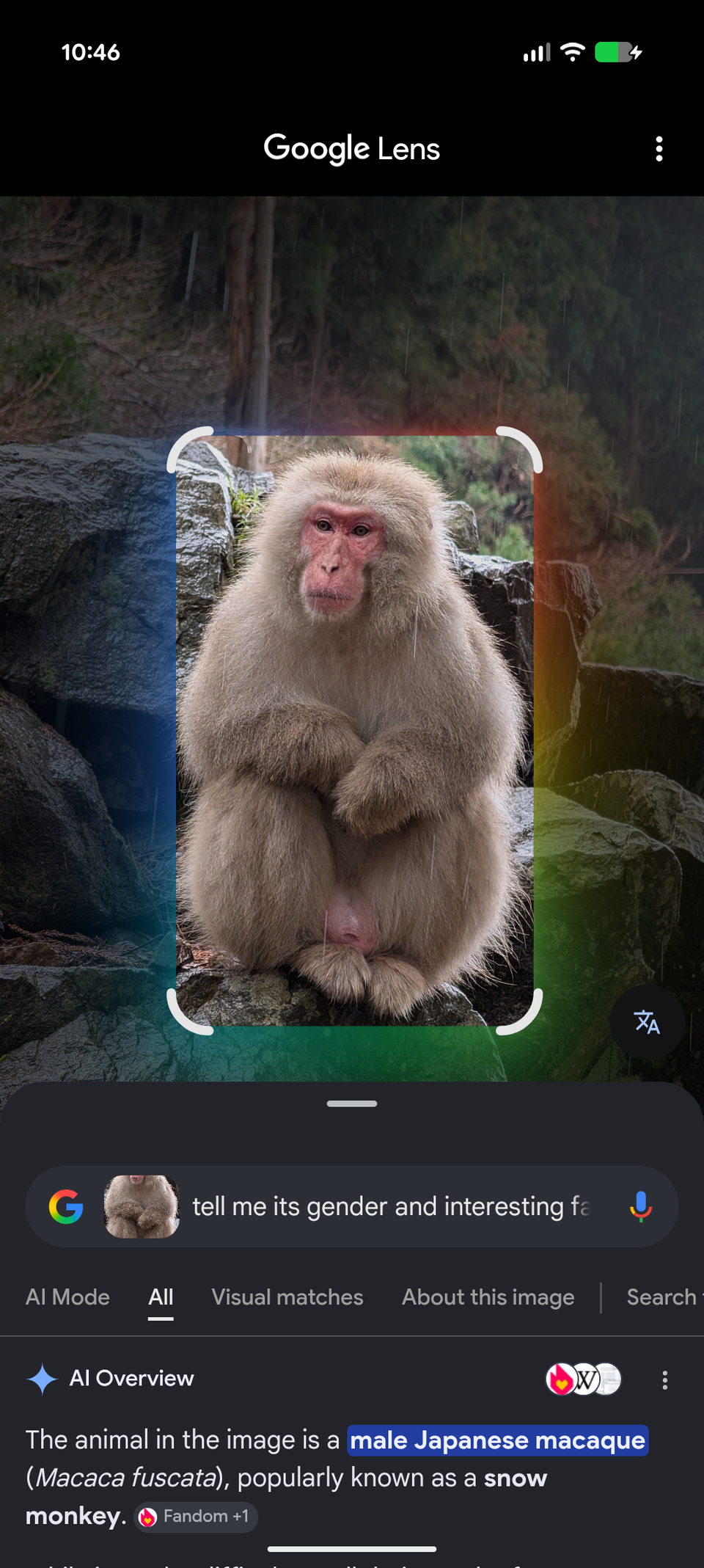
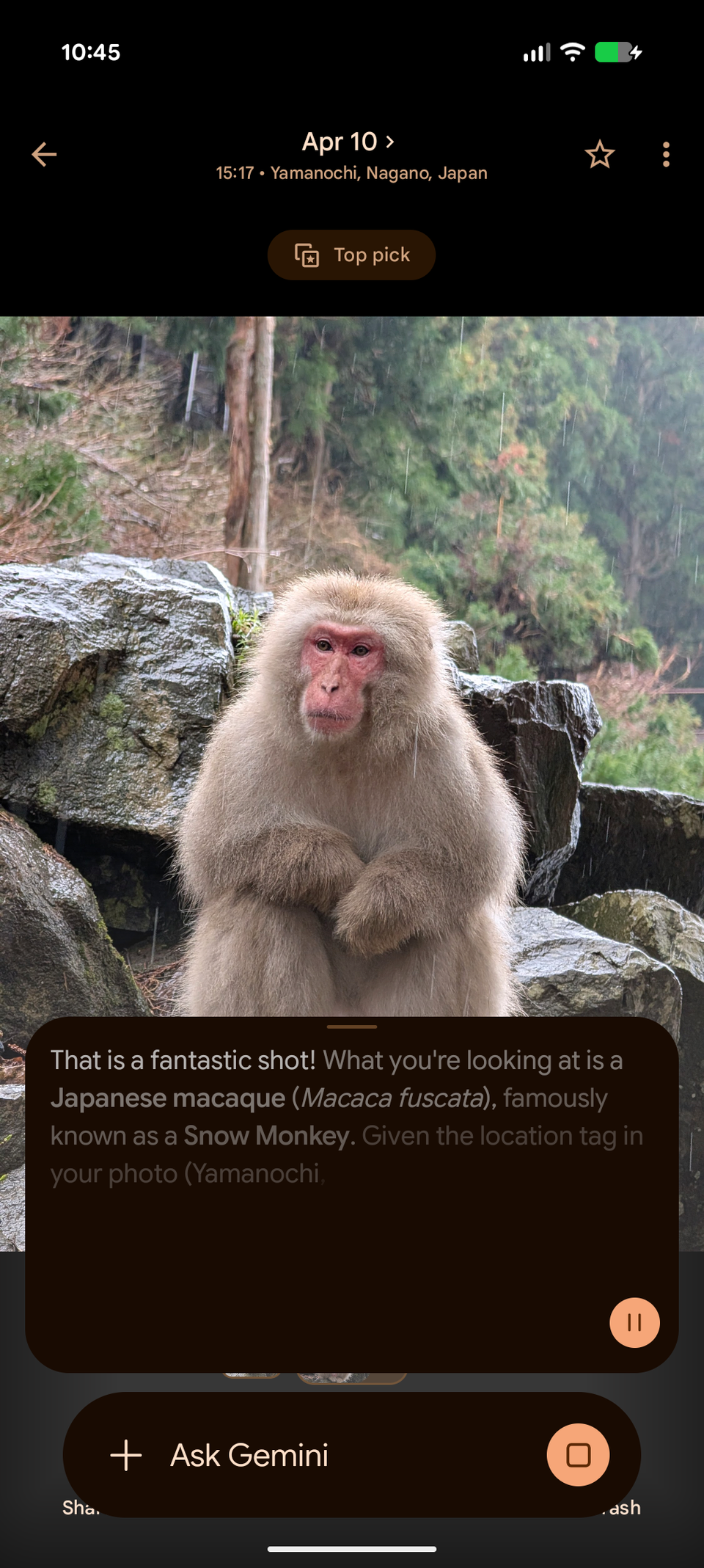
I appreciate how Gemini delivers much deeper and more accurate answers than Google Lens in most visual searches.
Instead of relying solely on standard web-based visual matching, Gemini allows you to leverage Google’s most advanced AI models directly.
I can switch to Gemini Pro for deeper analysis and more thorough answers, or use the Flash model for quicker, more concise results.
There is also a level of conversational nuance with Gemini that makes Lens feel incredibly rigid by comparison.
Lens simply scours the web and serves up top search results or falls back to AI Mode for smarter and contextual answers.
Whereas Gemini engages in an actual relevant and responsive dialogue about the image or video you’ve shared with it.
For example, I can ask follow-up questions about a suggested recipe, adjust ingredient measurements on the fly, or request an entirely new recipe mid-conversation.
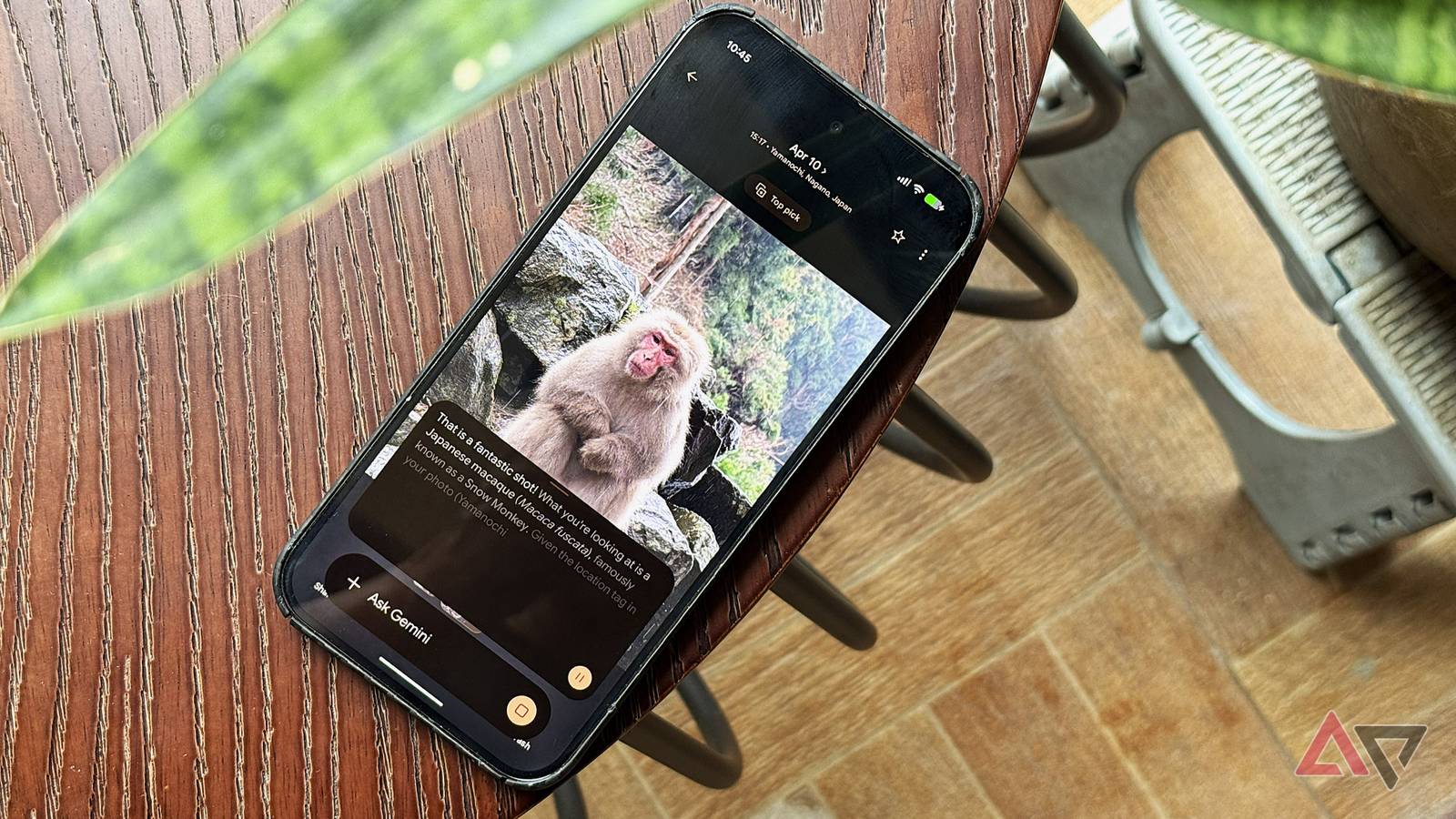
Beyond the basics, it offers expanded answers from the first query, such as letting me know where the macaque monkey is located and its physical traits, by analyzing the picture.
Even better, I can run other advanced queries, like counting how many people it sees in the object. Although the results are not 100% accurate most of the time, it does the job well.
To get any semblance of this contextual capability in Lens, you have to use its Live mode, as basic Lens only looks for web matches through detection or static translations.
While Google has begun integrating more AI-powered and problem-solving features into Lens, Gemini remains vastly superior at solving complex, multistep problems.
Related
Google Gemini: 5 ways to use Google’s AI-powered assistant day-to-day
It can make a lot of everyday tasks a lot easier
Gemini is getting better at visual search
I’d like to see Google combine Gemini and Lens in the future
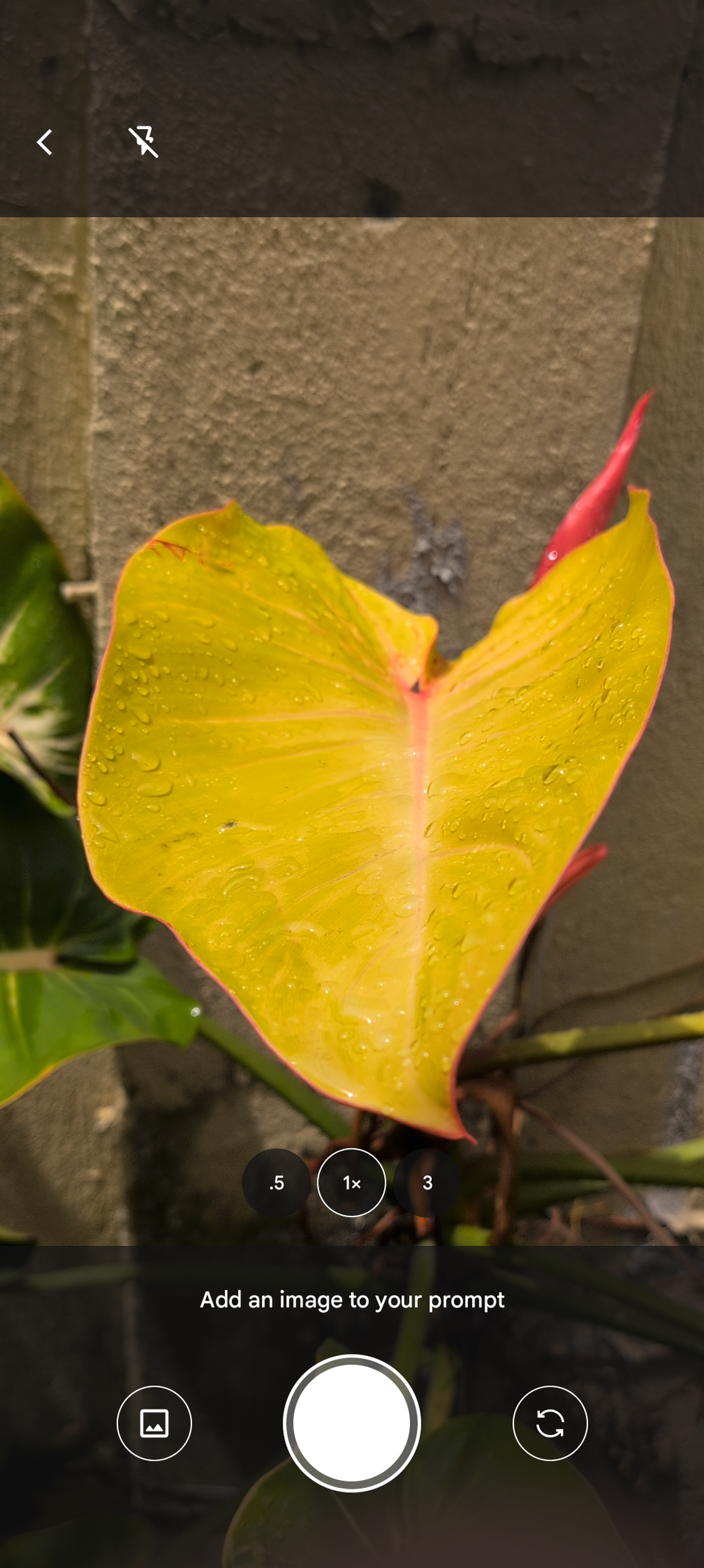
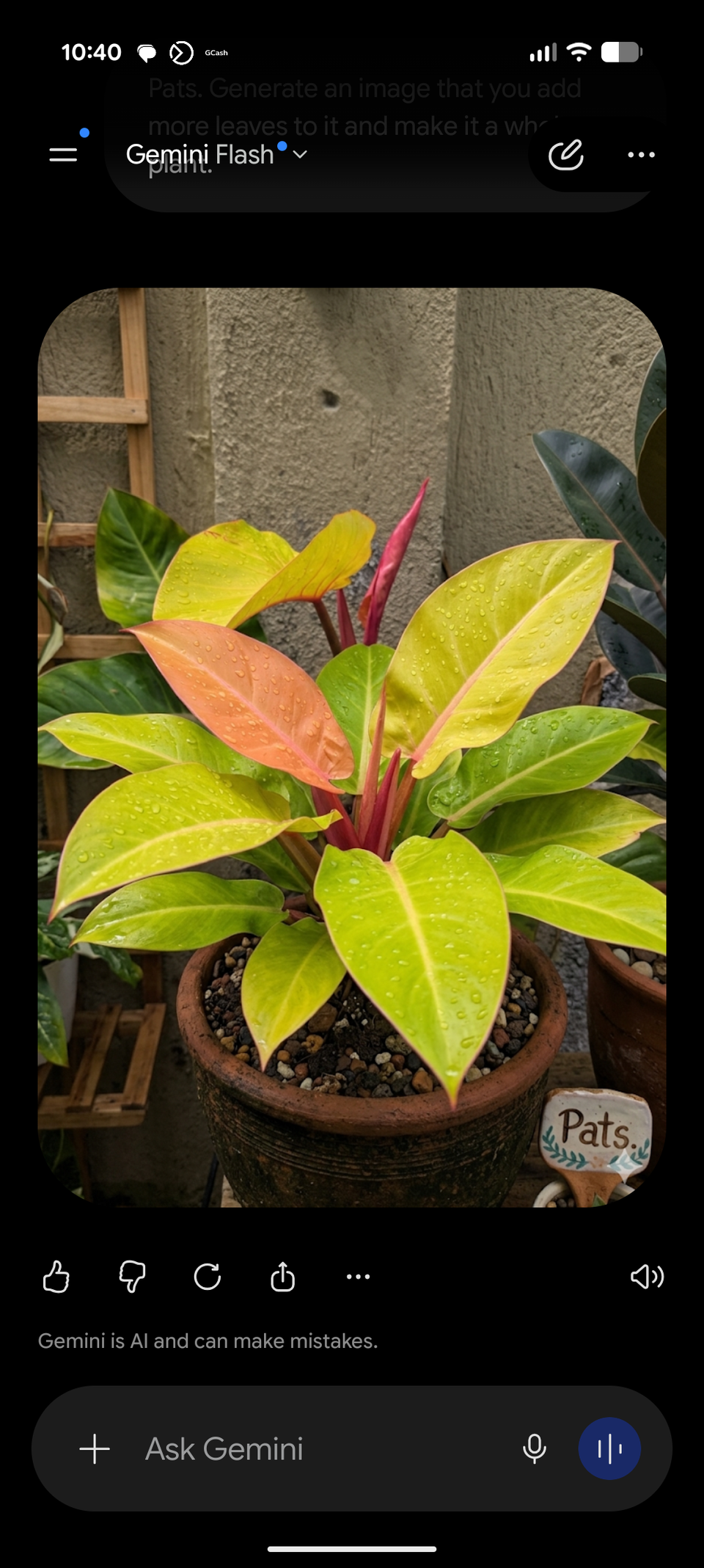
Google Lens excels at straightforward object identification and quickly scouring the internet for relevant visual matches and translations.
Google also deserves credit for adding new capabilities to Lens over time, such as the Live feature and the new Create tool for image generation.
However, Gemini offers far greater flexibility in how results are presented and how I should make more out of them. It also takes it a step further with direct access to superior AI models.
If you prefer a conversational interface and superior contextual awareness, Gemini is easily the more powerful option.
I plan to continue using Gemini for most of my visual searches, while keeping Lens around for quick, frictionless tasks like live translation.
Ultimately, both are highly capable tools for everyday visual tasks, and the right choice depends entirely on your specific workflow needs.