
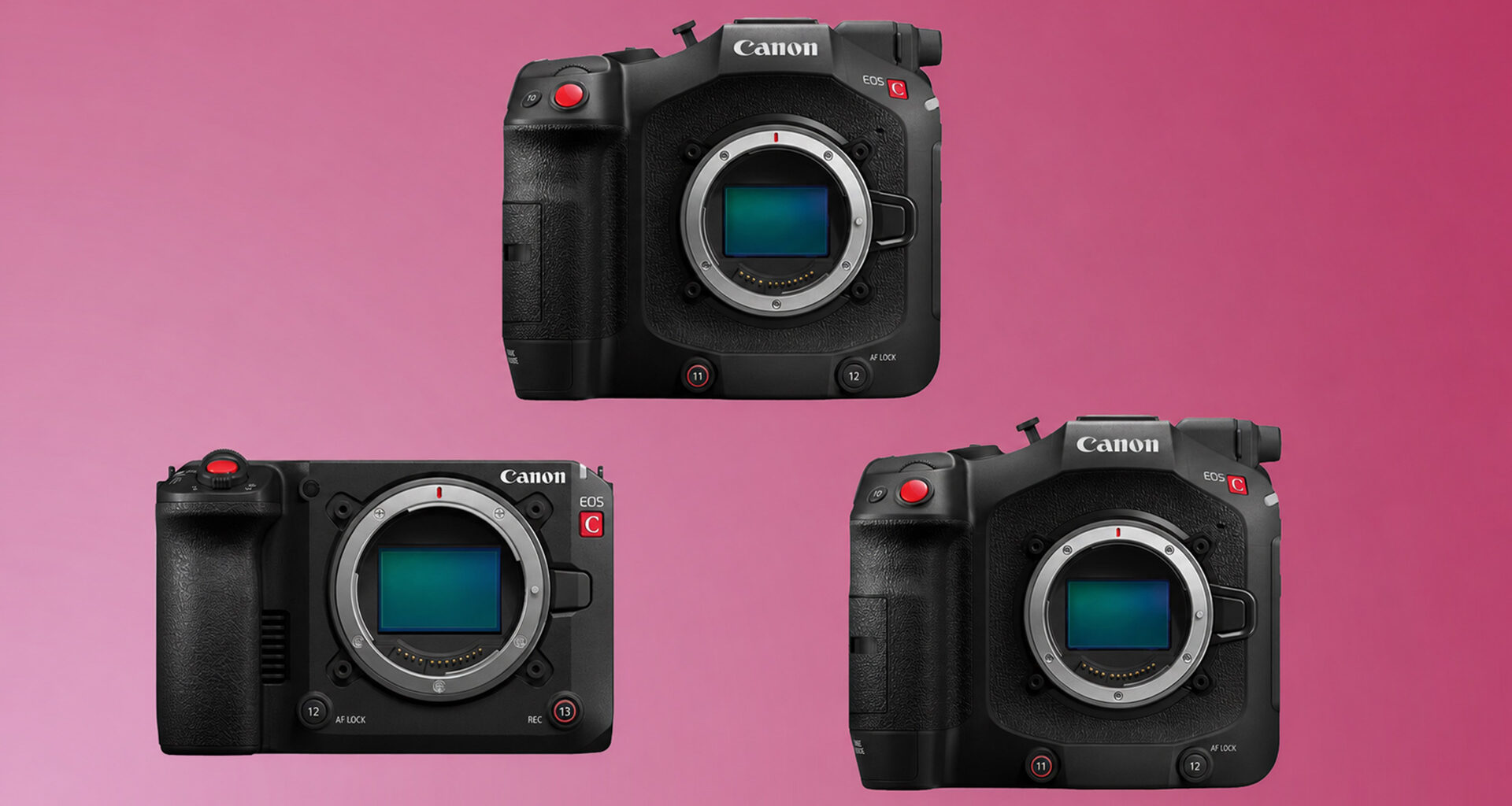
Canon has released new firmware updates for three of its Cinema EOS cameras: the EOS C50, EOS C80, and EOS C400. Firmware Version 1.0.4.1 is now available for the EOS C50, while Firmware Version 1.0.6.1 has been released for both the EOS C80 and EOS C400. The updates focus mainly on external camera control, streaming reliability, user interface changes, and several operational fixes.
We previously covered Canon’s planned firmware updates from earlier this year for the EOS C400, C80, C70, C50, and R5 C. CineD has also looked more closely at the EOS C50 itself, including our review and lab test, where the compact Cinema EOS camera was tested for rolling shutter, dynamic range, and exposure latitude. Rather than changing image performance, these new updates focus on camera control, streaming reliability, interface behavior, and operational fixes.
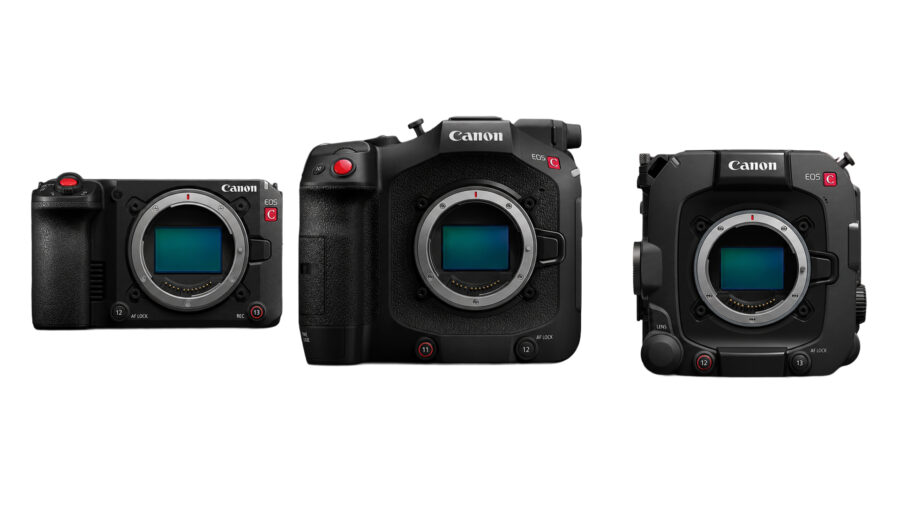 Firmware updates for Canon cameras. Image credit: CanonMain updates
Across the EOS C50, C80, and C400, the main additions include:
External control of selected camera functions via USBAutomatic reconnection attempts during SRT protocol streamingA revised level indicator that changes color when the camera is levelFixes for smartphone USB recognitionGeneral operational stability improvements
The EOS C50 receives the longest list of additional model-specific updates, which are covered below.
USB external control
The main shared addition across the EOS C50, C80, and C400 is support for operating several camera functions from an external device via USB connection. Depending on the model, this applies when the power switch is set to VIDEO or CAMERA, and the camera is in camera mode.
Supported functions include start/stop recording, One-Shot AF, manual focus adjustment, iris, shutter speed, and ISO speed. Canon does not specify every compatible accessory or control setup in the firmware notes, so users should check support with the manufacturer of the connected device.
SRT streaming and level indicator changes
All three cameras also receive automatic reconnection attempts during SRT protocol streaming if the connection is lost. The camera will continue trying to reconnect for the duration set in the SRT: Reconnection Timeout setting.
Canon has also changed the behavior of the level indicator. It now changes color when the camera orientation is level, which should make it easier to confirm alignment while shooting.
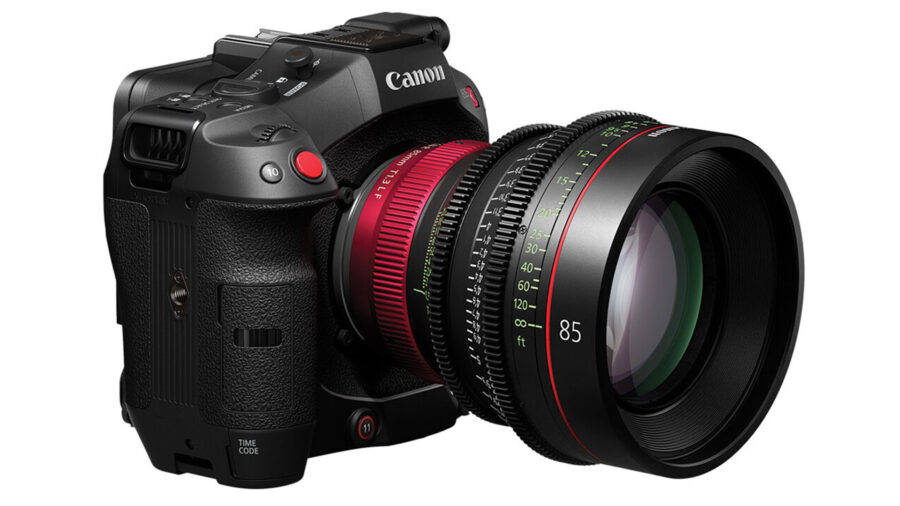 Canon EOS C50. Image credit: CanonEOS C50 firmware version 1.0.4.1
The EOS C50 receives the longest list of changes. Canon has added an Ease In / Ease Out option to Digital Zoom Speed, designed to smooth the beginning and end of digital zoom moves. View Assist can now be applied and adjusted during playback, and the camera adds Broadcast and Multicast transmission methods in the CV Protocol, with multicast limited to the same segment.
There is also a new communication setting menu that allows users to select OpenLensIO-Equiv. Model. This will likely be most relevant in workflows that depend on lens or camera metadata, including virtual production and related monitoring or tracking setups.
Other EOS C50 changes include the ability to refer to a Look File description when registering a Look File and reflect that information in the Custom Picture settings. Canon has also fixed an issue that could prevent certain CFexpress cards from being formatted in-camera, an issue affecting Digital IS metadata output under specific Slow & Fast Motion settings, and an issue where the camera might not be recognized when connected to a smartphone via USB.
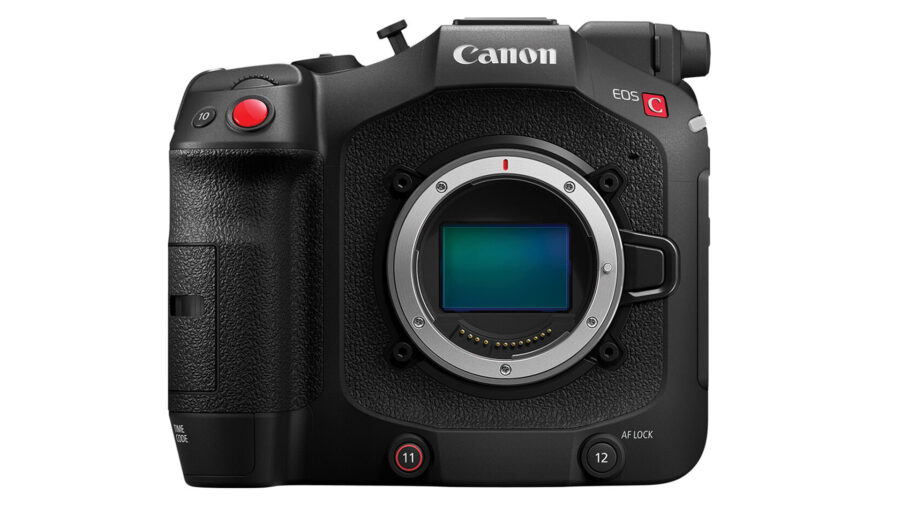 Canon EOS C80. Image credit: CanonEOS C80 and EOS C400 version 1.0.6.1
The EOS C80 and EOS C400 updates are more limited but still useful. In addition to USB external control, the level indicator change, and SRT reconnection, Canon has fixed an issue that could interfere with FTP server connection and another that could prevent the camera from being recognized when connected to a smartphone via USB.
Both updates also include general operational stability improvements.
Price and availability
The free firmware updates are available now through Canon’s regional support pages. As usual, users should check the currently installed firmware version before updating and follow Canon’s installation instructions carefully.
What do you think about these firmware updates? Would USB external control make a difference in your setup? Let us know in the comments.