
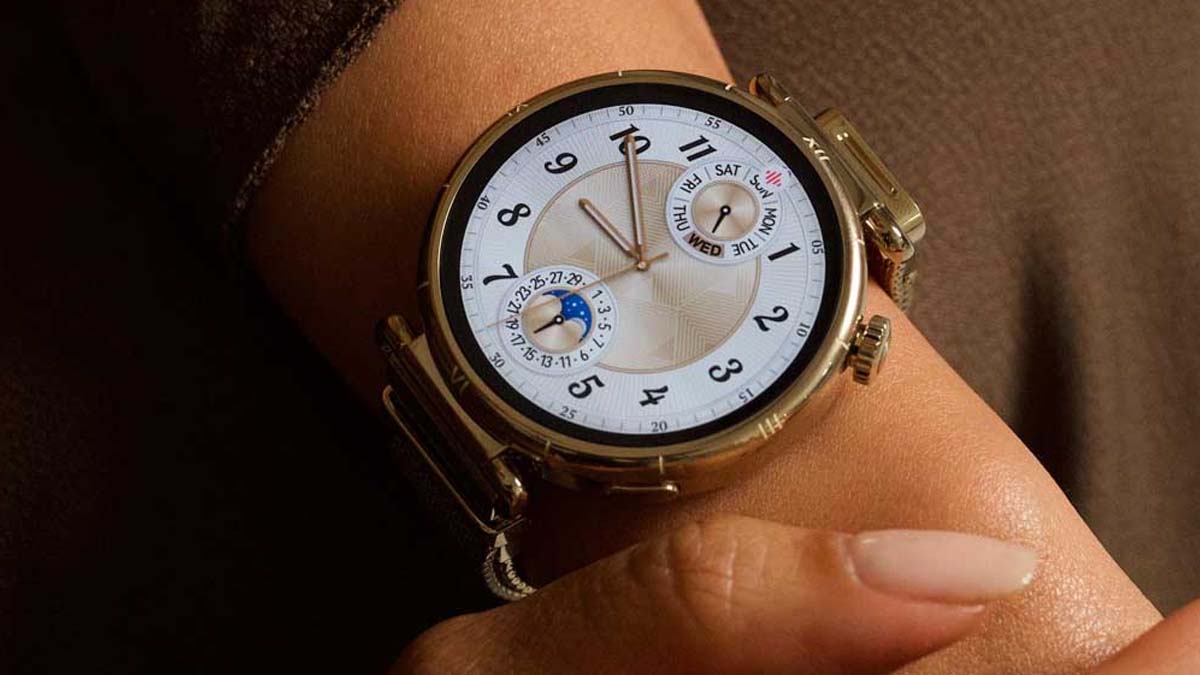
Huawei is rolling out the HarmonyOS 6.1 software upgrade for the standard Watch GT 6 users in the global market. The latest firmware is coming with a set of new watch faces, better training functionalities, and many optimized UI enhancements.
Watch GT 6 series debuted globally with HarmonyOS 6.0. Though the company slightly delayed the 6.1 version for the top-end smartwatches, sending it to others first.
Devices like the Watch 5 and Watch Ultimate 2 have already received the big software update. Now Huawei is bringing HarmonyOS 6.1 to the standard Watch GT 6.
Global Watch GT 6 users can identify the major firmware with a HarmonyOS 6.1.0.118 version and a software package of 127 Megabytes. The update has a huge changelog. Hence, ensure you have sufficient storage space in your smart wearable.
In terms of features, the company has added new watch faces with playful animations and custom backgrounds, nap summary, ability to mute incoming calls via the cover screen, and improved training features. You can check the full update below.
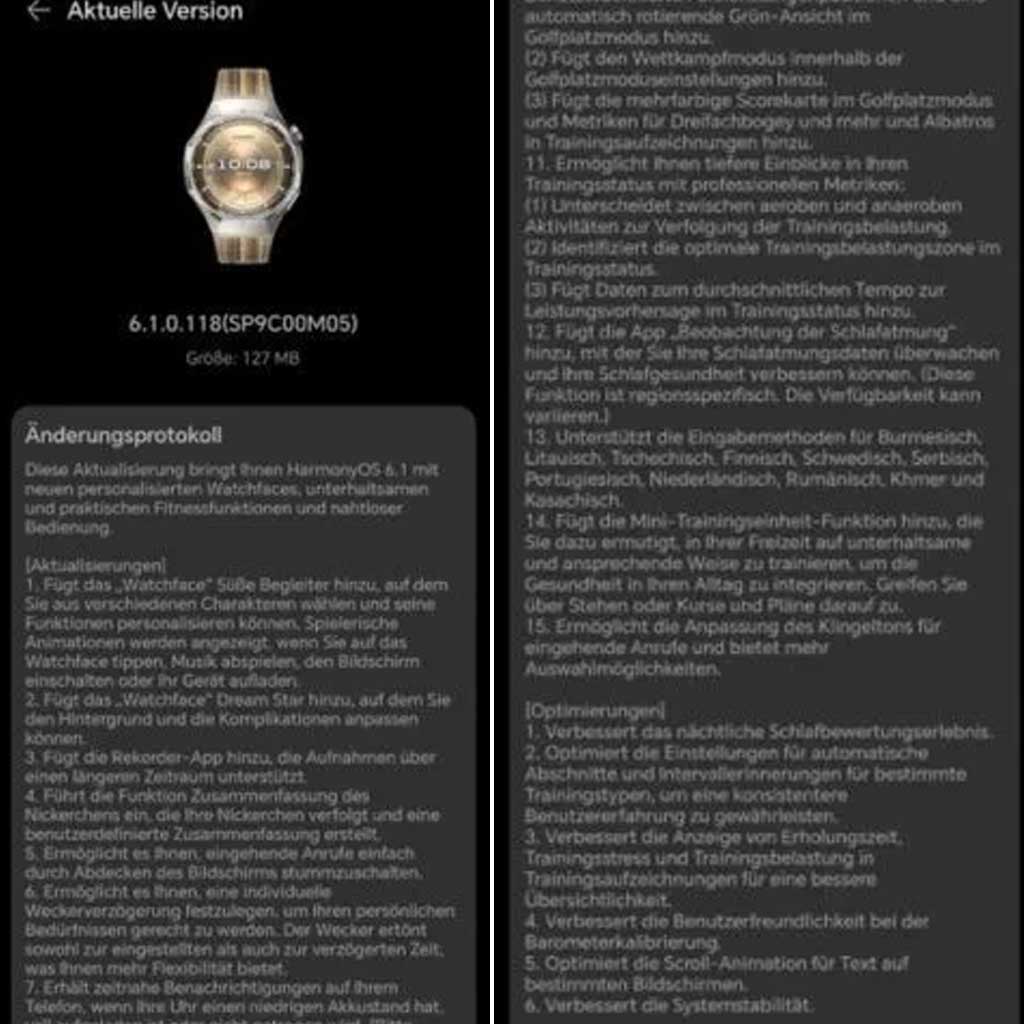
(Image Credits: Huawei Blog)
New Features
Added new watch face “Sweet Companions” with selectable characters, playful animations, and customizable functions.
New watch face “Dream Star” with customizable background and complications.
The recorder app now supports recordings over a longer period of time.
Nap Summary: Power naps are recorded and analyzed.
Mute incoming calls by covering the screen.
Individually adjustable alarm delay (snooze).
Notifications on the phone when the battery is low, fully charged, or the watch is off (requires HUAWEI Health version 16.0.12.305 or later).
Weather app with hourly UV intensity, perceived temperature, and radiation.
Track mileage, control speed, and save energy.
Deeper insights into training status: Differentiation between aerobic/anaerobic activities, optimal training load zone, average pace for performance prediction.
Optimizations
Improved nightly sleep assessment experience.
Optimized settings for automatic segments and interval training for specific training types.
Improved display of recovery time, training stress, and training load in training records.
Improved user-friendliness during barometer calibration.
Optimized scroll animation for text on specific screens.
Improved system stability