
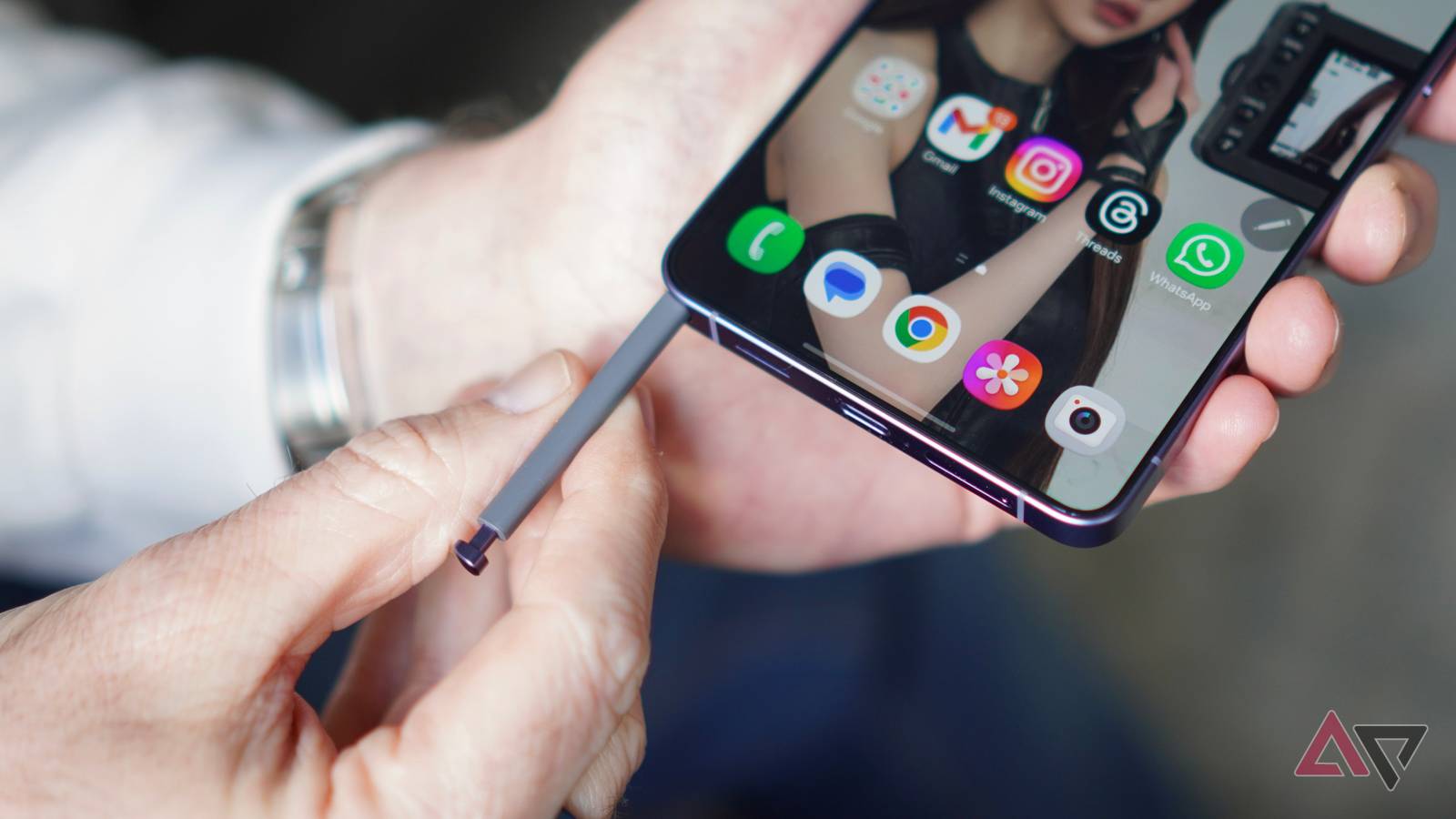
The S Pen is often treated like a bonus feature that most Galaxy Ultra owners forget about after the first few days.
I used to feel the same way, until I started using Screen off memo properly.
But the real trick is what happens next.
I can pin that handwritten note directly to the lock screen and keep it visible like a digital sticky note.
Related
The Good Lock module I forced myself to learn — and now can’t use a Galaxy without
I forced myself to learn this Good Lock module, and now I’m stuck
The S Pen is often misunderstood
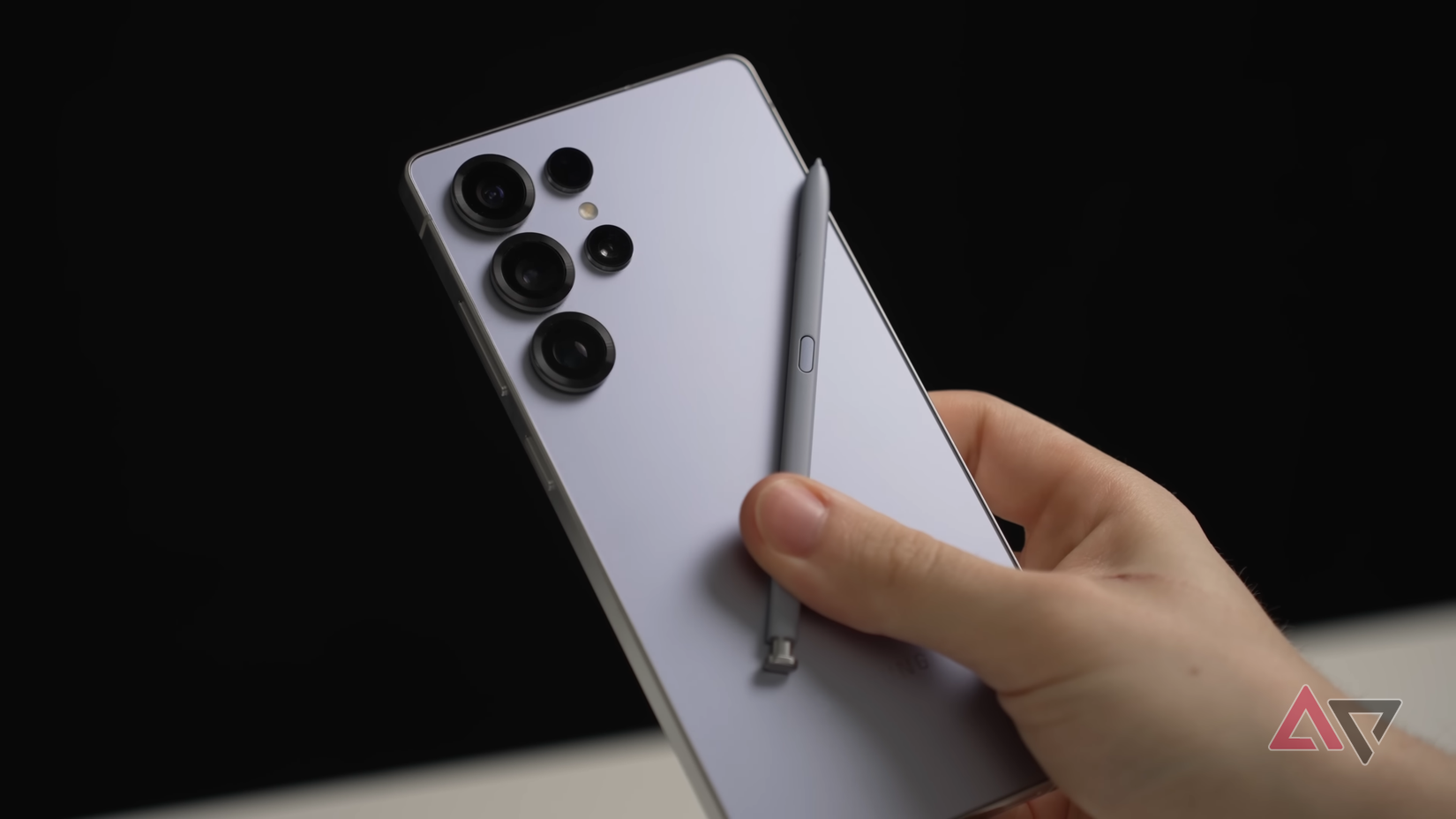
I used to think the S Pen was mostly designed for artists, students, or anyone who signs documents on their phone.
The drawing tools looked impressive, and features like remote camera control were fun to demonstrate, but I never saw them as essential to my daily routine.
That is why the S Pen is often misunderstood. Its value is not always in the flashy features Samsung highlights during a launch event.
It is in the smaller tools that remove friction from everyday tasks. Screen off memo is the perfect example.
Screen off memo removes every step
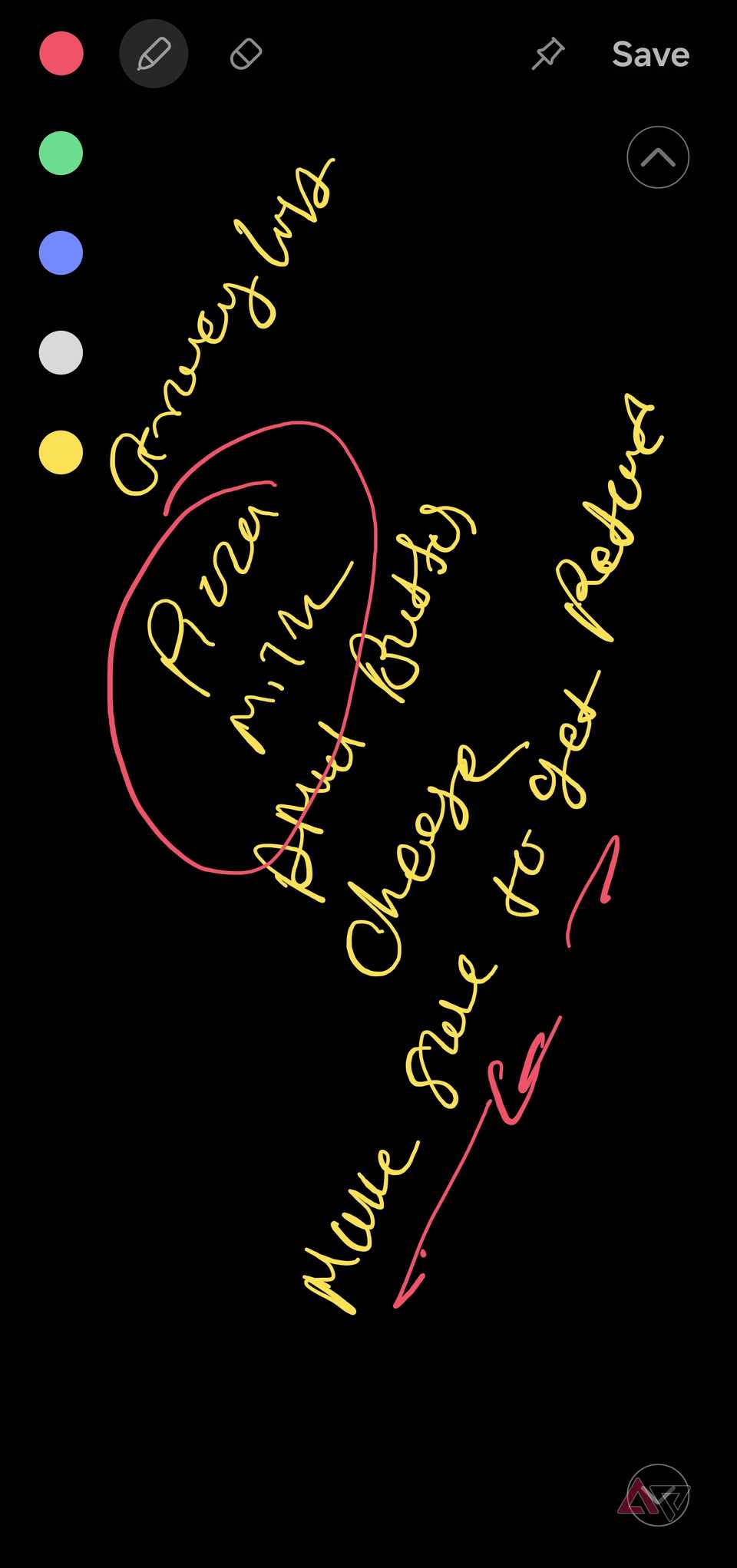
Most note-taking methods still create unnecessary friction.
With other phones, I normally have to wake the phone, unlock it, find the right app, create a new app, and bring up the keyboard before I can write anything.
That may take only a few seconds, but it is enough to interrupt my train of thought to make me postpone the note entirely.
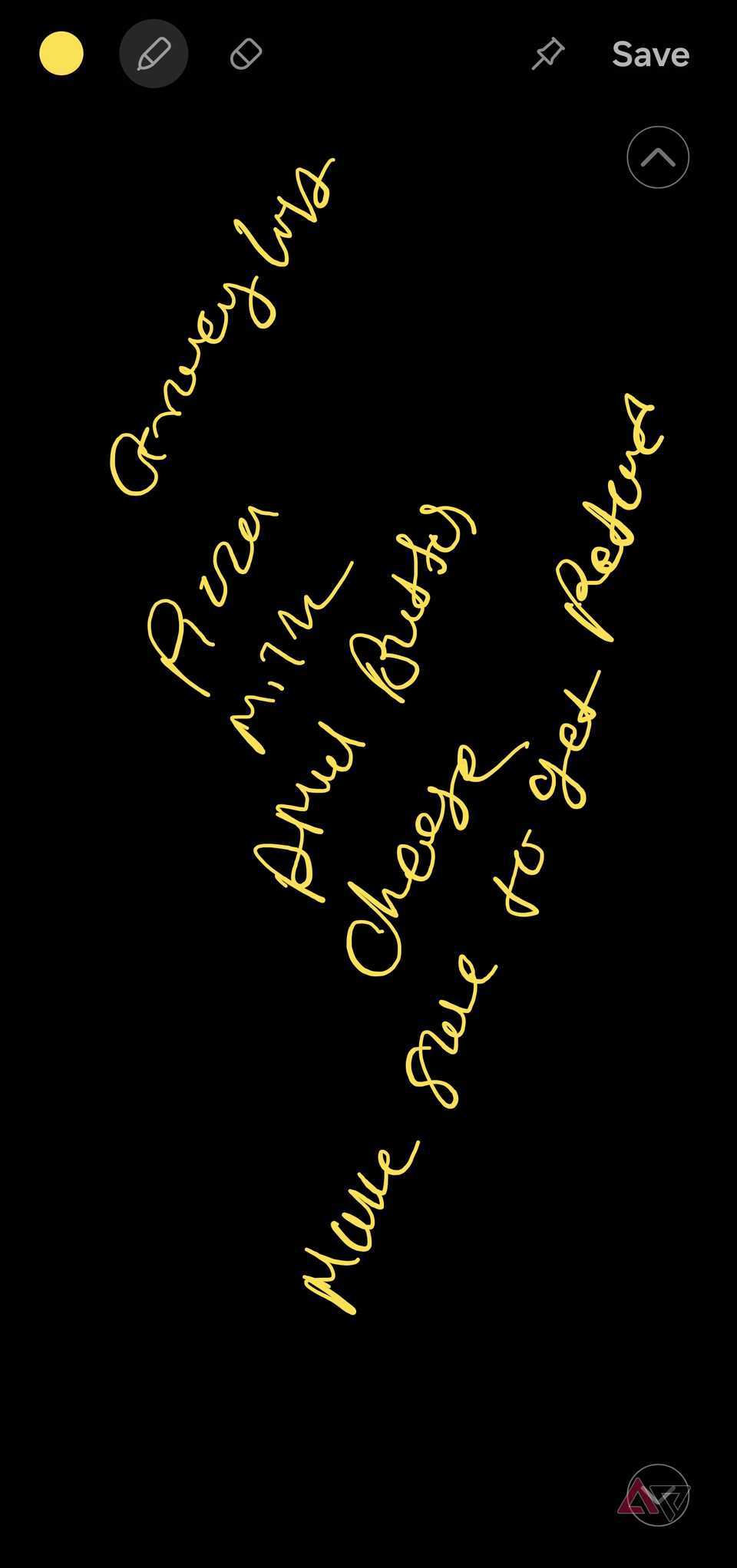
Screen off memo removes all those steps. I can pull out the S Pen while the display is off and start writing immediately.
There is no loading screen, app menu, or folder to deal with. When I am done, I can save the memo to Samsung Notes.
I often use it to write down my parking floor or slot number before walking away from the car.
While shopping, I can pin a short list or product measurement to the lock screen and check it without opening an app.
It is also handy for flight gates, hotel room numbers, delivery codes, Wi-Fi passwords, and phone numbers that I only need for a short time.
On busy days, I sometimes write my most important task and keep it pinned as a persistent reminder.
Because it appears whenever I glance at the phone, it is much harder to ignore than another notification buried among emails, messages, and promotional alerts.
 Quiz
Quiz
8 Questions · Test Your Knowledge
Samsung Galaxy Ultra
Trivia challenge
From the S Pen to satellite connectivity — how well do you really know
Samsung’s most powerful flagship?
HardwareS PenHistoryCameraFeatures
Begin
Which Samsung Galaxy series first introduced the Ultra tier to replace the Note
lineup?
AGalaxy S10BGalaxy S20CGalaxy S21DGalaxy S22
Correct! The Galaxy S20 Ultra, launched in 2020, was the first phone to
carry the Ultra designation in Samsung’s S series. It marked Samsung’s pivot toward packing premium,
over-the-top specs into a distinct top-tier model.
Not quite. The Ultra branding debuted with the Galaxy S20 Ultra in 2020.
Samsung introduced it as a way to push flagship specs even further, setting the stage for the Note
lineup’s eventual retirement.
Continue
Starting with which Galaxy S model did Samsung first include the S Pen built into
the phone’s body rather than as a sold-separately accessory?
AGalaxy S21 UltraBGalaxy S22 UltraCGalaxy S23 UltraDGalaxy S20 Ultra
Correct! The Galaxy S22 Ultra was the first S series phone to house the
S Pen in a dedicated silo inside the device, fully merging the Note identity into the Ultra lineup. It
was a landmark moment for Samsung fans who missed the Note.
Not quite. While the Galaxy S21 Ultra supported the S Pen as an optional
accessory, it was the S22 Ultra that first built a silo directly into the phone’s chassis. That design
has carried forward in every Ultra model since.
Continue
What was the maximum optical zoom capability introduced with the Galaxy S23 Ultra’s
telephoto camera system?
A5x optical zoomB8x optical zoomC10x optical zoomD15x optical zoom
Correct! The Galaxy S23 Ultra featured a 10x optical zoom periscope
telephoto lens alongside a 3x optical zoom camera, giving photographers remarkable flexibility at a
distance. Combined with Space Zoom, it could reach up to 100x digital zoom.
Not quite. The Galaxy S23 Ultra packed a 10x optical zoom periscope
telephoto lens, one of the most capable on any smartphone at the time. It also offered a secondary 3x
telephoto for more natural portrait distances.
Continue
What display resolution does the Galaxy S24 Ultra offer at its maximum setting?
AFull HD+ (2340 x 1080)BQuad HD+ (3088 x 1440)C4K UHD (3840 x 2160)D2K+ (2800 x 1300)
Correct! The Galaxy S24 Ultra sports a Quad HD+ display at 3088 x 1440
pixels, delivered on a 6.8-inch Dynamic AMOLED 2X panel. It also supports an adaptive refresh rate up to
120Hz, keeping visuals silky smooth.
Not quite. The Galaxy S24 Ultra uses a Quad HD+ resolution of 3088 x
1440 pixels. While a 4K display would sound impressive, few mobile panels reach that benchmark — QHD+
remains the sweet spot for quality and battery efficiency.
Continue
What is the latency rating of the S Pen included with the Galaxy S24 Ultra?
A9msB2.8msC5msD1ms
Correct! Samsung advertises a 2.8ms latency for the S Pen on the Galaxy
S24 Ultra, making it one of the most responsive styluses available on any smartphone. That near-instant
response is key to making handwriting and drawing feel natural.
Not quite. The S Pen on the Galaxy S24 Ultra achieves an impressive
2.8ms latency. This ultra-low lag means strokes appear almost simultaneously with your pen movement, a
significant improvement over early S Pen generations.
Continue
Which AI-powered feature, introduced on the Galaxy S24 Ultra, allows users to circle
content on screen to instantly search for it?
ABixby VisionBGoogle LensCCircle to SearchDSmart Select
Correct! Circle to Search launched as a headline Galaxy AI feature on
the S24 series, letting users draw a circle around any on-screen image or text to trigger a Google
Search without switching apps. It later rolled out to other Android devices too.
Not quite. The feature is called Circle to Search, and it was one of the
flagship Galaxy AI tools Samsung debuted with the S24 Ultra. It works in partnership with Google and
lets you search anything on your screen with a simple gesture.
Continue
What is the battery capacity of the Samsung Galaxy S24 Ultra?
A4,500mAhB5,500mAhC5,000mAhD6,000mAh
Correct! The Galaxy S24 Ultra ships with a 5,000mAh battery, consistent
with what Samsung offered in the S23 Ultra. Despite powering a large high-resolution display and premium
internals, it delivers solid all-day battery life for most users.
Not quite. The Galaxy S24 Ultra uses a 5,000mAh battery. While it’s not
the largest cell in the industry, Samsung’s software optimizations and the efficiency of the Snapdragon
8 Gen 3 chip help it last through a full day of heavy use.
Continue
Which chipset powered the Samsung Galaxy S24 Ultra in markets including the United
States?
ASnapdragon 8 Gen 2BSamsung Exynos 2400CSnapdragon 8 Gen 3DMediaTek Dimensity 9300
Correct! The Galaxy S24 Ultra ran on Qualcomm’s Snapdragon 8 Gen 3
globally — a departure from Samsung’s usual split approach of using Exynos chips in some regions. It
delivered a notable leap in both performance and AI processing capabilities.
Not quite. Samsung made a significant decision with the S24 Ultra by
using the Snapdragon 8 Gen 3 worldwide, dropping regional Exynos variants entirely for this model. The
move was widely praised by reviewers for delivering consistent performance globally.
See My Score
Challenge Complete
Your Score
/ 8
Thanks for playing!
Try Again
Pinning transforms a quick note
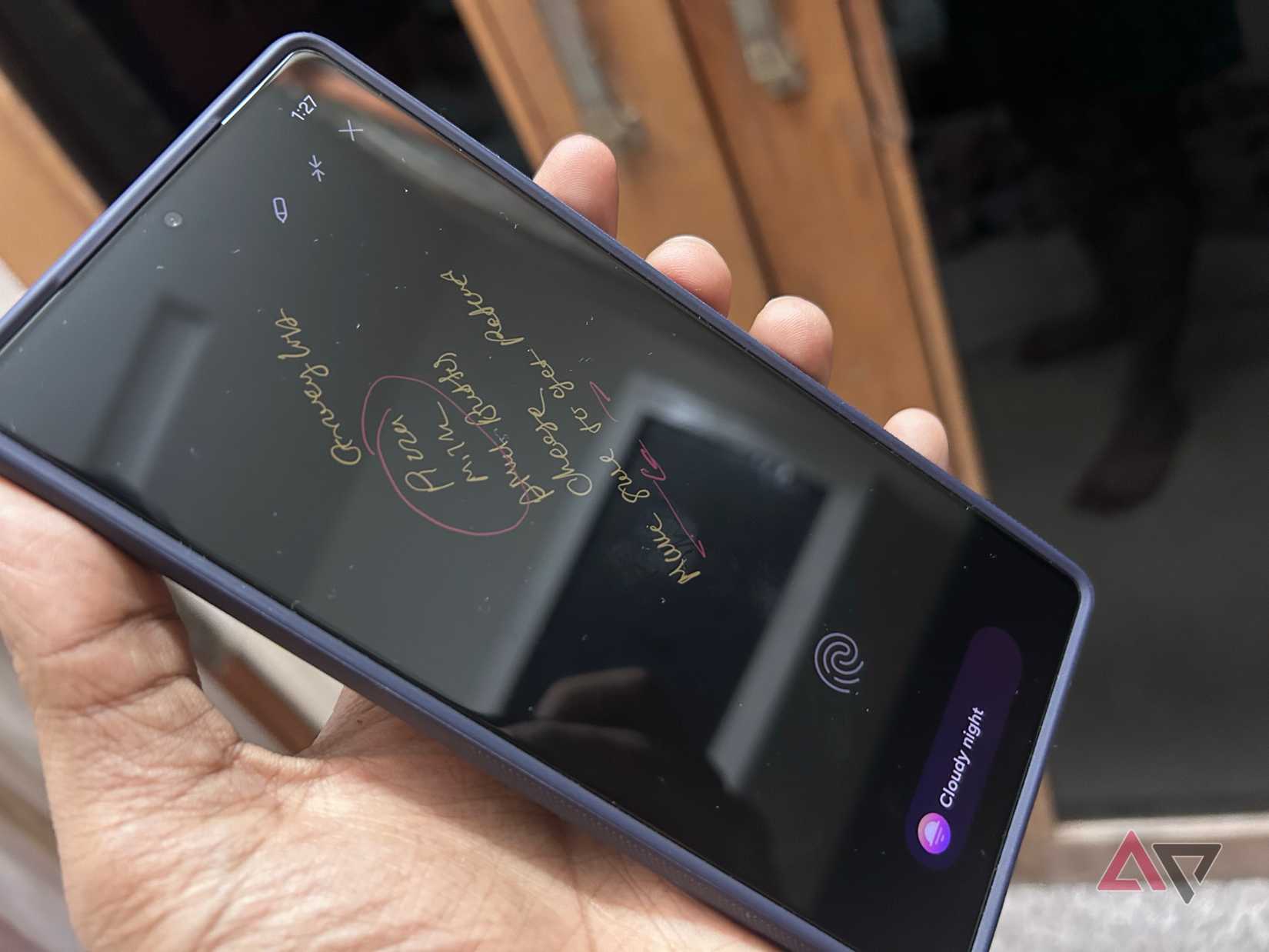
Writing something with Screen off memo is already convenient, but pinning it to the lock screen is what makes the feature useful for me.
A saved note can easily disappear into Samsung Notes and be forgotten, especially when I already have dozens of other notes.
A pinned memo stays visible every time I glance at my phone, and turns a quick scribble into a persistent reminder.
For example, when I am dealing with a busy day with too many tasks, I pull out the S Pen, write down essentials on the lock screen, and pin it.
Whenever I head out or feel confused at a store, I can tap the pinned note icon on the Always On Display and glance over the list. I don’t need to unlock the phone to check note details.
Since my home renovation work is going on, I can write measurements and pin the note before buying furniture or accessories.
Another useful example is delivery codes. When a courier arrives, I can glance at the pinned memo instead of digging through my email or message inbox.
It works better than notifications
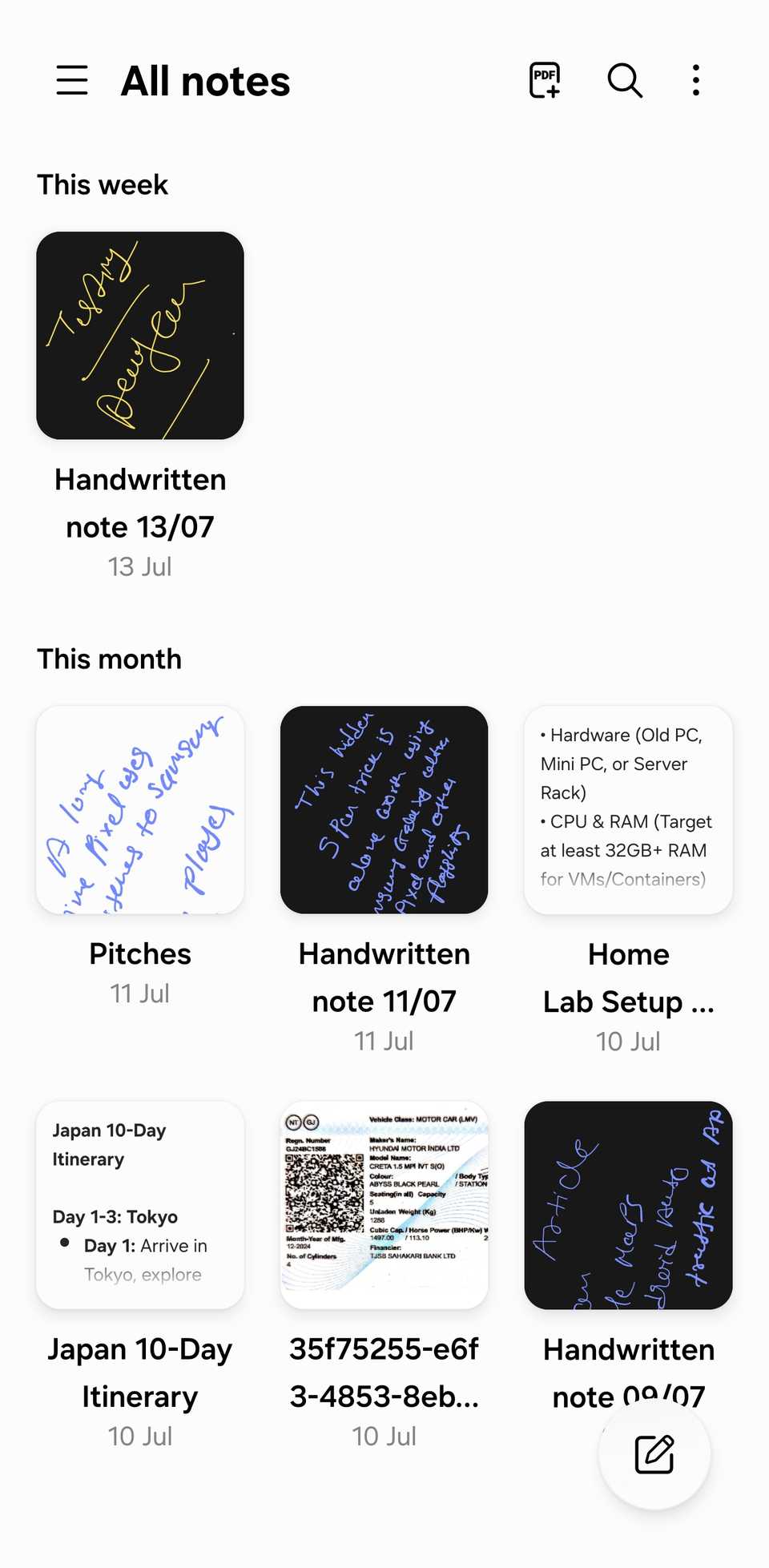
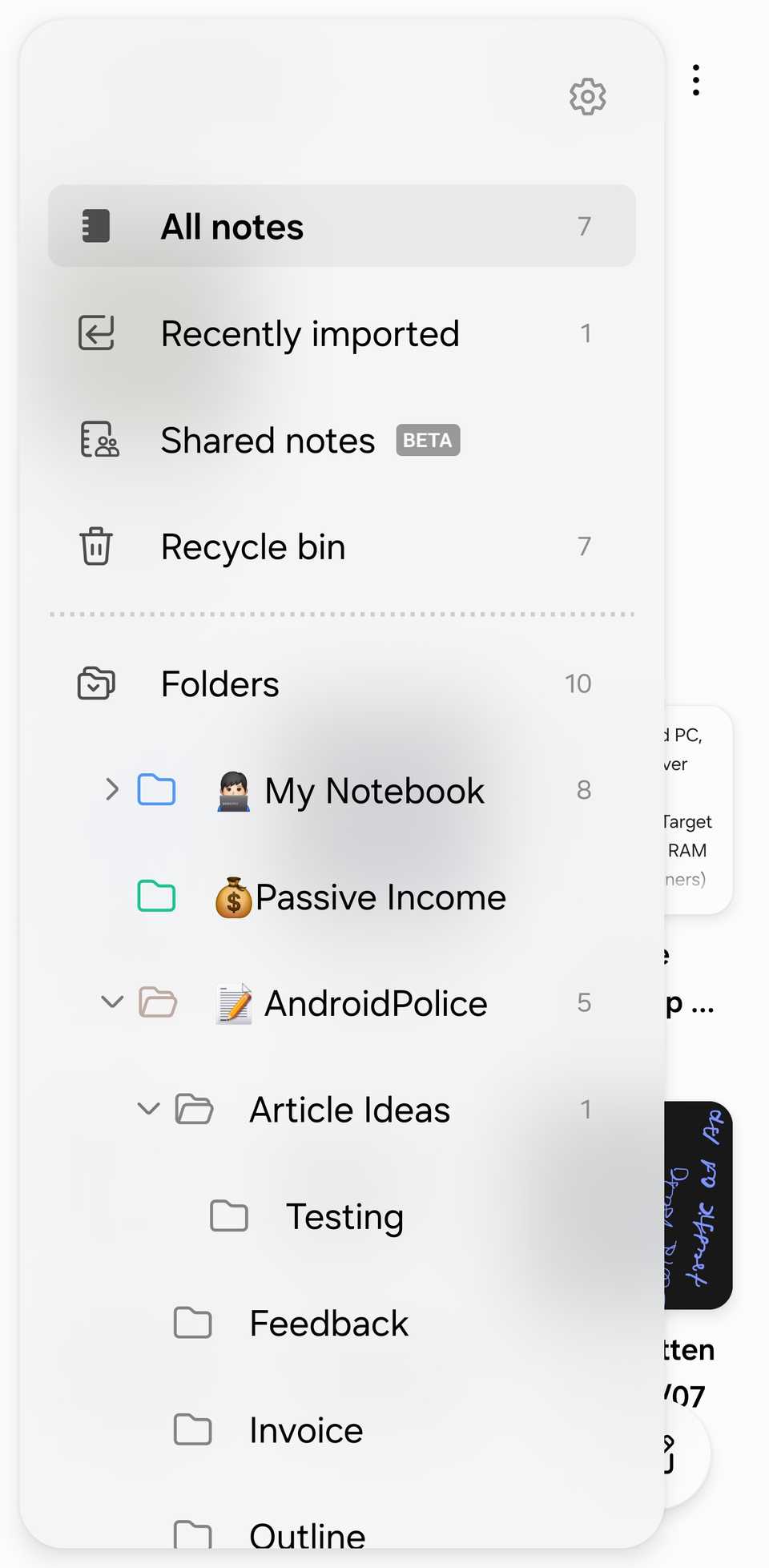
I use reminders and notifications all the time, but they are easy to ignore.
My lock screen is already crowded with messages, emails, delivery updates, and promotional alerts, so an important reminder can quickly blend into the noise.
I may dismiss it automatically and forget about it a few minutes later. A pinned Screen off memo feels much more deliberate.
It stays visible on the lock screen and shows the exact message in my own handwriting whenever I check the phone.
For example, if I write ‘Call the bank before 4 PM’ and pin it, the task remains in front of me throughout the day.
Related
My Samsung Galaxy S25 became a productivity weapon with this one-tap app strategy
The experience is surprisingly seamless
It is faster than typing
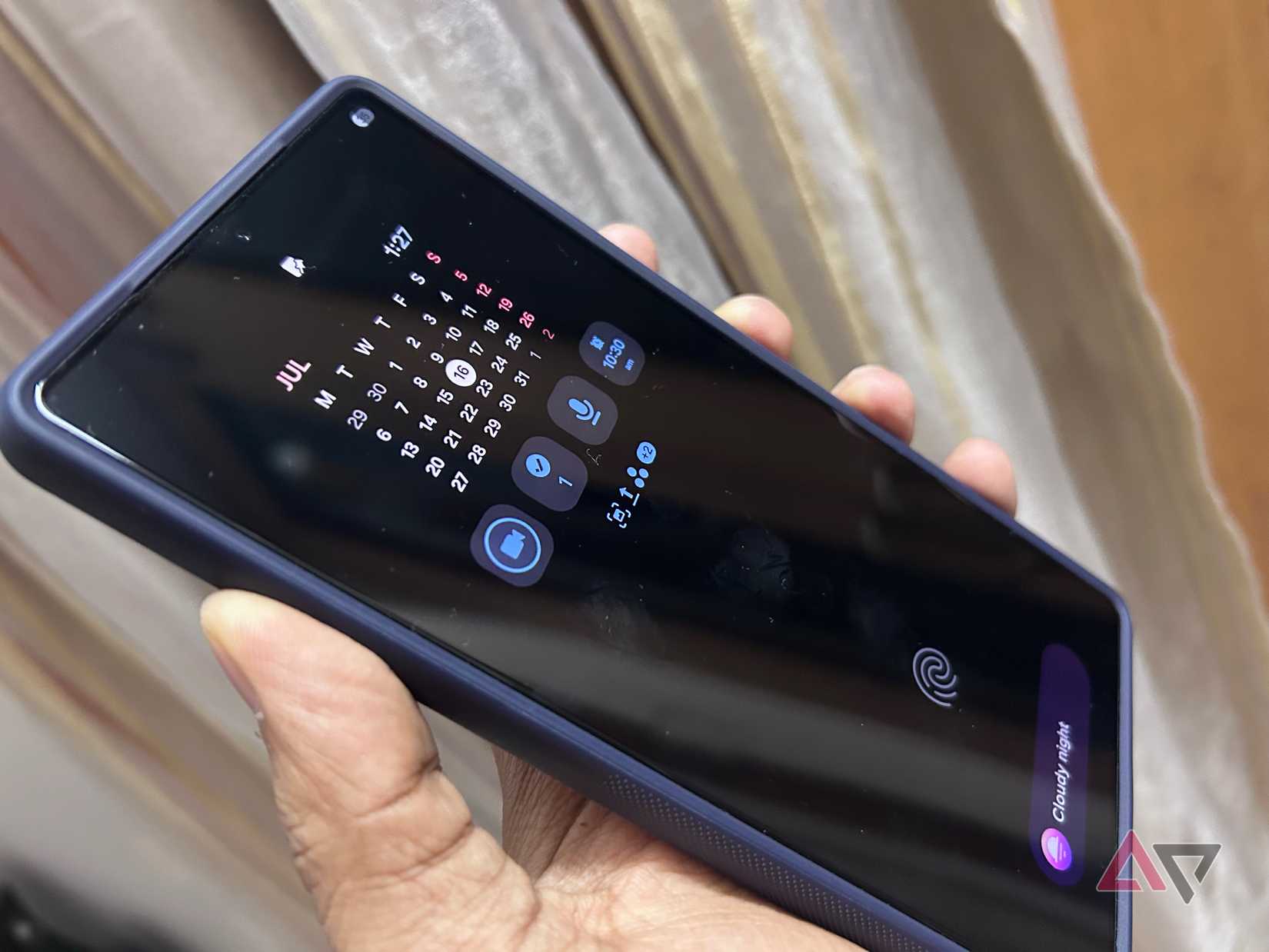
I can create a quick note on an iPhone from Control Center or tap the Google Keep widget on a Google Pixel, but both methods still feel slower than Screen off memo.
I first have to wake the phone, tap the shortcut, wait for the notes app to open, bring up the keyboard, and start typing.
On my S25 Ultra, I pull out the S Pen while the display is off and begin writing. There is no app launch or keyboard getting in the way.
The iPhone and Pixel offer convenient shortcuts, but Samsung’s approach feels closer to grabbing a pen and writing on paper.
This is why the Ultra wins
The S Pen still has plenty of clever tools, but Screen off memo is the one I keep returning to.
There is no app to open, widget to configure, or voice command to repeat. It feels simple, natural, and genuinely useful rather than gimmicky.
Pixel and iPhone users can take quick notes in other ways, but neither device offers this exact combination of handwriting, instant access, and persistent visibility.
It is a small feature, but it gives the Galaxy Ultra a practical advantage I notice every day.