
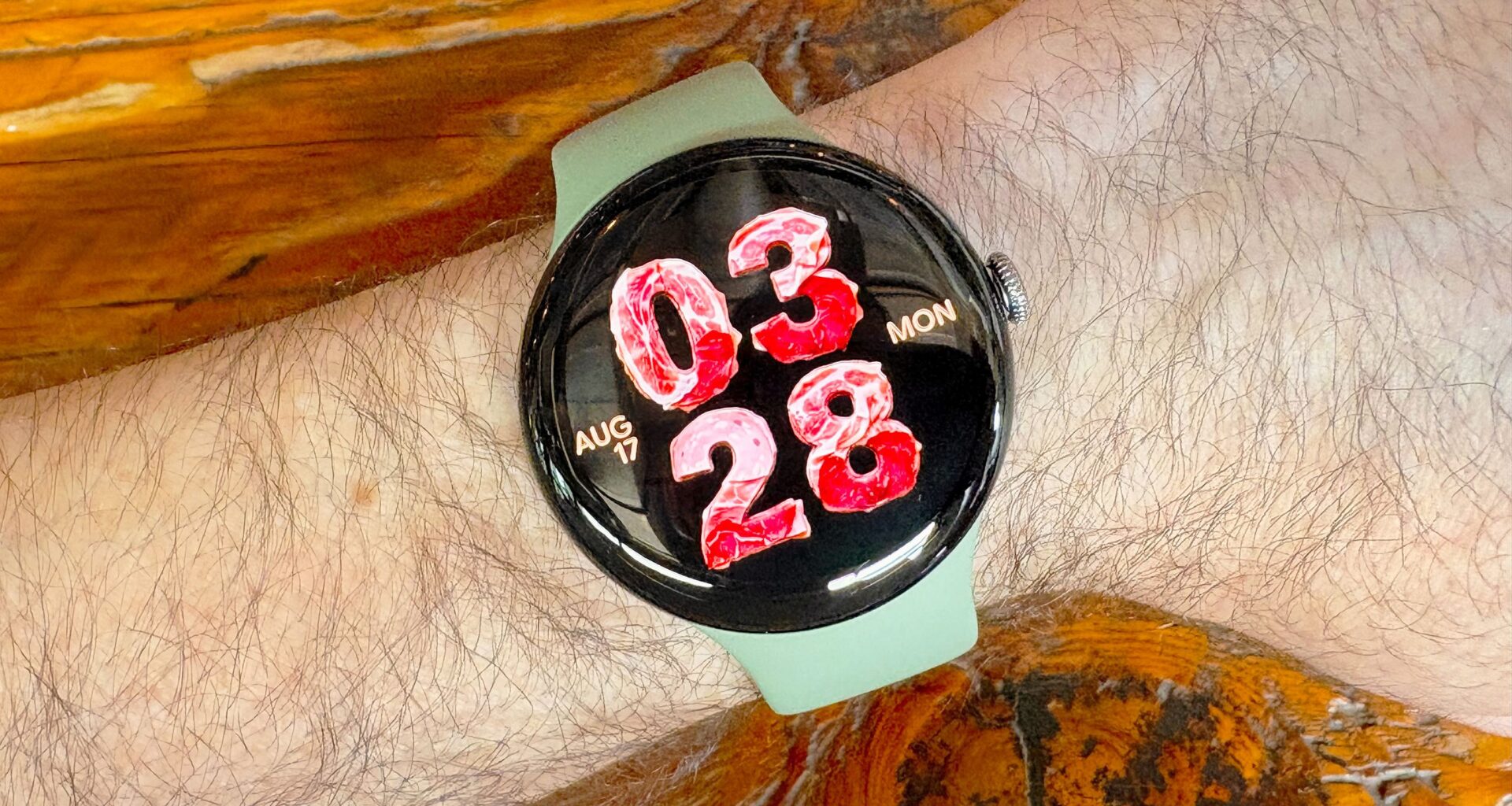
I’m testing the latest Google Pixel Watch 5, and one new feature (no one really asked for) is the ability to generate customized watch faces via generative AI using your voice or a text prompt. What could possibly go wrong?
This feature is, of course, underpinned by Gemini, but is it actually any good? Well, uh, that really depends on how creative you’re feeling and your overall aesthetic preferences/sensibilities (or lack thereof).
(Image credit: Dan Bracaglia/Tom’s Guide)
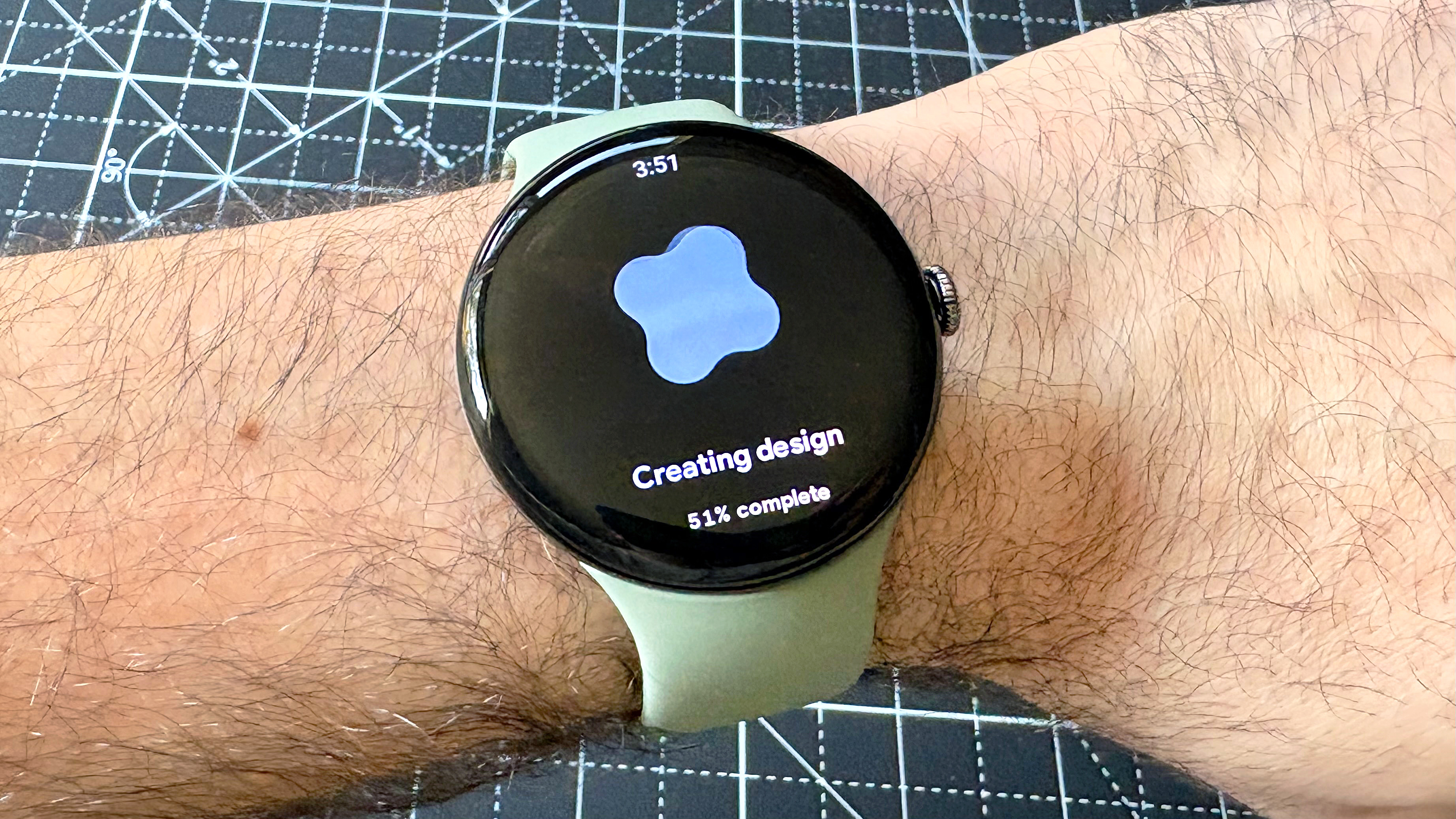
Generating a customized AI watch face using the Pixel Watch 5 is surprisingly easy. You simply open the “Create Watch Face” app and tap “create your own” using either text input or voice transcription. A cellular connection or Wi-fi connection is required.
Latest Videos FromTom’s Guide
Once you submit a prompt, the process takes anywhere from ten to thirty seconds to complete. Note: In my experience, one out of five times the app rejects your prompt, especially if it is hard to understand, overly complicated, or the internet connection is weak.
(Image credit: Dan Bracaglia/Tom’s Guide)
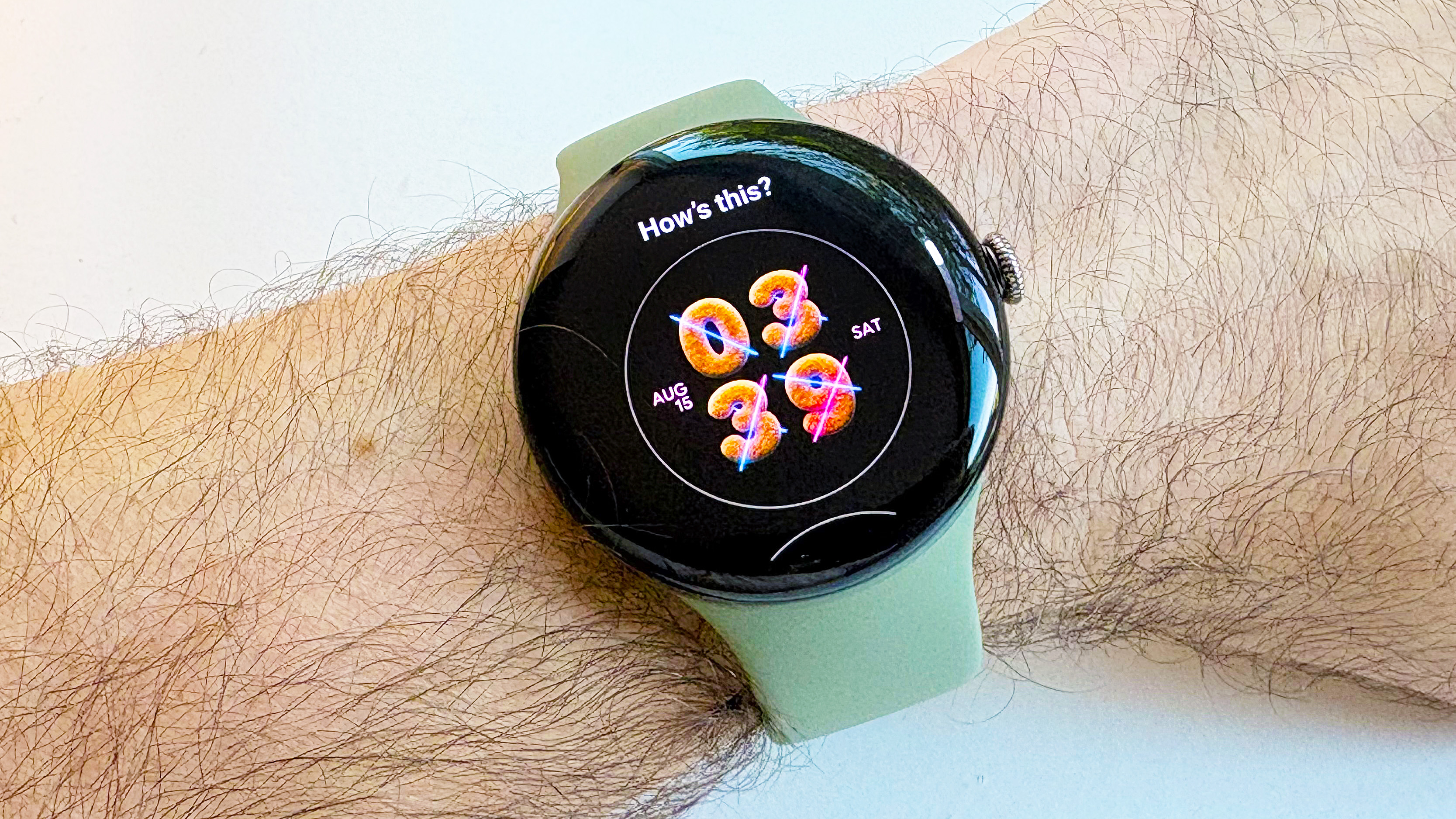
The first prompt I entered was “Teddy bears and laser beams.” The results are… You decide. To me, it looks more like Pink Floyd-inspired Cheerios than what I entered. Moreover, it seems the app overly prioritizes the first bit of text you’ve entered as the basis for any textures that appear in the watch face.
You may like
Post-generation, the Create Watch Face app provides six options to choose from, along with the ability to create additional versions of the original prompt or start over. As of this writing, there isn’t much variety among the six initial choices.
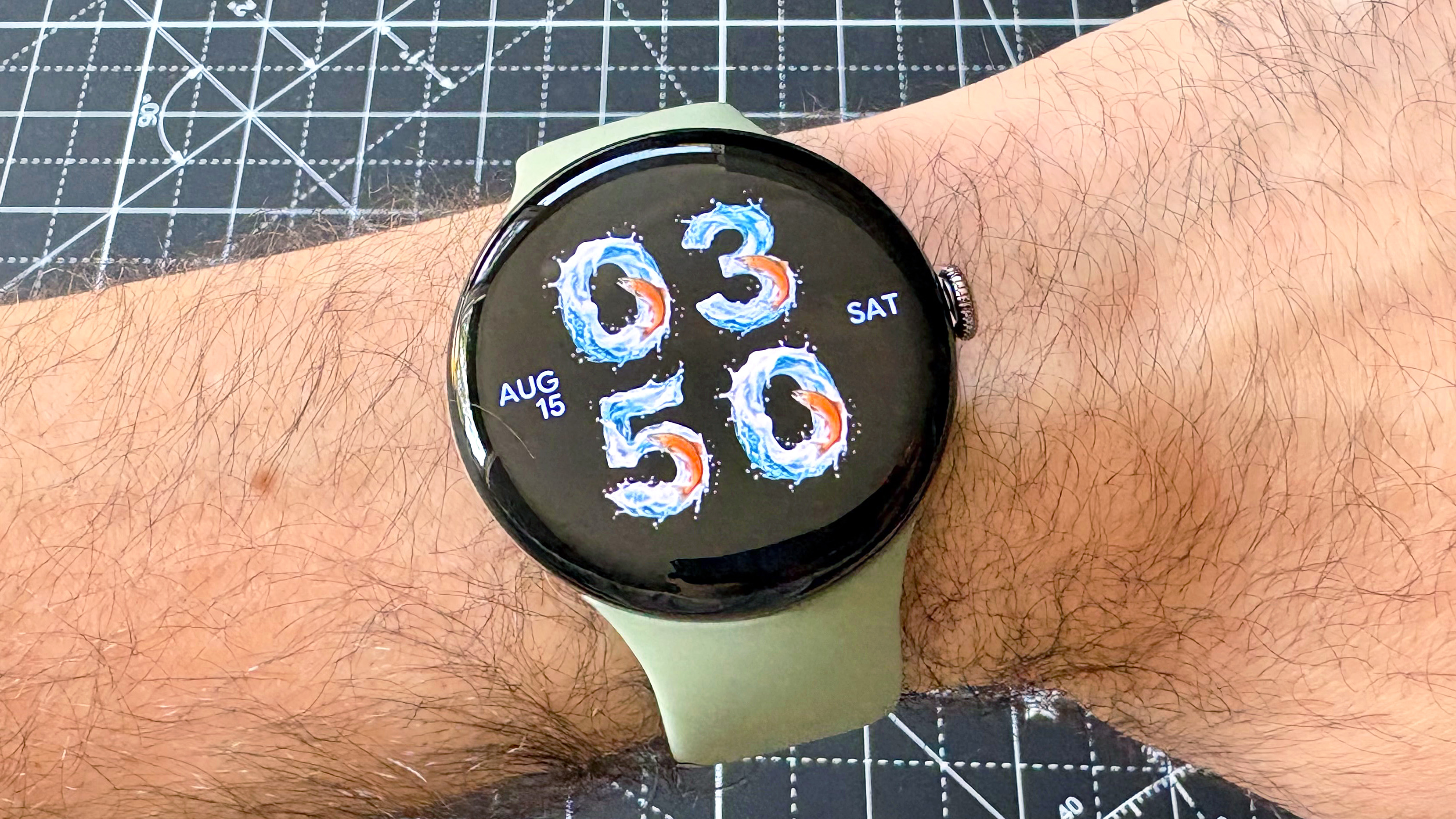
“Raging river with jumping salmon”
(Image credit: Dan Bracaglia/Tom’s Guide)
The next prompt I entered was “A raging river with jumping orange salmon.” This resulted in a slightly more visually appealing result, even if it looks more like clip-art koi fish.
Ultimately, I was hoping the feature could generate a watch face with movement, like fish slowly swimming around, but it can’t. Generated watch faces are entirely static, no matter what prompt you enter. (I also tried “Fish actively swimming in a stream” to no avail.)
Should you generate a custom AI watch face on the Pixel Watch 5?
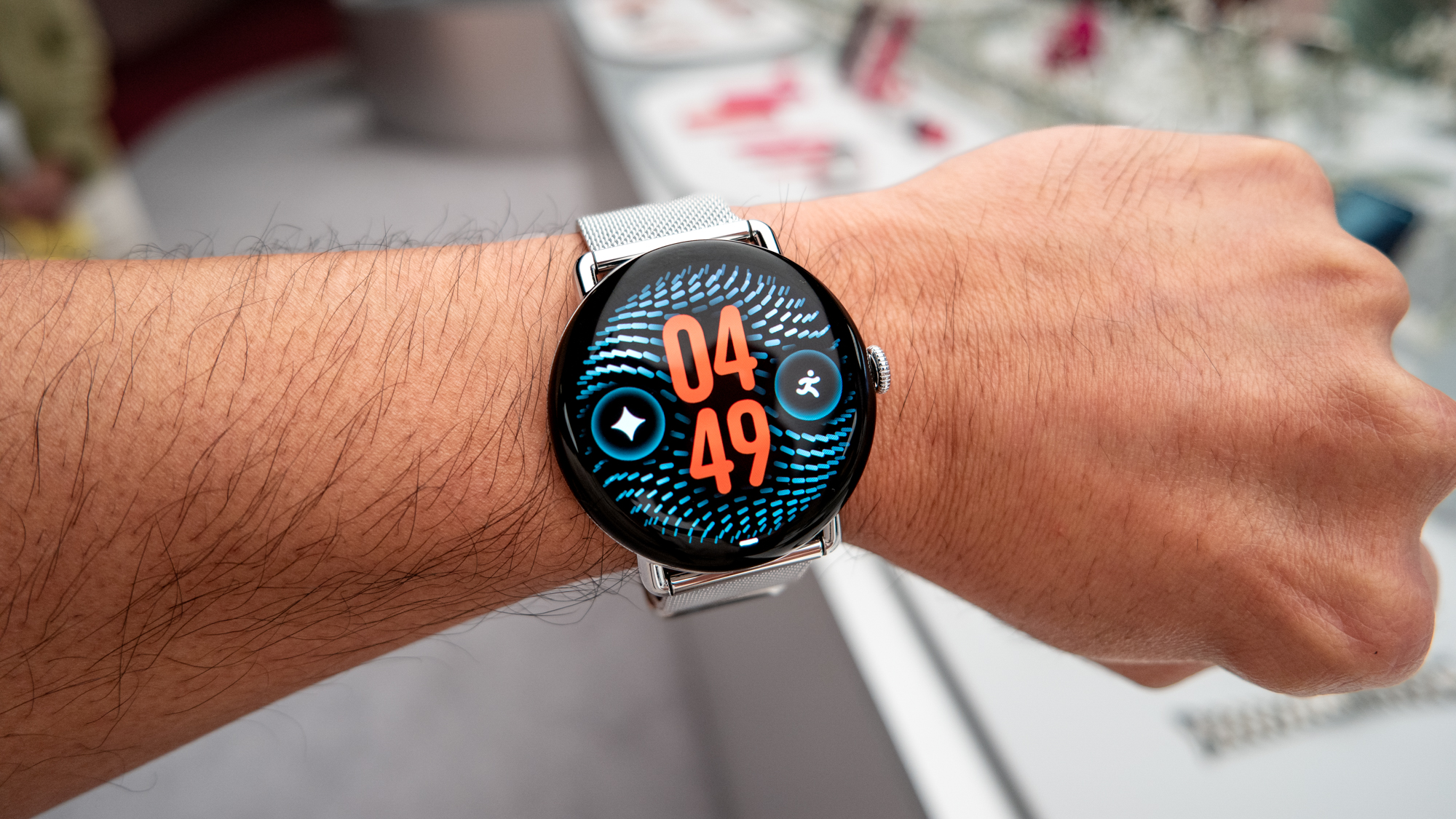
(Image credit: John Velasco/Tom’s Guide)
Maybe! But be prepared for slightly underwhelming, generic results… or maybe something a bit more unsettling; my third prompt, “Deli meats,” resulted in the masterpiece at the intro of this article
Ultimately, in my opinion, Google already offers a ton of really amazing free watch faces that are far more feature-rich than anything the Create Watch Face app can come up with.
That said, for special occasions — like a koi fish convention — an AI watch face might be fun. Maybe just avoid the prompt “teddy bears and laser beams.”

Follow Tom’s Guide on Google News and add us as a preferred source to get our up-to-date news, analysis, and reviews in your feeds.