
Imagine you’re at a sports bar that’s showing four games on different TVs — but the only audio playing is for the game you don’t care about. Or maybe you’re in a crowded airport and can’t make out your gate announcements from the many other gate and airport announcements.
These are just two of the ways Auracast can change how you interact with audio, by letting an unlimited number of headphones, speakers or hearing aids tune in to a single broadcast. All you need to do is scan a QR code or select the broadcast from a list, much like you’d choose a Wi-Fi network.
Auracast-enabled devices have been rolling out over the past couple of years, but adoption of the Bluetooth-based broadcast audio technology is finally gaining traction.
What is Auracast?
 Bluetooth SIG; Stephen Shankland/CNET
Auracast uses Bluetooth to allow one source, a TV, for instance, to broadcast audio to many receivers, such as wireless headphones. It creates a sort of localized radio station but without the power requirements or infrastructure of traditional broadcast radio. Auracast is part of the Bluetooth LE standard introduced in 2022 as part of version 5.2. It uses the 2.4GHz band, like traditional Bluetooth, but it relies on the newer LC3 codec, which transmits higher audio quality at lower bitrates.
Auracast has a range of up to around 330 feet under ideal conditions — significantly farther than typical Bluetooth audio connections. It’s also designed for lower latency (the time it takes to encode, send, receive and decode a signal) than many traditional Bluetooth audio setups. That means you’ll get far more consistent audio/video sync, especially important for real-time listening situations like live events and gaming. Auracast audio streams also contain information about the broadcast, including metadata, content type, encryption for password-protected streams and choice of languages if available.
Identifying compatible devices
Bluetooth Version: 5.2 or later (required for LE Audio).
LE Audio Support: Must explicitly support Bluetooth LE Audio. Not all Bluetooth 5.2 devices support LE Audio, so check the specs carefully.
Public Broadcast Profile (PBP) Support: Required for Auracast broadcasts
Branding: Look for “Auracast Enabled” or the official Auracast logo. Products labeled “Auracast Ready” will require a firmware update for compatibility.
How Auracast works
 Bluetooth SIG
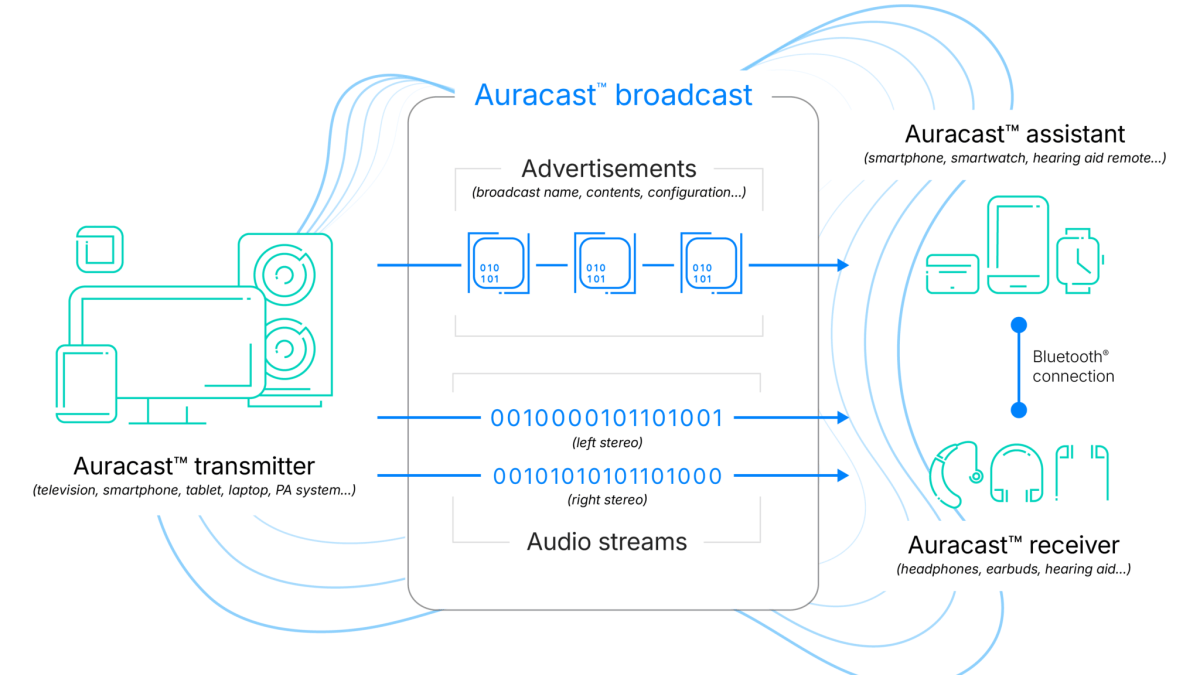
Auracast gear falls into three categories: Broadcaster (the device sending audio), receiver (headphones or hearing aids) and assistant (usually your phone or smartwatch that helps you find and join broadcasts). The first two must be Auracast-compatible. If the assistant isn’t, say, an Apple device, then you can still use your headphones’ or speaker’s companion app on your phone to connect to a broadcast. Apple devices also can’t broadcast Auracast streams, at least not currently.
 Samsung/CNET
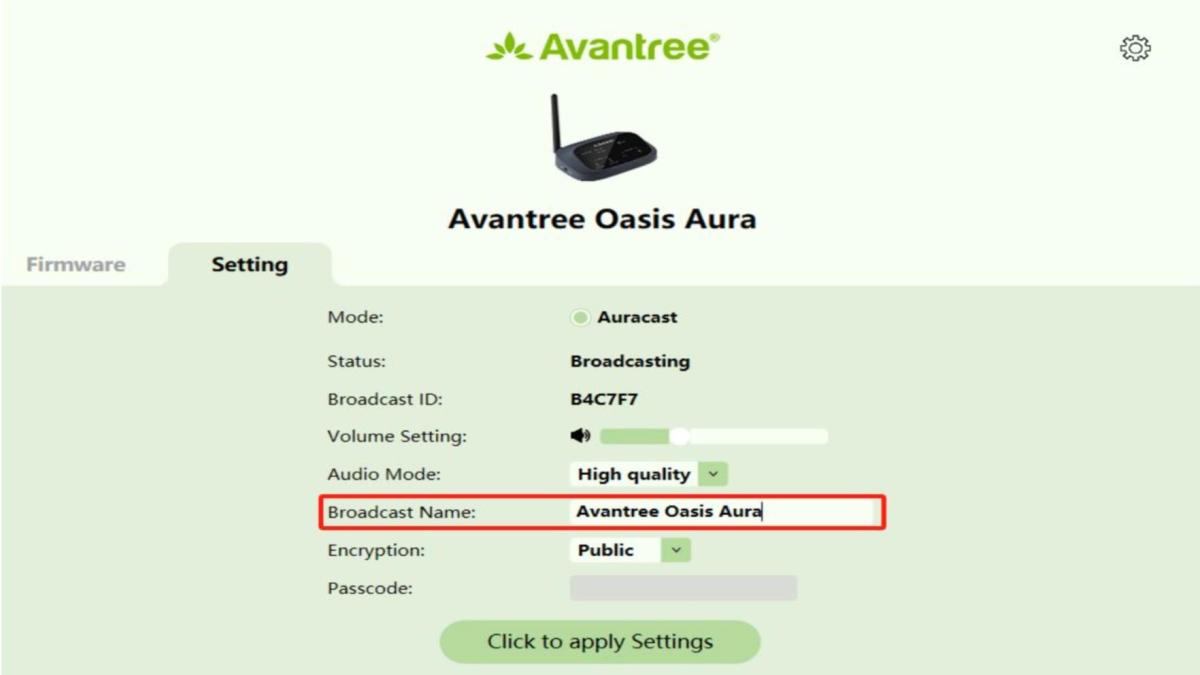
Compatible broadcasting devices include the Samsung Galaxy S24 (and newer), LG’s evo AI C5 series OLED TVs and the Avantree Oasis Aura Auracast transmitter (hooked up to anything with an audio output). The JBL Tour Pro 3 also has a built-in Auracast transmitter in its case that’s accessible via its touchscreen menu.
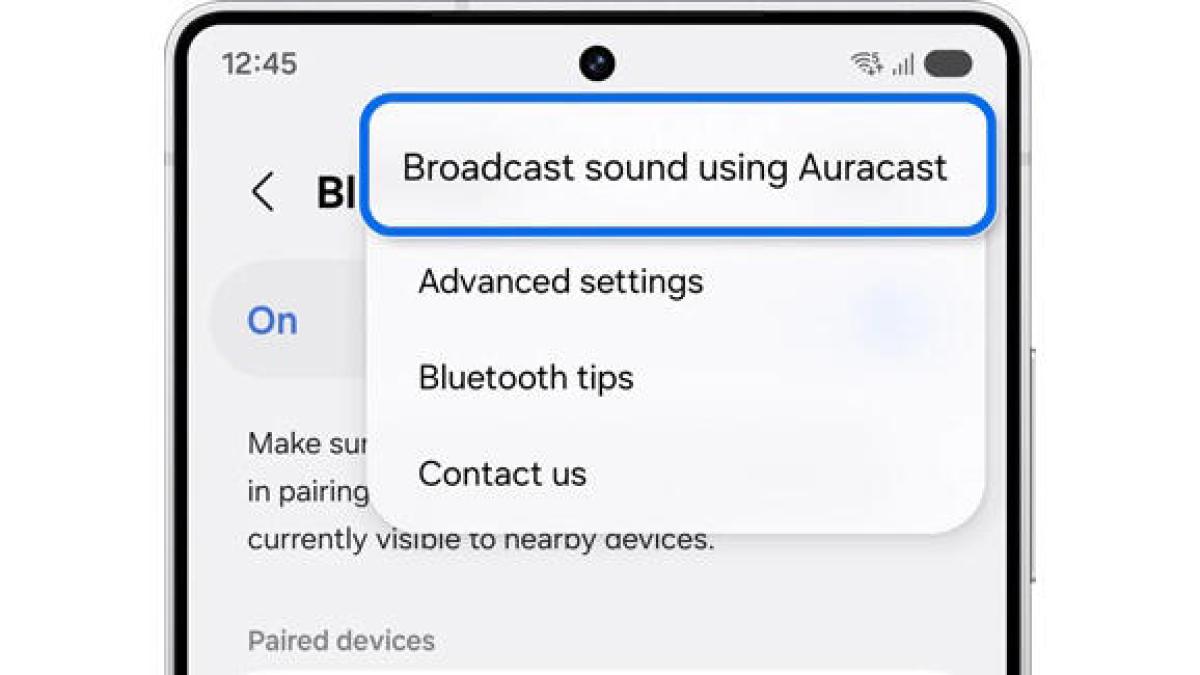
With the Samsung phone, you navigate to the device’s Bluetooth settings, select Broadcast sound using Auracast and hit Start Broadcast. You can also set the broadcast name and a password to restrict access, if desired.
Other dedicated transmitters have companion apps for your phone that let you set these. On an LG OLED evo AI C5 TV, the process is very similar: Navigate to Settings>Sound>Advanced Settings and select Broadcast On Auracast, and then choose Start Broadcasting.
 Avantree/CNET
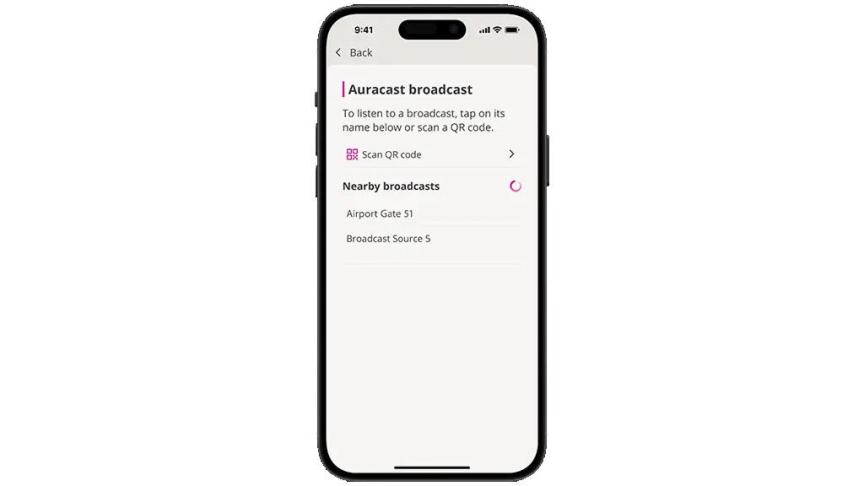
On the other end, a set of Auracast-capable headphones like Samsung Galaxy Buds4 or 4 Pro, hearing aids like the Oticon Zeal and even some wireless speakers, all act as a receiver and connect directly to the broadcasting device, using your smartphone or watch as an assistant. You’ll first need to pair that device to your phone or watch via regular old Bluetooth, then open their app if your phone isn’t compatible.
 Oticon/CNET
The simplest way to connect to the Auracast broadcast is to scan a QR code. If your phone and headphones support Auracast, pointing your camera at a QR code in a venue or on a TV instantly connects you to the stream without you having to dig through Bluetooth menus. Apple users won’t be able to use the native iOS camera app; instead, they can use apps like Oticon Companion, which has a built-in Auracast QR code scanner.
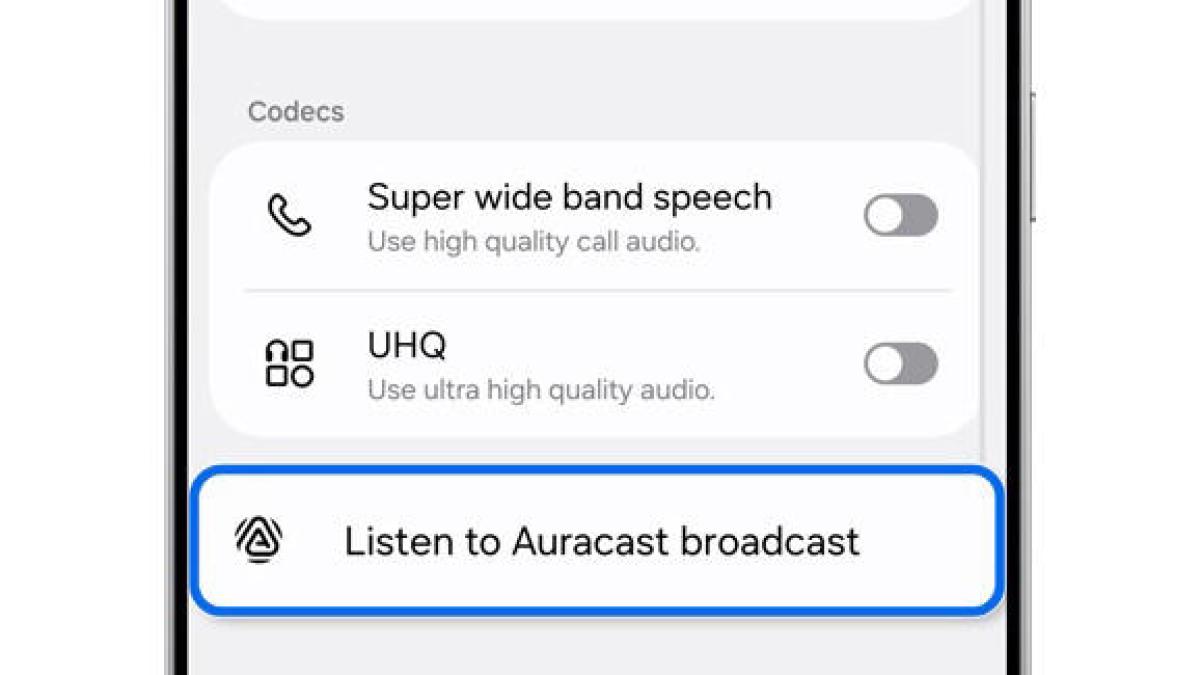
If there’s no QR code available, the steps vary slightly depending on the phone, but in most cases, it will be something like Settings>Connections>Bluetooth or Settings>Connected devices. Select the headphones or other audio device you plan to listen through. From there, select Listen to Auracast broadcast or Connection preferences>Nearby audio streams, and a window will pop up with a list of available streams as well as programming info when available. Choose the one you want, and if there’s a password, you’ll enter one.
 Samsung/CNET
Apple iPhone, iPad and Watch users don’t get native Auracast support, but they can tune in via the companion apps for Auracast-capable wireless headphones or speakers, where you can select from a list of available broadcasts. Note that Apple and Bose headphones don’t currently support Auracast.
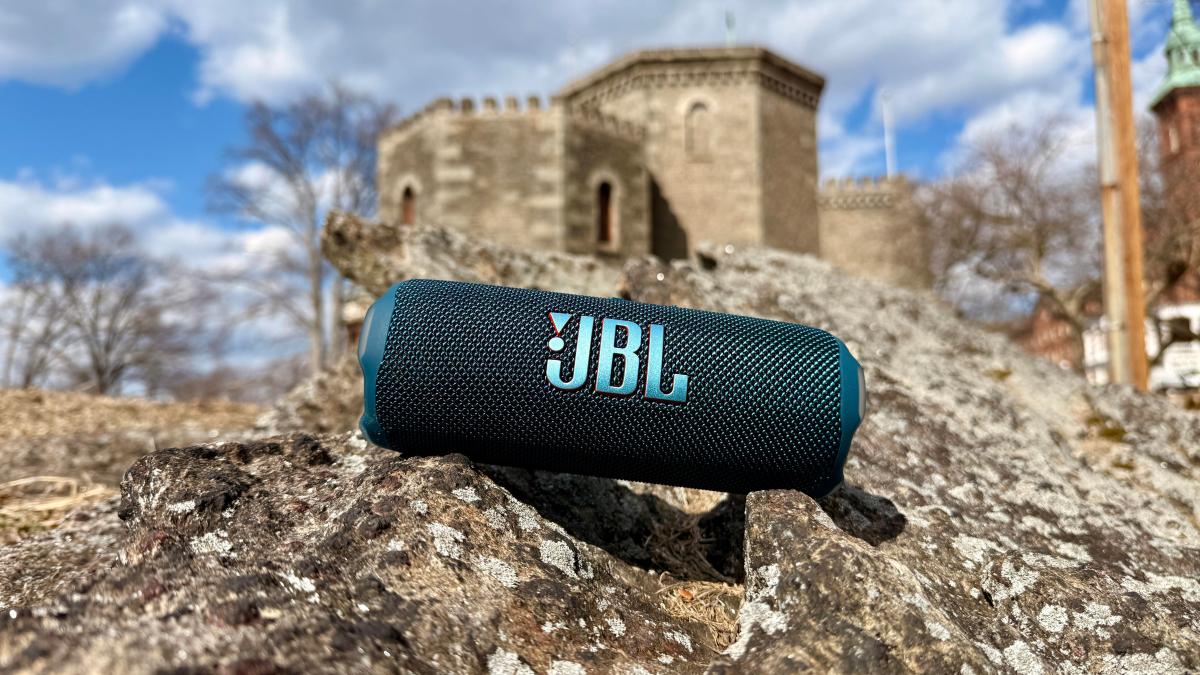
You can also use Auracast to connect a single audio source to an unlimited number of Bluetooth speakers, which can be handy if you’re aiming for multiroom and immersive audio or need sound coverage for a larger space. Adoption has been slow among speaker manufacturers, with JBL’s lineup of compatible models leading the pack.
The process for JBL’s speakers is similar to using a dedicated transmitter: Connect an audio source to a primary speaker via traditional Bluetooth, and press the speaker’s dedicated Auracast button. To connect more speakers, just press their Auracast buttons, and they’ll hop on automatically, or you can connect them using the JBL Portable companion app.
The JBL Flip 7, on the rocks.
David Carnoy/CNET
Auracast scenarios
These are just the tip of the iceberg in terms of how Auracast might ultimately be used, but they should give you a general idea of where it’s likely to pop up.
Media, socialized
Everyone pairs their headphones to a phone or TV, eliminating speaker volume wars and letting night owls watch without waking the house.
Out on the town
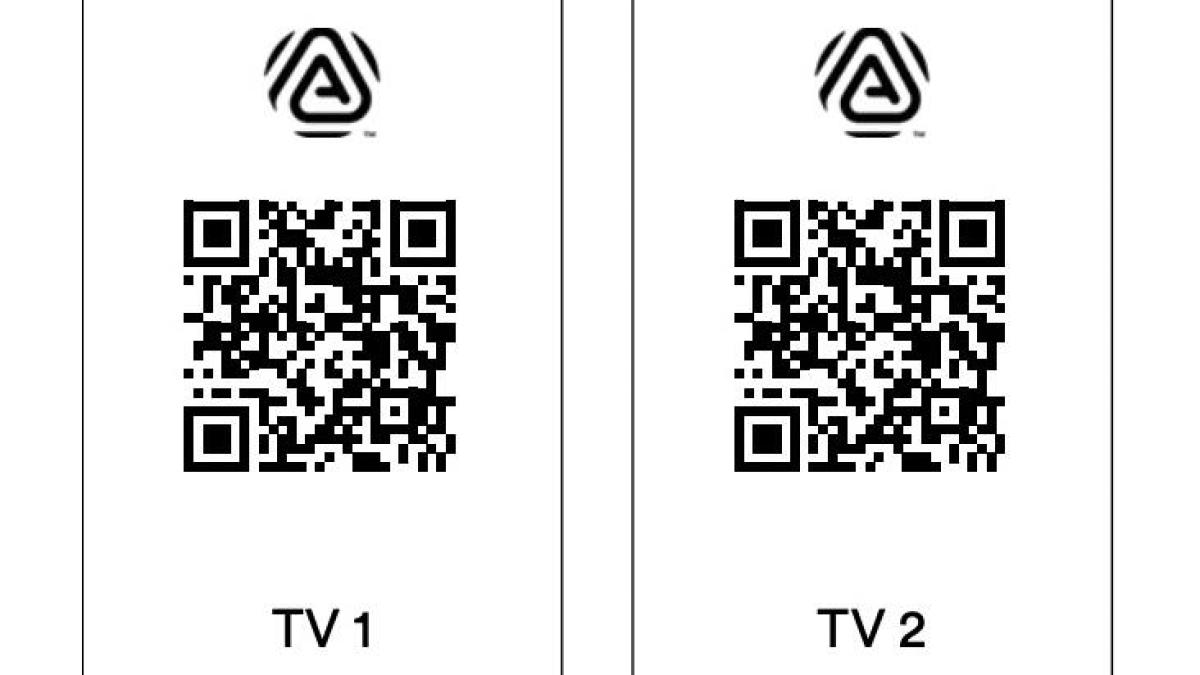
At a sports bar or gym with multiple TVs, tune into the broadcast you want to listen to instantly by scanning a QR code instead of pleading with the staff to change the audio feed.
Museums and public venues
Scan a QR code at a museum or venue to get access to exhibit-related content, hear audio more clearly and perhaps even listen in your preferred language.
Public transportation
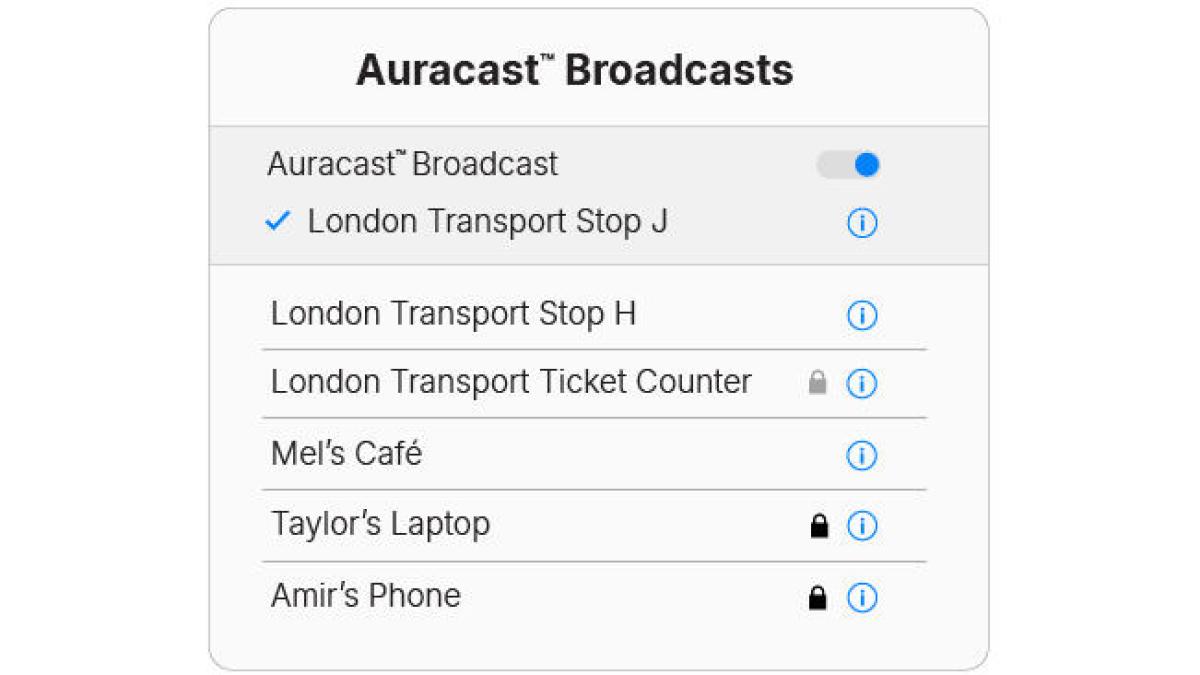 Bluetooth SIG
Scan a QR code or search available broadcasts to catch announcements and other travel-related info like schedules in various languages.
Home speakers
Set up a multiroom audio system with Auracast speakers, with most connections as simple as a single button push. Or create an immersive audio setup with speakers all around the room for movies and gaming, enabled by Auracast’s low latency.