
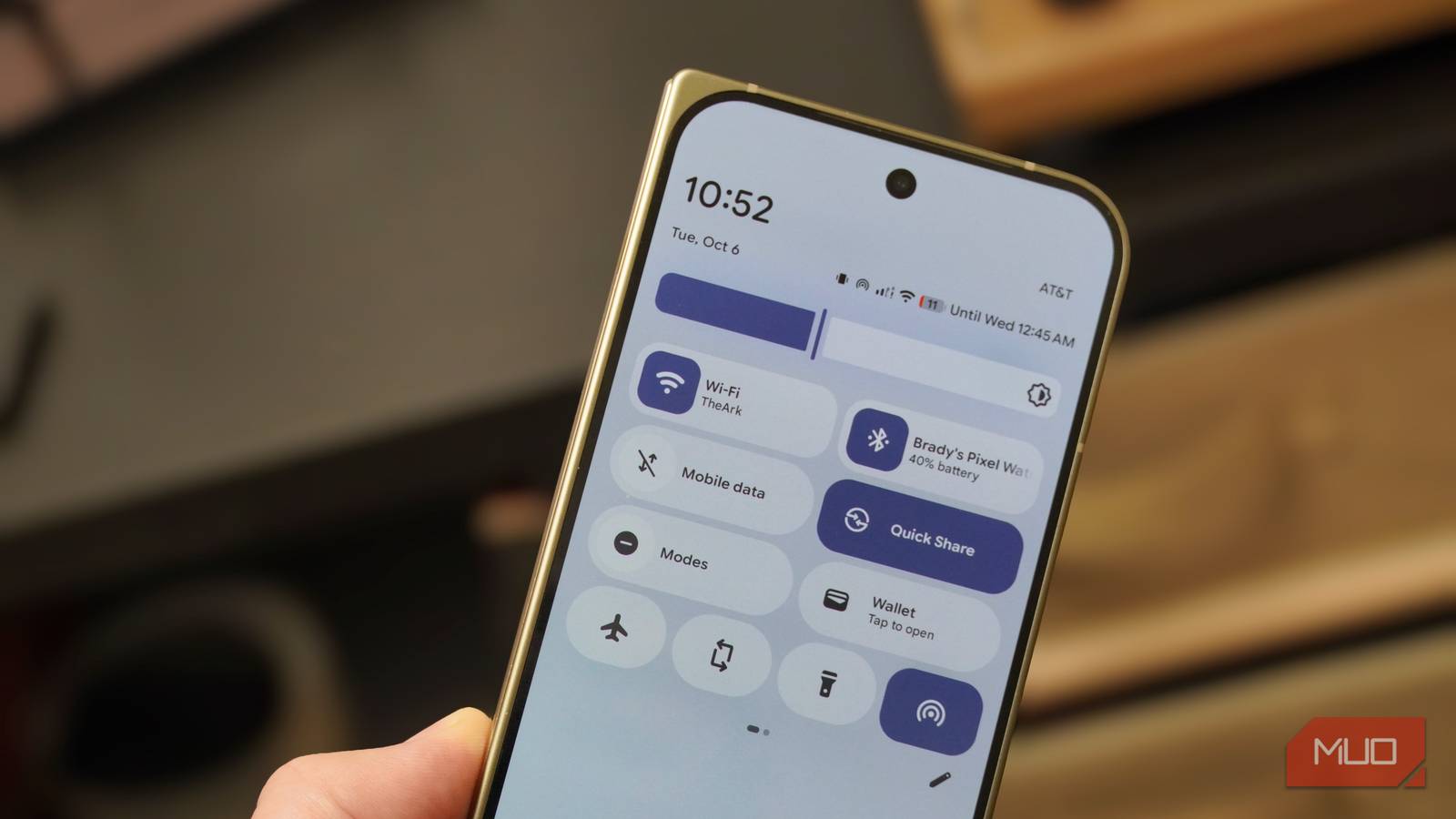
I long for the day 5G cellular connectivity becomes a mainstream feature on laptops, but until then, I’m stuck using my phone as a mobile hotspot. By now, I’d bet most smartphone users have tried using their device as a personal hotspot for something else, like a tablet, laptop, or gaming handheld. However, mobile data isn’t the only thing your Android phone can share over a Wi-Fi hotspot.
Android phones can share a connected Wi-Fi network with other devices using a Wi-Fi hotspot, and the feature saves me hundreds of dollars each year. Say you’re connected to a paid Wi-Fi network on a plane, in a hotel, or on a cruise ship with a device limit. You can pay for that Wi-Fi network once, connect to it via your Android phone, and rebroadcast it to all your other devices for free using a Wi-Fi hotspot.
It’s a feature iPhone users don’t get — and one that many Android users don’t know about.
Related
My Android phone was slowing down my internet until I changed these settings
Stop blaming your ISP, fix your phone’s settings first.
Your Android phone is hiding a true Wi-Fi hotspot
It can share a Wi-Fi network with your other devices
Usually, mobile hotspots are enabled when Wi-Fi networks are unavailable. Flipping on the mobile hotspot button in your phone’s settings app shares your 4G or 5G cellular data with other devices over Wi-Fi, Bluetooth, or USB. When you turn on your iPhone’s personal hotspot, Wi-Fi is automatically disabled. If you were connected to a Wi-Fi network before you started a personal hotspot, that connection is dropped.
In some cases, Samsung Galaxy phones have the same default behavior. Use a mobile hotspot, and Wi-Fi is turned off. However, unlike iOS, Android is built to support Wi-Fi connectivity while mobile hotspots are active — and it’s by design. Aside from the usual cellular data sharing, Android phones can share a Wi-Fi signal with other devices using what is known as Wi-Fi repeater mode.
Essentially, your phone takes a Wi-Fi connection and rebroadcasts it using your mobile hotspot’s SSID and password. Your other devices connect to your phone, not your wireless network’s router. It’s easy to try this on a Google Pixel phone, because Wi-Fi sharing is enabled by default. When you enable Wi-Fi hotspot while connected to a wireless network, your Pixel phone will share that wireless network with other devices, not your cellular data.
You can test this for yourself by connecting to a Wi-Fi network, turning off your phone’s mobile data, and enabling Wi-Fi hotspot. Any devices that connect to your phone’s Wi-Fi hotspot will still be able to reach the internet, even though your mobile data is off. That’s because the Wi-Fi hotspot is sharing your phone’s Wi-Fi connection, not its mobile data.
Credit: Brady Snyder / MakeUseOf
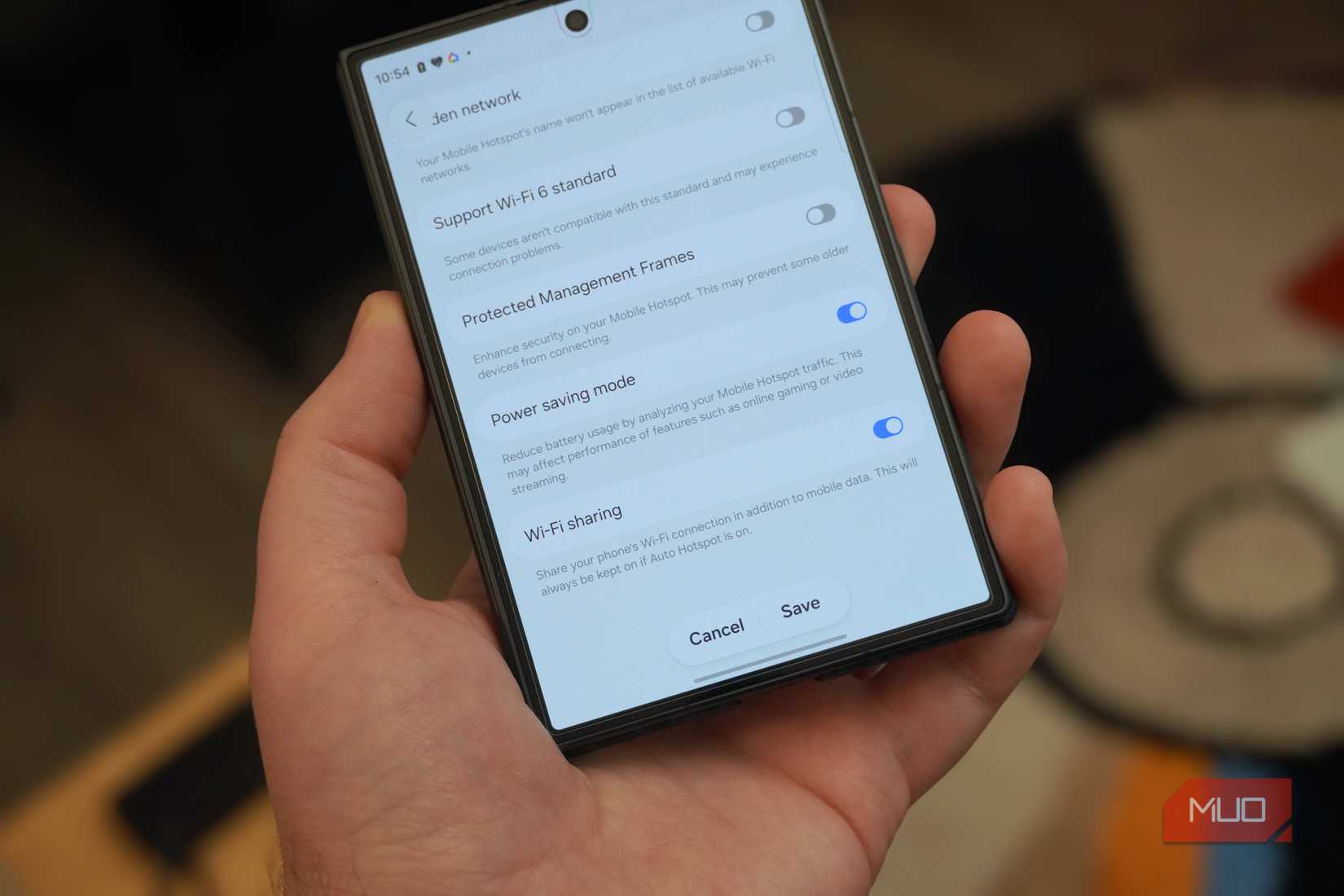
Samsung users may have to manually enable Wi-Fi sharing, but it’s available on Galaxy phones too. Whether this setting is enabled or disabled on your Galaxy phone depends on your device, region, and carrier. There is an advantage to keeping it off — disabling Wi-Fi while a mobile hotspot is active can preserve battery life.
Still, I prefer to use Wi-Fi sharing anyway, for the cost-saving benefits I’m about to get into. To enable it on my Galaxy phone, I needed to go to Settings → Mobile hotspot and tethering → Mobile hotspot. Then, I had to tap my mobile hotspot password, and scroll down to the Advanced button. Tap it, and you’ll see the Wi-Fi sharing toggle. Activating it allows your Galaxy phone to serve as a repeater, rebroadcasting a Wi-Fi signal to other devices.
I use Wi-Fi hotspots to outsmart airlines, hotels, and cruise lines
I never pay for Wi-Fi twice, and I always thwart device limits
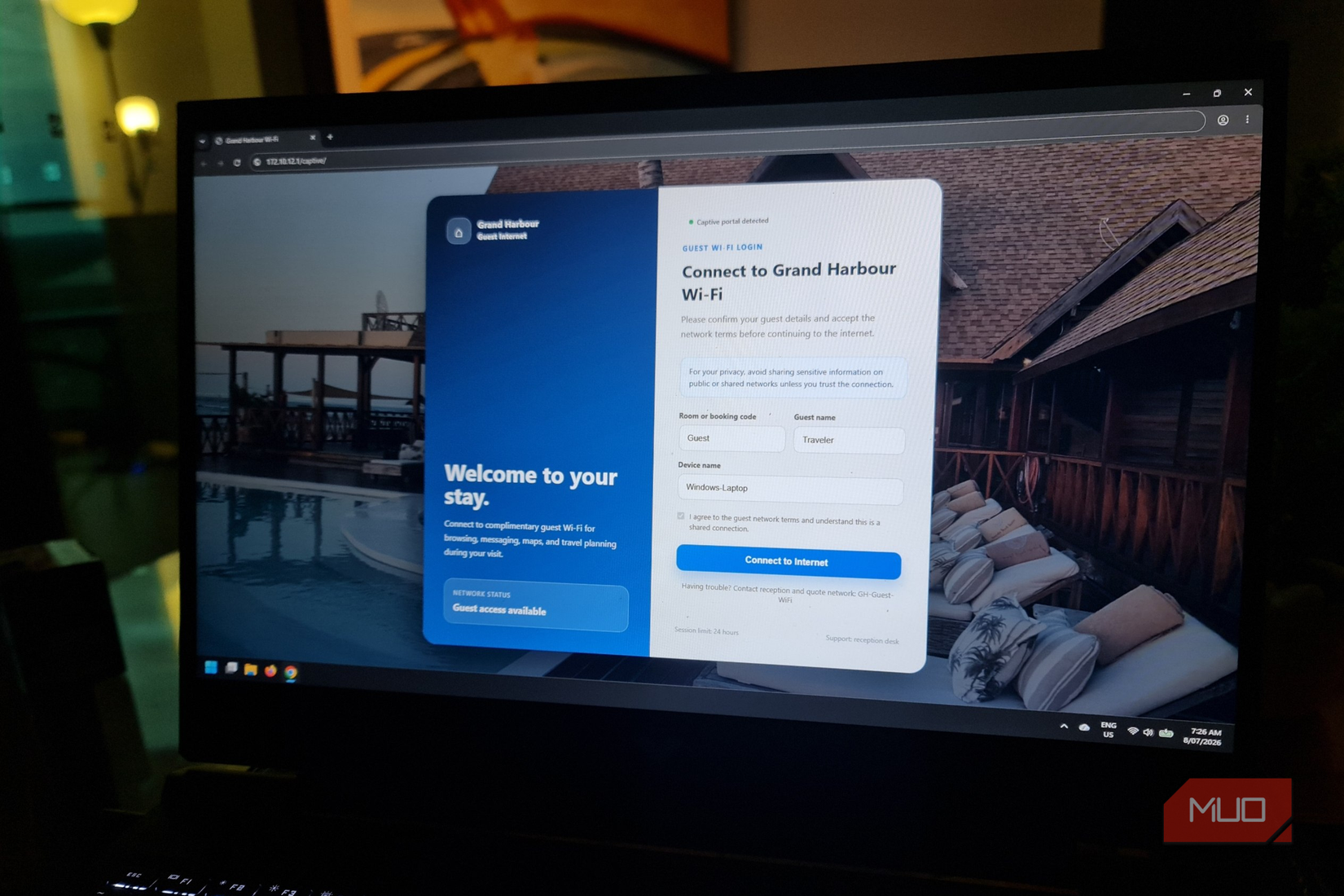
You might be wondering why you might want to use your phone’s hotspot instead of connecting directly to a wireless network. As it turns out, there are a lot of reasons. They all have to do with using Wi-Fi networks with enterprise-grade security. Those captive Wi-Fi portals aren’t just a hassle to sign in to on all your devices, they also limit cross-device features.
For instance, let’s assume you’re staying at a hotel with a captive Wi-Fi portal. Instead of signing in to the network on every device, you can complete the onboarding process once on your Android phone. Then, you can broadcast it to all your other devices. Your phone appears as a known Wi-Fi network, so the connection process is seamless.
If you’re someone who likes to bring a Roku, Apple TV, or Chromecast on trips, Wi-Fi sharing smoothens the connection process for streaming devices, too. You don’t have to sign in to each device manually. More importantly, sharing features like AirPlay or Google Cast might not work on enterprise networks, but they do work on your phone’s mobile hotspot.
This is something my iPhone can’t do, and it saves me $10 (or more) every flight.
These are all convenient perks, but I use Wi-Fi sharing on my Android phones to save money. I fly tens of times each year, and United is my airline of choice. Free in-flight Wi-Fi isn’t a United perk — it costs $8 per flight for members. That’s for one device. If I want to use in-flight on my phone and laptop to get work done, I need to pay the $8 fee for members and the $10 non-member fee on my second device.
Instead, I pay the $8 fee for in-flight Wi-Fi on my Android phone and broadcast it to all my other devices using the Wi-Fi sharing feature. This is something my iPhone can’t do, and it saves me $10 (or more) every flight. There’s no limit to how many devices I can connect to my phone’s Wi-Fi hotspot. This hidden Android feature easily adds up to save me hundreds of dollars annually.
Only Android phones can create Wi-Fi hotspots
iPhone users can only rebroadcast their mobile data signal
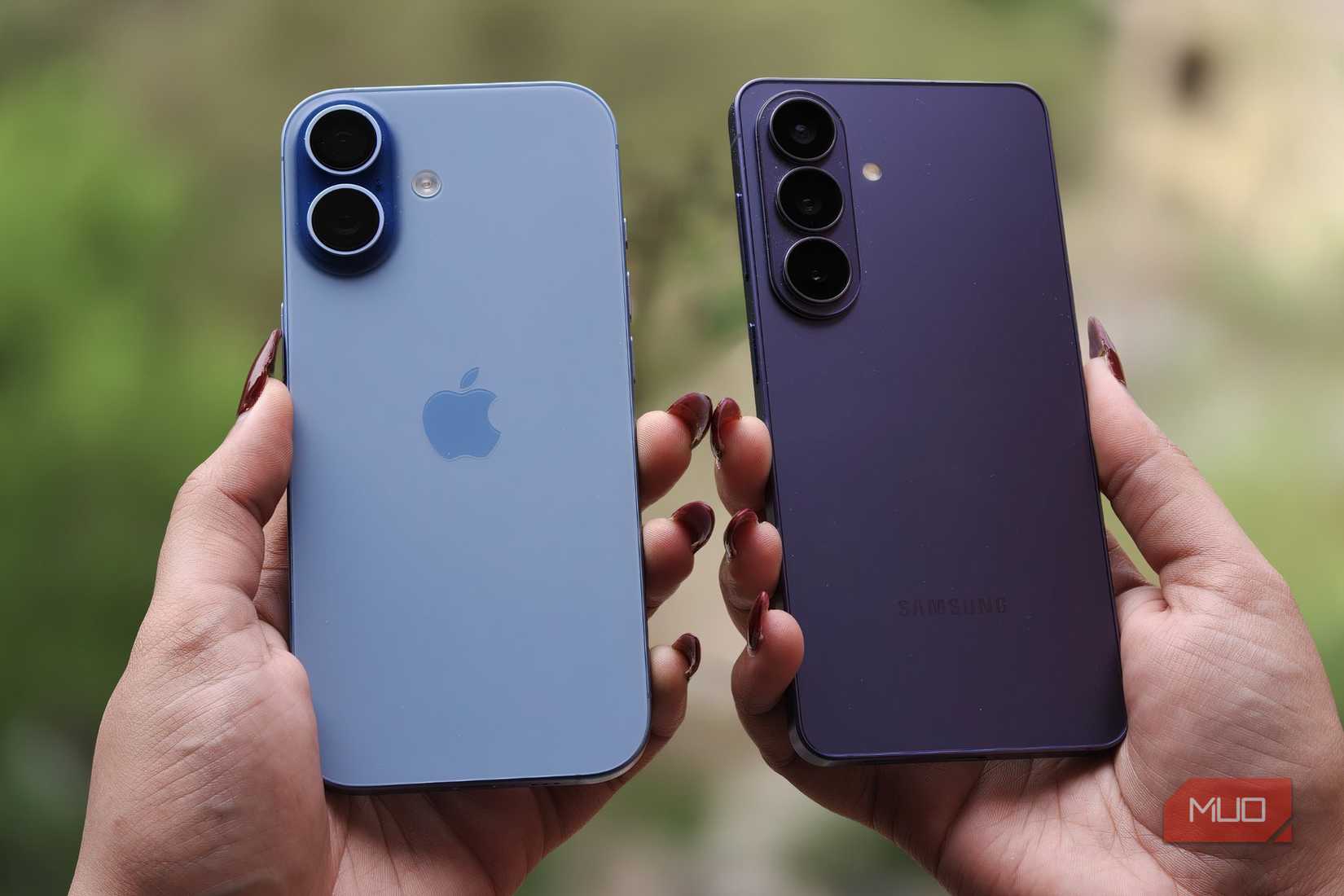
Credit: Shimul Sood / MakeUseOf
I use Android’s Wi-Fi sharing feature to save money and bypass device limits on in-flight Wi-Fi, but this strategy applies elsewhere too. If the hotel you’re staying at or the cruise ship you’re traveling on has costly or limited Wi-Fi, you can get around the restrictions. And unlike a travel router, using your phone as a mobile hotspot to share a Wi-Fi network won’t raise red flags.
This is a feature that many iPhone users don’t even realize is possible on Android phones. It’s single-handedly the Android feature that saves me the most money. All the other Android 17 and One UI 9 perks are fantastic, but this one keeps more cash in my wallet. I’ll never travel without an Android phone for this feature alone.