
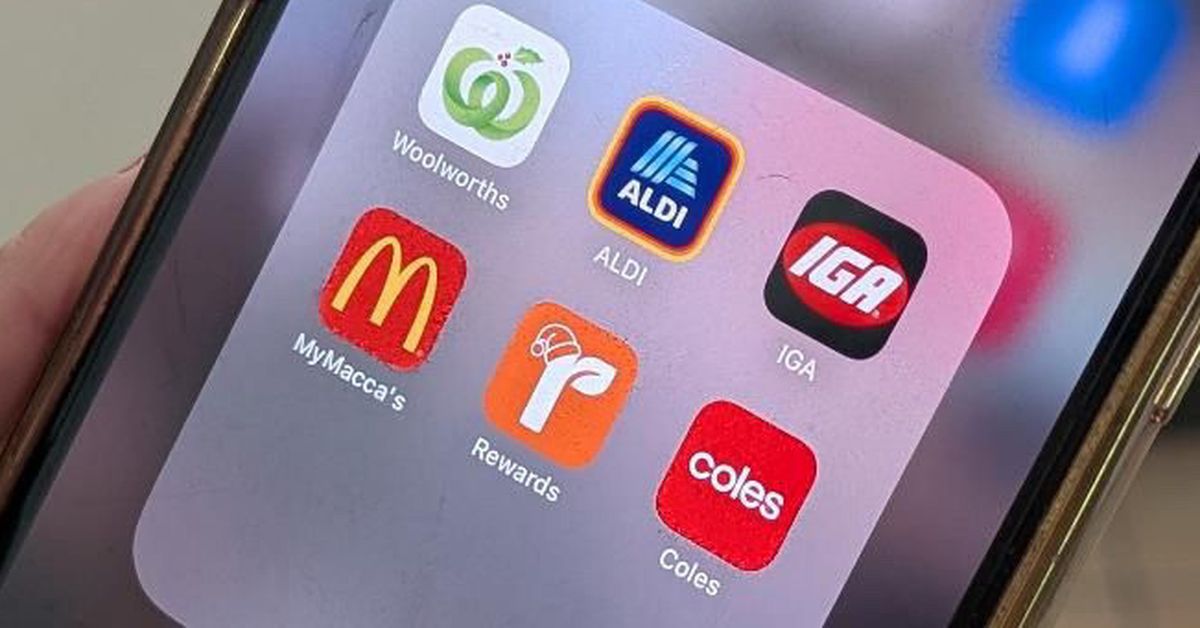
Woolworths has introduced a new app feature that turns your handwritten shopping list into a digital one.
It’s called Snap & Shop, and it sounds pretty snazzy, but does it actually work?
I feel like I’m the perfect person to test this one out. Not just because I’m a Consumer Reporter, but because I have been told on several occasions I have terrible handwriting.
 Woolworths has introduced a new app feature that turns your handwritten shopping list into a digital one. (Nine)
My partner cannot for the life of him read my shopping list, so I usually text him what I need.
But now, by uploading a photo of my poorly-written shopping list, the Woolies app can supposedly transform it into a digital one which could potentially improve my grocery shopping experiences.
Below is the list I will be using for their experiment, which lives on my fridge.
I took a photo of it for this exercise.
For the many who are also unable to read my handwriting, here is what it says.
READ MORE: Coles’ shock move sparks major shake-up of grocery deliveries
READ MORE: Beloved treat can no longer use the word ‘chocolate’
READ MORE: How Australia is being impacted by the feta cheese crisis
 Here is the list I will be using for their experiment, which lives on my fridge. (Nine)
Minced garlic, foil, garlic salt, garlic powder, mix herbs, rubbish bags, shopping list (one of the ones that sits on the fridge for me to write on), GF (gluten free) sprinkles, mustard, feta, and white rice.
I had also written down Liddells (but had crossed this out), sandwich press (also crossed out because I got this from Kmart), Panettas (the fruit and deli store I like to go to), mince garlic (wrote this down twice), marshmallows, almond flour (crossed out because I had some already), tomatoes, bagels and crusty bread.
Next, I went to the Woolies app on my phone and chose the ‘list’ from the menu at the bottom.
There, I was given the option to ‘Add New’ by taking a photo, uploading a photo, or typing it straight in.
I uploaded the photo of my shopping list and awaited the result.
 There, I was given the option to ‘Add New’ by taking a photo, uploading a photo, or typing it straight in. (Nine)
 I uploaded the photo of my shopping list and awaited the result. (Nine)
I wasn’t presented with a full list at this point, but began being guided through each item.
There was also an option to “Get AI product suggestions for items on this list” which promised to “speed up your list-making with product suggestions based on your past purchases.”
So, I chose that, and 14 matches appeared, which is approximately the same number of items I had written down on my list.
 14 matches appeared, which is approximately the same number of items I had written down on my list. (Nine)
The app didn’t do too well with some of the products. It suggested some items that weren’t on my list like Chang’s Sesame Oil, Organics Seaweed Salt snacks, Macro Maca Powder, and Dry Ginger Ale.
But it did recognise Dollar Sweets Sprinkles, Wholegrain Mustard, Greek-style Fetta, Essentials Long Grain Rice, Minced Garlic, Pascall Marshmallows, tomatoes, Abe’s Bagels and Woolworths Crusty Vienna Loaf.
 The app didn’t do too well with some of the products. (9Honey)
So, if I write a little more neatly I’m pretty sure it will recognise every single item on my list.
I was able to go through each item that had been recognised and suggested ‘Confirm’ or ‘Uncheck’ them.
I was then taken through quantities for each and send them to my cart for purchasing.
Other options in the app include letting customers know where they can find each item if they choose to shop in store after uploading their shopping list.
 I was able to go through each item that had been recognised and suggested ‘Confirm’ or ‘Uncheck’ them. (9Honey)
As far as I can see, no other supermarket app offers this feature. I for one am very impressed with it.
I haven’t felt this impressed since I thought to uploaded a photo of my mum’s very-messily-written Lemon Slice recipe into ChatGPT and have it produce a neat typed out version that just needed correcting a little.
I was then able to send it to my son who wanted to try making it.
By the way – you can also upload a recipe onto the Woolworths app and it will create a list of ingredients for you to buy. The app also now offers the services of a digital assistant called Olive who can answer basic questions.
For a daily dose of 9honey, subscribe to our newsletter here.

How supermarkets have changed over the years
A Woolies spokesperson told nine.com.au: “We know many of our customers are using the Woolworths and Everyday Rewards apps as an essential part of their regular shopping routine, with over a million customers using each app every week.
“Our apps are designed to make grocery shopping easier for our customers – however they choose to shop with us – and to help them maximise the value in their shop.
“Our apps are using artificial intelligence to improve the digital experience for customers, with the aim of solving everyday problems like turning a written shopping list into a digital one, knowing when their favourite products are on special, planning meals with Woolworths recipes and finding products in-store by aisle.”
READ MORE: 20 fun Kris Kringle gift ideas under $20
 ‘Our apps are designed to make grocery shopping easier for our customers.’ (Getty Images/iStockphoto)
At this stage I have to say I am enjoying how AI is improving consumer grocery shopping experiences.
We’re not quite at the stage where robots are doing our shopping for us or drones will be delivering them, and hopefully we never will be.
But for those of us who are busy and tired and trying to fit in our grocery shopping between all of our other responsibilities, this one is definitely a great feature, and one I hope other supermarkets will add to their apps in the near future.
FOLLOW US ON WHATSAPP HERE: Stay across all the latest in celebrity, lifestyle and opinion via our WhatsApp channel. No comments, no algorithm and nobody can see your private details.