
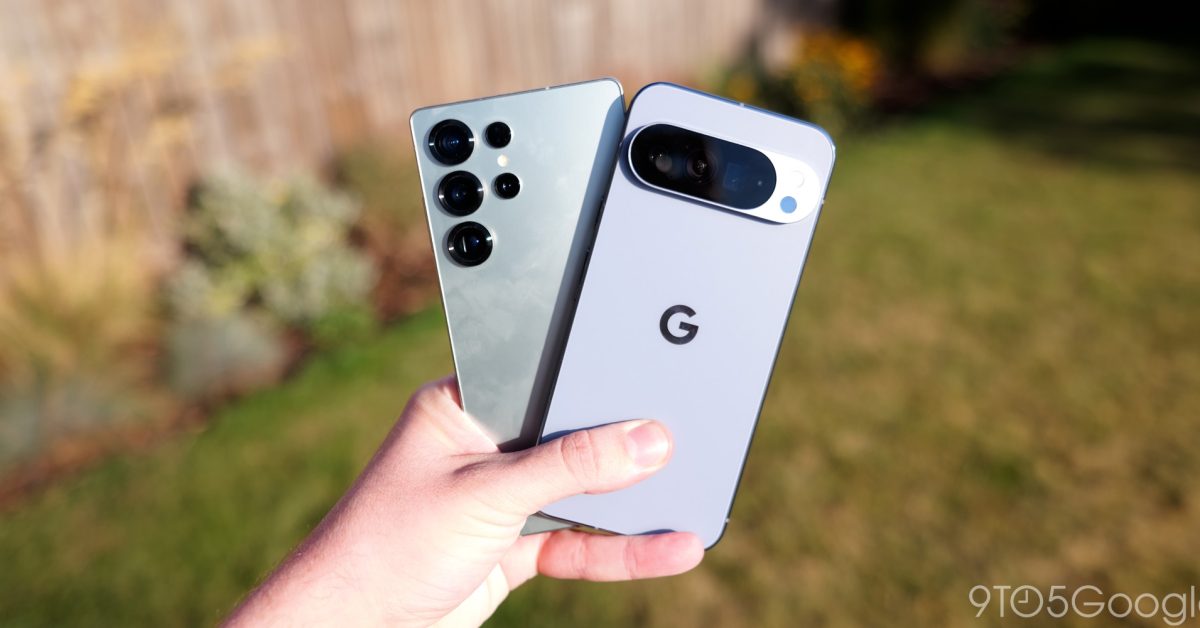
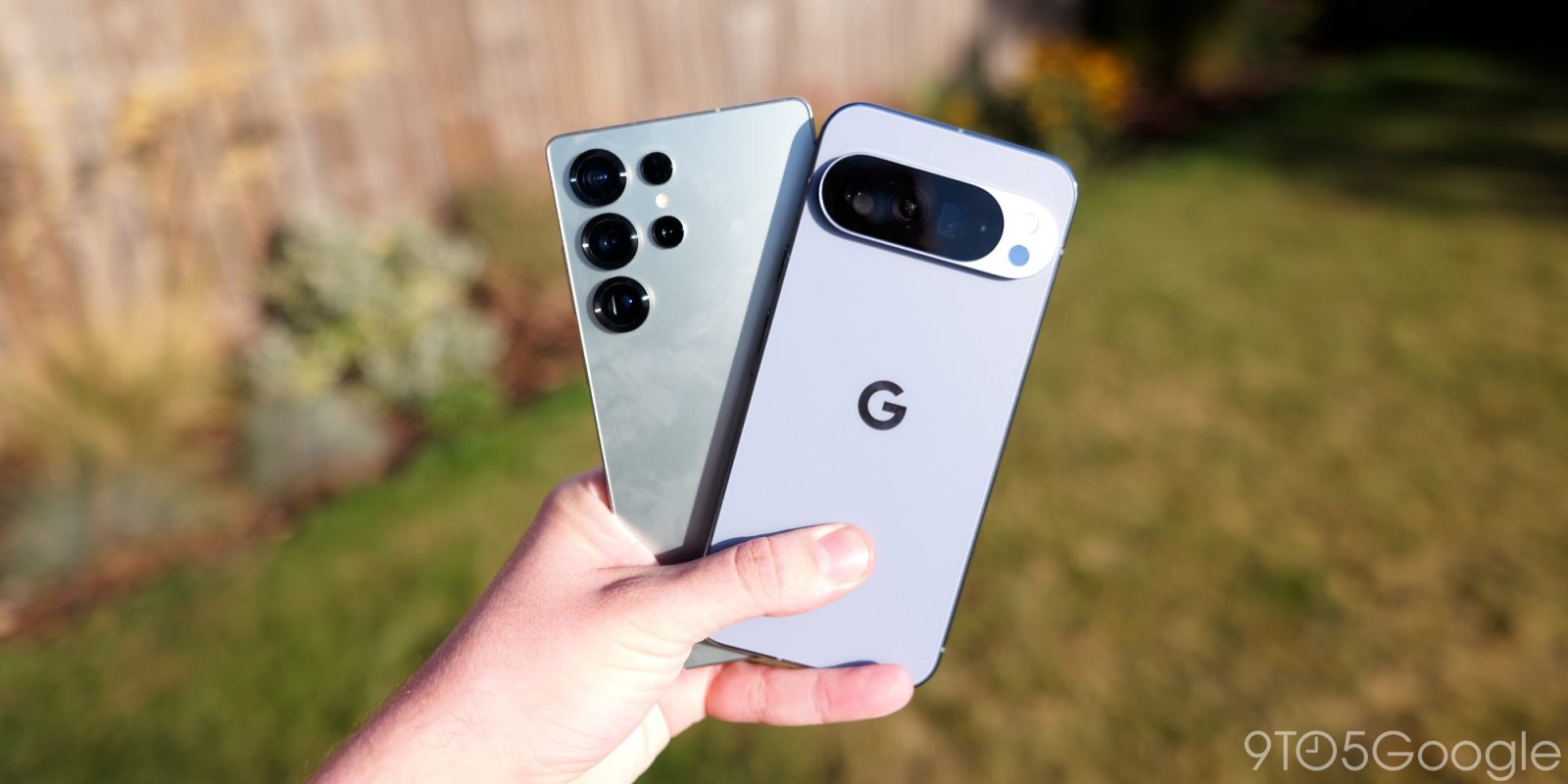
Google Pixel phones are adding support for the three-button layout used in navigation by Samsung Galaxy smartphones, but only in the latest beta for now.
Android has largely moved to gestures for navigation in recent years, but the classic three-button layout remains as an option and, on Samsung Galaxy devices, that’s still the default. But one big difference found on Samsung devices compared to “stock” Android is that the layout of the buttons is reversed. Android intends for these buttons to be laid out with “Back,” “Home,” and “Recents” from left to right, where Samsung opts to show in hte order of “Recents,” “Home,” and “Back.”
Samsung has long provided the option to switch to your preferred layout, and now Google is doing the same.
In Android 16 QPR3 Beta 1, Google Pixel phones are adding the option to reverse the button layout to match Samsung’s preferred choice. You can find this new setting via Settings > System > Navigation mode > 3-button navigation > Settings.
Advertisement – scroll for more content
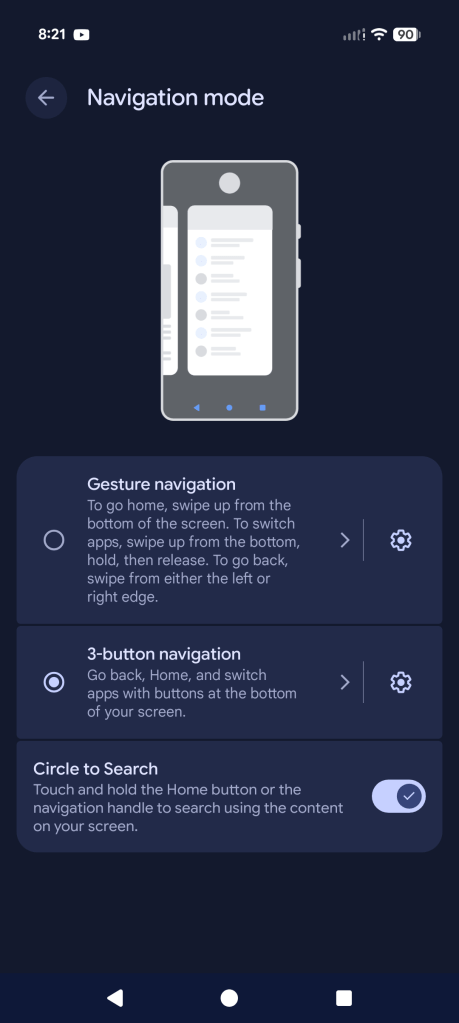
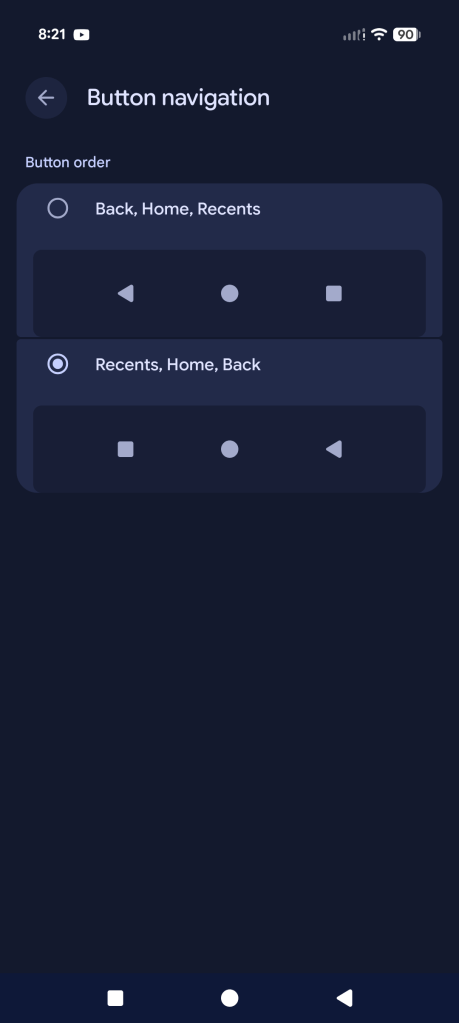
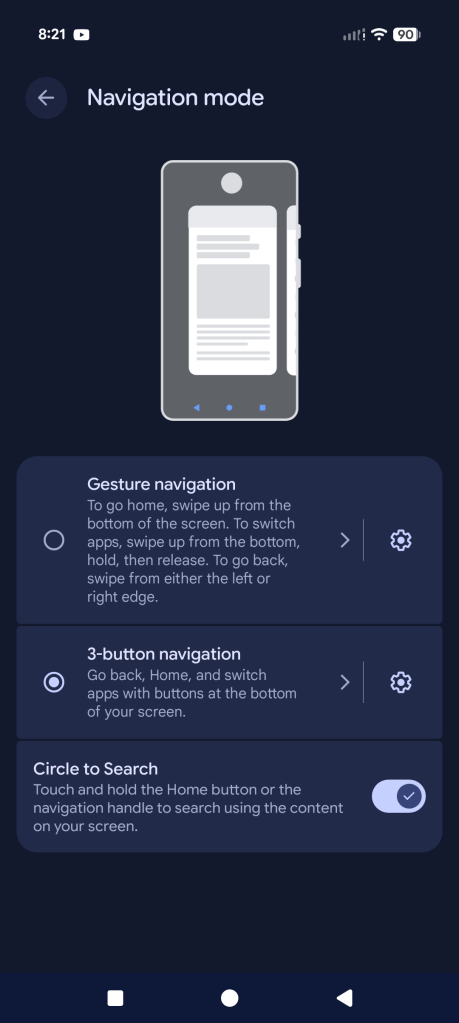
It’s unclear why Google finally added the choice, but it’s certainly appreciated for the sake of those with years of muscle memory on Samsung devices.
Android 16 QPR3 Beta 1 is now available to all Tensor-powered Pixel devices.
More on Android 16:
Follow Ben: Twitter/X, Threads, Bluesky, and Instagram


FTC: We use income earning auto affiliate links. More.