
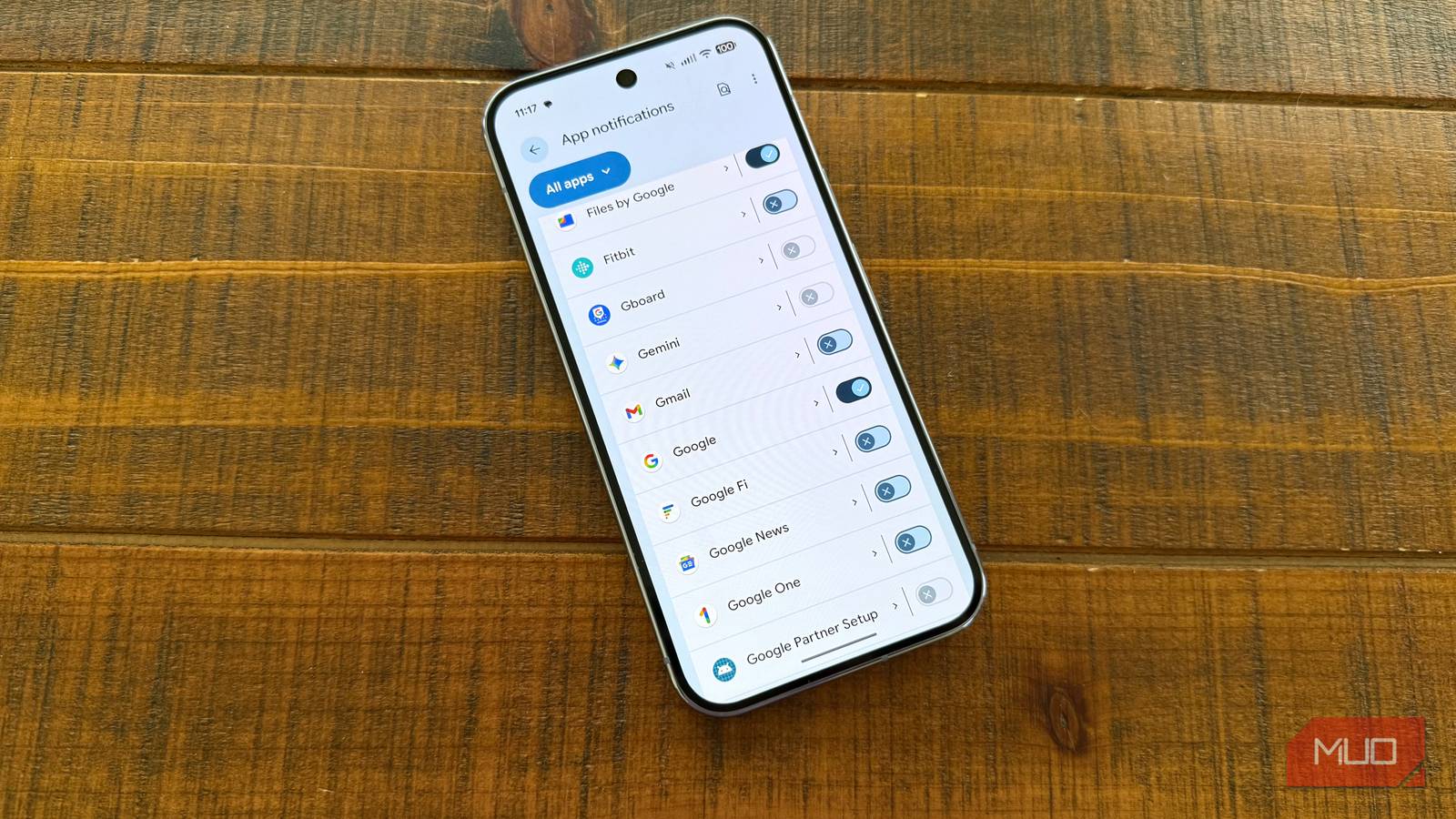
Having a healthy relationship with technology is something we all have to figure out for ourselves. I have made a few key changes to my devices to establish a “pull” relationship with technology so that I can take action on things on my terms. This is in contrast to the default “push” relationship most people have, where they get blasted with notifications and pop-ups whenever anything happens in their apps.
Before making this change, I was bombarded with notifications about everything: every Slack message, every Asana task comment, every news update, every Instagram Reel that my friends think is funny, and so on. As a result, I was having trouble being present with what really matters in life.
The difference between push and pull notifications
The real difference is peace of mind
Credit: Brandon Miniman / MakeUseOf
I want to act on notifications on a pull basis
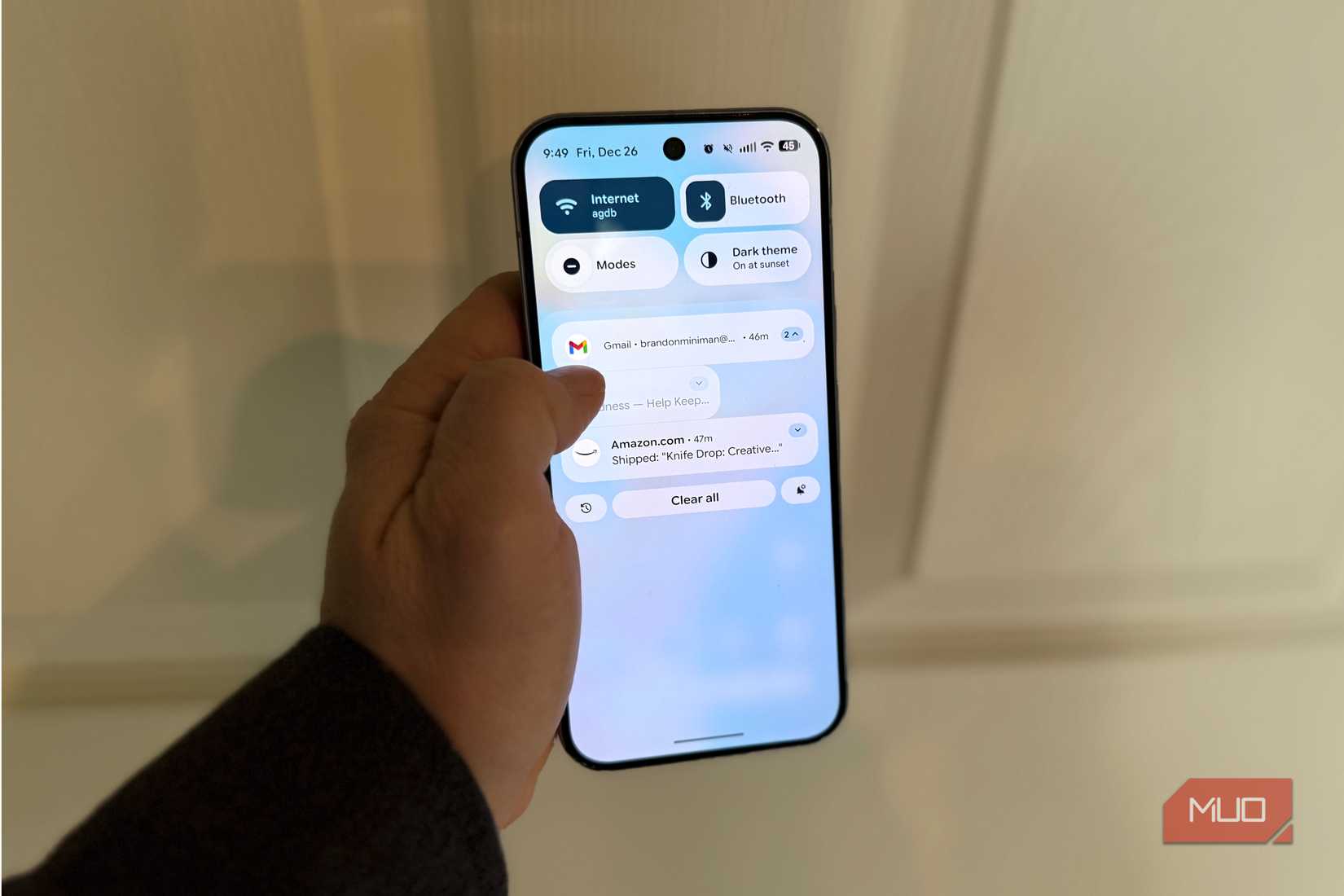
By default, our phones and devices want to “push” us notifications as they happen. That simply means that within milliseconds of someone mentioning you on Slack, you get a notification; within milliseconds of someone emailing you, there it is.
Slack is a great example of this. When I want to catch up on Slack, I want to do so with intention — when I’m ready and able to reply to messages, take in information, or get work done. It doesn’t serve me to get every Slack notification as they occur, which interrupts my day and keeps me constantly out of the moment, thinking about work. Don’t get me wrong — I take my work seriously, and I want to give it my best. But only on my terms, when I’m ready, when I’m in front of my laptop with my mouse and keyboard and my second monitor, not when I’m playing with my kids or driving or doing anything else. The same goes for Gmail, Asana, News apps, social media, and anything else. There’s very little, almost nothing, that I want to be notified about on a push basis — only phone and messaging gets this weighty privilege on my devices because it’s via phone or messages that I’m going to hear from my family and friends, since only phone and messages relate to my phone number, which I only give out to family and friends. In addition to phone and messaging, I also allow smart home apps to push notifications to me, especially related to motion detection on my exterior security cameras.
There’s very little, almost nothing, that I want to be notified about on a push basis
The alternative — being blasted with notifications anytime someone tags you in Slack or anytime any email comes through — is anxiety-provoking and will take you out of the present moment multiple times per day.
Another option: Notification Cooldown in Android
If you detest the idea of killing most of your notifications to foster a pull relationship with technology (which I’m going to suggest and explain below), you have some other options. For example, you can turn on Notification Cooldown on Android in Settings -> Notifications -> Cooldown. This feature will prevent your phone from “blowing up” if you receive a barrage of notifications from the same source. Specifically, “When you receive many notifications within a short time, your device will lower its volume and minimize alerts for up to one minute.” While this helps a little bit and you might as well keep it on by default, it doesn’t solve the problem of too many apps demanding your attention constantly.
Turn off all notifications that don’t need to be on a push basis
Hint: that’s almost everything. But you’ll have less stress
The solution here is very straightforward and simple: completely turn off notifications for anything about which you don’t need to be urgently informed. In practice, this just means going into Settings -> Notifications (whether on iOS or Android) and toggling off notifications you don’t want to be pushed.
This might seem like a dramatic change, but for me personally, having a “pull” relationship with notifications has redefined my usage of technology: I now use technology on my terms, when I’m ready, and when I don’t need to be removed from a precious moment. Time is our most limited and valuable resource. Living life with intention is important to me — I absolutely want to be a good team player and want to act on that group-wide Slack mention, but it has to be on my terms. I absolutely want feedback on my projects via Asana so I can improve, but it has to be on my terms. And changing your mind is ok too. Perhaps you get a new job that is a bit more time-sensitive in terms of assignments and tasks. No problem, head back into your notification settings and turn them back on. Both iOS and Android offer highly granular settings to adjust notifications on a per-app basis. But for me, I’m so much happier (and present!) now that I have a pull relationship with my technology.