
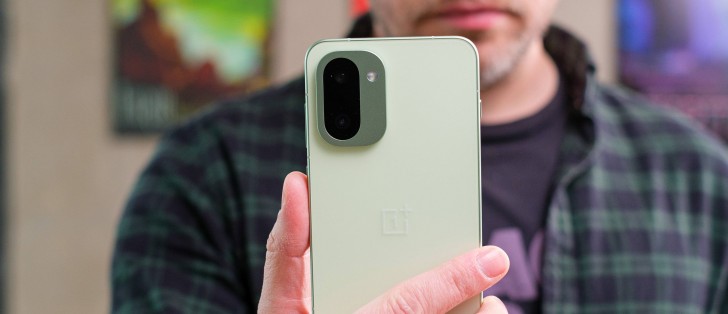
Display
The OnePlus 15R seems to be borrowing the Nord 5 display – a 6.83-inch AMOLED panel with 1272 x 2800 pixels, 10-bit color depth, and up to 165Hz refresh rate. There is support for HDR10, HDR10+, HDR Vivid and Dolby Vision formats.
The screen is protected by a flat Gorilla Glass 7i sheet.
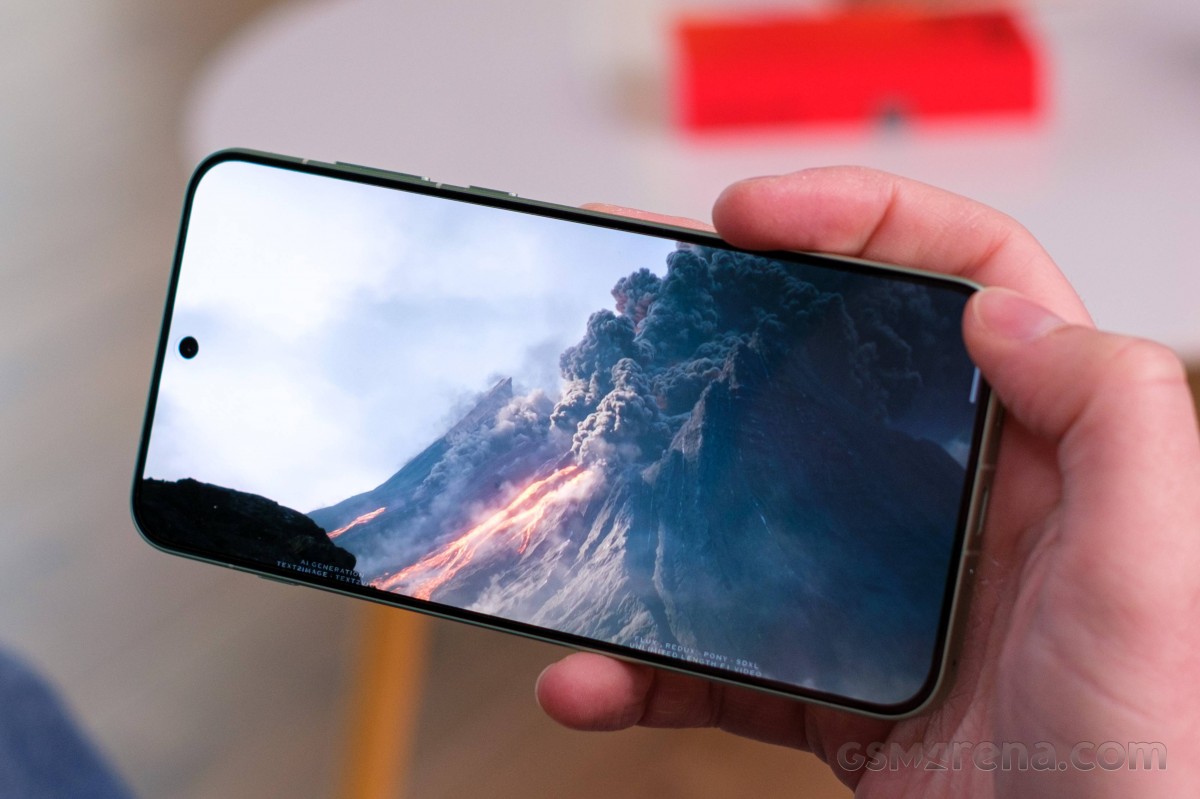
The display supports wide color gamut and adaptive colors depending on the surrounding light.
OnePlus has shared some official brightness numbers – 1,800 nits for high brightness mode (auto), and 3,600 nits for peak brightness.
We captured 794nits of maximum manual brightness, which is in line with the OnePlus 15. The minimum brightness on a white screen was 2.1nits.
Of course, there is a boost for bright ambient conditions when using Auto Brightness – we measured 1,204nits everywhere except in the gallery, where it went as high as 2,206 nits.
We tested the peak brightness with a 10% fill, and it turned out to be close to the advertised value with 3,532 nits. This peak brightness can be achieved only within media apps (Photos, video streaming).
Refresh rate
The screen settings offer three refresh rate models – Automatic, Standard (fixed 60Hz), and High. Automatic mode uses the same refresh rates as High, though upon choosing High you can configure the refresh rate for each app and thus change this behavior.
So, in both Auto and High the system will dial down to 60Hz for idle screen and it will boost to 120Hz in most cases, including UI and system apps.
Some apps, such as Chrome, Netflix, and others, will cap at 90Hz, which is a typical behavior nowadays.
Now, where is the 165Hz you might ask? This refresh rate is supported only in a handful of apps. The company lists Call of Duty, Clash of Clans, Brawl Stars, Real Racing 3, Standoff 2 and Blood Strike-FPS as natively supported games at 165Hz. That doesn’t mean all these games will run at 165 constant fps, though, but you will get the benefit from the high-refresh-rate gaming nonetheless.
HDR and streaming
The OnePlus 15R display supports HDR10, HDR10+, and even Dolby Vision standards. These are successfully recognized across all popular streaming apps, including Netflix.
Android Ultra HDR standard for displaying HDR photos with enhanced tone mapping and a brightness boost for highlight is supported, too.
Battery life
The OnePlus 15R is powered by a massive 7,400mAh battery, 100mAh more than OnePlus 15’s cell, and a notable upgrade over the (EU) Nord 5 and the 13R.
The 15R scored an Active Use Rating of 21:36h on our battery life test, taking the fourth place in our all-time chart. It was bested only by the OnePlus 15, the Find X9 Pro, and the iQOO 15. The 15R aced all of our individual tests!
Charging speed
The OnePlus 15R supports 80W SuperVOOC fast wired charging. The USB-PD standard maxes out at 55W.
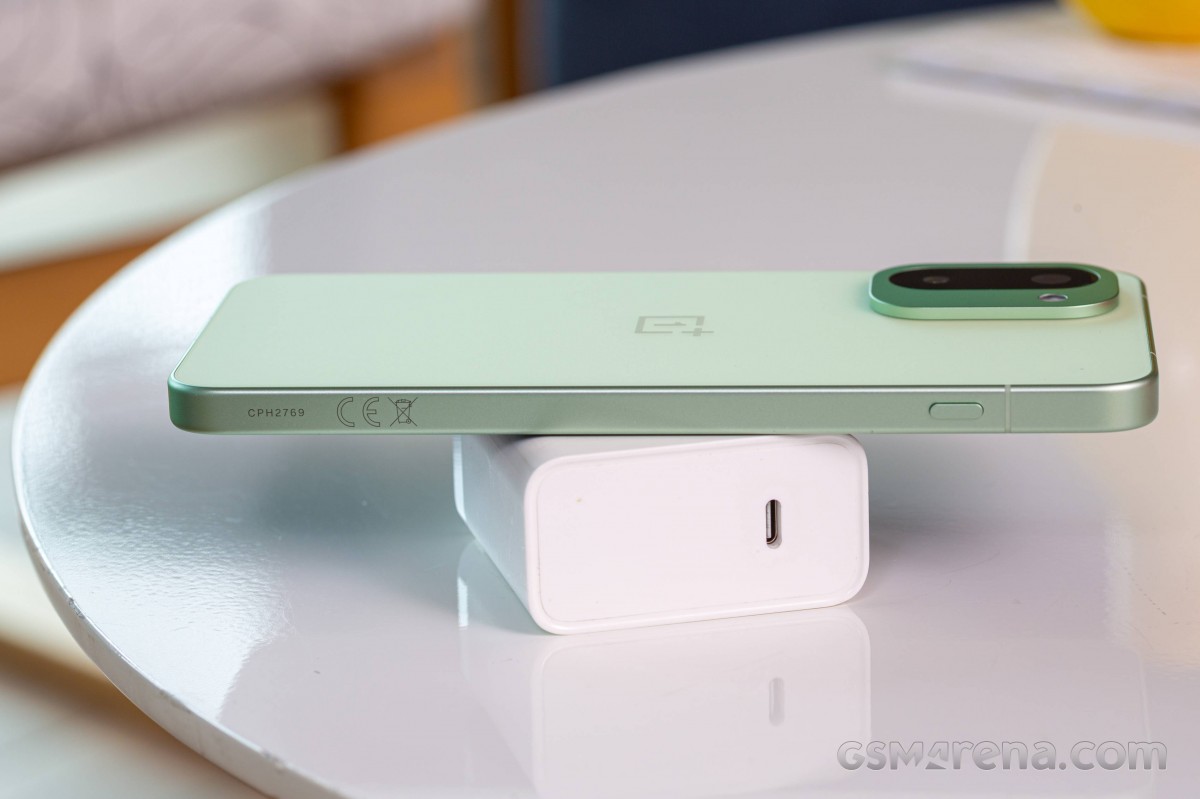
The phone ships without the 80W adapter in Europe. We had one in our office, so that is how we carried out the following charging speed test.
OnePlus advertises 1-50% in 22 minutes. And that’s exactly what we got!
The SuperVOOC adapter recharged 36% of the battery in 15 mins, 50% in 22 mins, 64% – in 30 mins, and 100% in 53 mins.
The OnePlus offers Smart Rapid Charging option, which increases the charging speed but also makes the phone heat up a bit more. We kept this feature turned on so we can get the maximum possible charging power.
Bypass charging is available, which will come in handy if you are gaming and don’t want to heat up your phone and cripple your performance.
Smart charging and charging limit are recommended options for those wanting to extend the lifespan of the battery.
Resume Charging at 95% should be kept on – this stops the charging process at 100% and resumes it when the battery drops below 95%.
Speakers – loudness and quality
The OnePlus 15R has the usual pair of stereo speakers – the earpiece pulls a double duty, and there is a more powerful second speaker at the bottom.
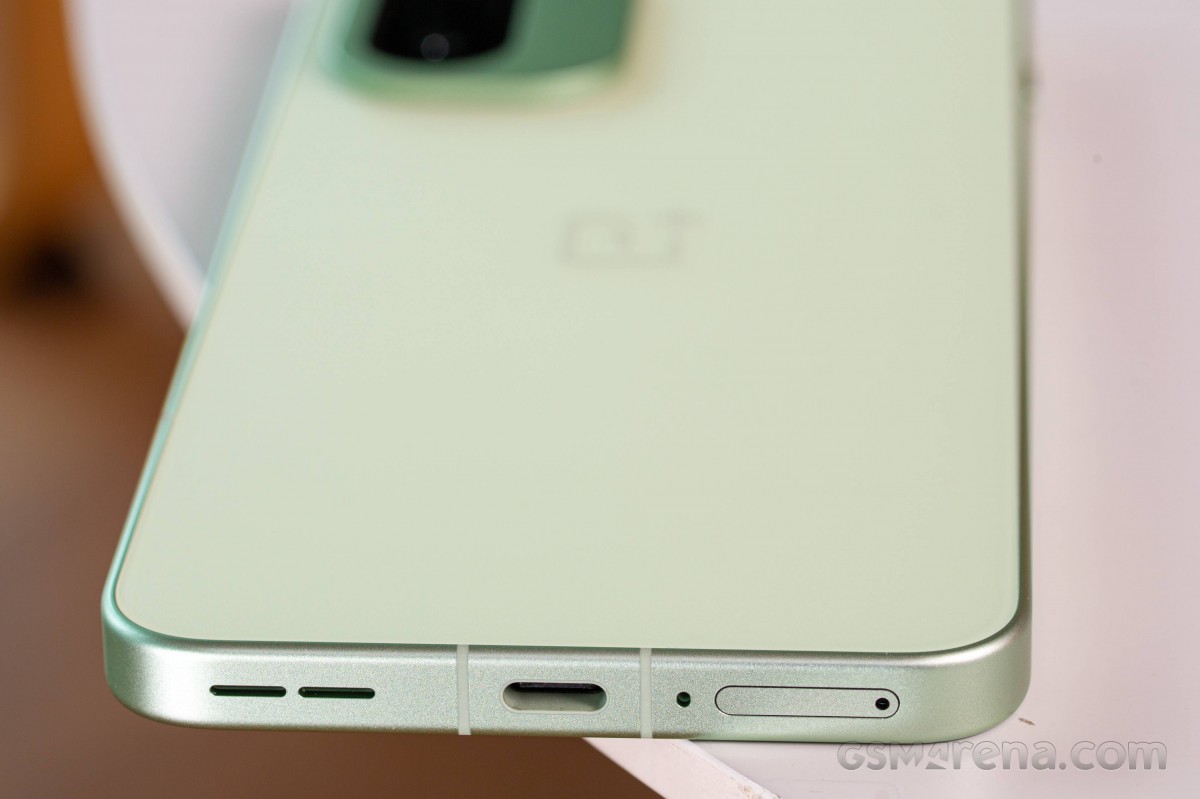
The speakers scored a Very Good mark on our loudness test. The audio quality is excellent with rich and deep output – the bass sounds nice, the vocals are great, and the high frequencies don’t go overboard.
Use the Playback controls to listen to the phone sample recordings (best use headphones). We measure the average loudness of the speakers in LUFS. A lower absolute value means a louder sound. A look at the frequency response chart will tell you how far off the ideal “0db” flat line is the reproduction of the bass, treble, and mid frequencies. You can add more phones to compare how they differ. The scores and ratings are not comparable with our older loudspeaker test. Learn more about how we test here.