
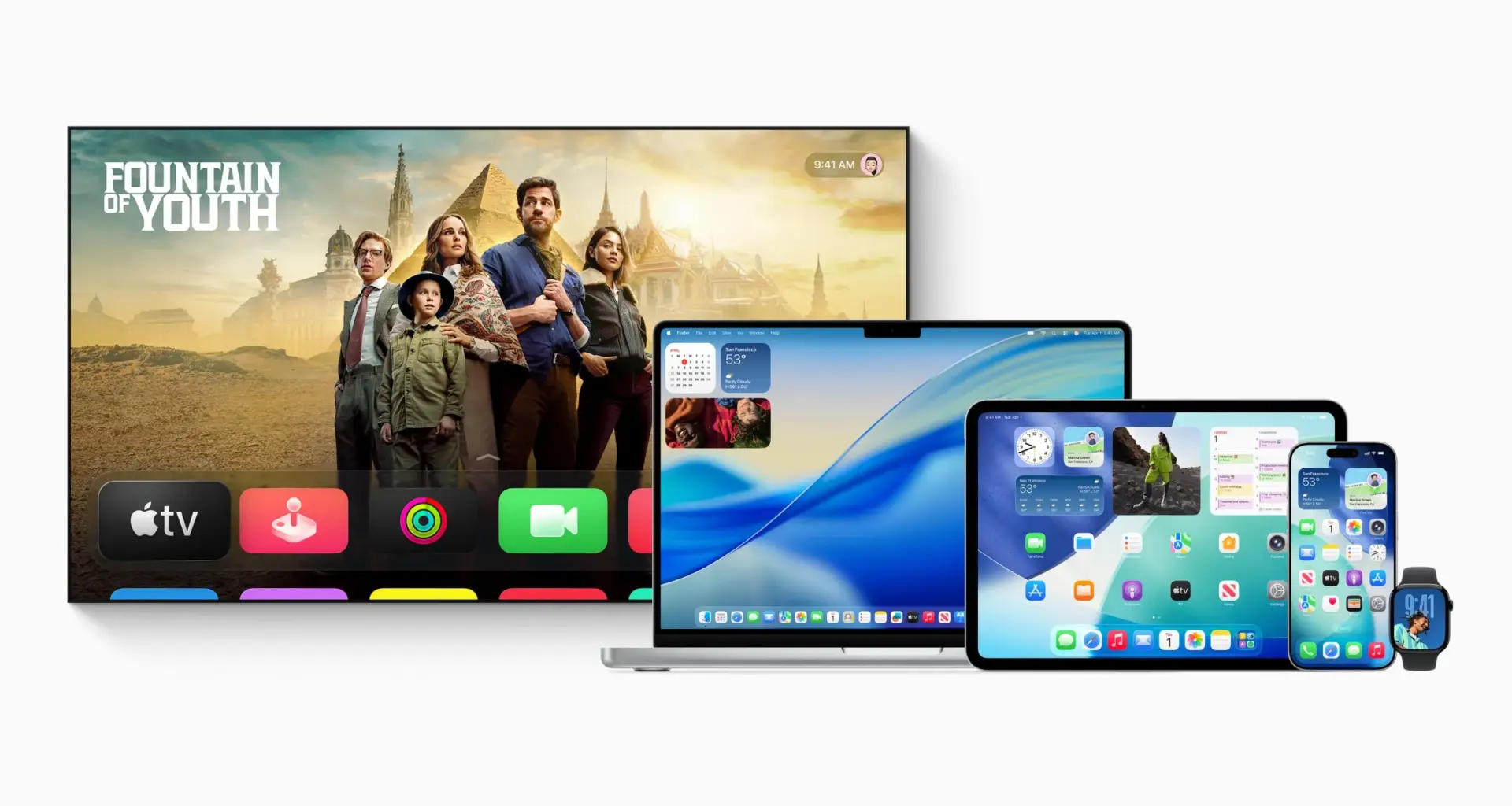
Apple has unleashed a veritable flood of software updates in the span of the last few hours, bringing compatibility with the new AirTag, a rare software patch for the iPhone 5s, and third developer beta builds for iOS 26.3, iPadOS 26.3, macOS Tahoe 26.3, watchOS 26.3, tvOS 26.3, and visionOS 26.3.
iOS 12.5.8, iOS 26.2.1, and the third developer beta build for iOS 26.3
iOS 12.5.8
This update is now rolling out to the iPhone 5s and iPhone 6, and extends the certificate required for features like iMessage, FaceTime, and device activation-related protocols to continue to work until January 2027.
iOS 26.2.1
The update brings compatibility with the new AirTag’s updated Ultra Wideband chip and bolstered Bluetooth, along with general bug fixes.
Third developer beta build for iOS 26.3
Apple has added a new “limit precise location” feature, which limits carrier visibility to the neighborhood instead of the more precise street level. The following carriers will support this feature for now:
US: Boost Mobile
Germany: Telekom
United Kingdom: EE, BT
United States: Boost Mobile
Thailand: AIS, True
Do note that this feature only works with devices equipped with the bespoke C1 or C1X modems.
Additionally, iOS 26.3 is bringing the much-anticipated facilitation for switching from an iPhone to an Android device.
We noted a few days back that the Android Canary 2512 build for Pixel smartphones included a collaboration between Google and Apple, one that made it a fairly straightforward process to switch from a Pixel device to an Apple iPhone.
An APK teardown revealed that the feature would activate during the device setup process, and allow for a seamless porting over of your personal files, which include:
Photos and videos
MP3 and audio files
Contacts stored on the device or in the cloud, including iCloud
SMS, RCS messages, and iMessages, including those with photos, videos, emoji reactions, and other attachments
Documents and downloads
Calendar appointments are stored on the device or synced in the cloud, including iCloud.
Apps at no charge, which are matched to Google Play
WhatsApp chat history
Voice memos
Notes
Call history
Home screen app layout and custom wallpapers
Device settings:
Alarms
Saved Wi-Fi SSIDs
Font size
Screen timeout settings
The following, however will not port over:
In-app purchases
Device settings, such as Wi-Fi passwords
DRM-protected music
Safari bookmarks
Paid and unavailable apps on Google Play
Some app data, such as data from apps that aren’t stored in the cloud
Apple’s iOS 26.3 is now finally bringing Apple’s implementation of the feature to the proverbial table, replete with the ability to initiate the transfer via a QR code or a session ID pairing code.
Additionally, iOS 26.3 also brings with it the ability to forward an iPhone’s incoming notifications to a third-party wearable device, further chipping away at the hardware and software moat that Apple had built for its own devices, and which now remains under a concerted scrutiny, especially from the EU’s antitrust authorities.
Of course, a given iPhone user will be able to control which apps are allowed to forward their notifications to a third-party wearable device. Also, do note that this feature only works with one wearable device at a time, which means that your Apple Watch will not receive notifications if you activate this feature for another wearable.
Other updates
watchOS 26.2.1
This update brings compatibility with the new AirTag’s ‘Precision Finding‘ feature on the wrist, which allows users with an Apple Watch Series 9, Apple Watch Ultra 2 or later variants, including the Series 11, to receive haptic and visual feedback as pinpoint guidance to the tracked item without needing to pull out an iPhone.
Miscellaneous
Meanwhile, the third developer beta builds for iPadOS 26.3, macOS Tahoe 26.3, watchOS 26.3, tvOS 26.3, and visionOS 26.3 have also rolled out. We will update this section if we discover any new features in these updates.
Follow Wccftech on Google to get more of our news coverage in your feeds.