
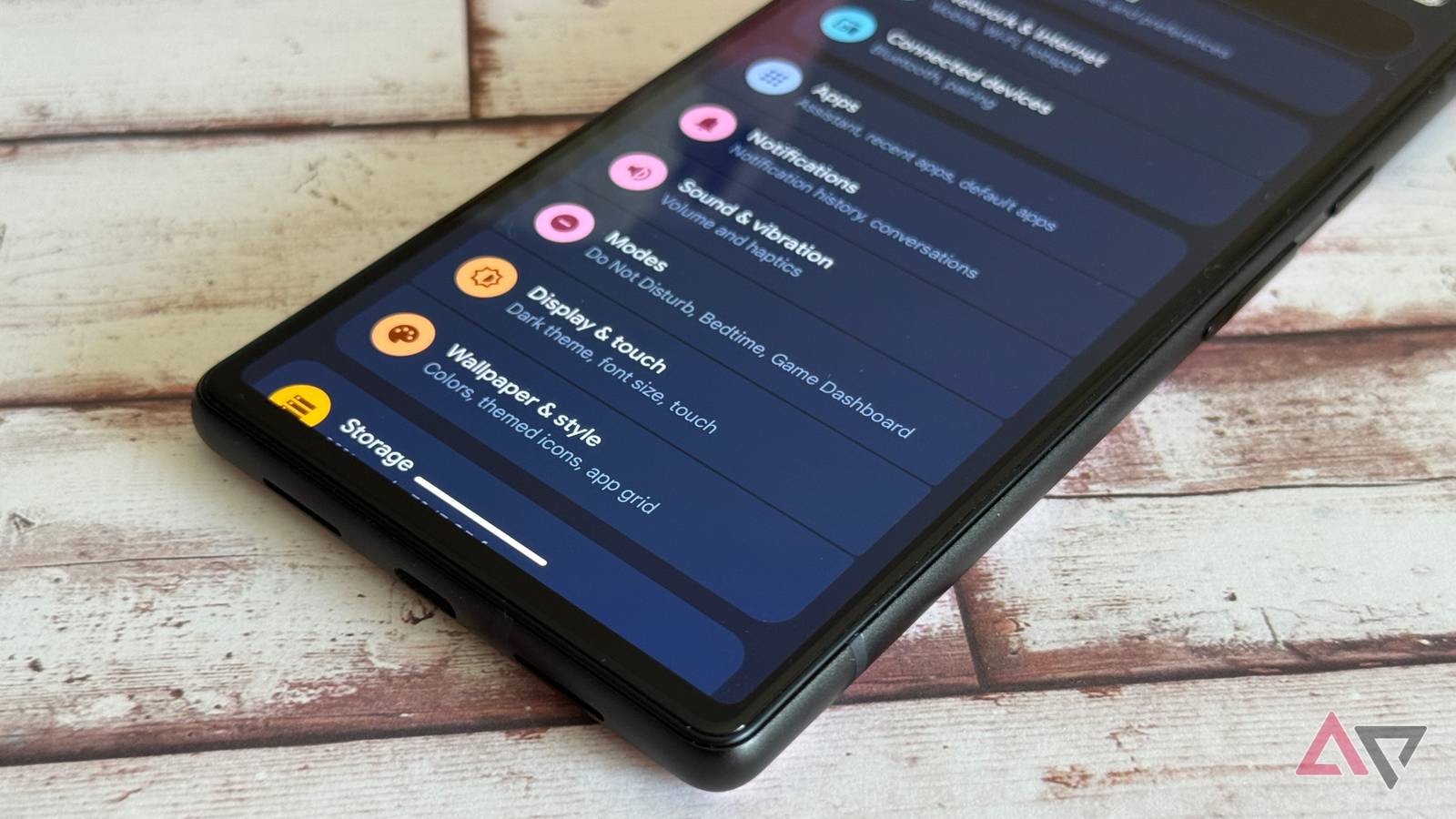
Smartphones are exceptionally customizable in the modern era. From font sizes and wallpapers to widgets and navigation systems, you can easily turn your smartphone into a device that works for you in both form and function.
They’re so customizable that it’s getting a little ridiculous. Dark mode is one thing, but as smartphone manufacturers continue to grasp at straws for new features to add in their annual announcements, we’ve started to wander beyond the practical and into the unnecessary.
That could not be truer of the new haptic sliders feature in Android 16, which takes a very simple feature and makes it customizable for the sake of customization.
Haptic sliders are here
The feature no one asked for
In the Android 16 launch last year, Google added the haptic sliders functionality to compatible devices. The feature allows users to choose from four settings — off, low, medium, and high — for the intensity of haptic feedback on their device.
That’s right, what was once a simple toggle button now offers several haptic feedback options, so that the millions of users who just couldn’t find the sweet spot between on and off can be satisfied.
In all seriousness, who is asking for this level of customizability? I genuinely can’t imagine the person who looked at the toggle option for haptic feedback and thought to themselves, “I could really use at least two more options for this one.”
Hardly haptic at all
The difference is imperceptible
To be clear, I’m fully in favor of customizable features that actually make an impact on your phone. Refresh rates, navigation systems, and dozens of other important settings can change your experience in a meaningful way.
The haptic sliders do not fall into this category.
After minutes of testing the difference between the four settings, I can ensure you that leaving this as an on-off button would’ve been just fine.
There is virtually no difference between the three On options, and you couldn’t pay me to say otherwise.
Even if there was a noticeable difference, this feature update would still absolutely fall under the “unnecessary” category.

Related
The new notification organization in Android 16 has changed my life
I’ve never known peace like this
How to use haptic sliders in Android 16
If you really need to
I haven’t made the haptic sliders feature seem very attractive in this article.
However, if you want to turn off haptic feedback on your device and need access to the haptic sliders for that reason, or if you want to test for yourself just how imperceptible the difference between these settings really is, we can help.
Getting access to the haptic sliders isn’t difficult, but as always, we’re happy to help you navigate Android 16’s many features quickly and efficiently, so you don’t have to poke around for too long to find it.
To get started, go to the Settings menu of your device. Then, select the Sound & vibration option, and scroll down until you see Vibrations & haptics.
After you click that, you’ll find yourself in a sea of sliders that can change how your device vibrates in general.
You’ll have to scroll to the bottom to find the Interactive haptics options, which will change what kind of haptic feedback you get from your device on things like swipes and clicks.
Endless customizability in Android 16
Whether you need it or not
Just a few short decades ago, the Settings menu on your mobile phone was fairly limited. You could make changes to how your phone operated, but overall, there wasn’t a lot you could customize.
In 2026, settings lists are longer than diner menus. Pages upon pages of options for nearly invisible changes, making it hard to know which ones are worth fiddling with and which ones are best left alone.
That’s why it’s important to look around. It may take a long time, but the reality is that, for every useless haptic slider, there is a supremely helpful setting that could make your smartphone experience that much more enjoyable from day to day.
Depending on how well you do with self-control, people spend hours upon hours with their smartphones, not realizing that these features under the hood could make it that much better.
Take a trek through your settings every once in a while. You could end up changing your life.