
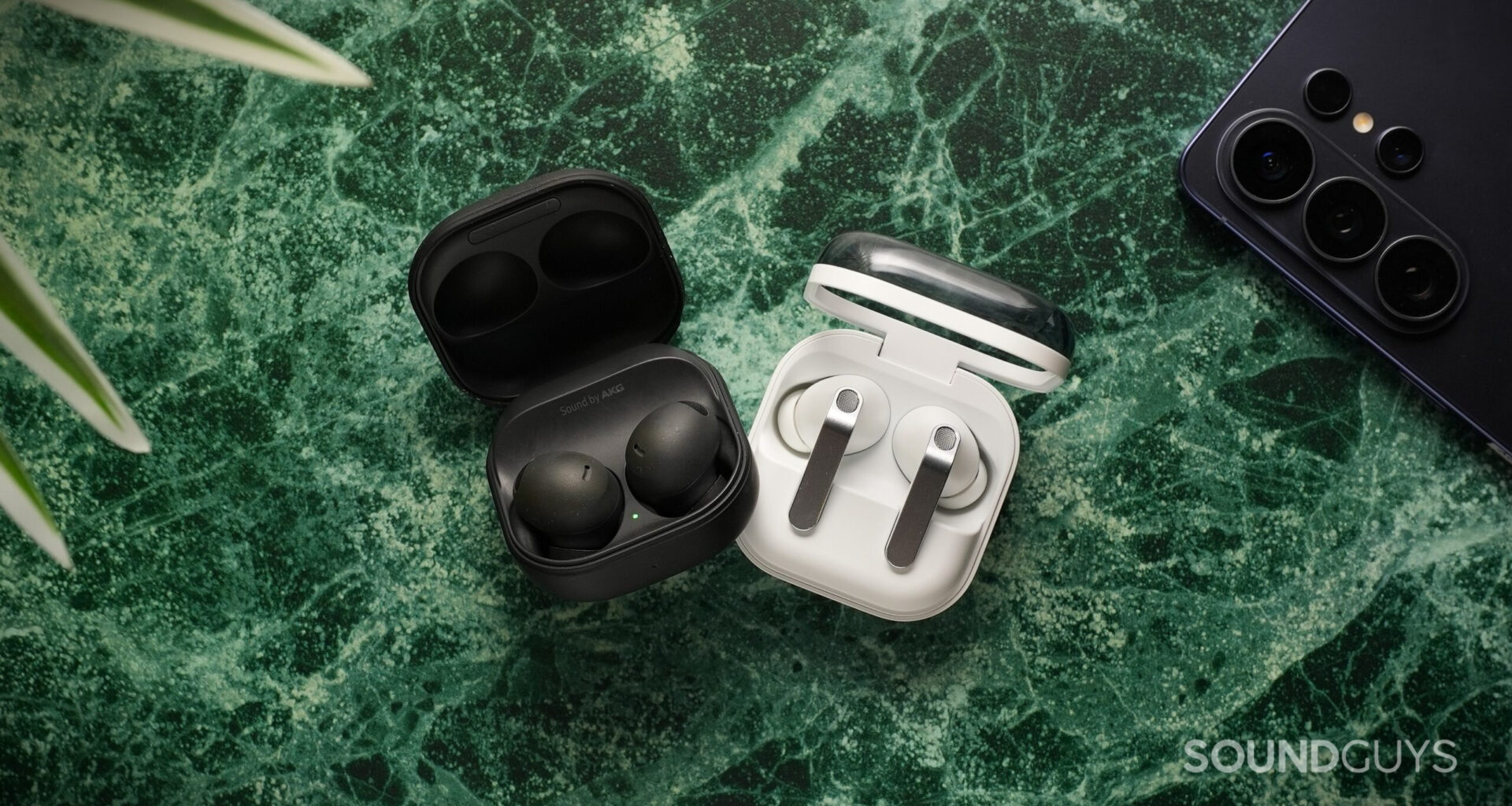
Samsung’s Pro earbuds continue to target Galaxy phone owners who want premium features, strong active noise canceling (ANC), and tight ecosystem integration. Testing the Samsung Galaxy Buds4 Pro vs the Samsung Galaxy Buds2 Pro, it’s clear that they share some DNA. However, they differ in tuning, feature access, and noise cancelation performance. Here’s an in-depth look at how they compare.
How has this article been updated?
This article was originally published on March 7, 2026, and this is the first version.
What’s it like to use the Samsung Galaxy Buds4 Pro compared to the Galaxy Buds2 Pro?
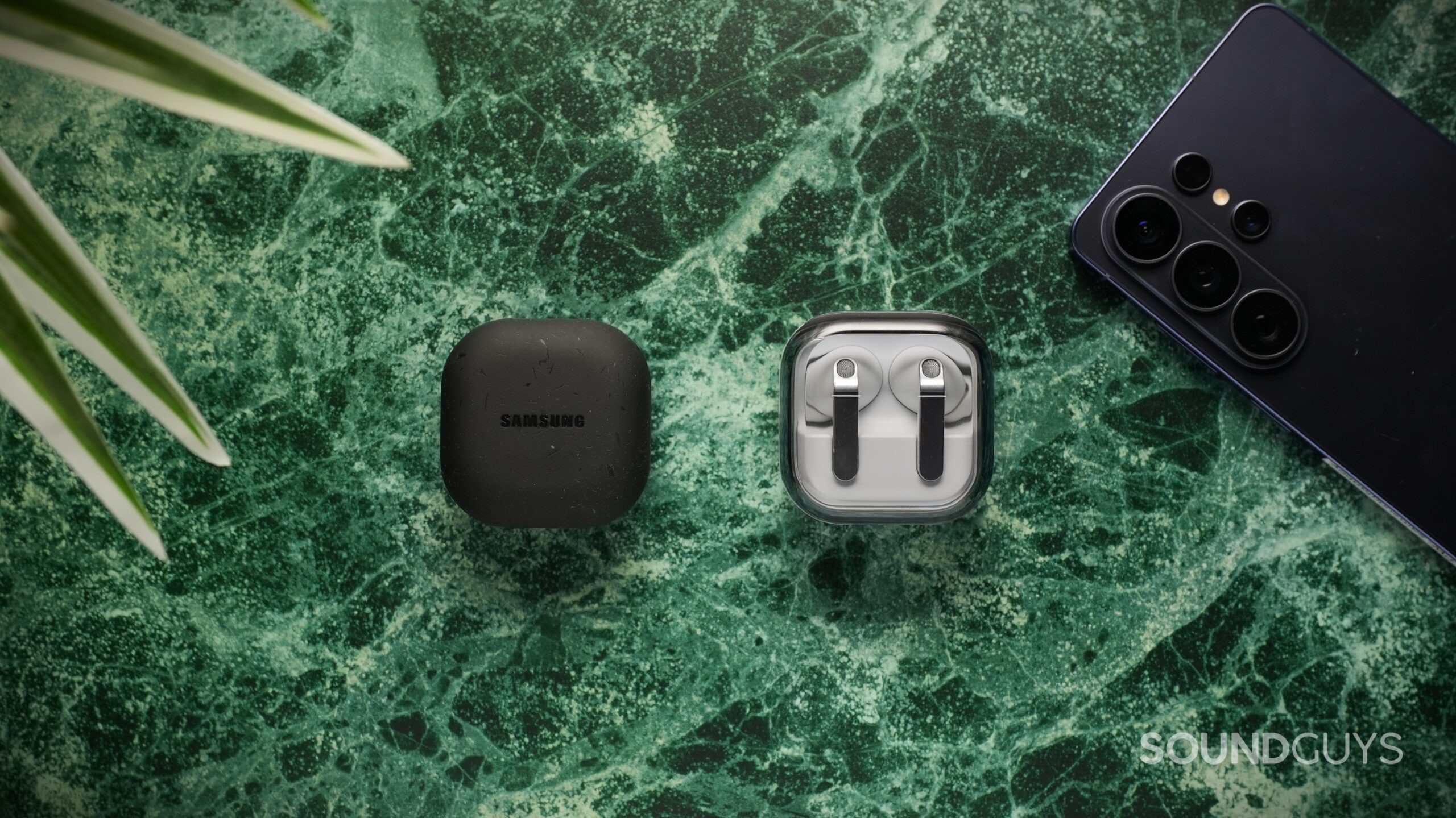
The Buds4 Pro returns to the square, clamshell case design, just with a transparent lid.
The Samsung Galaxy Buds4 Pro weigh 5.1g per earbud and feature a lollipop stem-and-bud design with silicone ear tips. They rely entirely on the ear tip for stability, as there are no fins, but I find them comfortable for long listening sessions. The IP57 rating gives them stronger dust- and water-resistance than their predecessor. The small case fits easily in a pocket and supports USB-C and wireless charging. Controls rely on pinch gestures on the stem, which I find slightly awkward, though head gestures for calls add a bit of novelty for Samsung phone owners.
The older Samsung Galaxy Buds2 Pro feature a rounded, matte design with a rubberized finish. They’re also comfortable for long stretches, though like the Buds4 Pro, they lack stabilizers and may require occasional adjustments. The IPX7 rating protects against water, but there’s no dust resistance rating. I appreciate the improved touch sensitivity compared to earlier Galaxy Buds models, though customization is limited, and occasionally the touch panels stop responding until I reconnect them. The case feels sturdy but scratches easily and attracts dust.
Do the Samsung Galaxy Buds4 Pro or Galaxy Buds2 Pro have more features?
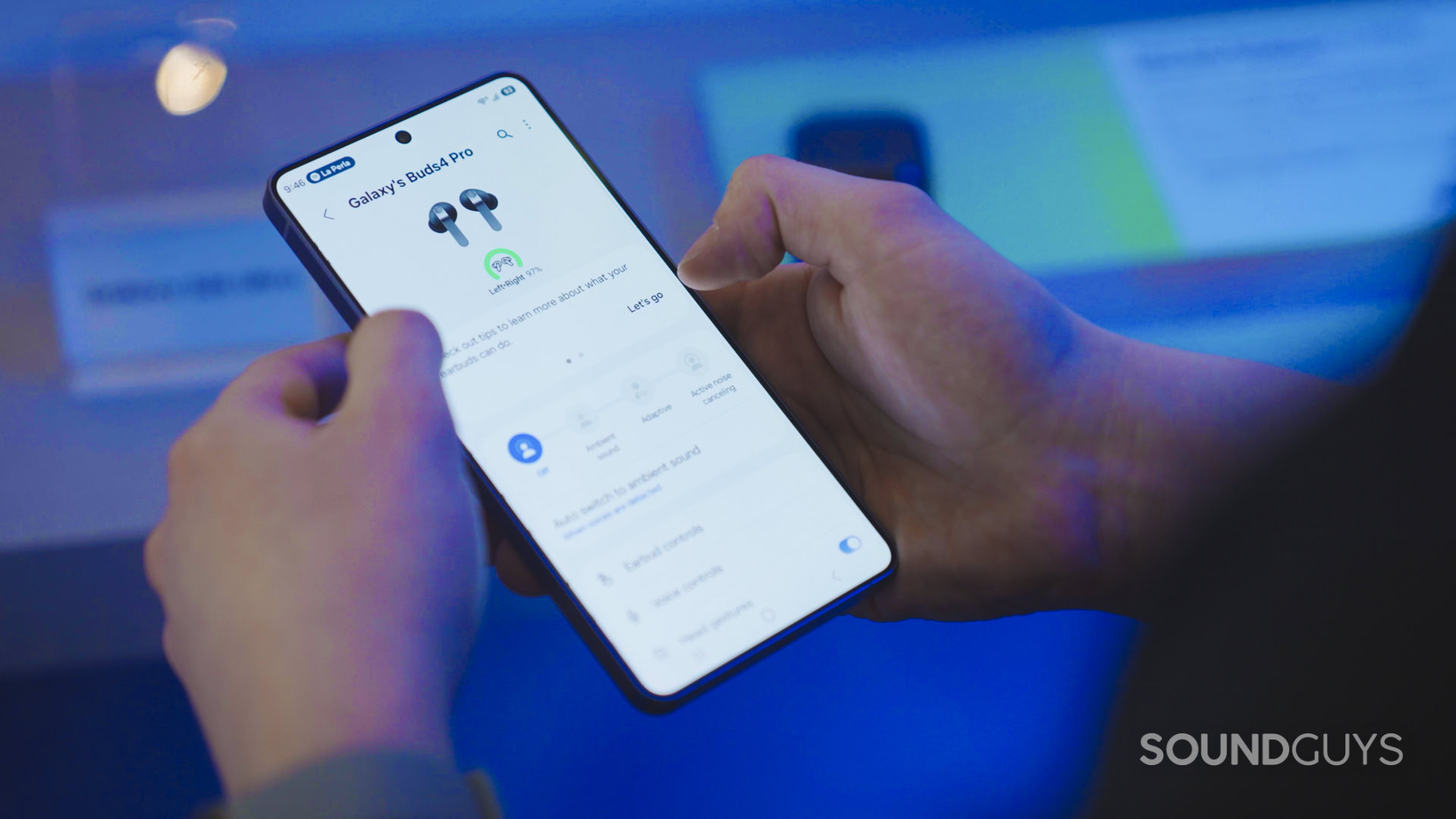
The app is the main control point for advanced options.
The Samsung Galaxy Buds4 Pro lean heavily into Samsung-exclusive features. With a compatible Samsung phone (S23 or newer with One UI 6.1.1+), you unlock Ultra High-Quality (UHQ) audio, ultra-wideband voice, Samsung Seamless Codec, spatial audio, Adapt Sound, and Auracast. Without a Samsung device, you’re limited to SBC and AAC. The Galaxy Wearable app also includes EQ options, age-related tuning adjustments, Find My Earbuds, and dialogue boost.
The Samsung Galaxy Buds2 Pro also cater to Samsung users, offering the Samsung Seamless Codec, auto device switching, 360 Audio, Intelligent Conversation Mode, notification readouts, a fit test, channel balance adjustment, and binaural recording (One UI 5.0+). However, there’s no iOS app support, and even Android users without Samsung devices lose access to SSC and auto switching. The EQ is preset-only, and control customization is restricted.
Overall, both prioritize Samsung integration, but the Buds4 Pro introduce Auracast and newer-generation UHQ features.
How do the Samsung Galaxy Buds4 Pro and Galaxy Buds2 Pro connect?
The Samsung Galaxy Buds4 Pro use Bluetooth 6.1 with SBC and AAC, plus the Samsung Seamless Codec on supported Samsung devices. However, they do not support true multipoint. Instead, switching devices requires the Samsung Wear app on each device.
The Samsung Galaxy Buds2 Pro use Bluetooth 5.3 with SBC, AAC, and the Samsung Seamless Codec (up to 16-bit/44.1kHz). They support Samsung-only auto switching between signed-in devices. Latency is minimal on both models, and neither presented noticeable delay during typical streaming in my testing.
Is battery life better on the Samsung Galaxy Buds4 Pro or Galaxy Buds2 Pro?
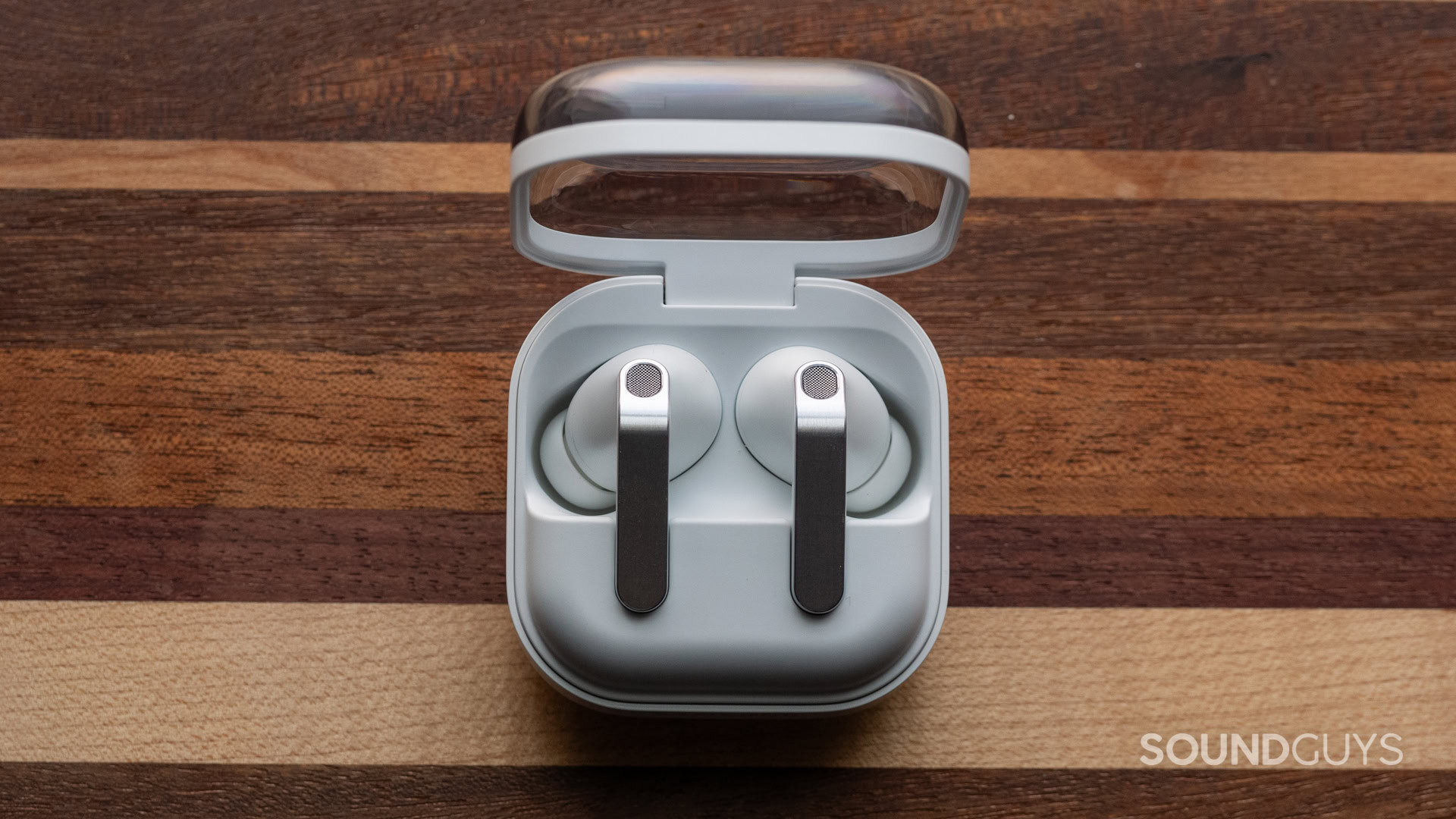
The Buds4 Pro last over 6 hours per charge cycle, outpacing the older Buds2 Pro.
In our standardized battery test, the Samsung Galaxy Buds4 Pro last just over 6 hours per charge. The 530mAh case provides roughly 3-4 additional charge cycles. Samsung advertises 6 hours with ANC on, and our result aligns closely with that estimate.
The Samsung Galaxy Bud2 Pro last 4 hours and 50 minutes with ANC enabled at 75dB(SPL), close to Samsung’s 5-hour claim. The case supports USB-C, wireless charging, and Wireless PowerShare. While usable, I find the Buds2 Pro battery life less accommodating for long, uninterrupted listening than the Buds4 Pro.
Do the Samsung Galaxy Buds4 Pro or Galaxy Buds2 Pro block noise better?
The Samsung Galaxy Buds4 Pro attenuate unwanted noise by an average of 84% with ANC enabled. There’s reduced effectiveness between 500Hz and 1.1kHz, but this is a common limitation. Notably, they improve on the Buds3 Pro by 5-10dB in that region.
The Samsung Galaxy Buds2 Pro excel at low-frequency noise cancelation, particularly below 100Hz, down to around 30Hz. In practice, they significantly reduce low mechanical noises, such as transit rumble. However, their attenuation varies across frequencies, which can produce an uneven effect. Isolation depends heavily on fit, and nearby voices remain somewhat audible.
If low-frequency ANC is your top priority, the Buds2 Pro stand out. If not, the Buds4 Pro deliver stronger all-around attenuation with measurable improvements over their predecessor.
Do the Samsung Galaxy Buds4 Pro sound better than the Galaxy Buds2 Pro?
The Samsung Galaxy Buds4 Pro have a dark tuning with over-accentuated bass and reduced treble extension. This can make busy tracks sound slightly muffled, and bass-heavy mixes may lose definition. The Galaxy Buds2 Pro boost bass to a lesser extent while also accentuating the high-end more than we would like.
Objective Measurements
The Samsung Galaxy Buds4 Pro’s frequency response shows a louder-than-ideal bass slope, even mids, and a diffuse-field-like high-end with rolloff in the highest octaves. However, you can use the EQ adjustments in the app if this isn’t to your liking. The Samsung Galaxy Buds2 Pro follow a consumer-friendly curve, close to our target through the mids, with boosted sub-bass and treble above 10kHz. I notice prominent bass and some exaggerated high-frequency artifacts on certain tracks. Still, most elements in a mix remain clear and present.
How would most people rate the sound from 1 to 5?
What do the Multi-Dimensional Audio Quality Scores mean?
Timbre (MOS-T) represents how faithfully the headphones reproduce the frequency spectrum and temporal resolution (timing information).
Distortion (MOS-D) represents non-linearities and added noise: higher scores mean cleaner reproduction.
Immersiveness (MOS-I) represents perceived source width and positioning: how well virtual sound sources are defined in three-dimensional space.
Our MDAQS results show that the Galaxy Buds4 Pro score within the “good” range. Distortion is noted as a minor weakness, but our other simulated listener scores for the Buds4 Pro are high overall.
The Galaxy Buds2 Pro score very high in Timbre and Immersiveness, with average Distortion, achieving an overall score of 4.7. While not quite as good as the Buds4 Pro, this remains among the highest we’ve tested. Between the two, the Buds4 Pro edge ahead, though both appeal to listeners who prefer emphasized bass.
Do the Samsung Galaxy Buds4 Pro or Galaxy Buds2 Pro have a better microphone?
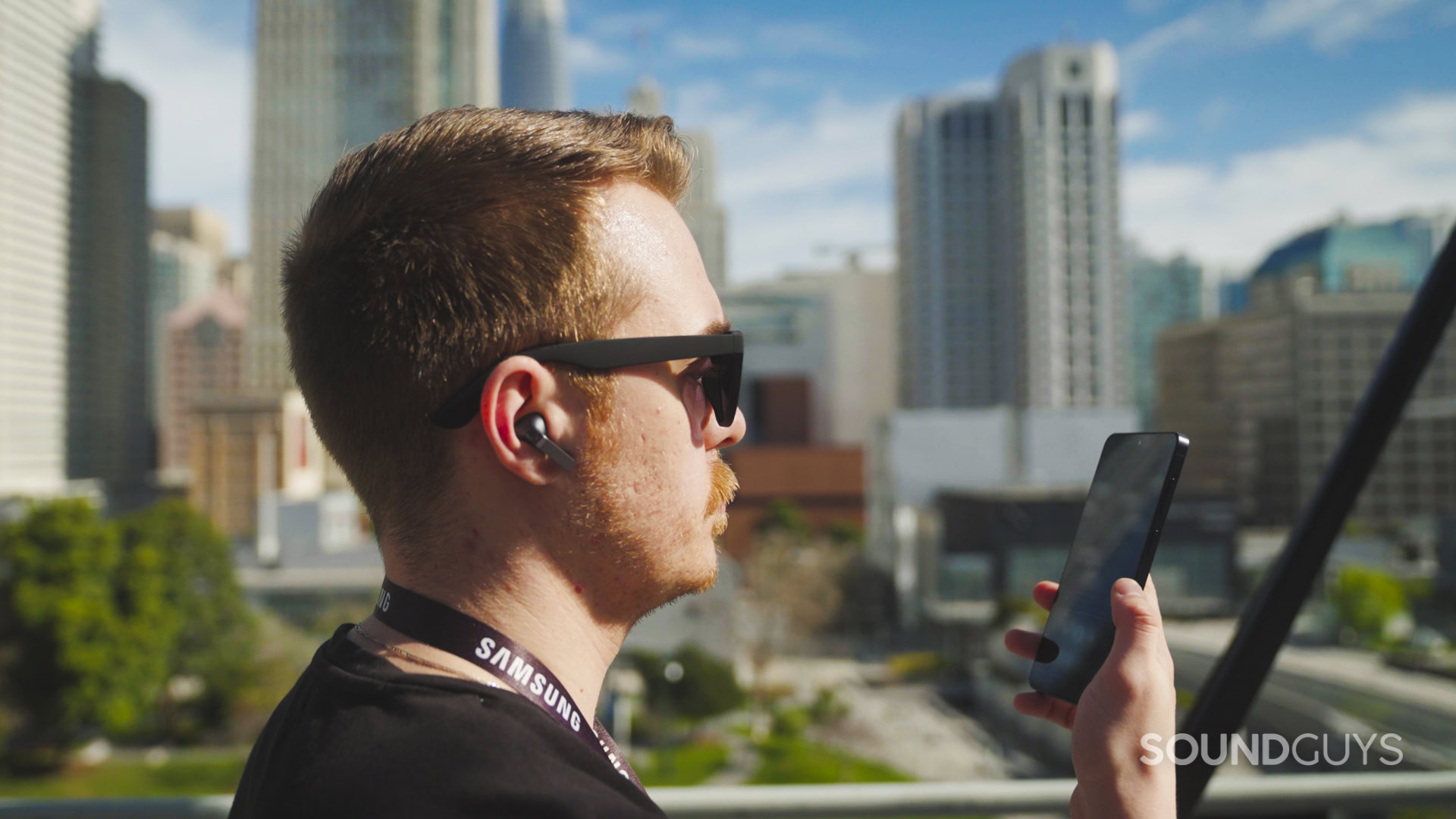
The Galaxy Buds4 Pro have better bass precision to my ears.
The Samsung Galaxy Buds4 Pro combine traditional microphones with bone conduction pickups. When properly fitted, they reduce background noise very well. However, if the bone conduction sensors don’t engage due to poor fit, wind and ambient noise become more noticeable. Ultra-wideband voice provides a 16kHz bandwidth limit but requires compatible Samsung phones and network support.
The Samsung Galaxy Buds2 Pro reject noise reasonably well, but voices can sound slightly unnatural, sometimes emphasizing plosives or producing a lisp-like quality, particularly with deeper voices. Nevertheless, Ambient sound mode during calls acts like a sidetone effect, which I find helpful.
Samsung Galaxy Buds4 Pro microphone demo (Ideal conditions):
Samsung Galaxy Buds2 Pro microphone demo (Ideal conditions):
Samsung Galaxy Buds4 Pro microphone demo (Windy conditions):
Samsung Galaxy Buds2 Pro microphone demo (Windy conditions):
Both perform adequately for calls, but neither delivers perfectly natural voice reproduction in all conditions.
Which microphone sounds better to you?
0 votes
Samsung Galaxy Buds4 Pro
NaN%
Samsung Galaxy Buds2 Pro
NaN%
Samsung Galaxy Buds4 Pro vs Galaxy Buds2 Pro: Price and availability
The Samsung Galaxy Buds4 Pro retail for $249, positioning them at the high end of the market. You’ll need to purchase a recent Samsung phone to enjoy their best features.
The Samsung Galaxy Buds2 Pro launched for $230 but are now often available for less. Feature access also depends heavily on owning a compatible Samsung device, and they make little sense for iOS fans.
Samsung Galaxy Buds4 Pro price history
Samsung Galaxy Buds2 Pro price history
Should you get the Samsung Galaxy Buds4 Pro or Galaxy Buds2 Pro?
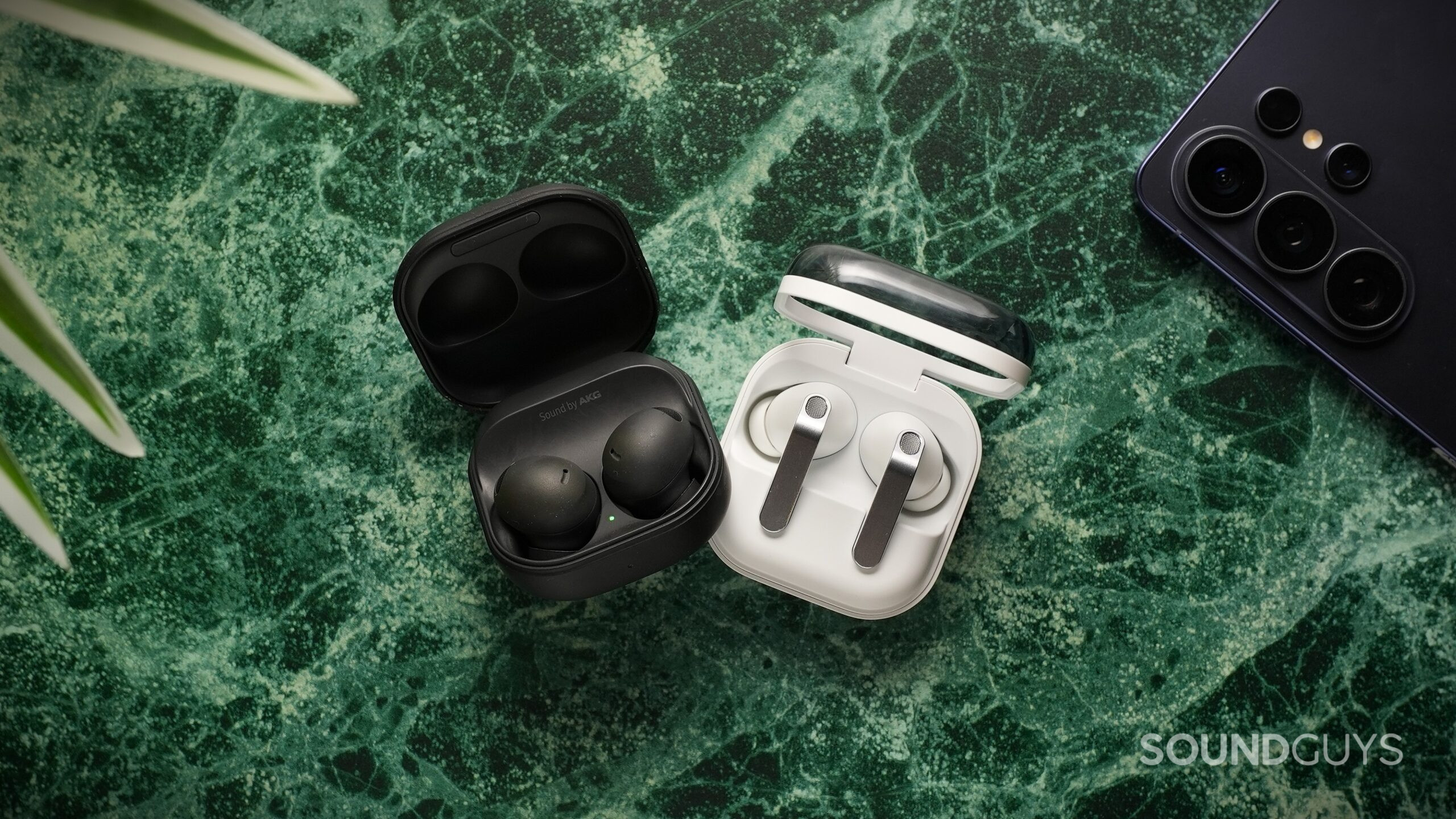
If you own a recent Samsung Galaxy phone and want industry-leading features like Auracast, Bluetooth 6.1, and Ultra High-Quality audio, the Samsung Galaxy Buds4 Pro are the more forward-looking choice. I appreciate their longer battery life and strong overall ANC, even if their dark tuning isn’t my personal favorite.
If your priority is outstanding low-frequency ANC and a consumer-friendly sound quality, the Samsung Galaxy Buds2 Pro remain extremely compelling, especially at a discounted price. However, like the Buds4 Pro, many of their best features are Samsung-exclusive.
Get the Samsung Galaxy Buds4 Pro if you:
Want future-proof functionality
Require longer battery life
Prefer lollipop-stemmed designs
Get the Samsung Galaxy Buds2 Pro if you:
Are shopping on a budget
Want excellent low-frequency ANC
Prefer a rounded, stemless design
For Samsung users, both integrate deeply into the ecosystem. For everyone else, feature limitations may steer you toward alternatives with broader codec and platform support.
Which earbuds should you buy?
1 votes
Samsung Galaxy Buds4 Pro
100%
Samsung Galaxy Buds2 Pro
0%
Thank you for being part of our community. Read our Comment Policy before posting.