
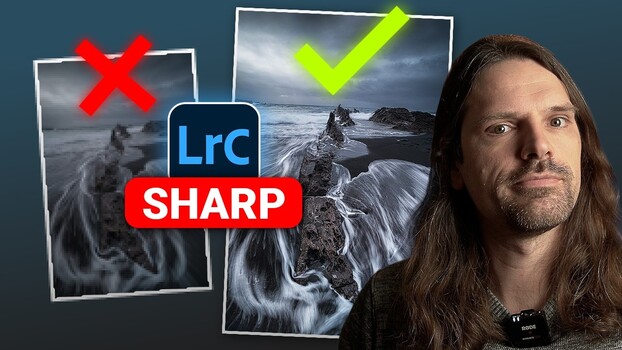
Lightroom has at least four distinct ways to sharpen an image, and most people only use one or two of them. Knowing when to use each one and how to combine them is the difference between sharpening that looks deliberate and sharpening that looks overdone.
Coming to you from Christian Möhrle – The Phlog Photography, this practical video walks through four sharpening methods in Lightroom, starting with the Details panel. Möhrle covers all four sliders, Amount, Radius, Detail, and Masking, and explains exactly what each one does in plain terms. His default starting point is worth noting: drop the Radius all the way down, bring Detail all the way up, set Masking somewhere between 30 and 70 depending on the image, then dial in Amount between 40 and 90. That workflow alone gives you a reliable, repeatable baseline instead of guessing. He also shows how holding the Alt key while adjusting the Masking and Detail sliders reveals a visual overlay so you can actually see what’s being targeted.
From there, Möhrle moves into local sharpening through masking, which is where things get more interesting. Rather than sharpening the whole image globally, you can isolate a single area, a foreground rock, an animal’s eye, a patch of texture, and apply sharpening only there. The local sharpening slider is more subtle than the global one, but stacking multiple masks on top of each other can push it further. He also covers how the Texture and Clarity sliders work as sharpening tools by boosting microcontrast, not by sharpening edges directly, but by increasing local contrast in ways that make the image read as sharper. Texture targets medium-sized details like wave patterns or sand grain, while Clarity works on midtone contrast and does especially well with moving water and dramatic clouds.
The fourth method is the one most people haven’t thought about: using tonal adjustments to manufacture the appearance of sharpness along a hard edge. Möhrle demonstrates this with a horizon line, where the sky meets the ocean. By building a mask targeting just the bottom of the sky and then pushing the Whites or Exposure up slightly, he increases the contrast between the two zones without touching a single sharpening slider. The result reads as a sharper, more defined edge. He uses the same approach on architectural subjects, manually punching up the contrast between a building and the sky behind it by using the hard edge of a gradient mask. It’s a subtle trick, but it shows up clearly in the before-and-after. Check out the video above for the full breakdown and live demonstrations from Möhrle.