
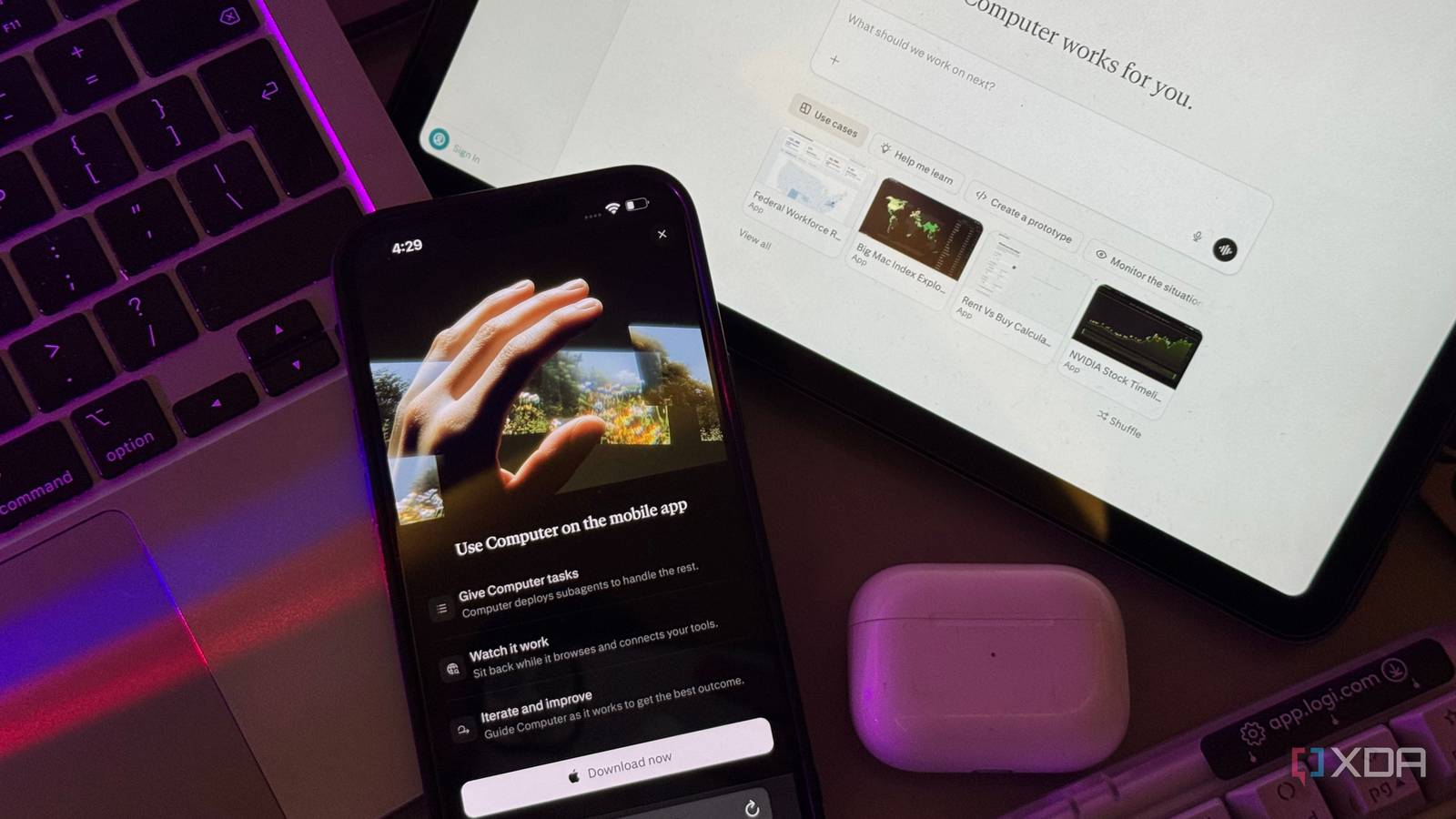
I’ve been exploring AI tools since before ChatGPT became a household name, and in the context of how fast the AI world moves, that practically makes me ancient. In all that time, I’ve developed a pretty reliable instinct for what’s genuinely useful versus what’s just impressive in a demo. We’ve now reached a stage where a lot of the tools being pushed out all look and feel the same, and just aren’t worth the average person’s time.
This is exactly why Perplexity Computer caught me off guard. I’ve been fairly vocal about how Perplexity has disappointed me over the past few months, and giving its new Computer feature a single spin was enough to win me back. I’ve been using it a lot over the last few weeks, and it’s the closest an AI tool has gotten to being my personal assistant (and no, not in the marketing-speak way every AI company promises).
Perplexity’s Computer brings the best LLMs to one platform
Over 20 models, one tool
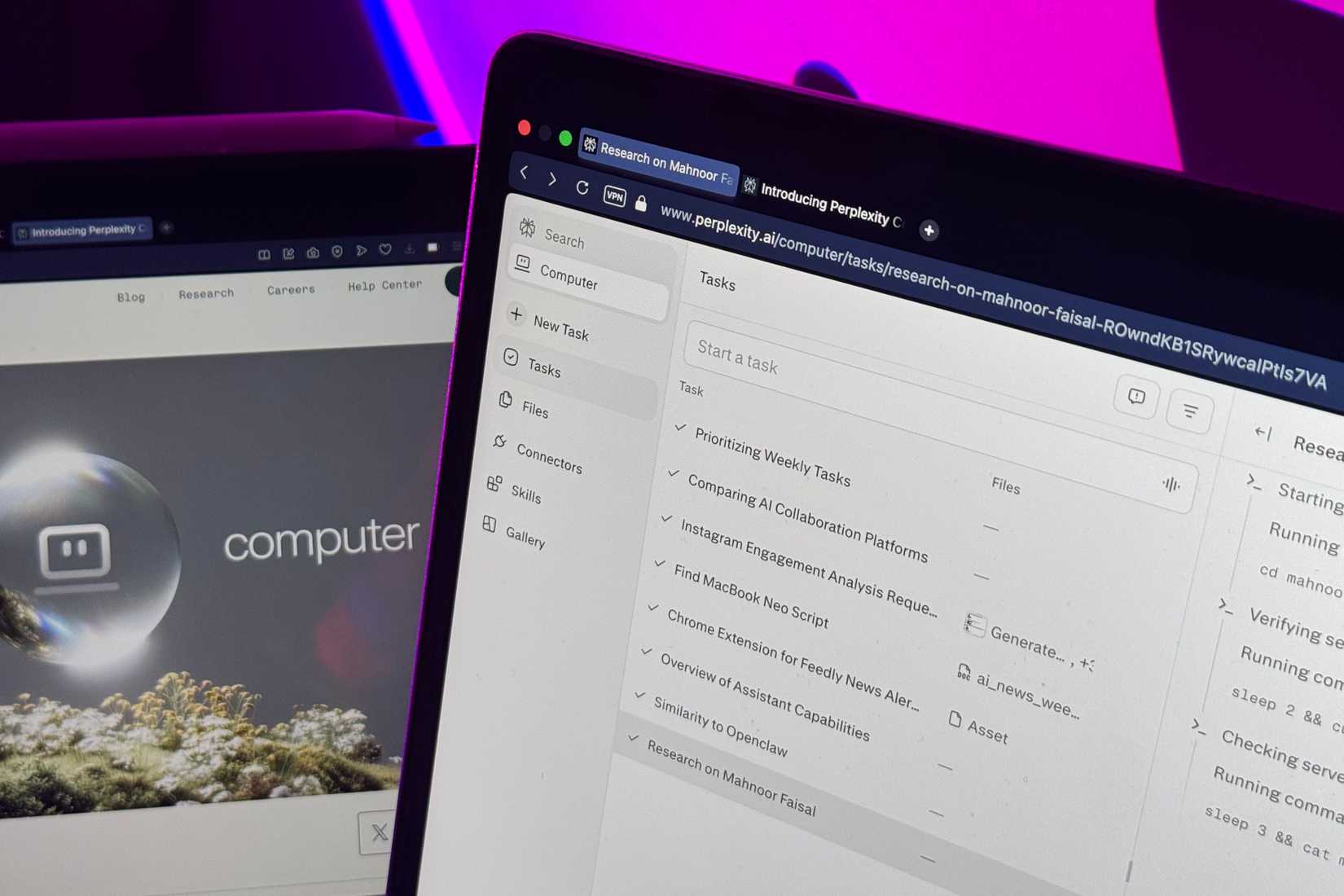
Agentic AI tools, where LLMs can use tools on your behalf rather than simply giving you instructions, aren’t new in 2026. The biggest differentiator between Perplexity Computer and the rest is that it doesn’t lock you into a single model. It pulls from the best LLMs available (it currently has access to over 20 different models) and matches each task to the one best suited for it.
It primarily runs Anthropic’s Opus 4.6 as its core reasoning engine, and then spawns sub-agents with different models for each task. For instance, you’ll typically see Anthropic’s model handling coding-related tasks, Gemini for deep research, Nano Banana for images, Grok for lightweight tasks, and so on. You can, of course, also choose specific models for tasks yourself. While Perplexity Computer was initially rolled out to only Max subscribers, it’s now also available on the Pro plan that costs $20 a month.
Voice Mode is what makes it feel like an actual assistant
Siri could never
Just as agentic AI isn’t something new in 2026, voice modes within AI tools are also certainly something that isn’t new. However, most AI voice modes are simply a different way to interact with an AI tool. Just to be clear, there’s nothing wrong with that — it’s how you’d expect a voice mode to work. You talk, it responds, and everything stays confined to the same thread you’re already in.
Perplexity Computer’s Voice Mode is fundamentally different, though. Rather than just being a voice implementation of a chatbot, it’s designed to help you interact with the Perplexity Computer interface. It handles creating new tasks, managing existing ones, and updating them with new instructions. Voice Mode also lets you know when tasks get marked as completed, when they need your input, if they’re pending, or if they run into an issue that needs your attention.
So for instance, you can keep it turned on and just go about your work. When you think of something, you say it out loud. For instance, “draft a follow-up email for xyz client,” “build a portfolio website for me,” “look up the latest statistics about xyz” — you get the point. It’ll then instantly create new tasks that run in the background. You can then continue doing your thing, and Voice Mode will keep you posted as things get done, all without you ever leaving what you were already doing.
For instance, I have Perplexity Computer connected to my Gmail and Google Calendar. I have Voice Mode enabled as I type this, and I quickly asked it to tell me what I have on my calendar for the next week and what tasks I was assigned for the next week (it’ll find them in my email). It created a task for it, and once it was done, it just read its findings back to me! If I want more details on something, I can just ask it to update the task. If not, I move on!
The whole exchange took less time than it would’ve taken me to open my calendar and my email and read through the two. The best part is that it reduced the context-switching I’d have needed to do otherwise. For someone like me who gets distracted extremely easily, this is a bigger deal than it probably sounds. The number of times I’ve opened my inbox to check one thing and emerged twenty minutes later having done everything except what I meant to do is embarrassing.
Multiple tasks can run in parallel, and they can also keep running once I turn off my computer! When I first tried Computer out, Voice Mode didn’t exist yet. And while I was impressed with Computer already, the addition of Voice Mode turned it from a powerful tool into something that genuinely feels like an assistant sitting with me.
Computer connects to over 400 apps
Connects to more tools than you even use
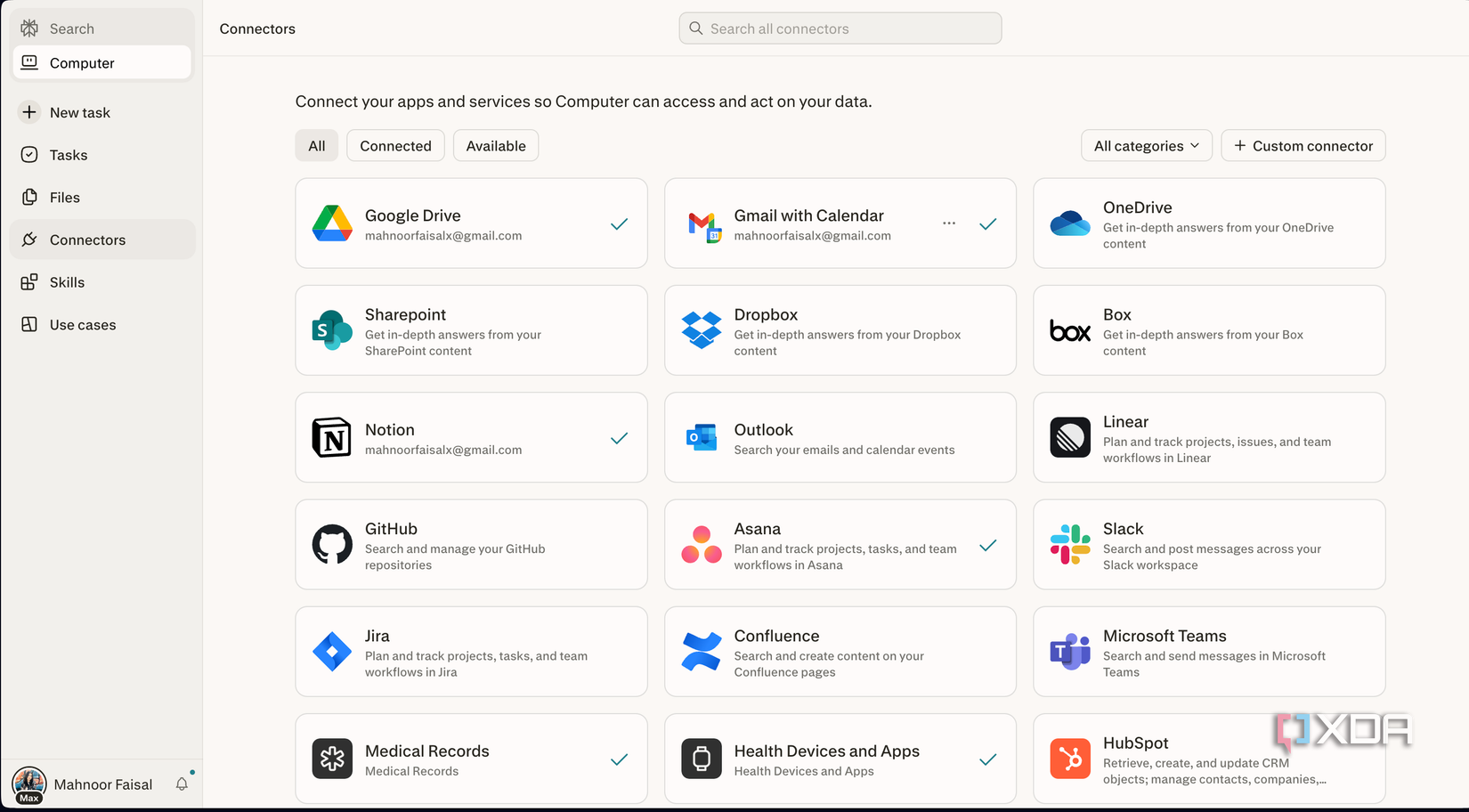
An assistant is no good if it doesn’t have access to the tools you live and breathe in. My problem with agentic AI tools in the past has always been that the way they connect with your daily tools feels clunky. You need to do a lot of the heavy lifting yourself, constantly need to authorize actions, and half the time the integrations either break or don’t support the specific tool you need.
Perplexity Computer is one of the first times (beyond Claude Connectors) where I’ve felt like the integrations actually work. It supports over 400 app connectors including Gmail, Google Calendar, Google Tasks, Spotify, Notion, GitHub, Salesforce, and way more. You authenticate once, and from that point on, Computer can pull from and act on those tools without you constantly reminding it! I have Perplexity Computer connected to almost all the tools I use daily, and with Voice Mode, I can interact with all of them using just my voice!
Computer burns through credits extremely quick
Now, Perplexity won me back big time with Computer. As impressive as it is though, my biggest complaint with it is that the credits run out fast. Like, really fast. The amount of credits you get are already fairly limited, especially for the kind of tasks the tool encourages you to do with it. It’s the one thing holding Computer back from being a no-brainer recommendation.