
Summary
The Task Manager in Windows 11 Dev build 26300.8142 gains NPU monitoring.
The update adds optional NPU, NPU Engine, and Dedicated/Shared memory columns
The Processes and Details pages get an ‘Isolation’ column showing AppContainer status.
Windows’ Task Manager has been a key part of the operating system for decades now, but it has the issue of needing to keep up with all the modern-day innovations that we couldn’t imagine happening ten years ago. For instance, it’s totally possible for people to pick up a new computer equipped with a Neural Processing Unit (NPU), which joins the CPU and GPU as a dedicated chip for handling AI tasks.
As such, the Task Manager wasn’t properly equipped to show you what was going on with your NPU, which is a shame, given how the chips are a key part of Microsoft’s Copilot+ PC initiative. Fortunately, a new patch has arrived on the Windows 11 Dev channel that gives you more information on how your AI processor is doing.
Related
Windows 11’s new Canary feature makes setting up power plans a lot easier
Global settings actually become global.
NPU stat tracking in Task Manager finally arrives on Windows 11’s Dev build
You can now see a lot more information with it
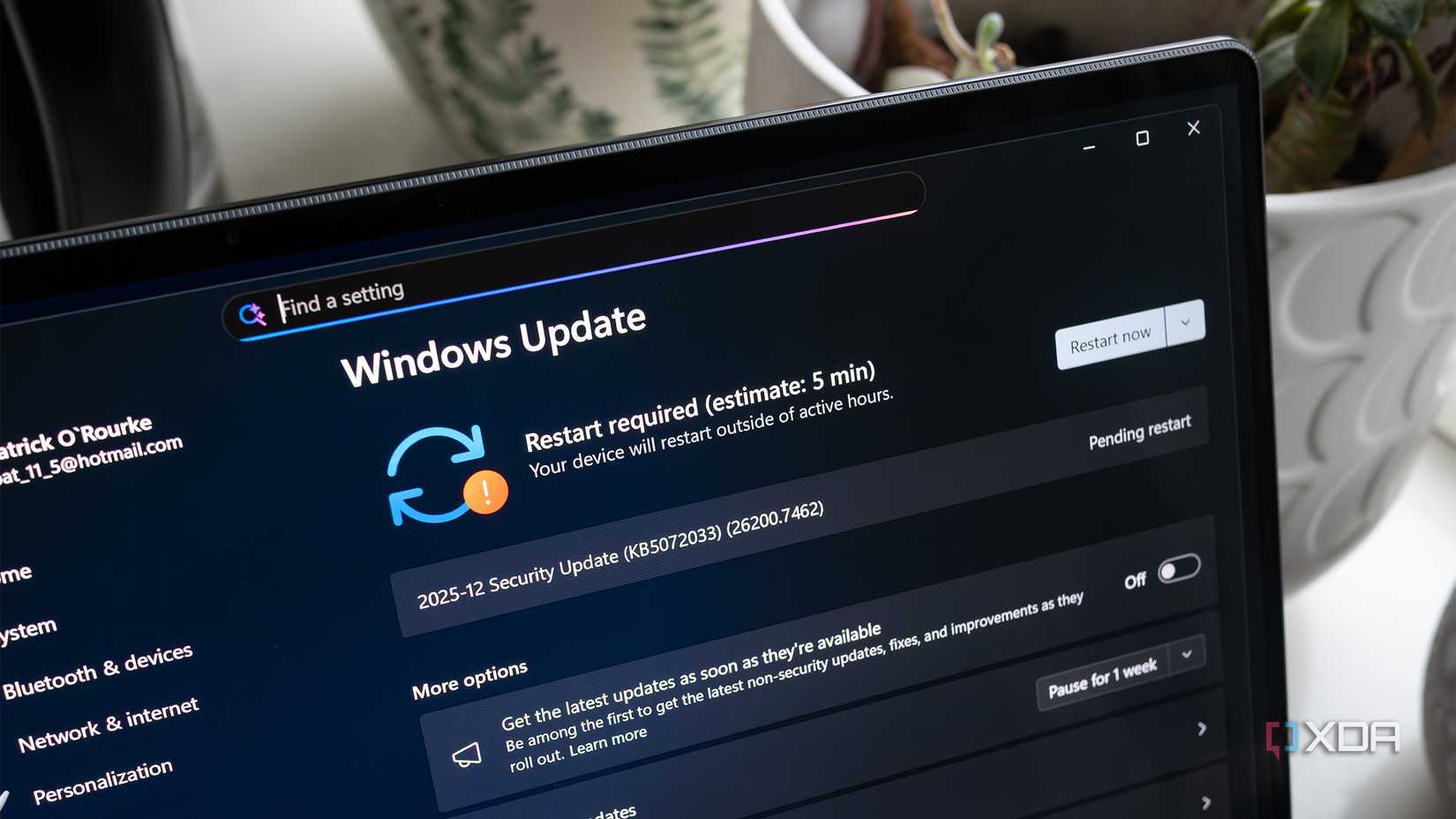
The change comes as part of Windows 11’s Dev build 26300.8142. The Dev build is one of the stages of the Insider program, sitting between the cutting-edge Canary build and the more stable Beta build. As such, this build won’t be arriving on everyone’s computers for a little while now, but it’s good that Microsoft is working on it.
As part of the 26300.8142 build, Insiders will notice that their Task Manager will have more to reveal about how their NPU is doing:
We’re updating Task Manager to provide better insight into NPU usage for PCs that include an NPU. New optional NPU and NPU Engine columns are now available on the Processes, Users, and Details pages. The Details page also adds NPU Dedicated Memory and NPU Shared Memory optional columns to give you deeper visibility into how workloads are using NPU resources. Additionally, if there are neural engines that are part of a GPU, they will now appear on the Performance page, providing a more complete view of AI‑related system activity.
Both the Processes and Details pages will also feature a new, optional ‘Isolation’ column. This will show you which of your apps is currently running in an AppContainer.
The update should be rolling out to Dev Insiders right now, so be sure to give your PC an update to get this new feature. And if you’re not part of the Insider program but you’re curious, we’ve explained how the Windows Insider program works and how to join it.
Related
The tech giant says it’s listening to user feedback.