
Regardless of what you do, I’m sure at least one app idea has crossed your mind over the years. Perhaps a random frustration you faced at 2 AM and thought “how is there still not an app for this” and scribbled it into your Notes app. Or you saw someone else’s app blow up and quietly muttered “I had that idea months ago.” Maybe you have a running list of random app ideas somewhere — ideas you swore you’d build when you have the time to learn how to actually code. Well, in 2026, you don’t really need to go the traditional route anymore. You don’t need to commit hours to learning how to code or paying a handsome amount of money to an app developer to build their version of your vision.
Hundreds of AI-powered app builders now exist that claim all you need to do is describe your idea in plain English, and the AI will go ahead and build it for you. Three of the biggest names leading this space right now are Replit, Lovable, and of course, Claude Code. Now, if you’ve been wanting to finally bring your app ideas to life, you’ve likely seen people swearing by each of these tools. So, to see which one actually delivers the best results, I decided to put them to the test by using each to build the exact same app. Here’s how it went…
But I kept it intentionally vague
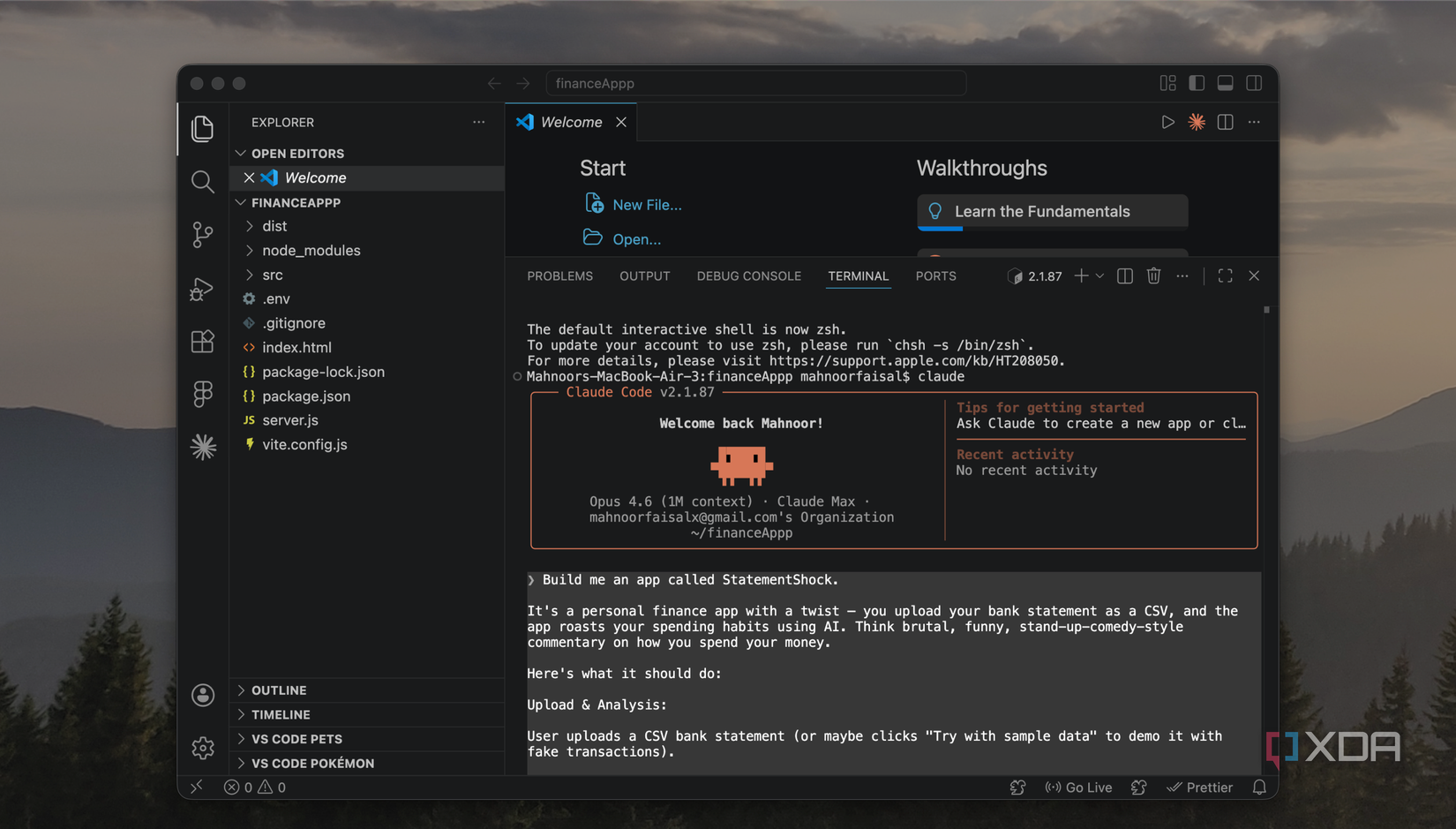
When I’m vibe-coding, I’ve found that the best way to get results that match my exact vision is having incredibly detailed prompts. I don’t necessarily mean longer prompts, but I mean a value-rich prompt that clearly communicates what you want. The more context you give, the less the AI has to guess and the closer the output lands to what’s in your head. But for this test, I deliberately went the other way.
I kept the prompt a bit vague on purpose. If my prompt covered every detail down to the exact colors, the specific libraries, the precise layout of every page, then I’m doing most of the “thinking” part for the tool and any halfway decent AI would produce roughly the same result. I wanted to more-so see how each tool interprets a rough idea I have, and then what it whips up. How functional is the app it creates on the very first go? Do the features work as I envisioned? Is it a solid enough first prototype to genuinely capture what I had in mind?
While a lot of the answers to these questions come down to the exact prompt I’m using, the average user who wants to build an app isn’t going to go through all that hassle. They’re going to describe their idea the way they’d explain it to a friend. So, that’s exactly how I wrote the prompt.
The idea I had was an app where you upload your bank statement as a CSV and the app roasts your spending habits, categorizes your transactions, gives you a letter grade, and generates a brutally funny AI-powered breakdown of how you spend your money! It also lets you track your letter grade over time. So, while the idea was more or less an AI wrapper, it still touches enough real complexity to be a fair test! In my prompt, I mentioned the core features I wanted but I left out things like specific design direction and what tech stack to use.
Claude Code is the only one that passed the real-world test
Isn’t that what really matters?
Let’s begin with the tool that impressed me the most in this test, and the one I think is genuinely worth using for something like this (even if you’re a beginner): Claude Code. All three of the tools handled the sample data I had asked for just fine, which isn’t surprising at all. The sample data is quite literally fake data that the tool itself generated, so of course it knows how to parse it! The real test was what happens when you upload a bank statement as a CSV file! That’s real-world data in a format that the tool isn’t accustomed to, and it’s what helps determine whether the app actually works or just looks like it does.
I exported my own bank statement as a CSV and uploaded it to all three, and Claude Code was the only one that handled it properly. It did get the currency wrong, but that’s more-so something I should have specified in the prompt! For Replit and Lovable, I had to go in and follow up with additional prompts just to get them to parse the CSV correctly. On the other hand, Claude’s version handled it perfectly on the first go! Claude’s version of the roast was also the best out of the three!
Related
I cancelled my ChatGPT, Perplexity, and Gemini subscriptions for Claude — and I should have sooner
Wish I did this sooner.
The output was also the only version to have a neat graph of daily spending, and had an extremely interactive interface that was nice to look at! That said, I do think the UI looked very generic and you could tell it was vibe-coded. It had that classic look that every vibe-coded app ends up with these days, and I think this is something Replit and Lovable handled better. Claude Code was the tool that took the longest to complete building this app out, but given that the end result was the most functional and the most complete of the three, I’d say the extra time was well worth it.
Replit’s output looked the best
But it didn’t actually work
Honestly, when Replit’s version first loaded, I thought it was going to win. The UI was the best out of the three. For example, it had this Mac-style window frame around the roast section, complete with the little traffic light dots at the top. The roast would appear as if it was being typed out in real-time, like a typewriter effect, which was a really nice touch and made the whole experience feel more dramatic and fun. Ironically enough, despite the roast section being my favorite design element of the app, it was also the most broken part.
Instead of actually displaying the roast as readable text, it dumped the raw API response straight onto the screen! All it took was one more prompt to fix it, but that’s exactly what I was trying to put to the test here! When youre comparing tools based on what they produce from a single prompt, details like this certainly matter. Like I mentioned above, the file upload also didn’t work with my actual statements on the first try. Again, fixable with follow-up prompts, but that’s two core features that needed extra work.
Lovable was the fastest to build
But the output was just okay
Lovable was the first tool to finish building, and the app it produced had a working roast feature. The UI of the tool was definitely clean, but it didn’t really stand out. It did sort of give the vibe-coded look I was talking about earlier, and just looked like every other AI-generated app you’ve seen. The roast itself actually worked, so it’s clear that Lovable handled the AI integration better than Replit on the first go. However, just like Replit, it couldn’t parse a real CSV file initially.
So essentially, Lovable didn’t have Replit’s design edge or Claude Code’s functionality and essentially sat somewhere between the two. It’s definitely the tool I’d turn to when I need a quick working prototype given how fast it was to finish, but if I’m building something I actually want to use or show to people, I’d rather wait the extra time and go with either Claude or Replit.
To be fair, Replit and Lovable are free to try
Now, while you can try Claude out for completely free, Claude Code (which I used for this test) requires a paid subscription. So if you’re just exploring and want to test the waters without spending anything, Replit and Lovable both have free tiers that’ll let you build something like this without paying anything. But if you’ve got an idea you’re actually serious above, Claude Code is the one I’d recommend!