
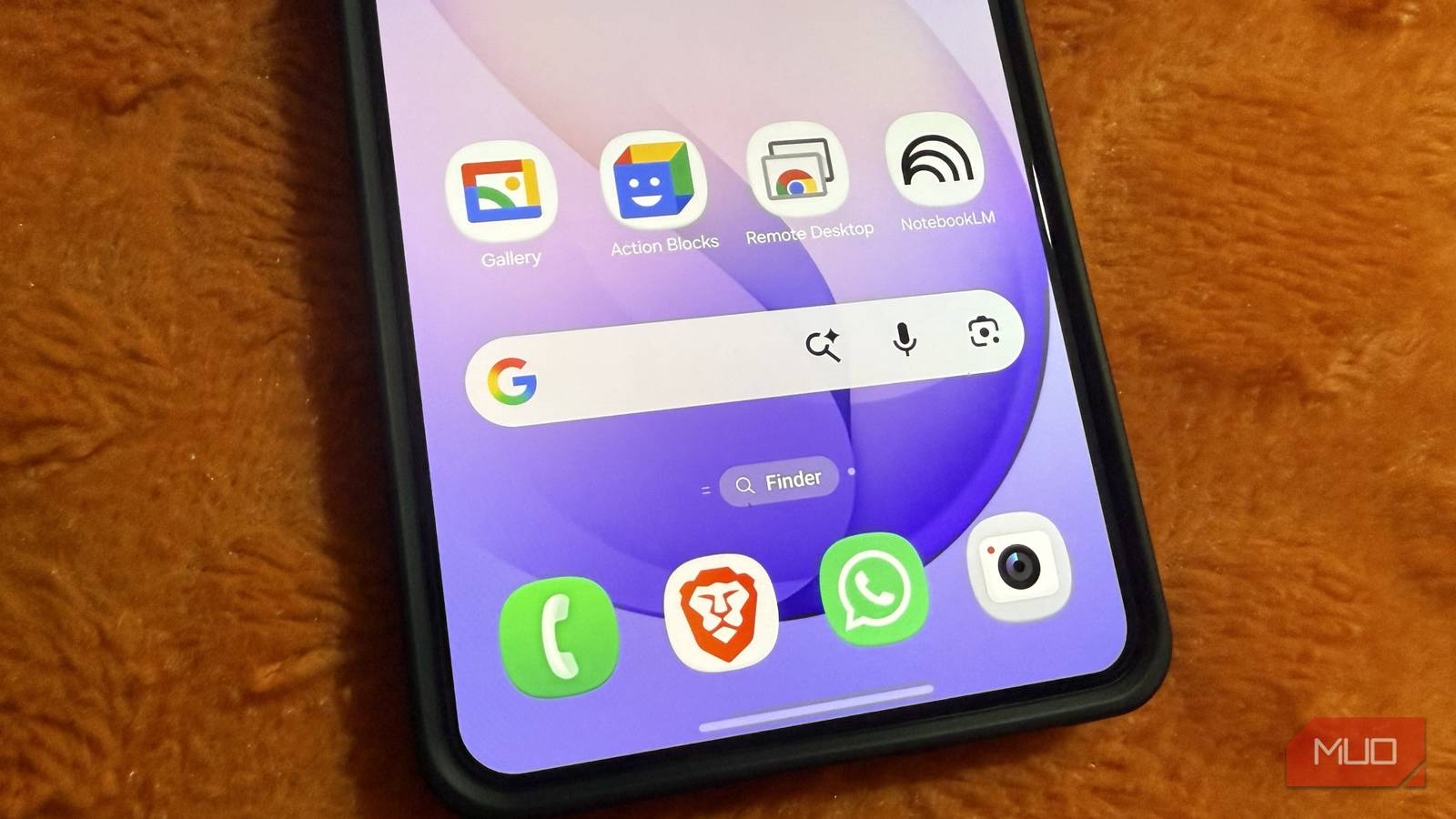
When you think about Google apps on Android, you probably only picture the obvious ones, like Chrome, Gmail, Photos, and Calendar. But there are plenty more useful Google apps that don’t come preinstalled, and some are so underrated that most people don’t even know they exist.
Personally, I rely on a few of these Google apps myself. None of them are flashy, but they are all free and make my phone easier to use.
Related
I uninstalled 5 apps I used every day once I found out Android already does all of it
These apps made sense once, but not anymore.
Snapseed
The best photo editor you probably haven’t tried
Credit: Keval Shukla / MUO
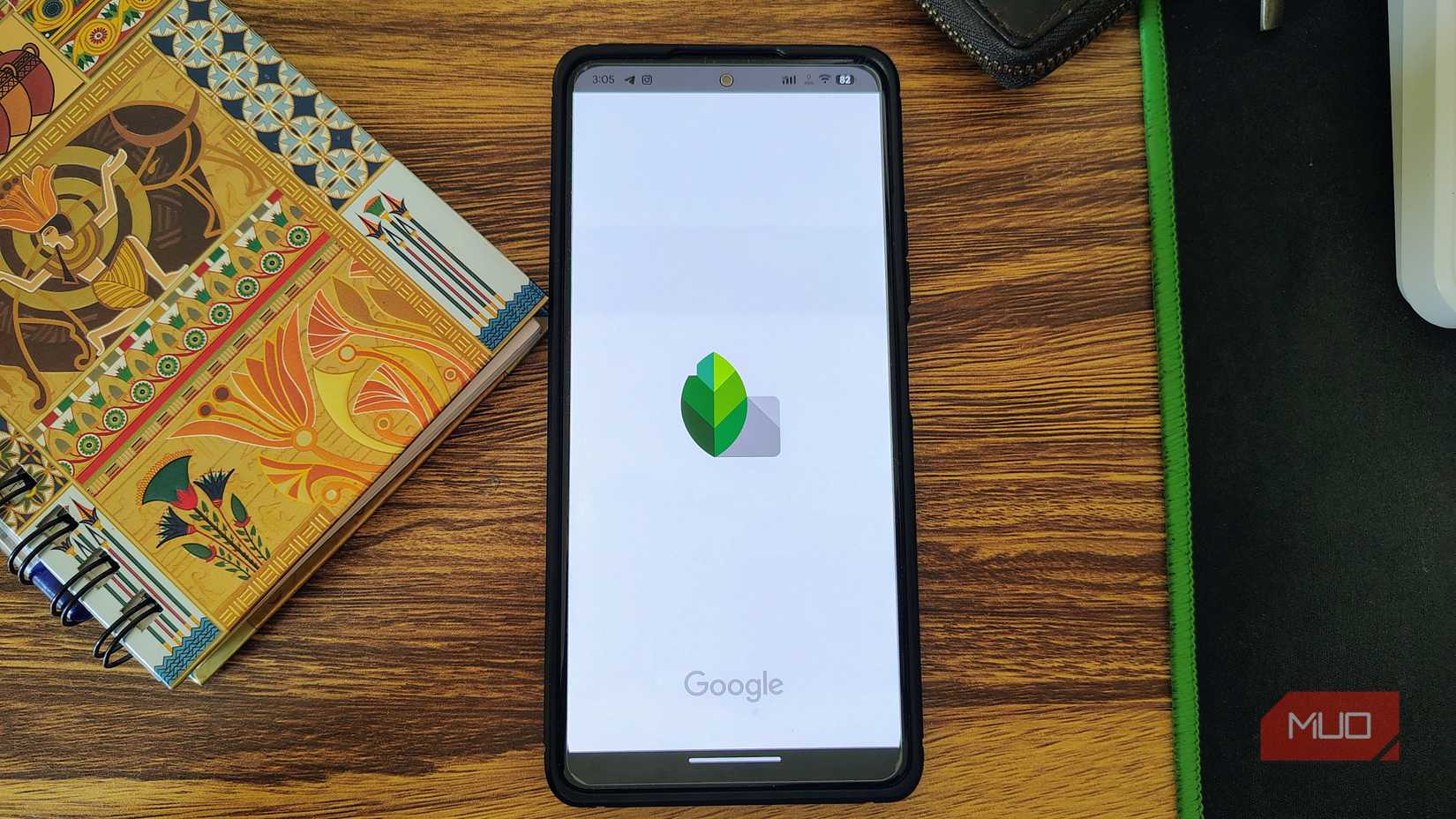
The problem with most photo editing apps is that they either bombard you with subscriptions or come packed with so many features that the whole editing experience is confusing. Snapseed avoids both problems completely.
Since it’s a Google app, it’s completely free and doesn’t show any ads. What I like the most about it, though, is the simplicity. The entire app is organized around just three sections: Looks, Tools, and Export. Even if you haven’t tried photo editing apps, it’s easy to figure out within minutes.
One of my favorite Snapseed features is the Selective tool. With it, you can tap a part of an image and adjust things like brightness, contrast, or saturation for only that area. Its Healing tool lets you remove unwanted objects or distractions from a photo. Beyond that, there are plenty of other useful tools, like Perspective for fixing awkward angles, Expand for extending the edges of an image, and Stacks, which lets you tweak previous edits without starting over.
OS
Android, iOS
Price model
Free
NotebookLM
Use AI to learn anything
NotebookLM is powered by Google’s AI models, but unlike Gemini or other chatbots that pull information from all parts of the internet, this one only works with the material you provide. You can upload PDFs, Google Docs, lecture notes, meeting notes, or even plain text and NotebookLM uses that to answer questions. And that changes everything.
When I use Gemini for research, I still find myself double-checking sources to make sure the information is accurate. With NotebookLM, the responses come directly from the files I upload, so there’s less uncertainty.
One of my favorite features is Audio Overviews, which basically generates podcast-style discussions based on the uploaded content. It sounds gimmicky, but it works great. I’ve listened to summaries while walking or relaxing, and it makes dense information feel far less intimidating. Honestly, Audio Overviews are a big reason I prefer using NotebookLM on my phone more instead of a PC.
OS
Android, iOS, Web-based app
Developer
Pricing model
Free
Action Blocks
The accessibility app that’s useful for everyone
Credit: Keval Shukla / MUO
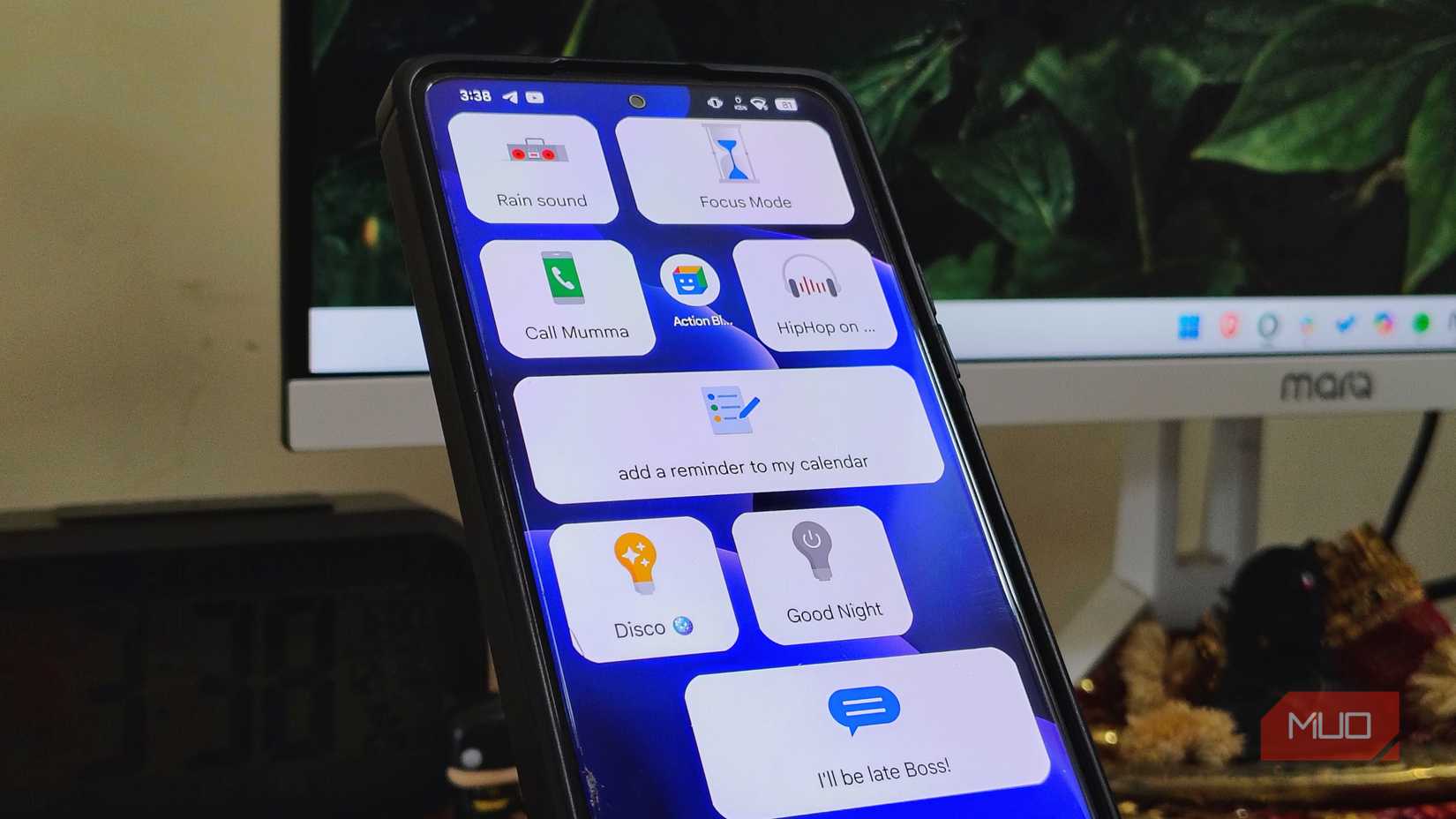
Action Blocks is one of Google’s lesser-known Android apps, mainly because it’s designed for older users and people with cognitive disabilities. But even if you don’t fall into either category, there’s a good chance you’ll find it useful.
Action Blocks lets you create and add customizable buttons on your home screen that perform Google Assistant actions. For instance, you can create a button that calls someone, starts navigation home, plays your favorite playlist, turns on smart lights, or sends a text message.
This way, instead of manually going through menus or using your voice every time you want Google Assistant to do something, you can trigger actions with a tap. Of course, Action Blocks is no Tasker or MacroDroid, but honestly, that’s the part of the appeal. It’s great for creating simple shortcuts for everyday actions.
OS
Android
Developer
Google LLC
Pricing model
Free
Chrome Remote Desktop
The app that lets me leave my laptop at home
Pankil Shah / MakeUseOfCredit: Pankil Shah / MakeUseOf
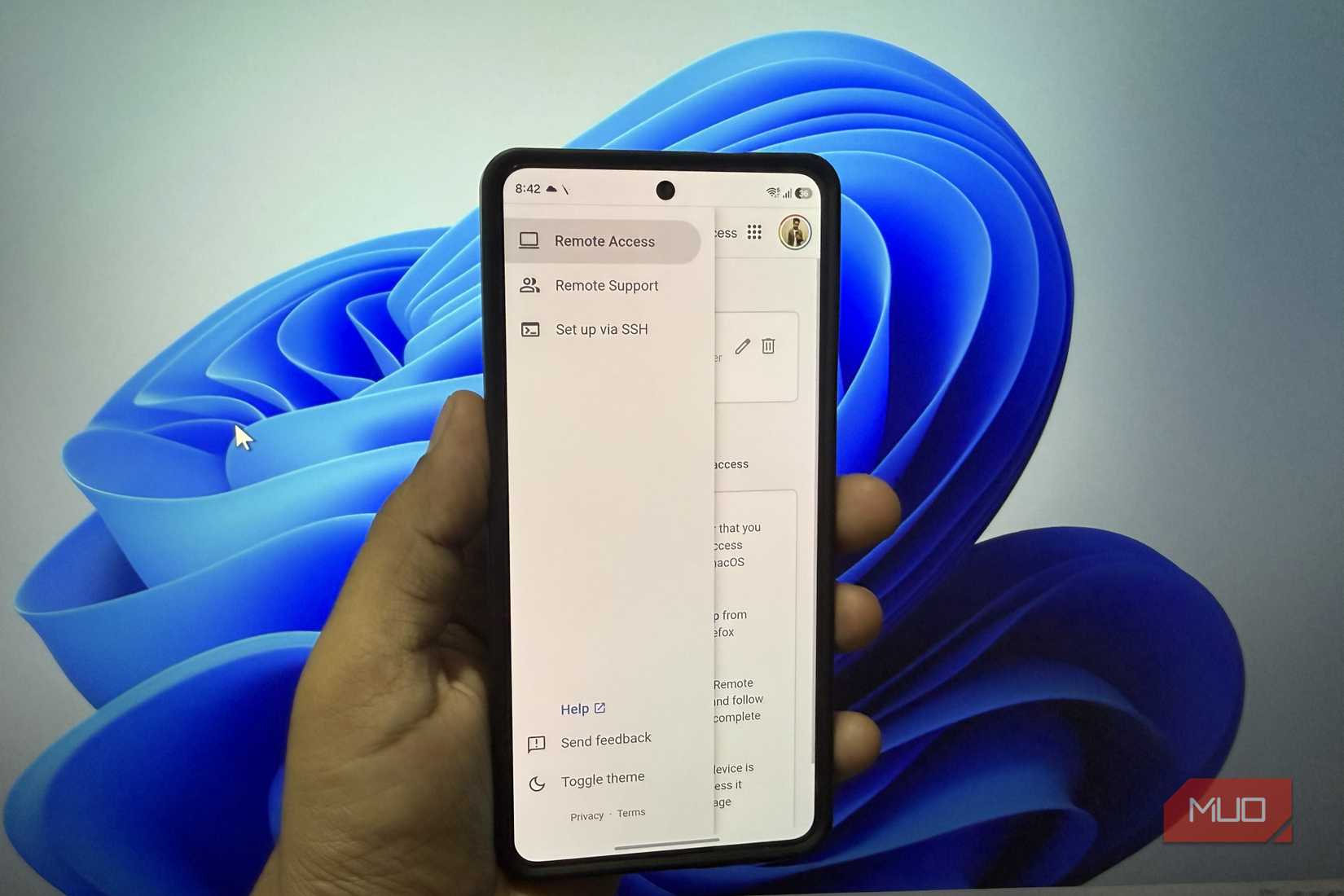
Carrying my laptop everywhere isn’t practical, but that doesn’t mean I can’t access it when I need to. Chrome Remote Desktop is a free tool that lets me access my PC even when miles away from it.
As the name suggests, the app lets me access and control my PC remotely from any phone or tablet. This means any time I need to grab a file on my desktop or check something important, I can do that as long as there is internet. It’s also ridiculously easy to set up. You install the companion software on your PC and phone, sign in with your Google account, and pair your devices.
The app also lets me control my PC from another computer or even an iPhone. And since it’s from Google, there are no session limits, paywall, or annoying ads that make the experience overwhelming.
OS
Android
Price model
Free
Gallery
A simpler alternative to Photos
Pankil Shah / MakeUseOfCredit: Pankil Shah / MakeUseOf
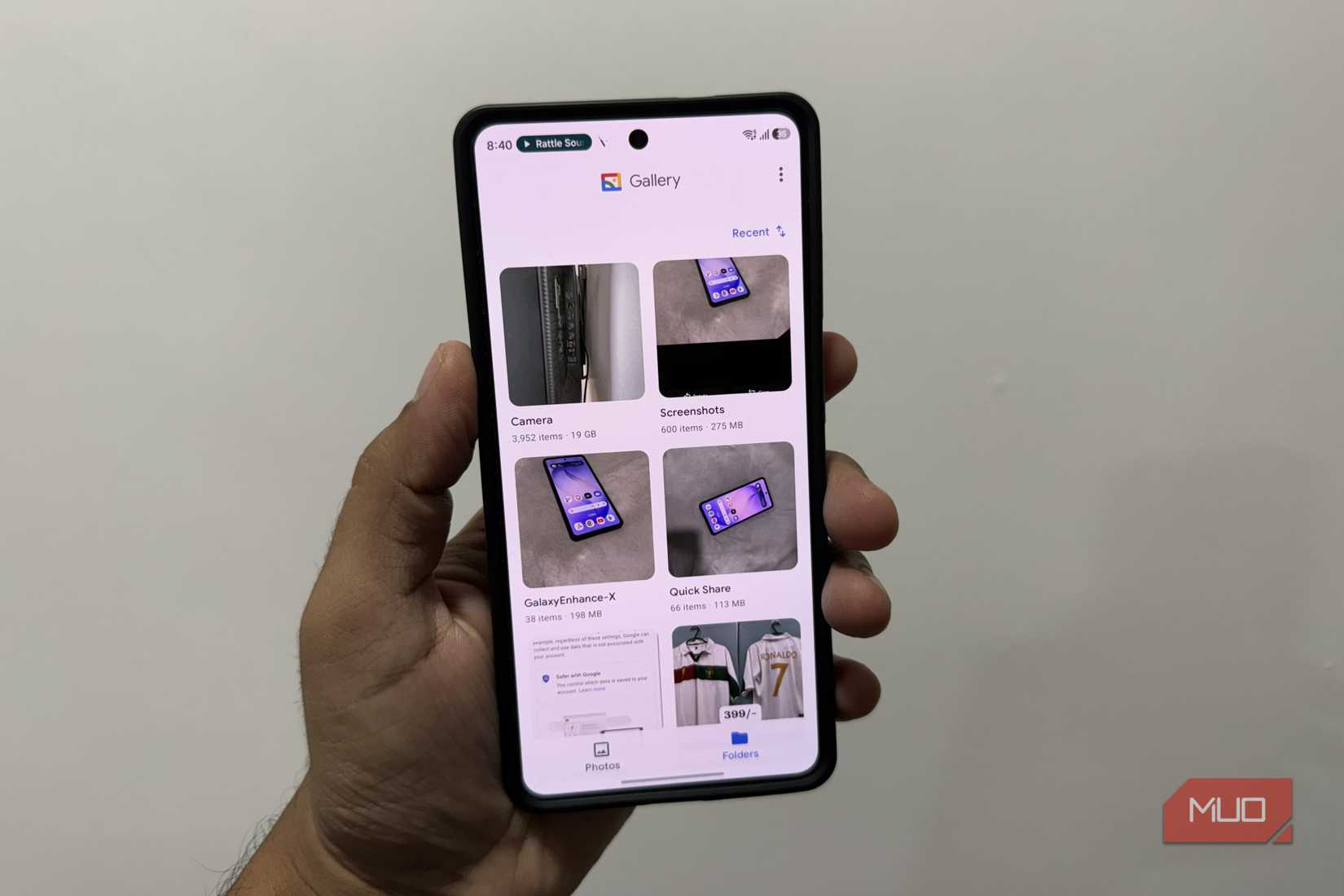
Android phones already come with Google Photos, but frankly, it’s not the simple app we fell in love with. The good thing is, Google already offers a quieter alternative called Gallery.
Unlike Photos, the Gallery app keeps things simple. It works entirely offline, so you don’t need to worry about the internet or signing in with an account. There are no endless tabs, memory montages, or constant prompts asking you to back up everything. And despite being lightweight, it still includes useful editing features like cropping, filters, and video trimming.
Of course, it’s not for someone who wants AI-powered photo editing or handy search tools. But if you want something simple, Google Gallery fits the bill perfectly.
OS
Android
Price model
Free
Honestly, I’ve been using these apps for so long now that I didn’t even realize they didn’t come preinstalled. What makes them so easy to recommend is that they’re all free, lightweight, and genuinely useful. So yes, do give them a go, and see if they can replace any of your current favorite apps.