
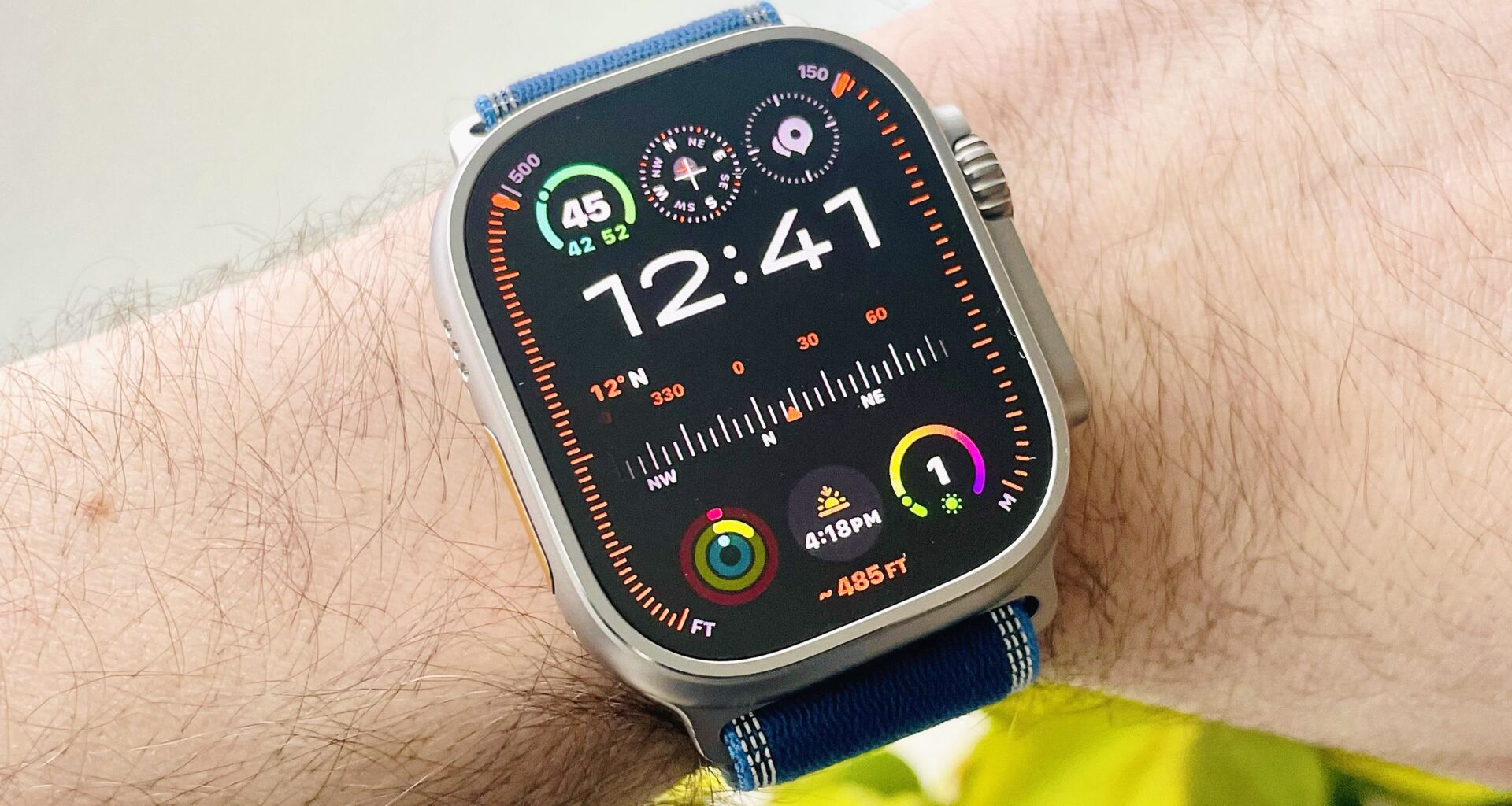
As an avid runner who’s used every model of the Apple Watch over the years, the day the Apple Watch Ultra launched was a very happy one, and there’s one big, orange reason for that.
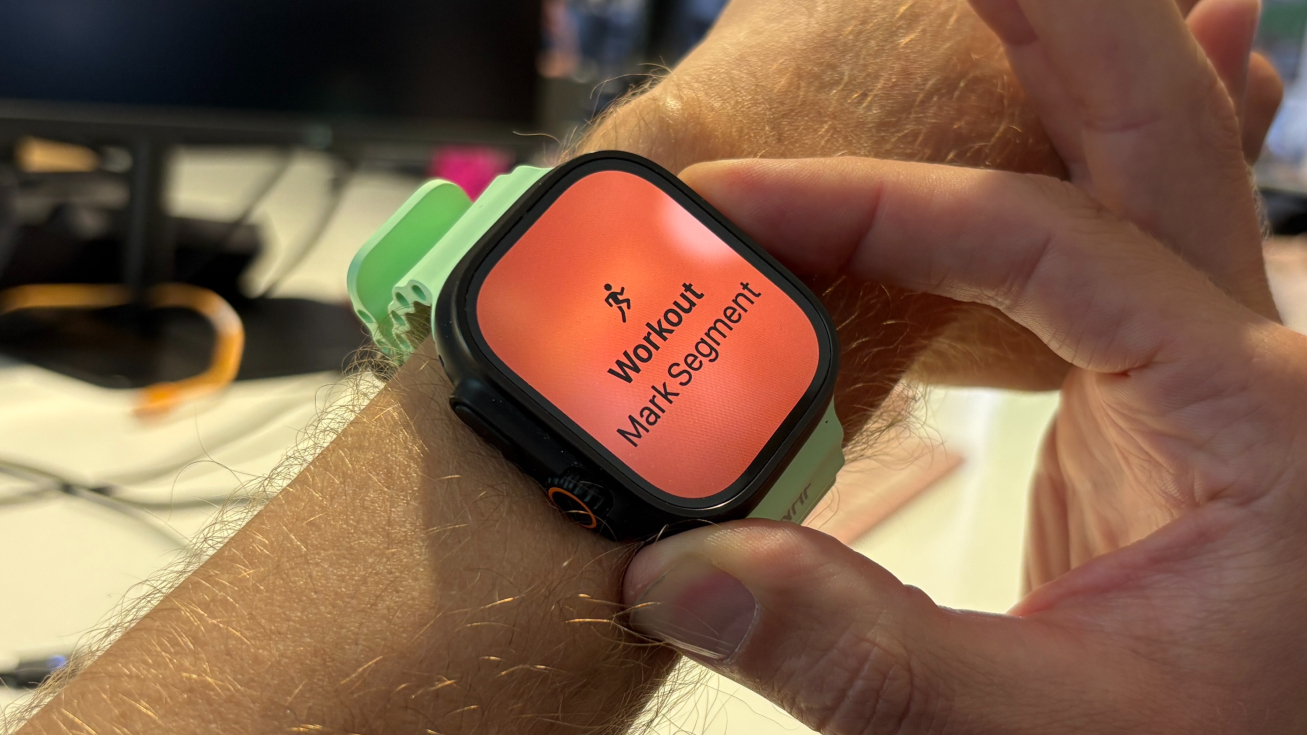
The Action button meant it was finally easy to take laps, or ‘mark segments’, using the watch during runs, without having to use a tricky combination of two buttons or tapping the screen. I use the lap button regularly in my structured training, almost every day in fact, so the Apple Watch Ultra removed a minor but persistent frustration I had with the Series models.
However, I still had one problem with the Action button, which is that in the standard orientation of the Apple Watch Ultra, with the Action button on the left, it felt somehow… wrong.
Article continues below
You may like
All of the best running watches I’ve tested have the lap button on the right side, and so I’d automatically go to that side to take a lap.
With the Apple Watch Ultra, you go left, and the natural way to press the button involves putting your finger and thumb on the watch, with the result I sometimes pressed the side button at the same time and paused my workout at the exact moment I started to speed up for a fast segment.
That’s my fault, of course, and over time you can get used to any watch’s orientation, but the good thing with the Apple Watch Ultra is that you don’t have to!
I switched the orientation on my Apple Watch Ultra 3, and now the Action button is on the right, making it easier to press the button without also hitting the side button.
How to change the Apple Watch Ultra’s orientation
(Image credit: Future)
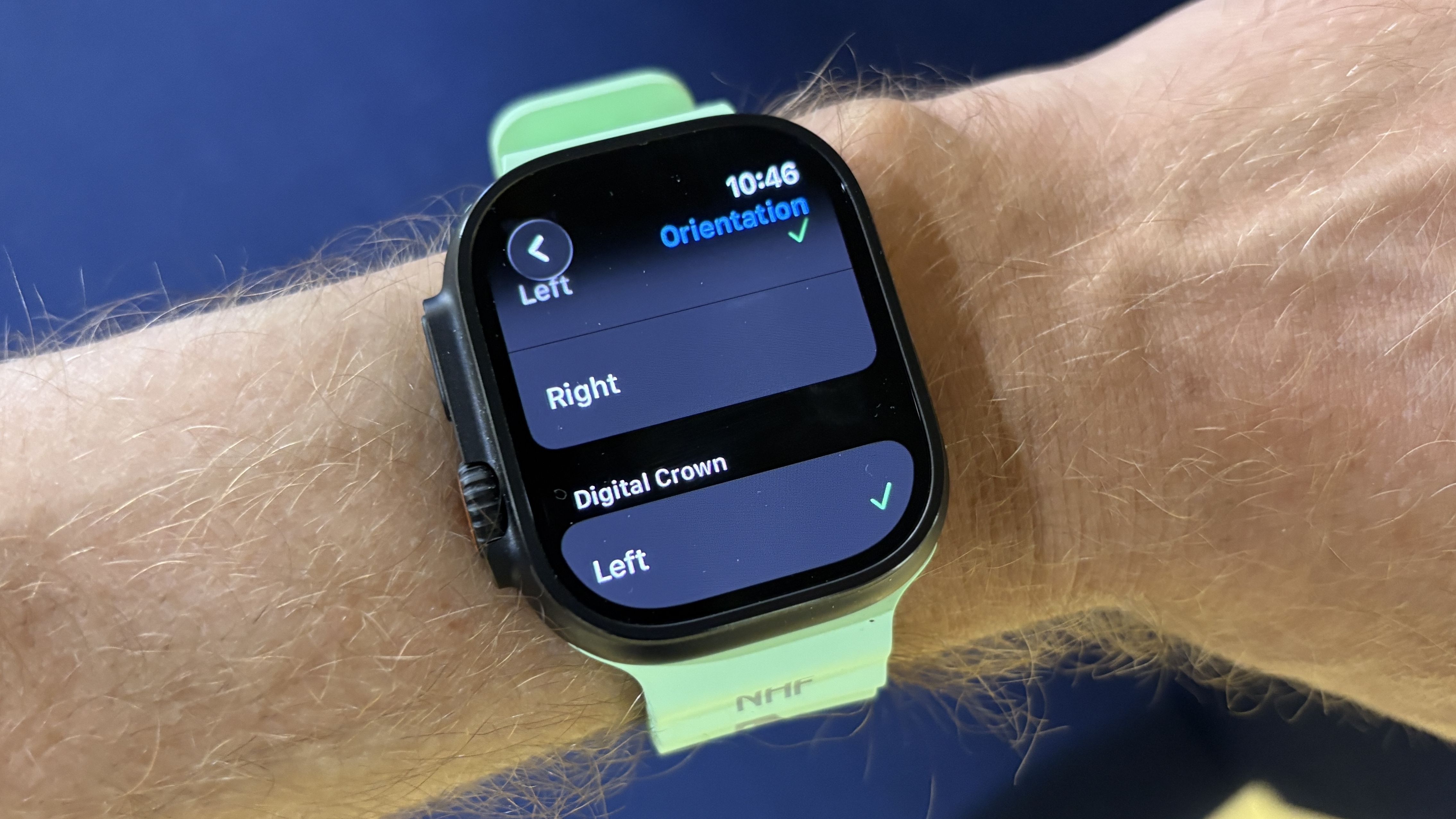
It takes seconds to switch up the Apple Watch Ultra’s orientation, which you can do in the settings section of the watch.
Open the Settings app and go to GeneralSelect OrientationTick the wrist you wear the watch onTick Left for the position of the Digital Crown
Your screen will then flip upside down and you’ll have to switch your band around to wear the watch the right way up on your wrist, with the Action button now on the right side of the watch.
Why I prefer this orientation on the Apple Watch Ultra 3
(Image credit: Future)
Once you’ve made the shift, it takes a day or two to get used to having the crown on the left for general use of the watch, and I found I used the touchscreen a lot more with my index finger.
What to read next
The main benefit is having the Action/lap button in the right place for me during workouts. No more errant pauses, and even when starting a workout with the Action button, it feels ‘right’ to have it on the right of the watch.
(Image credit: Future)
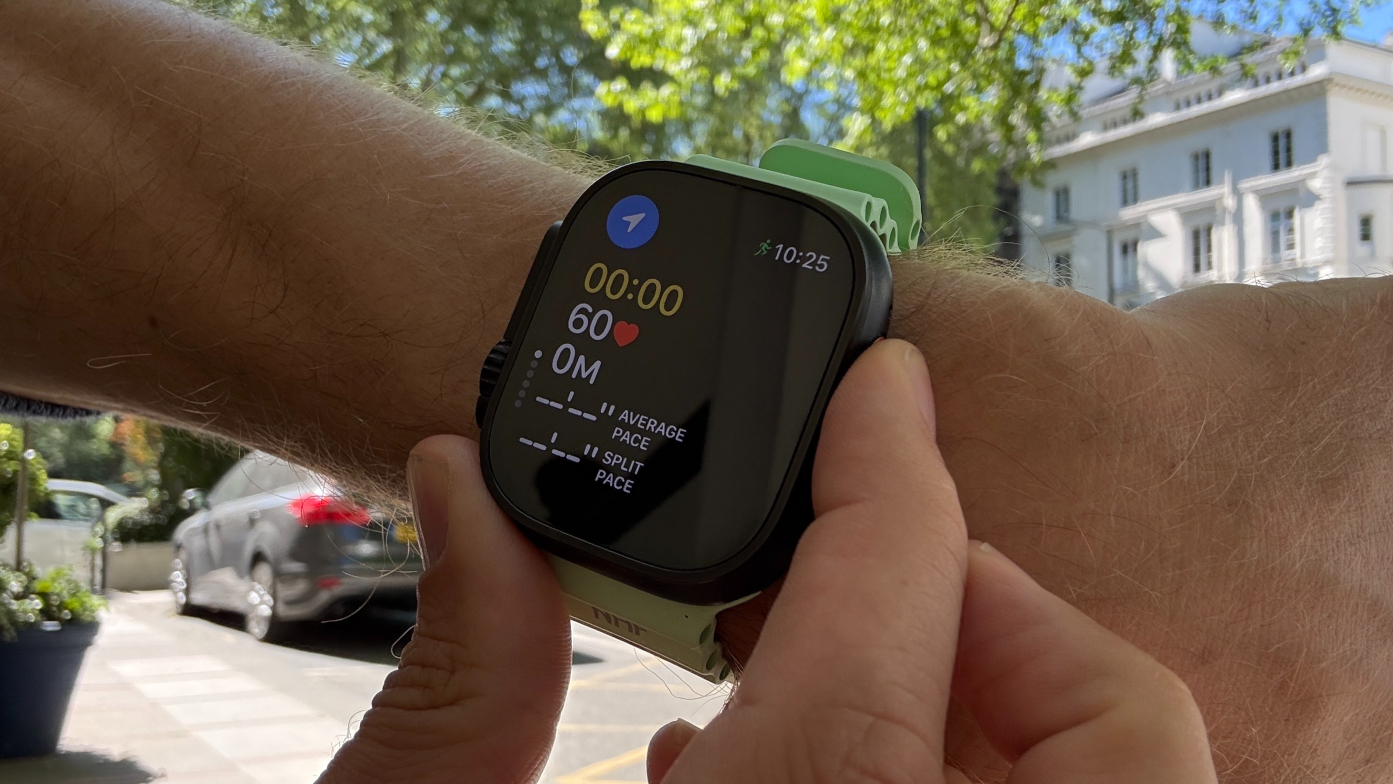
If you’re making the move to the Apple Watch Ultra 3 from a Garmin or other sports watch, this will also make life easier, since muscle memory will have you going to the right of the watch to take a lap.
One other benefit is that sometimes I would hit the digital crown of the watch with my wrist when it was on the right side of the watch, a problem that no longer exists with this new orientation.
Once you make the move, I doubt you’ll go back to the classic Apple Watch Ultra orientation. It just makes life easier to have it set up this way.

Follow Tom’s Guide on Google News and add us as a preferred source to get our up-to-date news, analysis, and reviews in your feeds.
More from Tom’s Guide