
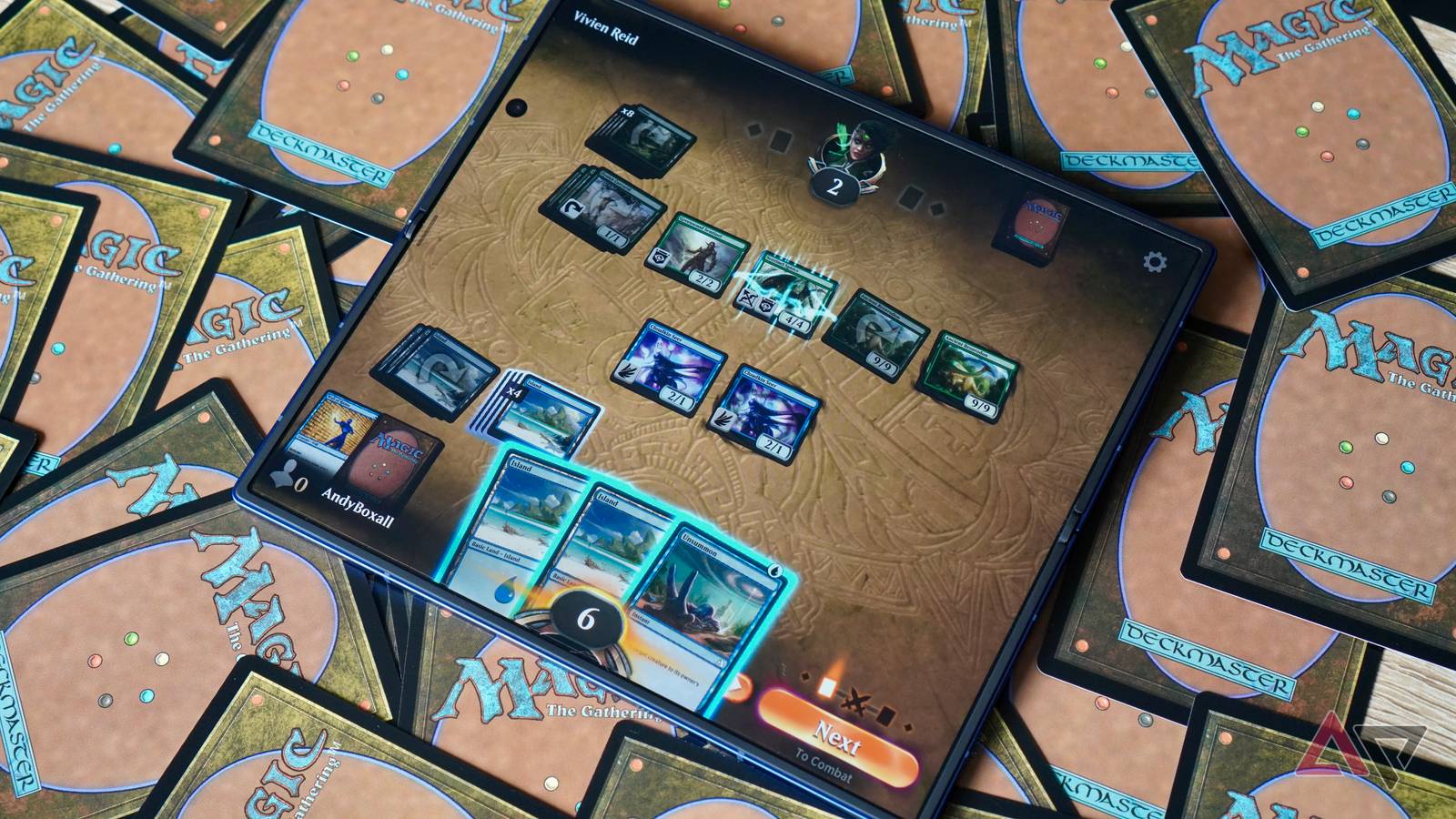
Android hasn’t always been good to bigger screens, like tablets. The advent of big-screen foldables like the Galaxy Z Fold 7 has changed that a little, but all too often you still find an app boots up with phone proportions on your tablet or foldable.
It’s irritating. But Google has finally put steps into place to stop that unwelcome surprise. From the latest Google Play Store update, apps that support larger screens will have a clear badge marking it as such (via Android Authority).
Google’s support for big screens has been a long time coming
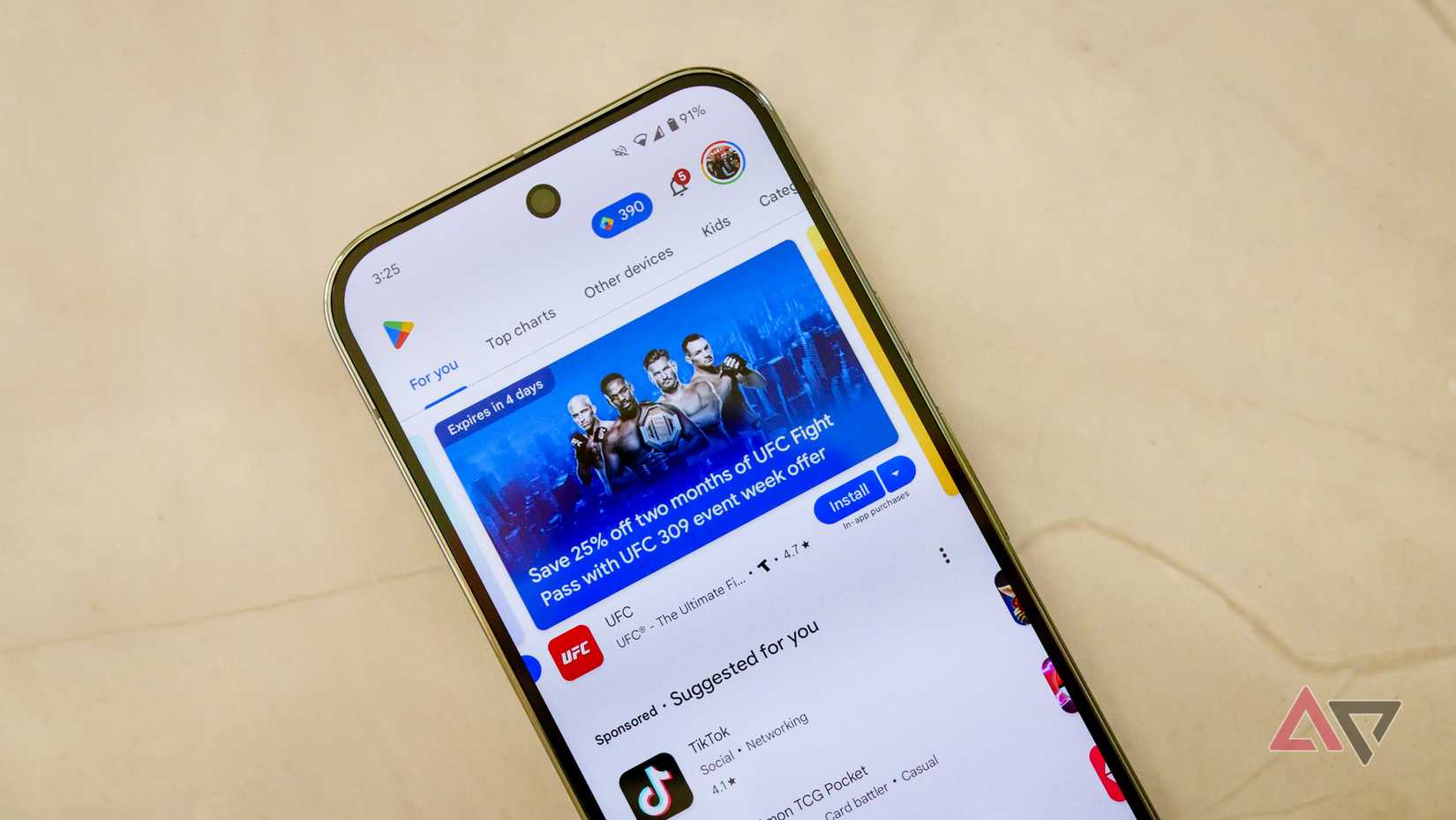
You often have to dig into an app’s description and screenshots to check whether it’s suitable for larger screens, but those days are at an end with the Google Play Store v51.2 update. Once installed, a badge will be visible alongside an app that highlights whether it’s suitable for larger screens or not. In this case, “suitable” means it’ll encompass the entire screen of the device, rather than being shrunk down into a phone-sized bar with great expanses of empty space either side.
This will come as a great relief for foldable and tablet users alike, and it likely signals a big change in Google’s approach to larger screens.
Google has attempted to make changes to Android to make it more welcoming to larger screens, but that largely translated to the push of Android 12L in early 2022, and not much else afterward.
Credit: Lucas Gouveia / Android Police
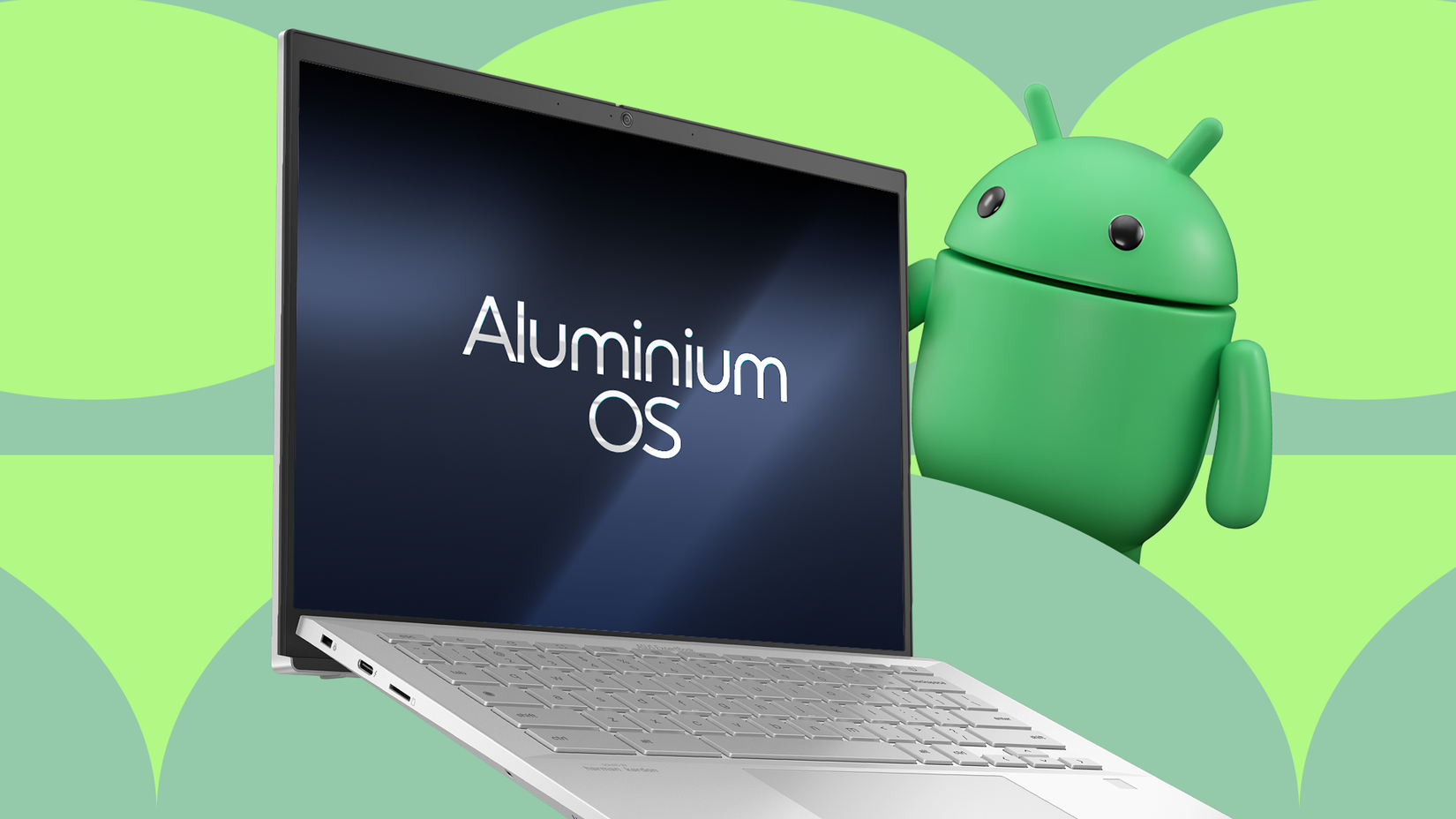
However, with Google aiming to combine Android and Chrome OS into a new operating system currently known as “Aluminium OS”, it’s obviously noticed that Android could do with more support for larger screens. Since Aluminum OS is set to use the Google Play Store, Google’s going to want infrastructure in place to help new users get to grips with the right apps.
This update also adds some other stuff, such as a new view of an app’s content rating, auto-invoked inline install calls no longer deep-link into the Google Play Store, and you’ll be able to see any subscriptions to an app that you own while in app ratings and reviews. You’ll also be able to see Collections on tablets when you touch and hold the Play Store app icon or add the Play widget from Android widget settings.
This update isn’t out quite yet, so none of this will be showing up on your devices. We expect it to be out soon, though.