
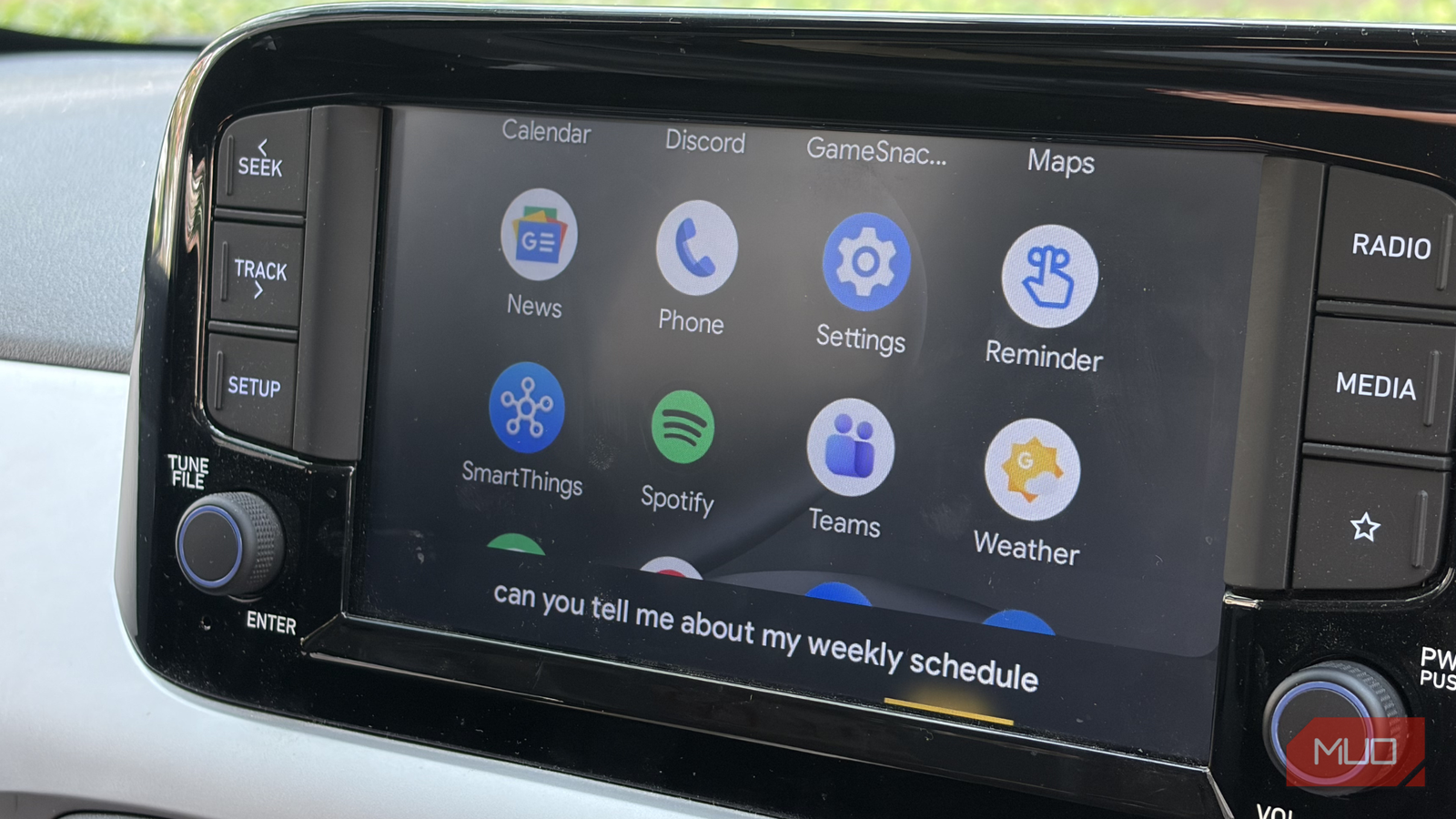
The moment I get into the car, music is usually the first thing I turn on. Most of the time, it’s YouTube Music or Spotify playing in the background while I drive through traffic or head out on longer trips. And if I’m being honest, music is probably the first thing that comes to mind whenever I think about Android Auto, too.
But after using Android Auto for years, I’ve realized the apps I depend on the most aren’t necessarily the ones people talk about all the time. They’re the kind of apps that make everyday driving easier — helping me save time, avoid unnecessary hassle, or just make the whole experience smoother without demanding attention. I use these apps constantly, and they deserve far more credit than they get.
Related
These 9 Apps Might Be on Your Android Phone Without You Even Knowing It
But they aren’t a danger.
Parking anxiety is very real
The app that saves me from parking roulette
Shimul Sood / MakeUseOf
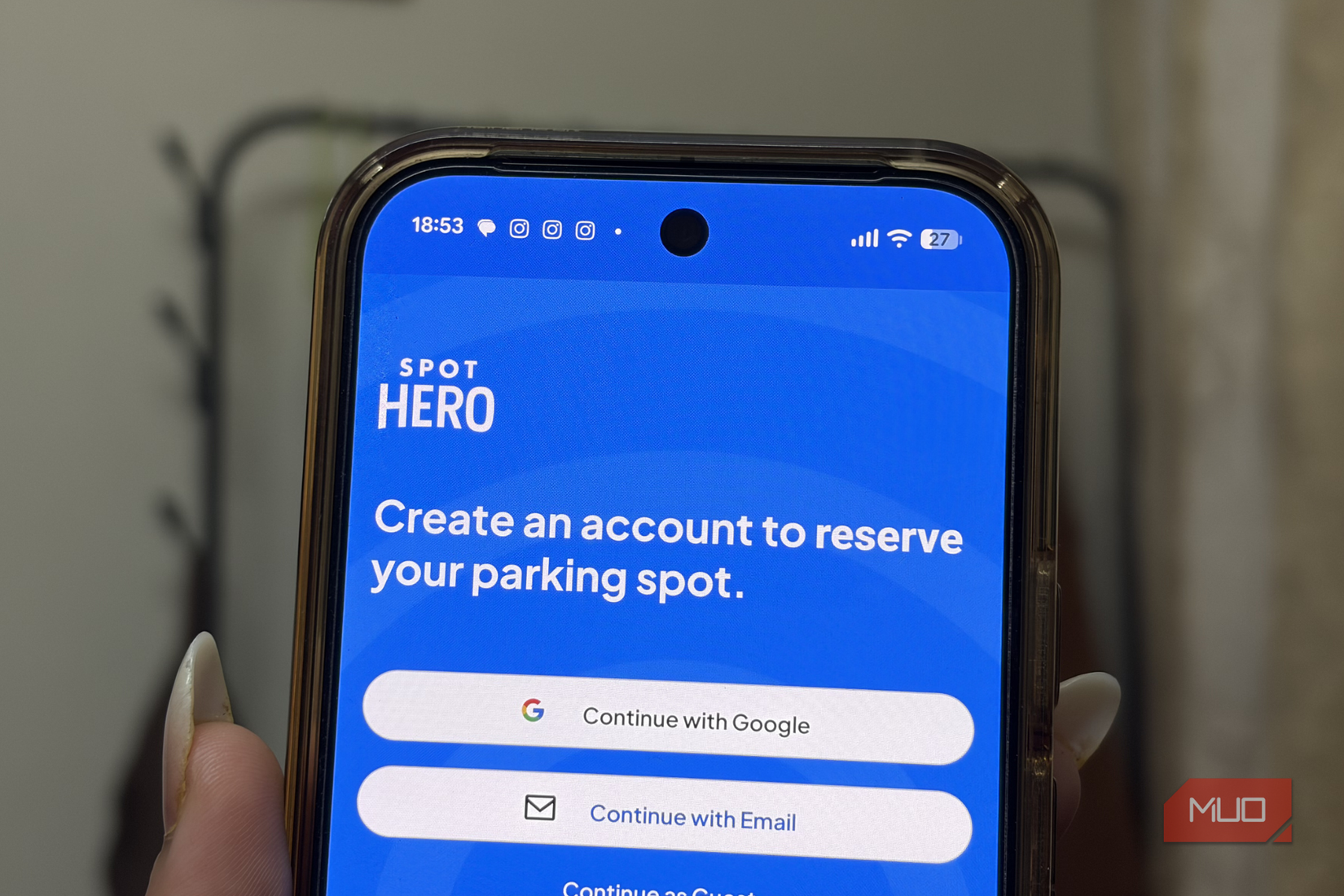
SpotHero is one of those apps that solves a problem you don’t really think about until you start driving regularly. It lets you search, compare, and reserve parking spots before you even leave home — which honestly makes a huge difference when you’re heading to concerts, busy cafés, shopping streets, or crowded markets where parking can quickly turn into a nightmare.
Sadly, it’s not available here in India, so I rely on Parking Pal instead, which does a very similar job. And while apps like these may not sound exciting, they’ve genuinely changed the way I plan outings. Back when I didn’t own a car, parking was never something I had to think about. Now, it’s one of the first things on my mind before going anywhere crowded. There’s nothing worse than reaching a place only to spend the next 20 minutes circling around looking for a safe spot. That’s exactly why apps like this have become surprisingly important for me.
OS
iOS, Android
Price model
Free
SpotHero is an app that helps you find and book parking spots in advance across the US and Canada. You can choose from garages, lots, or valet services, often at lower prices, with options for daily, monthly, or airport parking.
The app that knows my car better than I do
It keeps my fuel habits in check
Shimul Sood / MakeUseOf
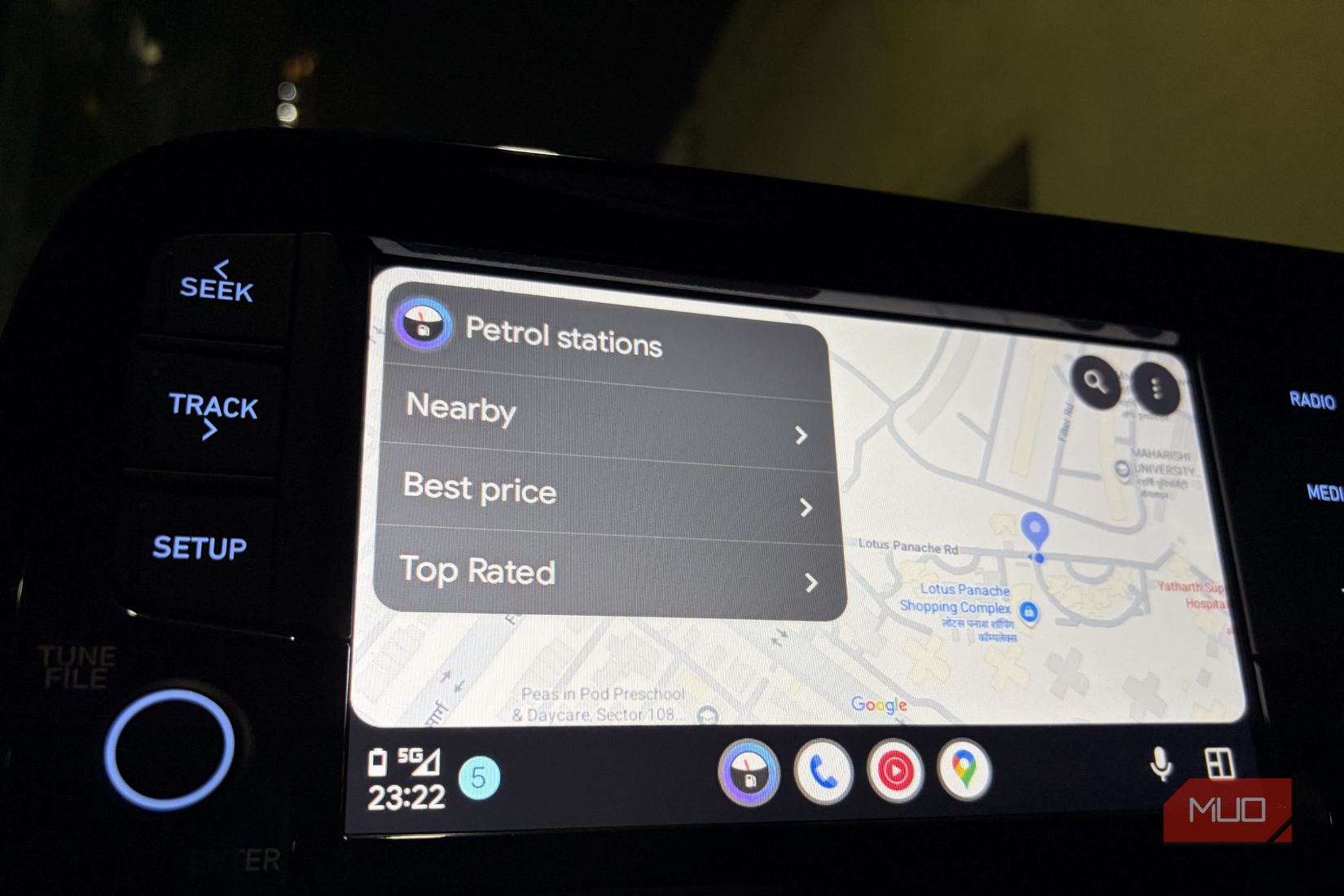
Fuelio is another Android Auto app that became part of my routine. I use it to track fuel fills, mileage, and the overall cost of owning and driving my car. It may sound a little nerdy, but I enjoy keeping things organized, and this app makes that easy.
Ever since I started driving regularly, I’ve realized how quickly small expenses add up. Fuel, service visits, random top-ups — it’s easy to lose track of everything. Fuelio basically works like a digital diary for my car, helping me log every refuel without relying on memory or old payment notifications. Now, instead of wondering when I last filled the tank or how much I spent, I can just open the app and see everything neatly laid out.
One feature I particularly like is the ability to check nearby fuel stations and compare prices before stopping for gas. It sounds simple, but when fuel prices keep changing, even small savings can add up over time. The app also organizes all my entries into a clean timeline, so all my fuel logs, mileage records, and driving expenses stay in one place. It makes managing a car a lot less chaotic.
OS
Android
Price model
Freemium
In Fuelio, users can track their car’s mileage, gas prices, and trip gas expenses.
Waze feels like a group project for driving
The navigation app that warns me before chaos does
Waze is the navigation app I keep coming back to, especially for city driving. I’ve tried switching back to Google Maps multiple times, but Waze just feels more alive once you’re actually on the road. It’s about what’s happening around you right now.
What makes Waze different is the people using it. The app constantly updates itself through drivers already out on the streets. So if there’s sudden traffic, a broken road, an accident, construction work, or even an unexpected police checkpoint, chances are someone has already reported it before you get there. And when you’re driving in crowded cities, that kind of live information genuinely changes the experience. Instead of getting stuck in a frustrating situation, you often get warned early enough to slow down, switch lanes, or take another route entirely.
Related
These 3 Android Auto features made my car feel like mine
Curiosity and Android Auto are a dangerous combination for me.
That’s probably why even Google Maps now shows some Waze-style reports inside the app. But Waze still feels faster and more community-driven because the reporting culture there is much stronger. More drivers contributing means the app reacts quicker to what’s happening on the road in real time.
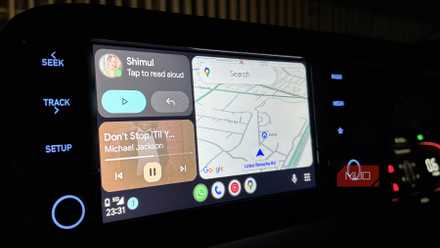
I also love how naturally it fits into Android Auto. My Spotify or YouTube Music controls stay right on the navigation screen, so I can change tracks or pause music without constantly jumping between apps. Another feature I unexpectedly rely on is calendar integration. If I’ve saved a location in a calendar event, Waze automatically picks it up and places it under planned drives. So half the time, I don’t even need to type an address before leaving — I just tap the destination and start driving.
OS
Android, iOS
Price model
Free
Waze is a robust, feature-rich, community-driven navigation app that shows live traffic, EV charging stations, and police stops.
The underrated apps I use every single drive
Android Auto feels a lot bigger once you move beyond just music. Over time, I’ve found myself relying on apps that handle the stressful, boring, and specific parts of driving — finding parking, tracking fuel costs, avoiding traffic surprises, or planning drives more effectively. They’re the kind of apps that make everyday driving smoother.
And honestly, that’s what makes them special. They save time in ways you only notice once you start driving regularly. Less circling around for parking, fewer unexpected delays, better fuel tracking, and fewer moments of frustration on the road. Music apps may get all the attention, but these are the apps that actually make Android Auto feel useful every single day.