
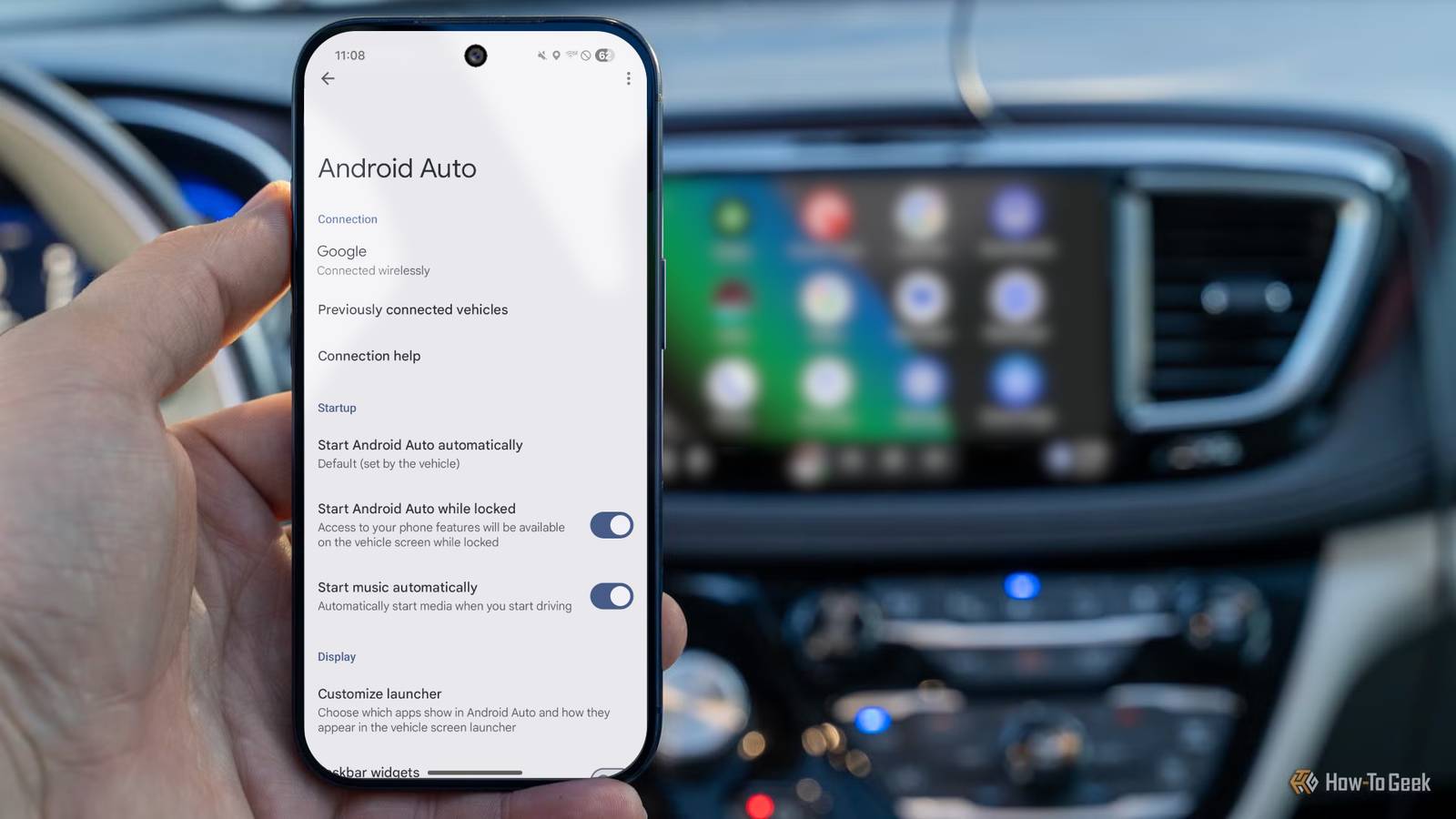
Android Auto is one of the most convenient features on most modern cars, even if it’s a bit underused. It’s just a pared-down and limited version of Android, which makes most apps pretty useless. However, there are several essential apps you’ll actually love using, and I’m not talking about Google Maps or your favorite music player.
By default, most drivers use Google Maps even though there are countless solid alternatives. Then everyone likely has YouTube Music, Spotify, or a similar app on the home screen. But Android Auto actually supports more apps than you think. Here are a few lesser-known apps that I think are essential.
Get Fuelio
Save money on gas
As we all know, gas is pretty expensive these days. And even when prices aren’t fluctuating and are higher than ever, I’m always looking for the best gas deal.
Fuelio is an amazing app that pulls up a map of nearby gas stations and their current prices. It’s great for emergencies when you realize you’re almost out of gas, but it’s also the best way to save some money every week.
For example, I live in a pretty small town outside of Dallas, and pricing can change drastically based on the station’s location, time of day, and other factors. I’m constantly firing up Fuelio, checking nearby gas stations, then choosing the best option for my needs and saving a buck. It’s usually only about 10–20 cents less, but over time, that all adds up.
Related
I don’t use Google Maps in Android Auto anymore—this navigation app took its place
Better in all the right ways.
For this reason alone, I consider it an essential app for Android Auto. Additionally, the app can help you log mileage, maintenance (e.g., oil changes), service or repair costs, and related expenses. It’s honestly pretty great.
Weather & Radar for Android Auto
Don’t forget about a solid weather app
Credit: Weather & Radar
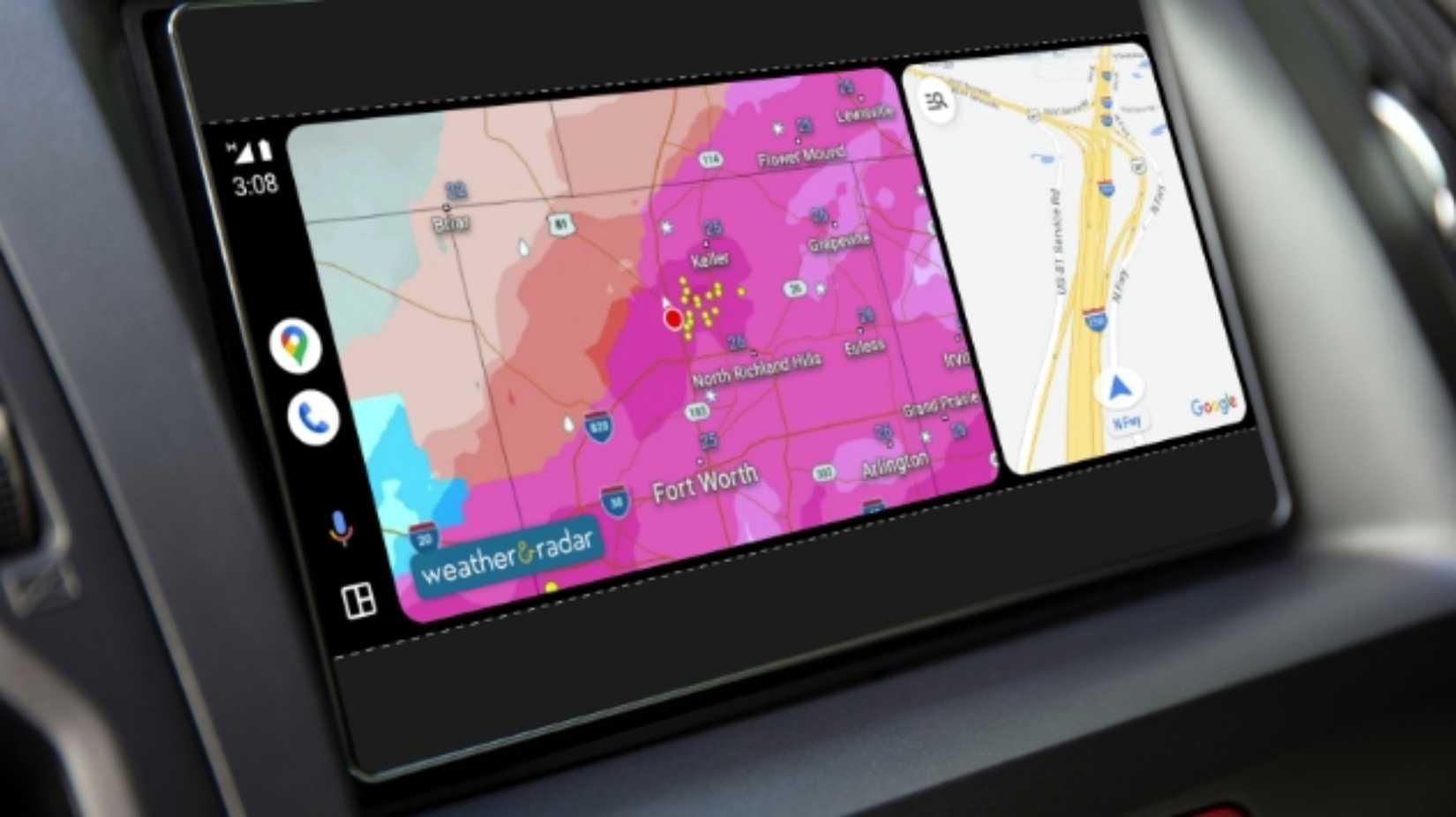
Android Auto doesn’t have a built-in radar map, and the weather information pulled from your phone isn’t always that useful. That’s especially true for anyone living in areas with dangerous weather conditions. If you often get bad weather, a solid radar app is essential. It’s also great for road trips.
The Weather & Radar app is the first fully integrated weather app for Android Auto, giving you hyper-local, real-time information, and I use it constantly. Yes, it’ll let you see live radar right from the infotainment display. However, I’d recommend checking the radar while you’re in park and being safe. The Drive Weather app is another solid option.
SpotHero makes parking easy
Convenience you’ll love

Credit: SpotHero
The only thing worse than sitting in traffic while headed to dinner or a sporting event is trying to find parking once you reach your destination. That’s where SpotHero comes to save the day.
Think of SpotHero like Fuelio, but for parking. It works by listing nearby parking locations with availability, including airports and garages. Furthermore, you can look ahead of time and choose specific dates or arrival times, and the app will find the best spot for you to park.
Depending on the parking location, you might even be able to reserve and pay for it before you arrive, which is pretty helpful. It’s available in most major cities, works great with Android Auto, and is what I use for every sporting event, concert, or date night downtown. Again, this isn’t a regular map, music, or podcast app that everyone knows, but something far more essential for making life and driving easier.
And don’t forget about Google Gemini
Shortcuts, automation, and more in your car
Credit: Lucas Gouveia / How-To Geek | kungfu01/Shutterstock
Honestly, most people don’t need (and shouldn’t want) a bunch of apps in their vehicle. Get Waze, YouTube Music, Spotify, and a few of the apps mentioned above, and you’re all set. We’re all pretty aware of the types of apps you should be using while operating a motor vehicle.
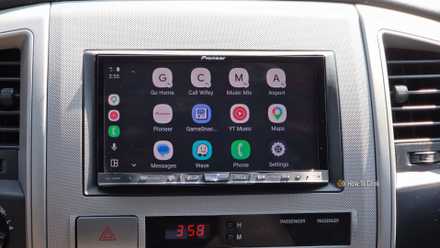
And while there are all sorts of other apps that work with Android Auto, like GameSnacks or Zoom, third-party music apps, PlugShare to find EV charging stations, and so on, one of the most essential and overlooked aspects is Google’s built-in Assistant and Gemini.
Related
These settings fix 90% of Android Auto’s problems
Let’s make Android Auto just a tiny bit less flakey.
Before you ever leave the driveway, you can automate all sorts of stuff using Shortcuts and Google Assistant. I have automations for certain voice commands that’ll do multiple things with one command, smart home controls, or a text message that automatically sends to my wife when I pick up our child. Honestly, this is the type of stuff you want to take advantage of.
Then, if you’re ever frustrated by the voice commands in Android Auto, you can turn any voice command into a one-tap icon shortcut and put it on the home screen. That way, you’re not trying to talk to the screen and hope it calls or texts the right person, and just tap a button and continue safely driving with your hands on the wheel and eyes on the road.
Do more with Android Auto
As you can see, there are essential apps besides your usual maps, navigation, and music controls for when you’re in the car. I use Fuelio weekly, take advantage of SpotHero often, and the Weather & Radar app keeps me informed and safe while I’m on the road.
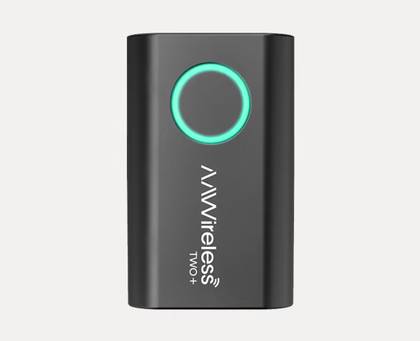
Give them all a try the next time you’re out and about. And if you want to step things up even further, get a wireless AA dongle and improve the experience.
Type
Android Auto & Apple Carplay adapter
What’s Included
Adapter, USB-C to USB-A cable
Easily add wireless Android Auto or CarPlay to your vehicle with this capable dongle that works with both platforms.