
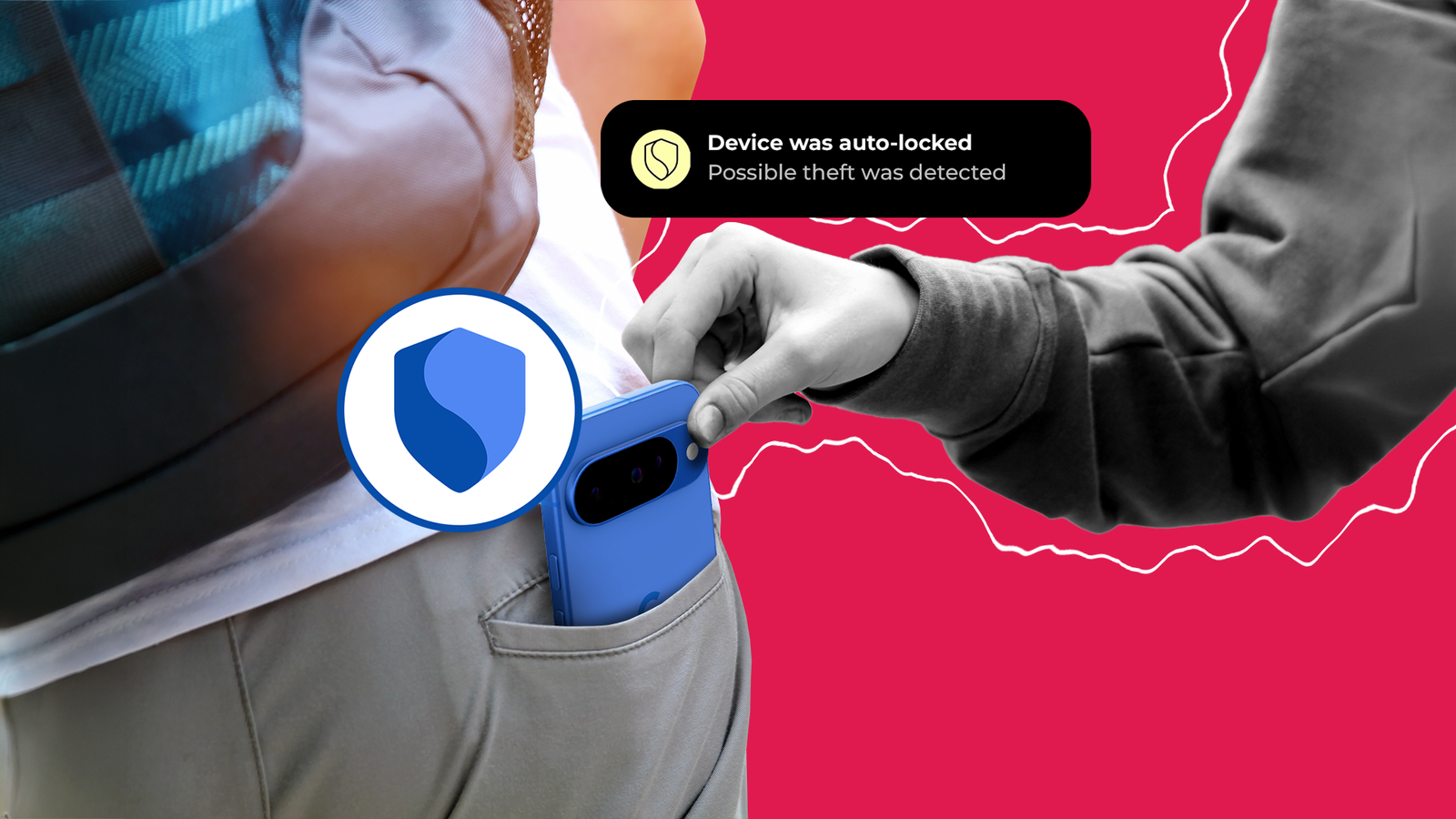
Last week, I asked a friend to steal my phone from my hand. It took him a few goes to handle the snatch, but eventually he managed to lift my device with impressive speed.
As he sprinted in the opposite direction, he checked the phone to see how much trouble he could cause. Unfortunately for me, it was a lot.
This was the last experiment I ran in an attempt to push Android’s theft-protection tools to the limit.
But while my confidence in Android’s theft protection tools has been shattered, I have a newfound understanding of how to protect my phone from thieves.

How I bulletproof my Android phone against theft
Good luck accessing anything on my phone
And when they work, they don’t go far enough
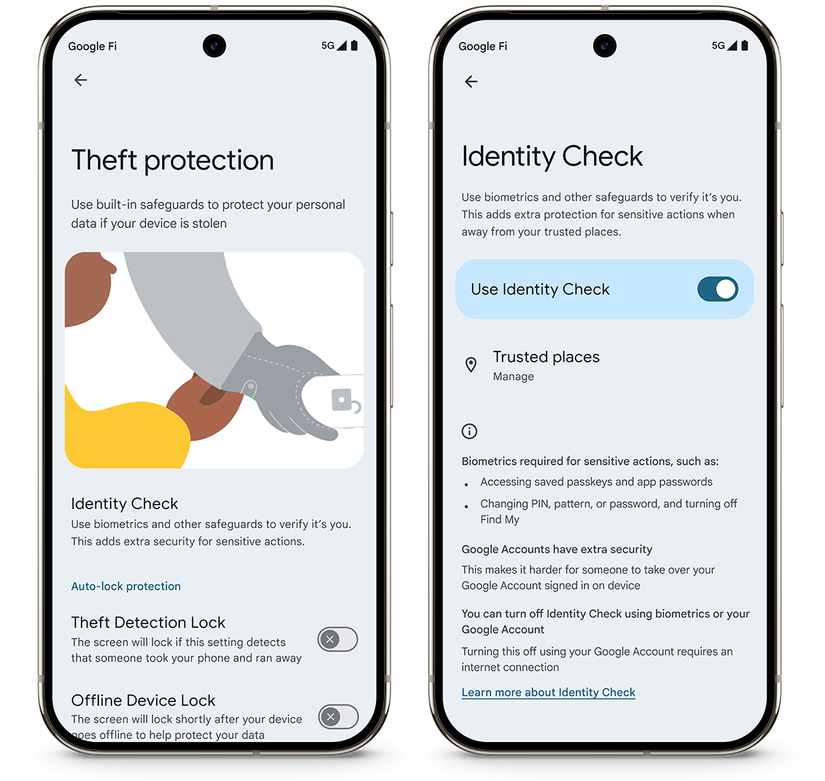
Theft Detection Lock, launched in March 2025, uses your phone’s accelerometer, Bluetooth, and Wi-Fi to detect theft. When activated, it locks your phone.
The way Theft Detection Lock is meant to work is if you’re in a public space (identified by whether you’re connected to public Wi-Fi or only data), it will trigger if it detects a sudden increase in speed as if someone had grabbed your phone and taken off.
I’ve had this feature enabled since launch, but as no thieves were considerate enough to give it a real-world test, I finally decided to try it myself.
The first experiment I did was to sprint from a standing start with my phone unlocked in my hand. Not once did Theft Detection Lock trigger.
Credit: Google
The next experiment was to chuck my phone as hard as I could. Again, Theft Detection Lock did not trigger.
Next, I tried picking up my phone while sprinting. Again, nothing.
Out of breath, sweaty, and frustrated, I shelved the project until I met with a friend later that day.
After multiple attempts, he only managed to trigger Theft Detection Lock once, and neither of us was entirely sure that he hadn’t just hit the power button by accident.
Eventually, we managed to trigger the feature manually, but only with the most exaggerated snatch, then sprinting while waving the phone back and forth.
At this point, I wondered if the accelerometer in my Google Pixel 10 Pro was broken, but after testing it with my Pixel 8, I had to admit that it was the feature itself that wasn’t working.
I’m unclear about the purpose of Theft Detection Lock
It locked your phone. Now what?
The idea is that you can then remotely wipe your phone to prevent thieves from accessing your personal data.
The problem is that factory resetting your phone through Google’s Find Hub also prevents you from tracking your location.
When triggered, all Theft Detection Lock does is lock your phone. There are no additional security measures or verification steps, just whatever lock screen you’ve set up.
If my phone is stolen, the last thing I want to do is remove any chance of finding it again.
Besides, a clever thief would instantly turn off the device after grabbing it anyway. They’re also probably not interested in your personal data, but in the value of the hardware.
Remotely resetting your phone would save the thief time and drastically reduce the chances of you finding it again.
Rather than relying on these features, it’s best to use simple theft-protection methods.
Use common sense to protect your phone
Think of your phone like your wallet
First, check that you have all security measures enabled to prevent someone from unlocking your phone. At the bare minimum, use biometric authentication to ensure that someone can’t steal your phone without you.
Second, enable regular backups to prevent data loss in the event of theft.
Third, and most important, make it as hard as possible for someone to grab your phone.
Wrap your fingers around your phone for a secure grip, and hold it close to your body when in use. Face away from the street, and if you’re unsure, hold it with both hands.
Thieves look for loosely held phones they can grab in motion. Holding your phone securely and staying aware of your surroundings will do more to protect your phone than any Android feature.
Can Apple do a better job?
Theft Detection Lock was on my mind as Apple is reportedly working on a similar feature.
Code discovered by 9to5Mac indicated that it will also use the owner’s Apple Watch, if available, to determine a theft and activate the same features as Stolen Device Protection.
Stolen Device Protection adds a layer of security to sensitive areas on iPhones.
For example, actions like changing your Apple account’s password require you to wait an hour and use Face ID or Touch ID authentication.
It also requires the same biometric authentication to access stored passwords and credit cards.
Apple’s feature already sounds far better than Android’s Theft Detection Lock. But will it be able to detect theft better? Or will I end up sprinting back and forth in a park again until I’m blue in the face?
Perhaps I’ll let someone else test it this time.