
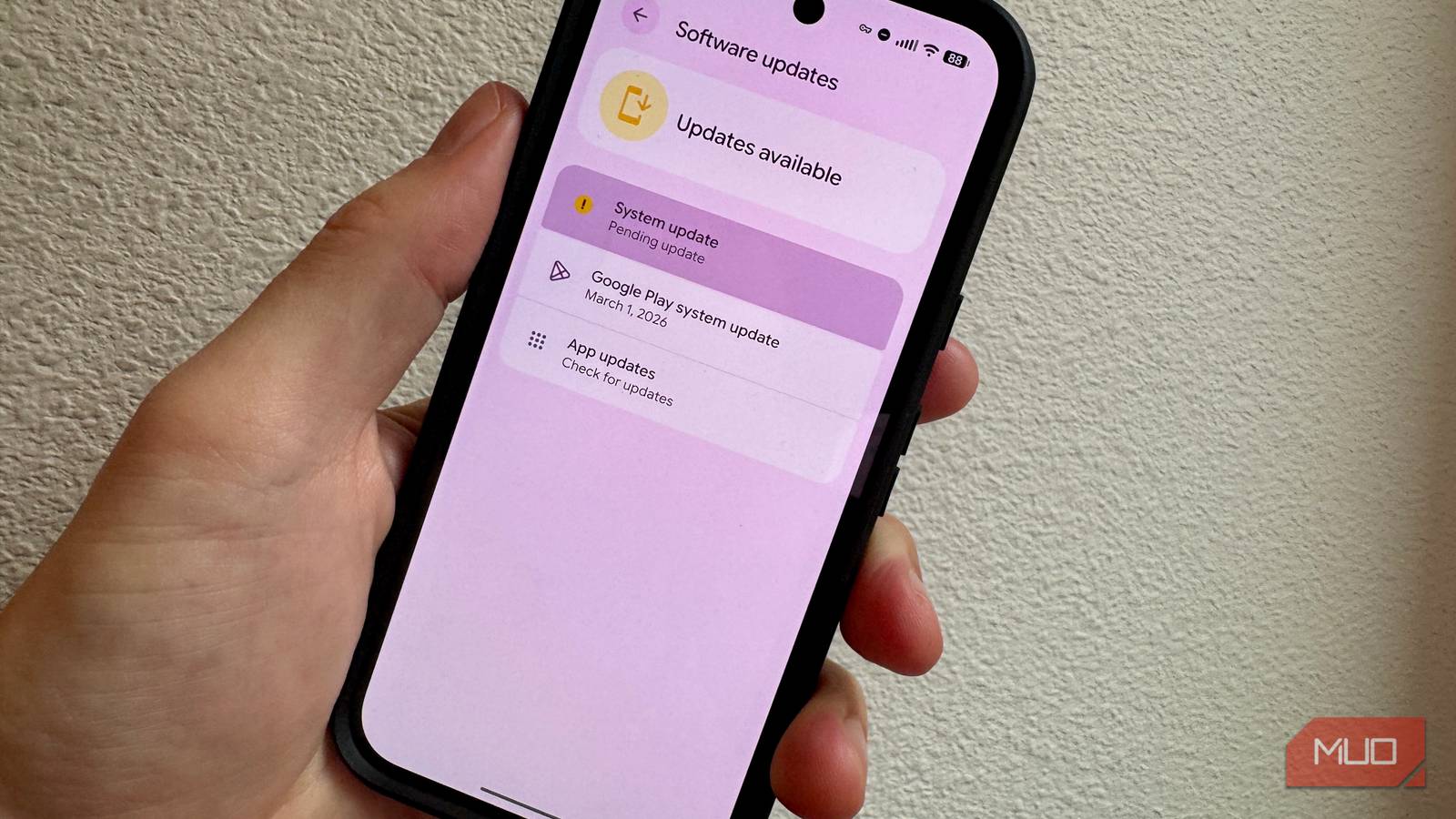
Google’s June 2026 Android security update landed on June 1st with a lot to do. It patches 124 vulnerabilities across Android 14, 15, 16, and 16 QPR2, including one already being actively exploited in the wild. Most non-Pixel users haven’t even received it yet. Here’s what’s in it, why it matters, and how to tell if your phone is protected.
Related
The real reason your Android phone stops getting updates has nothing to do with the brand
Your Android phone didn’t stop getting updates because of who makes it
What’s Actually Being Patched
124 vulnerabilities, one already under attack
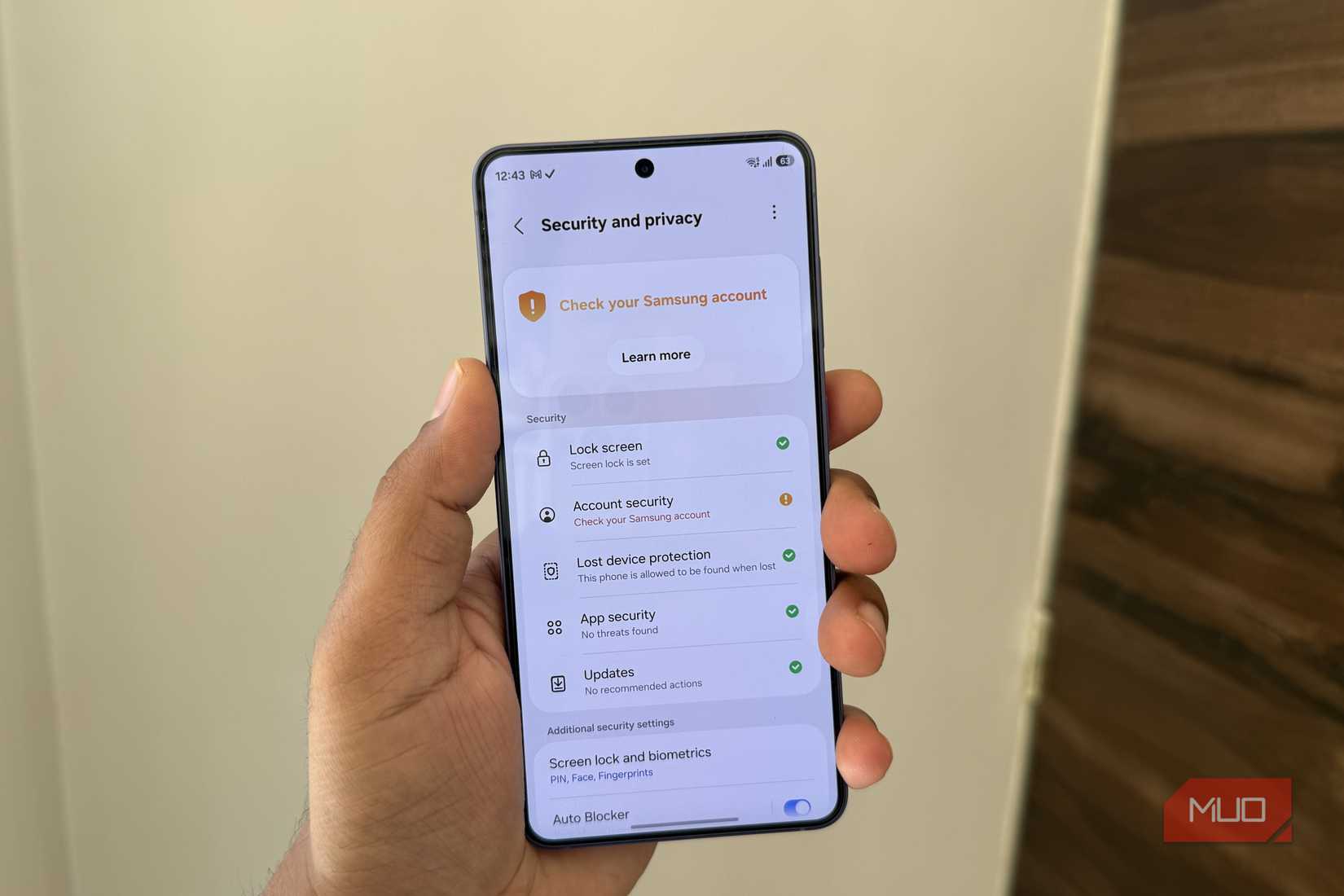
Pankil Shah / MakeUseOfCredit: Pankil Shah / MakeUseOf
That’s a lot of vulnerabilities, of course, across Framework, System, Kernel, and third-party chipset components from Qualcomm and Broadcom. 18 of them are rated Critical, according to Google’s June 2026 Android Security Bulletin.
The biggest one to concern yourself with is CVE-2025-48595, a high-severity integer overflow in the Android Framework with a CVSS score of 8.4 (a 0–10 severity scale, where 9.0+ is Critical). Google confirmed in the bulletin that there are “indications that CVE-2025-48595 may be under limited, targeted exploitation,” which is the standard phrasing used when someone is actively weaponizing a vulnerability against real devices.
The bug itself has to do with how the Android Framework performs arithmetic operations without proper bounds checking. A local attacker can craft an input that overflows an integer value, which wraps around to an unexpectedly small number. That incorrect value then gets used as a buffer size or memory index, which creates a pathway for code execution at elevated privilege levels. A malicious app with basic permissions can use this exploit to take full control of a device without asking for more permissions and without any action on the user’s part. The most likely delivery mechanism is a trojan-like app that you install yourself.
Another vulnerability, CVE-2026-0059, is a high-severity Bluetooth heap overflow in the System component that can execute code on a nearby device without any user interaction. The attacker needs to be within Bluetooth range, but it can be used in combination with the above: get close, install an app surreptitiously, then use the privilege escalation to cause havoc.
Who’s Actually Protected Right Now
Pixel devices got it first; everyone else is waiting
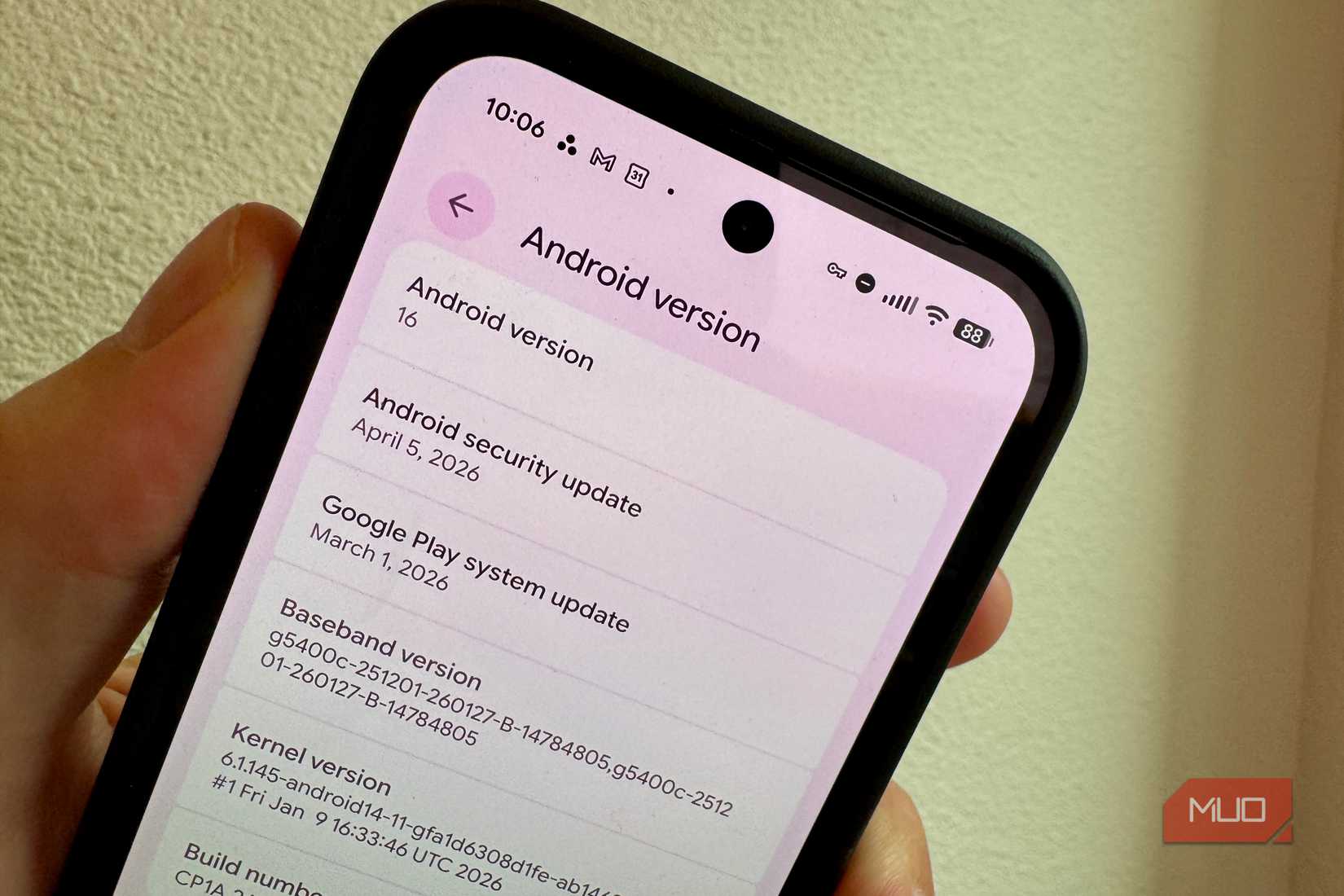
Updating your Android phone is fairly simple, but whether you have the new June security update comes down to your hardware. Google notifies Android hardware partners of vulnerabilities at least a month before publishing the bulletin, so Samsung, OnePlus, Motorola, and Xiaomi have had time to prepare, though they haven’t yet shipped it.
Pixel devices started getting the June 2026 firmware on release day, but for every other Android device, the timeline is up to the manufacturer. And, like most Android updates, the roll-out depends on the model and age of your phone. A current Galaxy S25 could get the patch within days, while a mid-range phone from two years ago could take weeks, or not receive it at all depending on the support window.
And don’t forget, the update window can often be determined by the chipset vendor, not the phone maker. Older silicon operates on shorter schedules, regardless of what the OEM promises.
One other troublesome snafu: if you’re running Android 17 CinnamonBun beta on your Pixel, like me, you could still be on the May patch. Beta 4.1, released June 1, came with May’s security patch instead of June. The new patches should arrive with stable Android 17 around June 10, so you don’t have too long to wait.
There may be a partial workaround as some June fixes are bundled via Google’s Project Mainline, which delivers component updates from the Play Store without a full OEM firmware update. Mainline installs automatically in the background, so your device may already have coverage for some vulnerabilities even if your patch level string hasn’t changed.
How to Check and What to Look For
Settings, patch levels, and what the numbers mean
To check your current security patch level, go to Settings > About phone > Android version on most devices. On Pixel, it’s Settings > Security & privacy > System and updates. You want to see 2026-06-01 or 2026-06-05; the latter includes all June fixes plus additional patches for kernel subcomponents and chipset drivers.
To manually check for a firmware update on Pixel: Settings > System > Software updates > System update > Check for update. On Samsung: Settings > System updates > Check for system updates. OnePlus: Settings > System & update > System update.
You can check your Google Play System update separately, since Mainline components update through a different channel. Find it under Settings > Security & privacy > System and updates > Google Play system update.
The exploit is limited in its target, but the update is still worth getting
The active exploitation of CVE-2025-48595 is described as limited and targeted, which historically means high-value targets: journalists, dissidents, officials, executives. The same language appeared in past bulletins tied to commercial spyware campaigns like Heliconia, Predator, and Hermit.
If you’re not a high-profile target, your immediate risk is low. But privilege escalation bugs don’t operate in isolation. The June bulletin also fixes remote code execution bugs in the Media Framework. An attacker who gets in via one of those could chain it with CVE-2025-48595, and that combination is more dangerous to a much wider audience.
You can get the fix now for free if you’re a Pixel owner and aren’t running the beta. For everyone else, check your patch level, trigger a manual update check, and make sure your Google Play system update is current while you wait.