
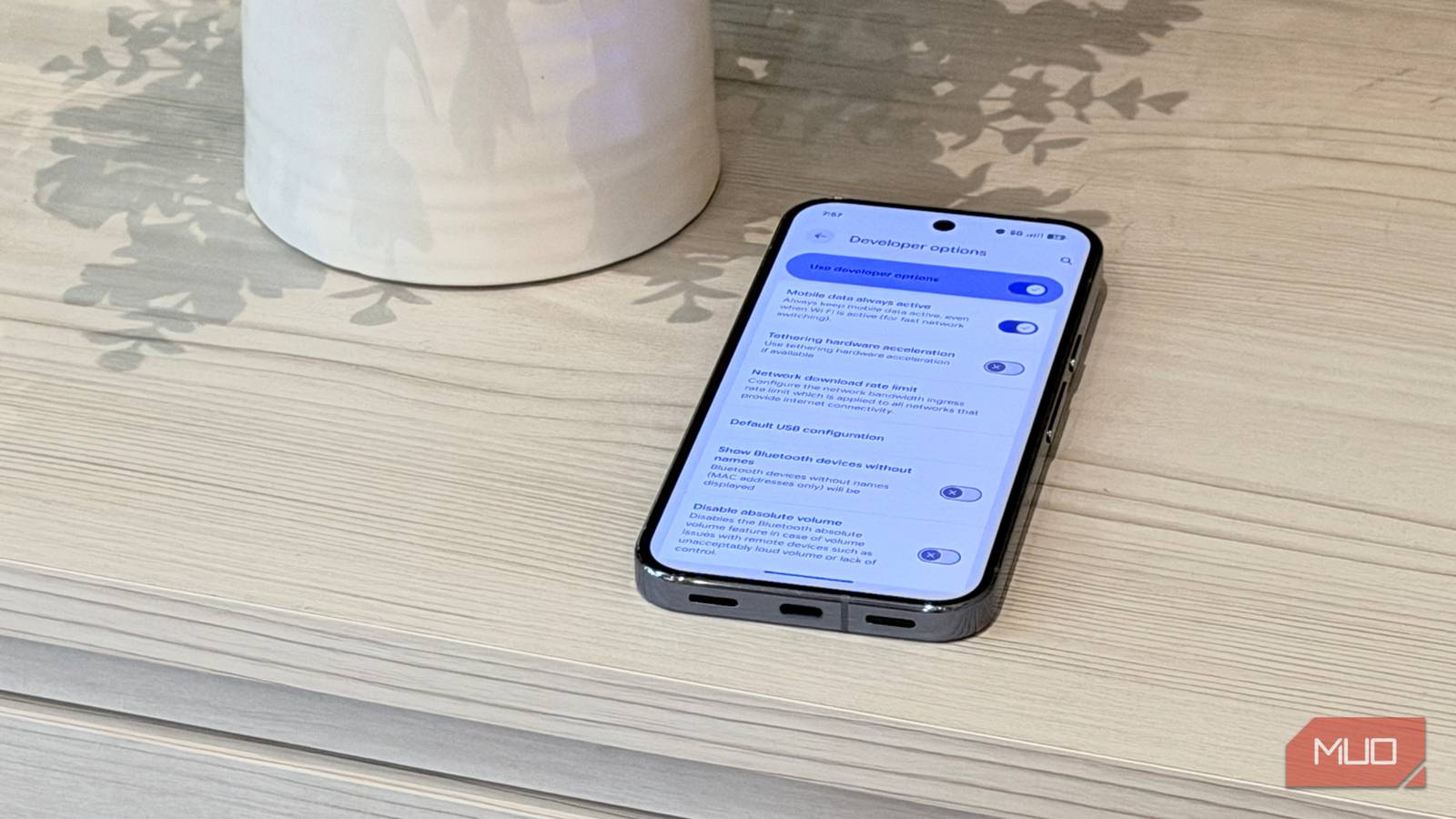
We’ve all experienced it: your internet slows to a crawl as your phone clings to a weak Wi-Fi connection instead of switching to cellular data.
That behavior is intentional. Phones were designed to prioritize Wi-Fi when mobile networks were slower and unlimited data plans were rare. But with fast 5G and generous data plans now common, sticking to unusable Wi-Fi often does more harm than good.
Two settings can make your phone switch to cellular data more aggressively when Wi-Fi becomes unreliable. Here’s how to change them.
Related
I Use These Tricks to Get the Fastest Internet From My Router
This is how I get faster speeds without upgrading my internet plan.
First, enable mobile network auto-switch
In Adaptive Connectivity
Credit: Brandon Miniman / MakeUseOf
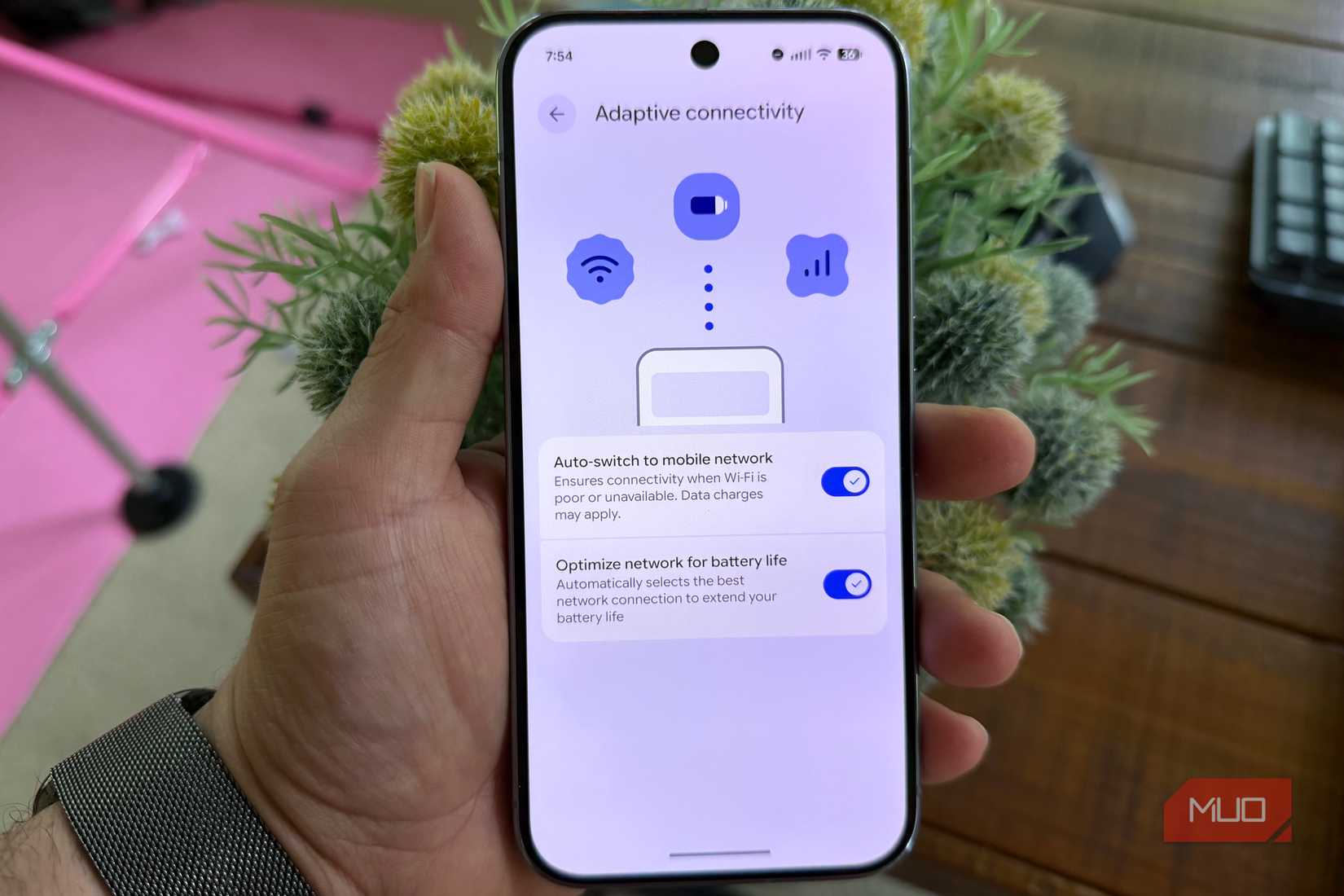
I don’t know why this setting is off by default on some devices. If you go into Adaptive Connectivity, you can force your phone to more readily switch to cellular data (for Pixel users, just go to Settings > Network & Internet > Adaptive Connectivity > turn on Auto-switch to mobile network).
For Samsung devices, the path to this setting is different. Go to Settings > Wi-Fi > three dot menu > Intelligent Wi-Fi > turn on Switch to mobile data and Switch to better Wi-Fi networks.
Then, keep mobile data always active
It’s a buried setting, but this one is key
Credit: Brandon Miniman / MakeUseOf
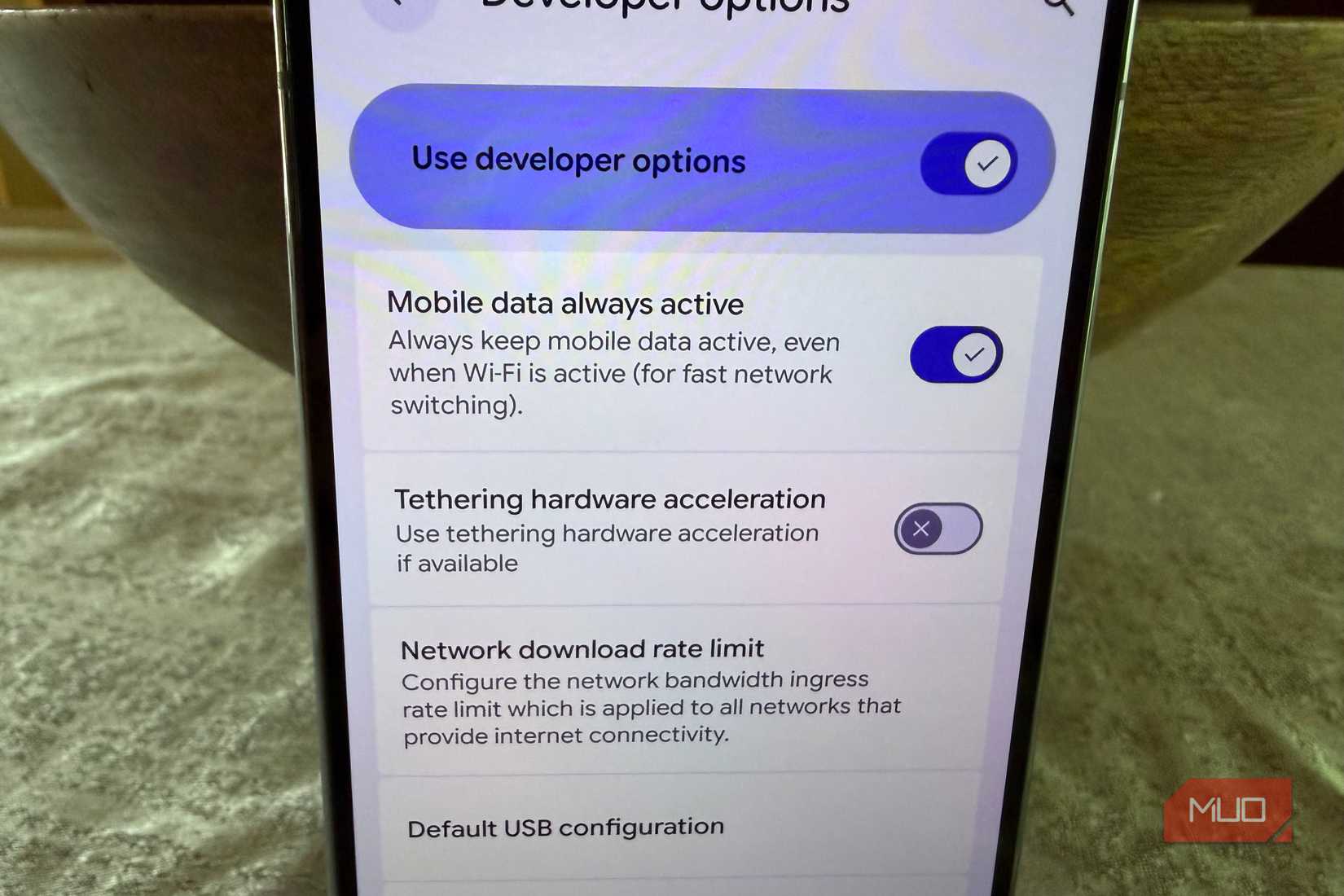
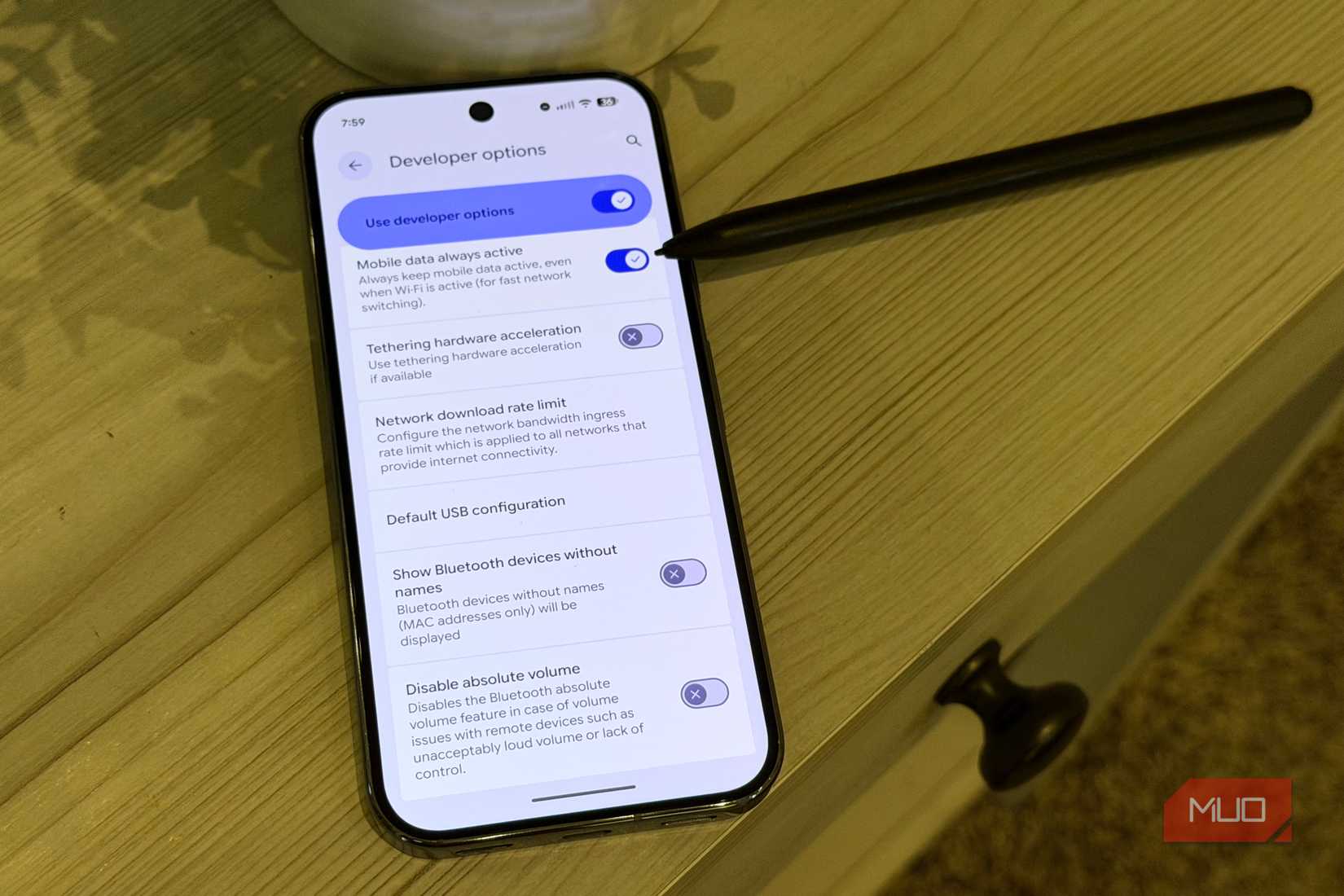
This is the most important setting to change, though it’s somewhat buried. Enabling “mobile data always active” keeps your cellular connection active in the background without using mobile data while Wi-Fi is working well. If the Wi-Fi signal becomes unreliable, your phone can immediately route internet traffic through cellular data instead of leaving you stuck in a dead zone.
To turn this on, you have to enable Developer Options (go to Settings, About, tap build number seven times). Then go to Settings > System > Developer Options > scroll down to the Networking section and turn on Mobile data always active.
The brute force option: forget the network
Stop connecting to bad networks for good
Credit: Brandon Miniman / MakeUseOf
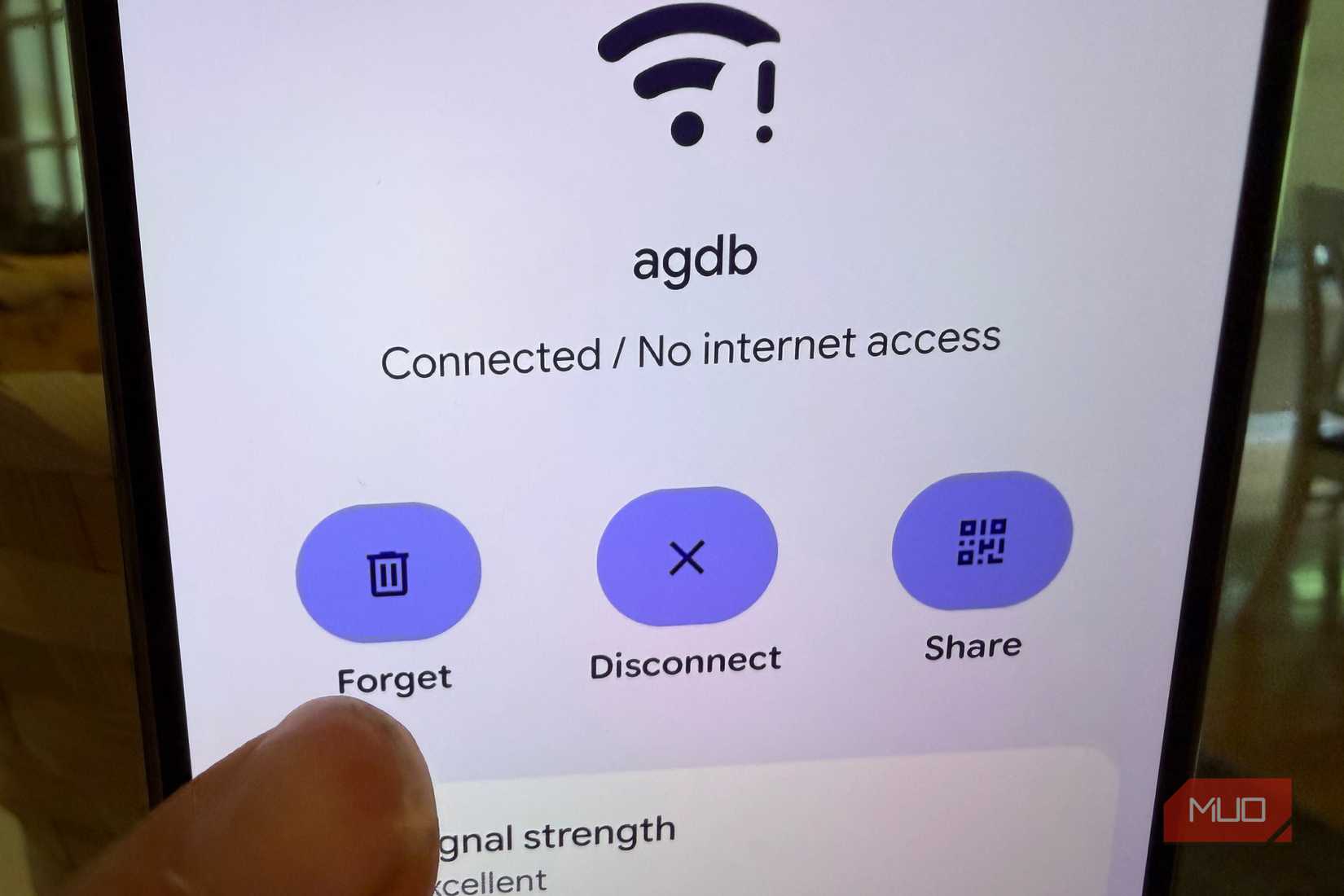
This is somewhat of a nuclear option, but it’ll solve your problem. If you have a poor connection to a particular Wi-Fi network, you can tell your phone to stop connecting to that network permanently by setting your phone to forget that network. Maybe it’s the Wi-Fi of a coffee shop you walk by or your neighbor’s Wi-Fi you once used but no longer offers a strong connection.
To do this, just go to Settings > Internet > tap the weak network name > Forget. This will stop your phone from ever connecting to this network again, which means you’ll have to re-enter the network password if you want to connect to it again.
Sometimes what once was a strong connection is no longer—routers can be moved, furniture can cause signal interference, even trees and bushes can slow down radio waves that once went to your phone but are now slowed down. If that’s happened, just forget the network and your phone will stop looking for it, and you’ll stick to cellular data.
Staying on weak Wi-Fi instead of just using cellular data is also a battery-killer, as your phone meters power to your wireless radios in an attempt to try to keep the connection alive. Instead, just favor cellular connectivity with these settings and by forgetting weak Wi-Fi.
Another thing you might want to consider, especially if your home Wi-Fi is causing you problems (where you have access to the router settings), is to disable band steering, which can cause your router to constantly switch between 2.4GHz and 5GHz bands, which can slow down wireless networking performance. Another problem you might be having is that your router is not efficiently prioritizing traffic, leading to buffering, and a phenomemon known as Bufferbloat, which can be detected with a simple test.
Don’t be afraid of using more data
Weak Wi-Fi can happen anytime, anywhere
Credit: Brandon Miniman / MakeUseOf
There is nothing worse than when your phone clings to weak Wi-Fi and doesn’t switch over to mobile data smoothly to ensure an uninterrupted connection to your phone. Not having fast, reliable internet on your phone because of Wi-Fi connection issues is one of the most frustrating things ever.
But with these changes, you’re telling your phone to be more aggressive about switching off from weak Wi-Fi and on to data. In an age of 4G and 5G everywhere (even though network switching might be slowing down your phone), plus the fact that most of us have unlimited data, your phone can err on the side of jumping to cellular data too quickly if that means you don’t ever have a weak connection.

SoC
Google Tensor G4
Display
6.3-inch Actua pOLED display, 1080 x 2424 resolution, 60-120Hz, 3000 nits peak brightness