
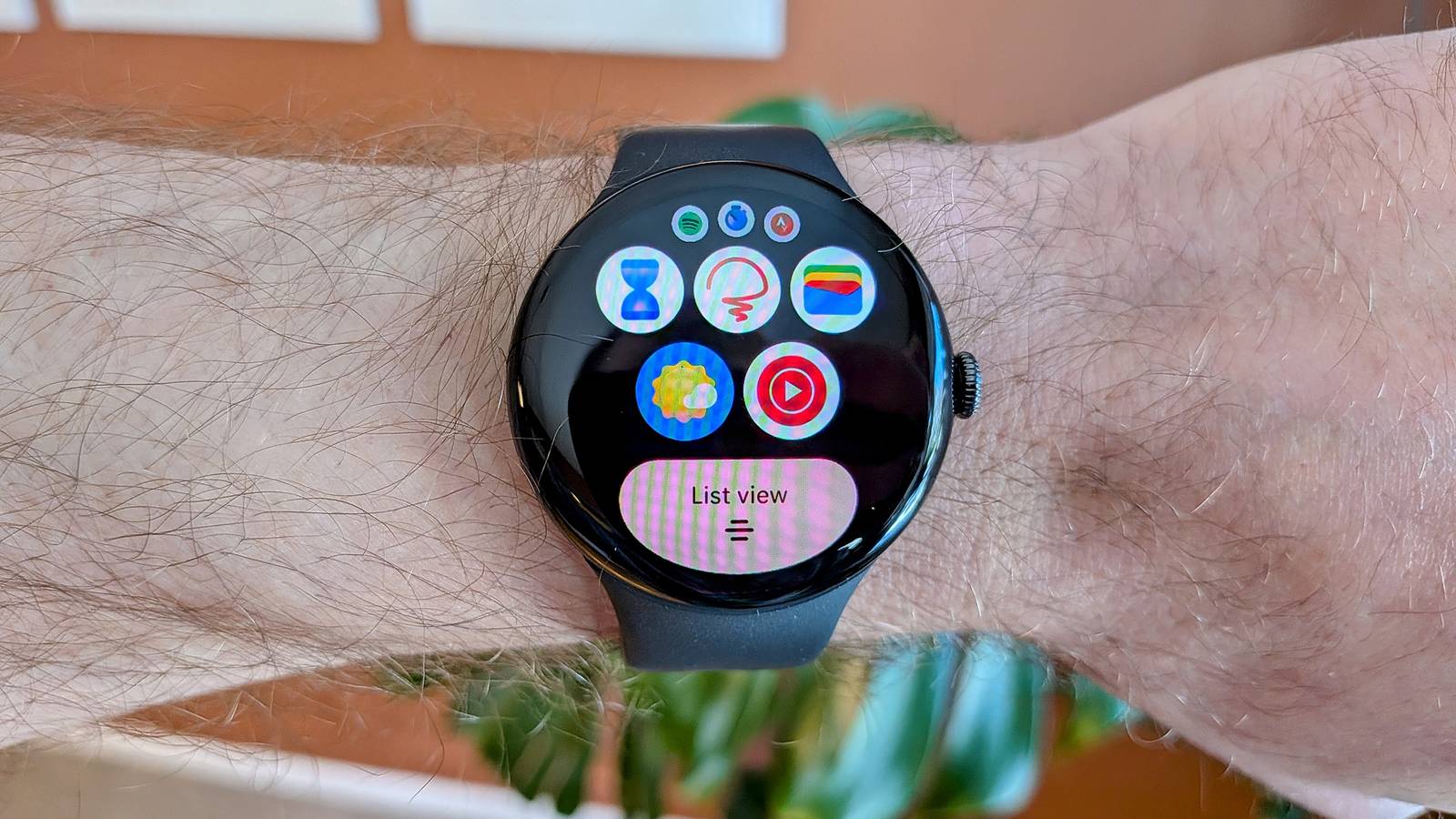
Nothing makes me feel more futuristic than tapping my smartwatch to a terminal to pay for a bag of chips. However, there’s one part of the process that has always been a bit annoying to me. Thankfully, Google Wallet on the Pixel Watch finally fixed it.
See, when you make mobile payments with an Android phone, you don’t have to actually open the Google Wallet app first. As long as your phone has been unlocked with some sort of security method—PIN, pattern, finger, or face (if you’re lucky)—the default card will automatically be used. That hasn’t been the case on smartwatches, but a recent toggle changes things.
Express pay for Google Wallet
Finally, a faster way to tap to pay
Credit: Bertel King / How-To Geek
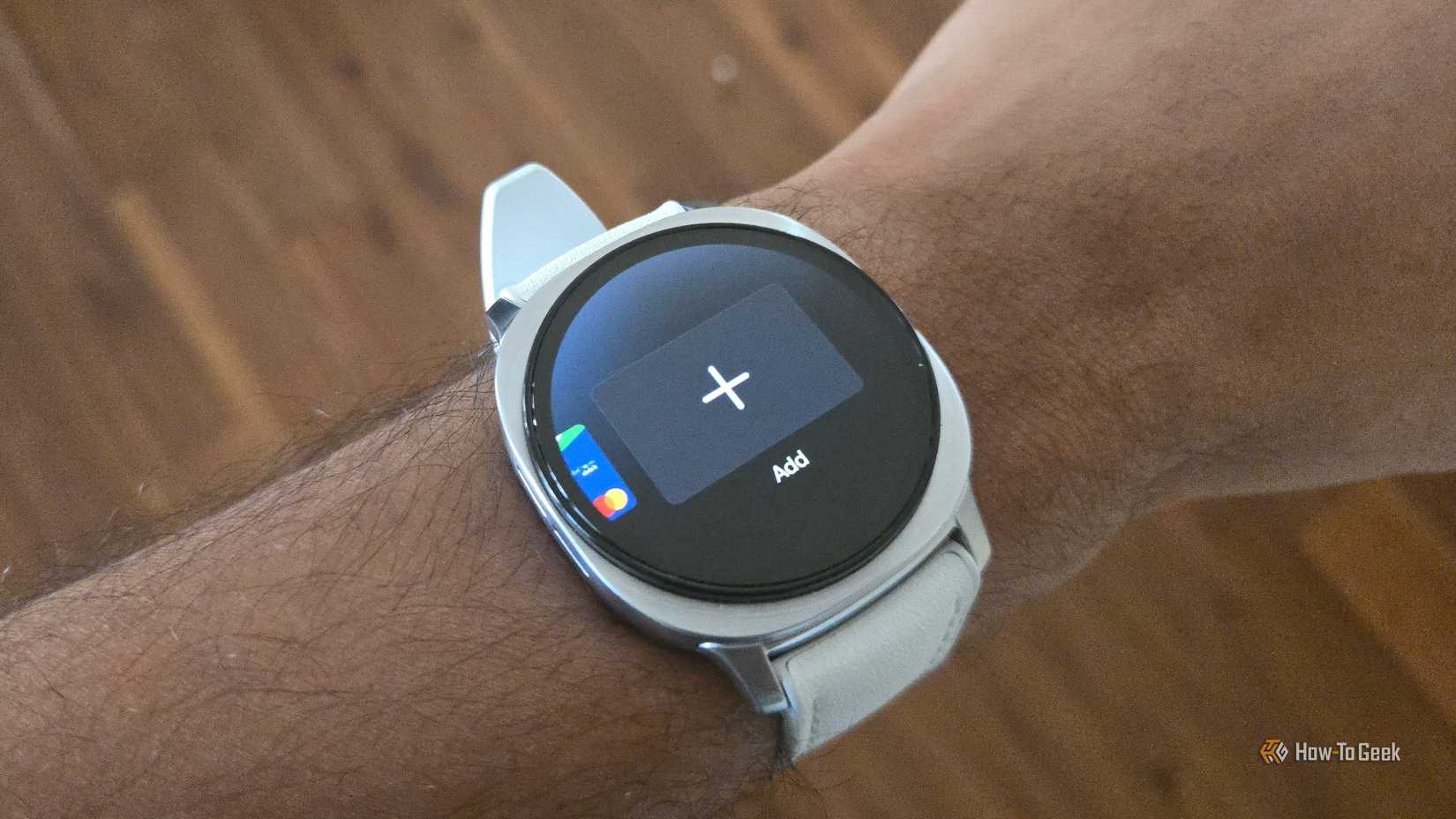
To be clear, unlike how it works with phones, you do need to open Google Wallet on a Wear OS smartwatch in order to tap to pay. That’s why dedicating one of the button shortcuts to Google Wallet is always one of the first things I do.
I know this isn’t that big of a deal, but I’ve never understood why it works differently on phones and watches. You literally can’t set up Google Wallet on a Galaxy Watch or Pixel Watch without enabling the screen lock. Granted, these devices only need to be unlocked once when you put them on, but they automatically lock when not on your wrist. If someone grabs a Wear OS watch off your wrist, it will lock before they can use it to pay for something.
At any rate, Google added a feature called “Express Pay” earlier this year. It allows the Pixel Watch to make mobile payments just like an Android phone. As long as the watch has been unlocked, you can simply tap it to the terminal, and your default card will be used. Easy peasy.
Related
The most useful Google Pixel Watch features that aren’t enabled by default
Pixel devices aren’t generally known for having tons of options for people to play around with. That doesn’t mean there aren’t some goodies tucked away in the settings. Here are a few Pixel Watch features you should enable right now.
Express Pay is available for all Wear OS devices, but only the Pixel Watch has the option for “Tap to pay and transit.” Other devices only have the option to use it for “Transit only.” Sorry, no bag of chips. Also, finding the option to turn Express Pay on is not super obvious.
Open the Pixel Watch app and go to the “Google” section, then select “Google Wallet.” Select the card that you would like to be used when you tap your watch to pay. Finally, select “Express pay,” toggle it on, and choose “Tap to pay and transit.”
This makes much more sense
Express Pay took the mobile payment experience on the Pixel Watch from slower than a phone to much faster. With my phone, I still need to unlock the screen to make a mobile payment. Even if I’m using Extend Unlock, it will still make me enter my security method. This is a good thing, by the way.
However, since my Pixel Watch only needs to be unlocked once when it’s on my wrist, there’s no step in between walking up to the register and tapping my watch to the terminal. It literally could not be quicker, and now I feel even more futuristic than I did before.
Heart Rate Monitor
Yes
Color Screen
Yes
Notification Support
Yes
Battery Life
Up to 40 hours with always-on display
Operating System
Wear OS 6
Onboard GPS
Dual Frequency GPS: GPS, Galileo, Glonass
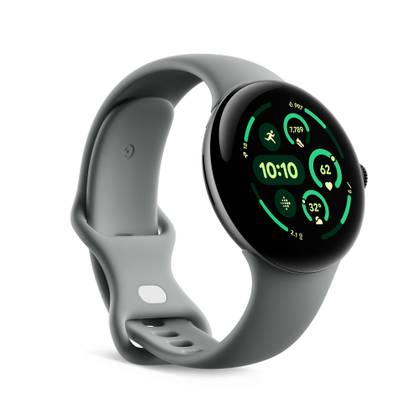
The Pixel Watch 4 is made to work seamlessly with your Pixel (or other Android) device. The domed display offers a fantastic view of anything you need on your smartwatch, from the time to in-depth fitness insights.
Brand
Color Screen
Yes
Notification Support
Yes
Operating System
WearOS
Strap size
41mm or 45mm
Dimensions
1.34 x 3.23 x 9.41in
The Google Pixel Watch 3 is a performance-focused smartwatch featuring a larger, brighter Actua display available in two sizes, designed to enhance fitness tracking and daily productivity. It offers advanced running capabilities, readiness and cardio load tracking, and deep integration with Google’s ecosystem, all while delivering up to 36 hours of battery life with Battery Saver mode.