
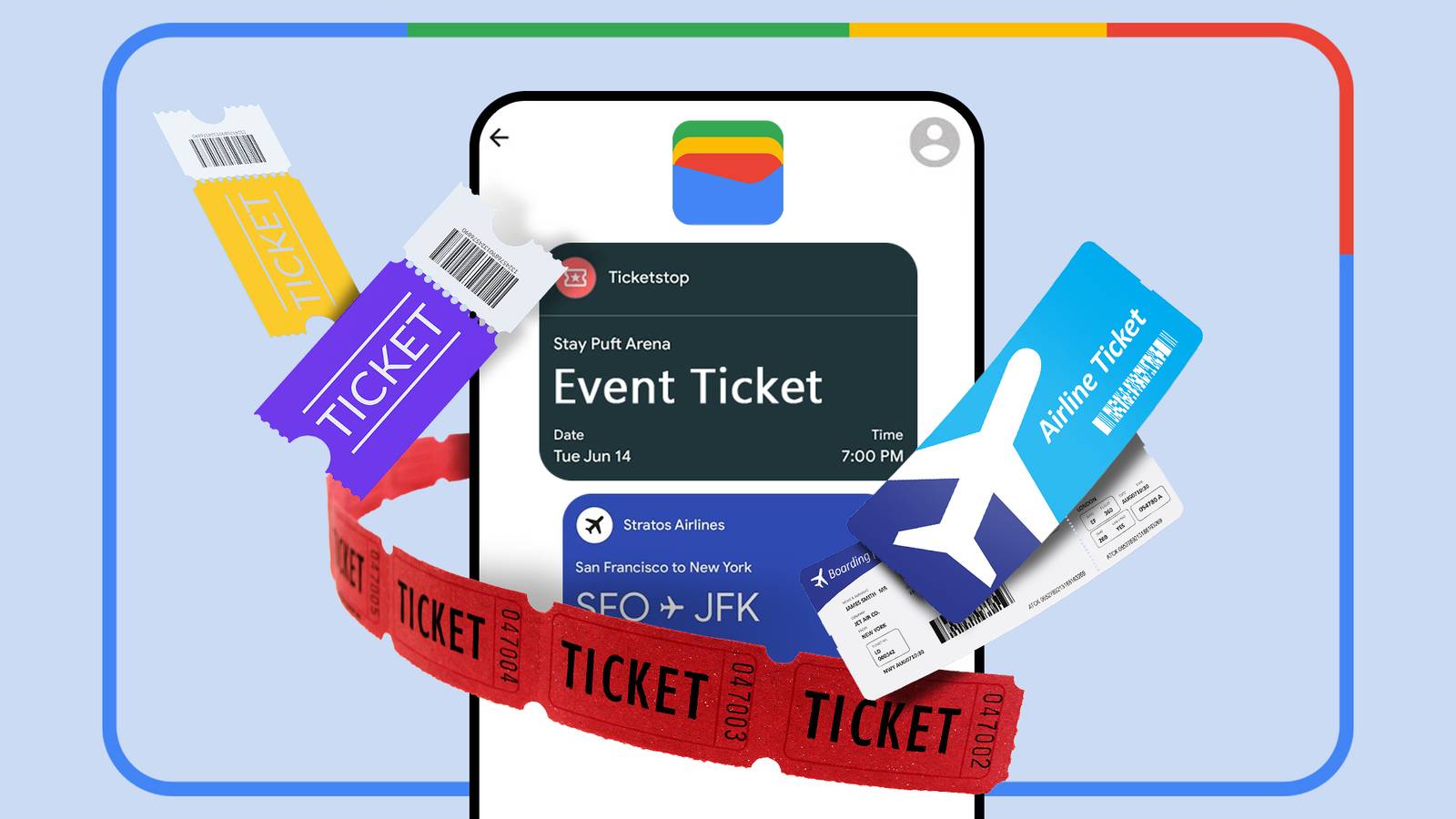
I’ve got Tripsy on my phone and always install the airline’s app before I’m flying. Yet, the one thing I reach for every single time at an airport is Google Wallet. It doesn’t get nearly enough credit for the specific job of getting through the airport and other public transit modes.
Most people think of it as an app to store credit cards, and that’s fair. Google’s digital wallet isn’t a travel app in the traditional sense—it won’t help you build an itinerary. But it removes friction, keeps everything organized without adding any stress of juggling documents, passes, and tickets.
Here’s why Google Wallet has earned a permanent spot in my travel routine.
Airport checkpoints feel faster
No fumbling for a boarding pass
Speed matters at the airport gates. The person behind the counter isn’t waiting for the app to load, and neither is the line forming behind you. You wouldn’t want to open the app and fumble navigating the menus to find where the boarding pass is stored.
Google Wallet cuts most of this process out. Once you launch the app, it puts your boarding pass in the center—no login, no home screen, no navigating menus to find where the boarding pass is buried somewhere.
Connecting flights are easier to manage
One place for every airline
Credit: Tony Phillips/How-To Geek
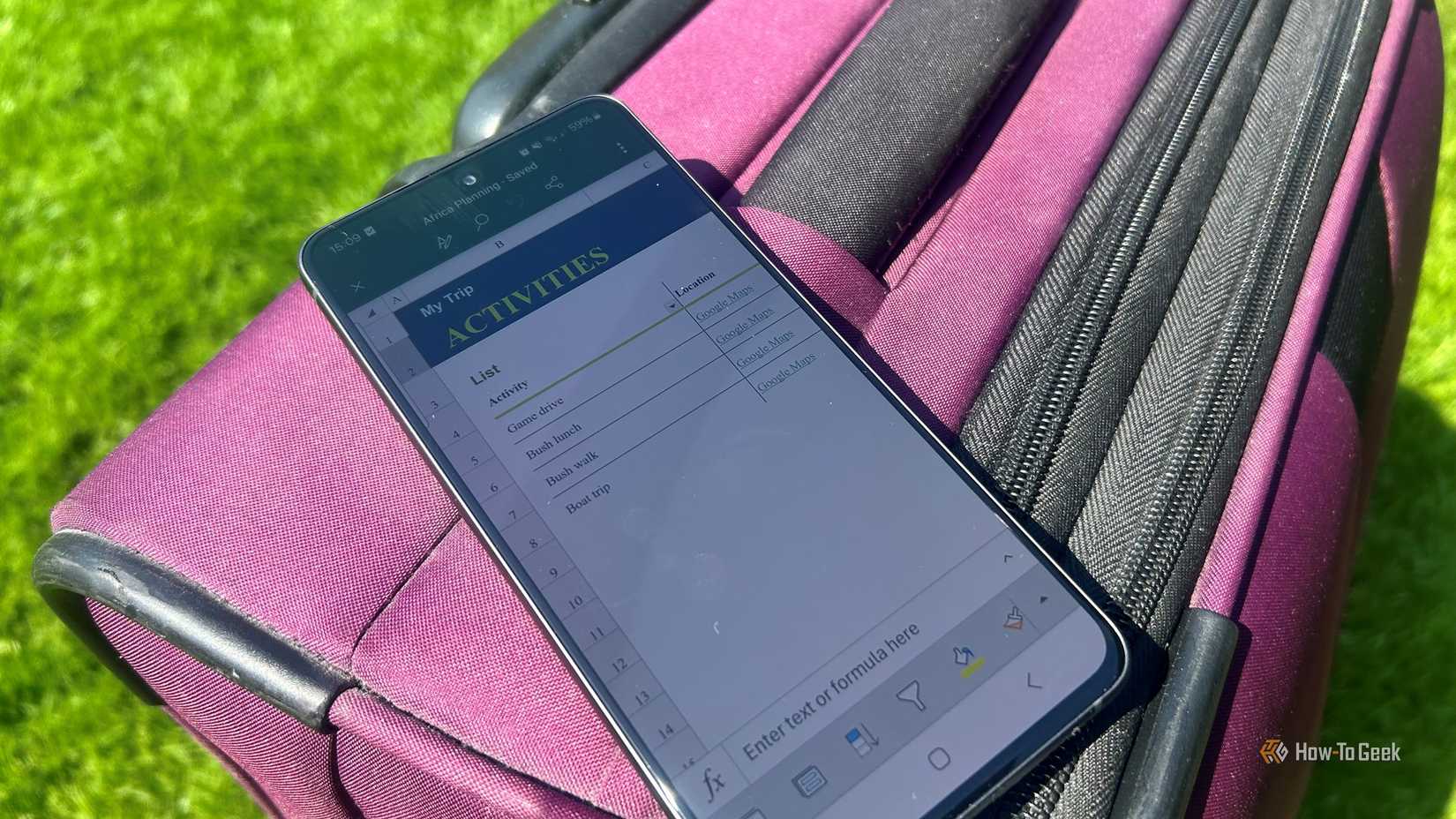
Traveling long-haul often means connecting flights across different carriers. That requires two separate airline apps, two different boarding passes, and a lot of switching back and forth—while you’re fatigued and in a hurry.
Google Wallet solves this problem as a centralized hub by consolidating all your passes, regardless of the airline. You scroll to the right pass, and you’re done. For something you need to take out multiple times across a single journey, this efficiency adds up fast.
No signal, no problem!
Offline by default
Credit: Lucas Gouveia / How-To Geek
Wi-Fi connectivity at airports is notoriously unreliable, and cellular signals in terminals can be patchy. Travel and airline apps that rely on a live connection to pull up necessary details are a gamble in those conditions. The problem becomes even more noticeable when you’re traveling internationally with expensive roaming charges. Google Wallet stores your passes locally, i.e. on device, so it loads instantly—whether you have five bars or not.
The peace of mind is worth it as I never have to worry about network congestion at airports when accessing digital documents.

Related
I Thought I’d Never Need My Wallet Again—Until This Happened
Forgot your wallet? No problem—Google Wallet’s got your back.
The lock screen does the work too
Ready before boarding
If you thought Google Wallet only makes it easier to glide through the airport checkpoints, then you’re wrong. When notifications are enabled, Google Wallet can surface your boarding pass on the lock screen as the flight approaches. This gives you faster access by tapping on the lock screen notification instead of unlocking the phone and opening the app.
It’s a small feature, but also the most helpful, as other travel apps send you push notifications that take you into the app.
Gmail can add passes before I remember to
Auto-added from your inbox
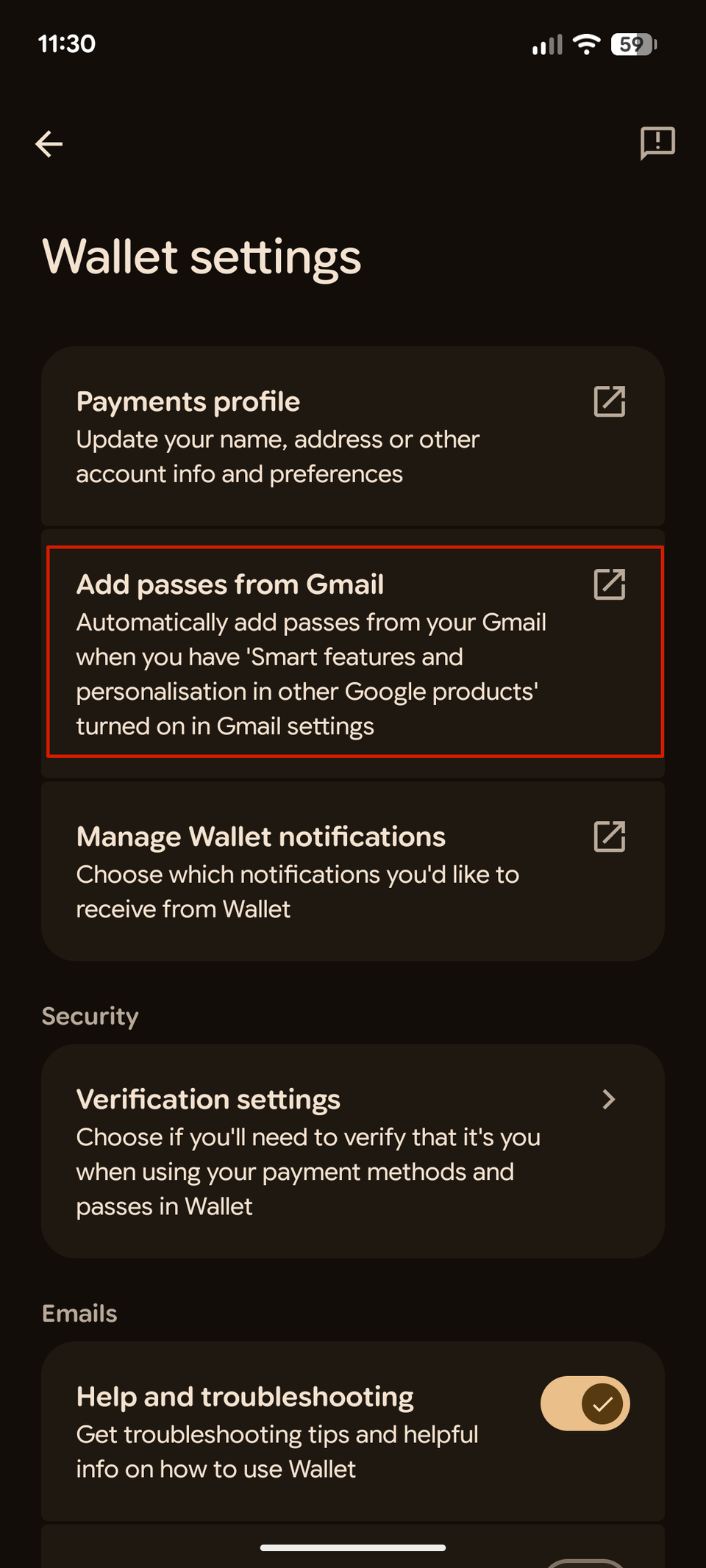
If your flight confirmation from supported airlines hits Gmail, there’s a good chance Google Wallet already knows about it too. This means any boarding pass or other transit mode tickets are automatically added—you don’t have to manually perform the ‘add to wallet’ step. This invisible automation is exactly what you would want instead of adding it yourself at 4am before an early departure.
Live updates replace my flight tracking habit
Fight status on glance
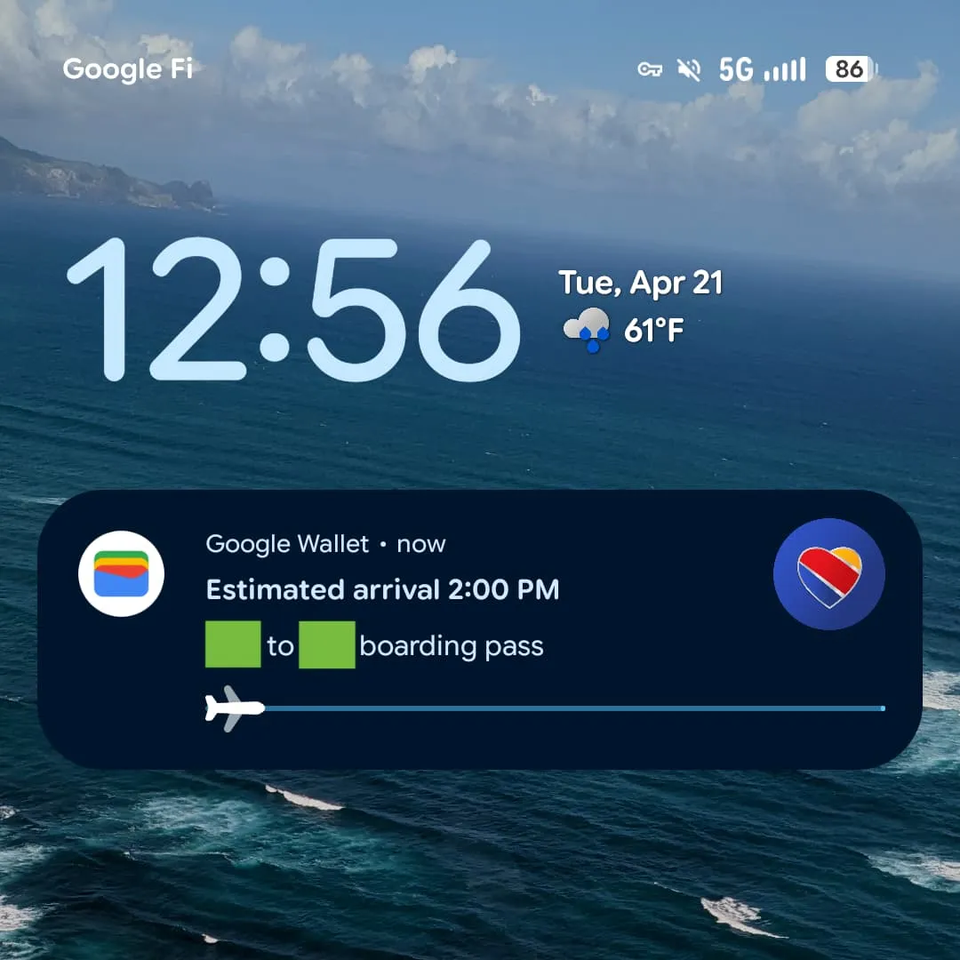
Google Wallet’s newly added feature is also its most significant one. On Android 16 and later, the app uses Android’s live update system to surface important information such as estimated arrival time, flight duration, and a progress bar showing where you’re along the route directly on the lock screen and always-on display. One tap on it, and it takes you straight to your boarding pass QR code.
The feature started rolling out gradually in April this year, and not everyone has access to it. It’s recommended to keep Google Wallet and Play Services updated to their latest version. When the live flight updates become widely available and get more polished, it could eliminate one of the main reasons people use flight tracking apps.
Digital IDs are a useful backup at TSA
One less thing to take out of your bag
Google Wallet supports both state-issued driver’s licenses and passport-based ID passes for identity verification. TSA also accepts them at more than 250 airports across the US. Having an eligible ID in the same app as your boarding pass reduces the number of things you need to juggle while moving through security. So, this feature adds another layer of convenience as airport travel is built around repeated identity and document checks.
However, there are caveats worth knowing upfront. This is not a reason to leave your physical ID at home. Support for digital IDs depends on the airport, checkpoint, state, and ID type.
It handles more than just flights
Wallet doesn’t clock out at the gate
Flights are just one part of the trip. With Google Wallet, I can also store transit tickets, event passes, loyalty cards, and related documents that need quick access throughout the day. That matters more than it sounds. When you may have to take a metro or head to the stadium to catch a game, you don’t have to reach for a different app because everything is already in the Wallet.
Related
10 Google Wallet Features You Should Be Using
It’s time for a wallet upgrade.
Taken together, Google Wallet’s features aren’t incremental; they offer a meaningful, better experience. While I still have a trip organizer and flight tracking app on my phone, Google Wallet takes over the moment I walk into the airport terminal, and it does a better job than any of the dedicated travel apps.