
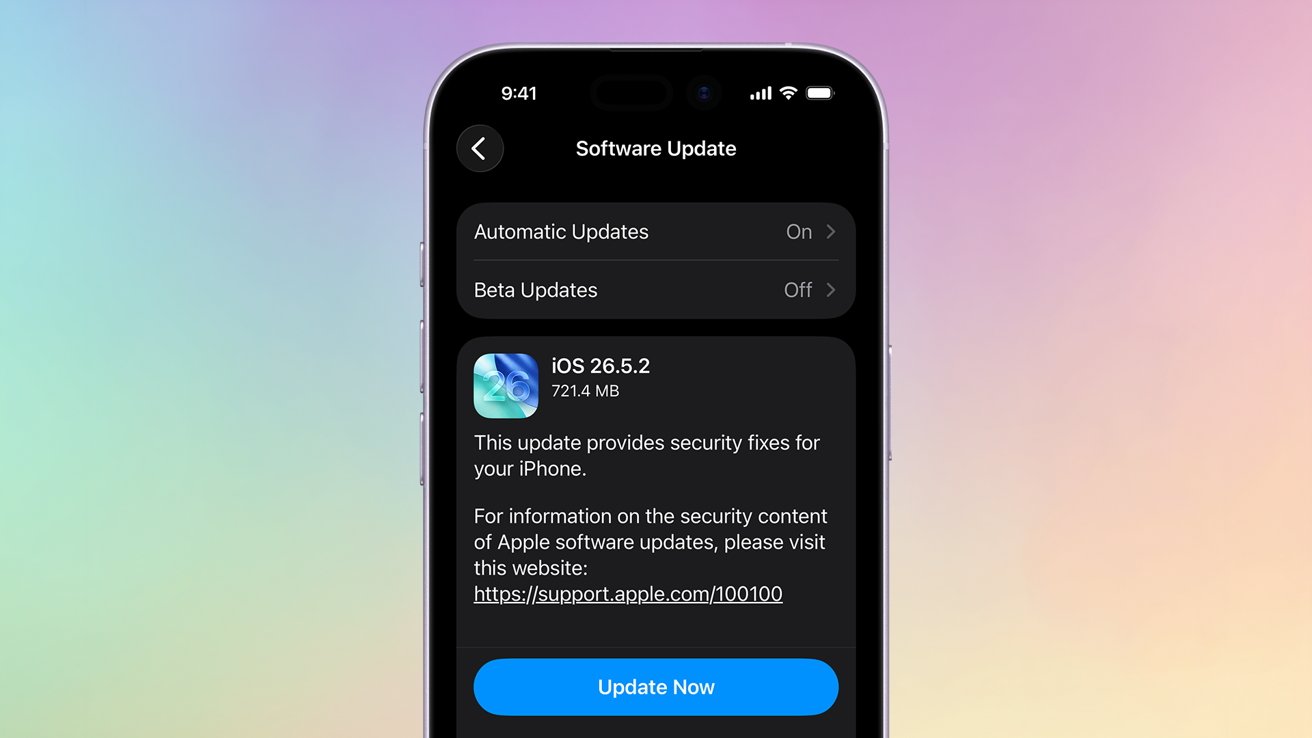
It’s time to update your Mac, iPhone, and iPad, as Apple has released a new trio of security patches for its operating systems.
Apple pushed out three new updates on Monday in an effort to patch an apparent security flaw. As of publication, Apple has not specified what issue the patch is meant to fix.
Because Apple has not announced what is in the update, it is also possible that it contains bug fixes as well.
To update, you can follow the steps below.
How to update to 26.5.2 on iPhone and iPadOn your iPhone or iPad, open the Settings app
Tap General
Tap Software Update
Tap Update NowHow to update to macOS 26.5.2On your Mac, click the Apple Menu
Click System Settings
Click Software Update
If available, click Update Now or schedule an update with Update Tonight
AppleInsider and Apple suggest installing these kinds of minor patches. Security patches are essential for keeping your device safe and operational.