
Valve’s Steam Machine didn’t turn out to be the living room console everyone had hoped it would be, but the truth is you don’t need a living room console if you have a gaming PC, and you don’t even have to move that PC to the living room. Your Android TV box or streamer can be everything you need for a perfect living room setup, and you can harness the power of your existing PC to do so.
That’s exactly what I did with my Chromecast, and the experience was frankly better than I expected. If I really wanted to play games on my TV and didn’t want to move my PC, this would be completely serviceable, and you might be able to make it even better.
Moonlight is easy to set up
Just install a couple of things
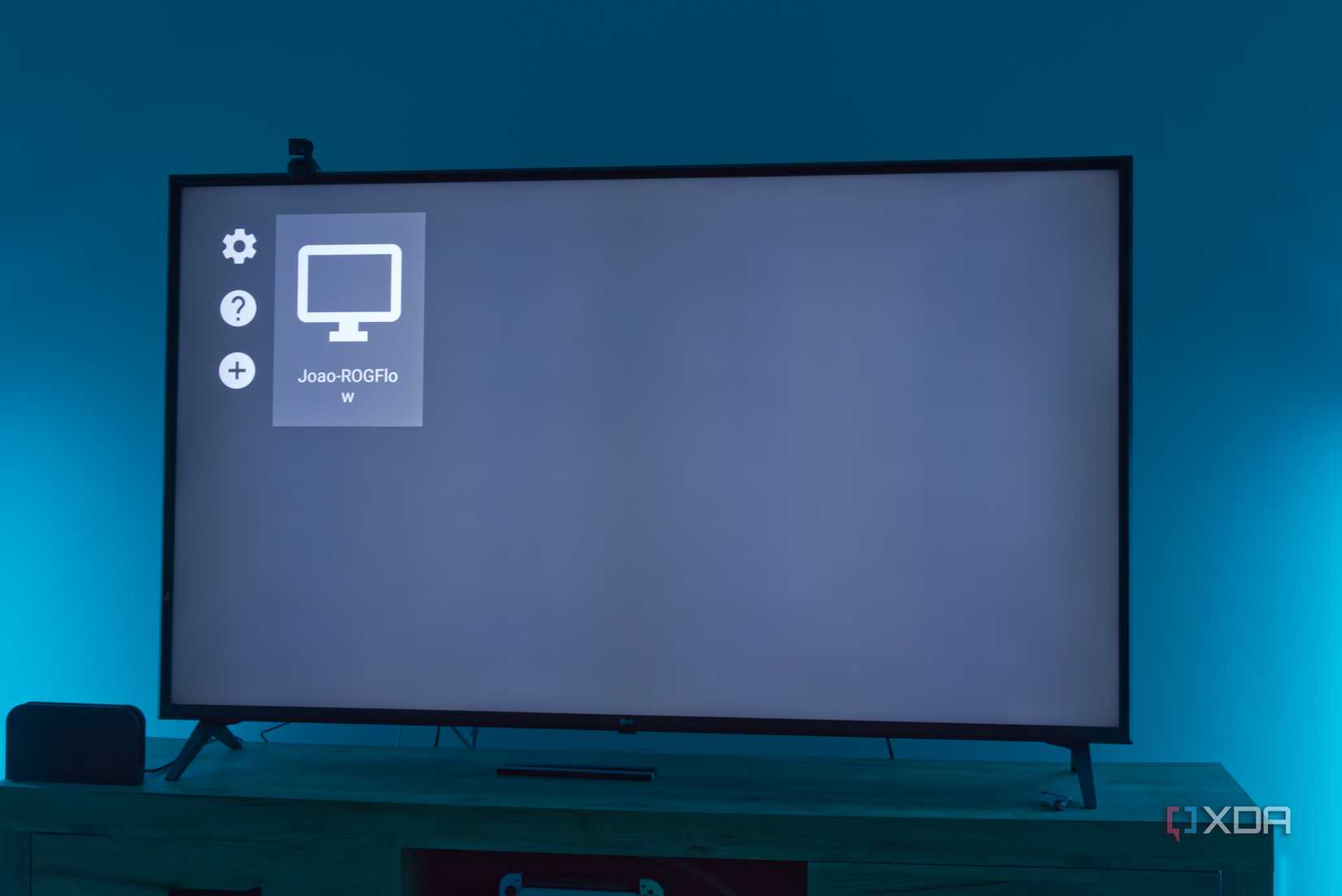
When I say “Moonlight” I actually refer to a combination of apps, which encompasses a server program (called Sunshine) running on your gaming PC, and a streaming client (Moonlight) on your Android TV. The Sunshine server app can be downloaded from the official website, but for your Chromecast or other Android TV box, you can just use the Play Store to find the Moonlight client.
Once both are set up and running, your Moonlight app on the Android TV box should be able to detect the Sunshine server on your PC, as long as both devices are on the same network. When you see your PC, you can make a connection request, and your PC will see a notification. Enter the PIN shown on your TV to link your two devices, so you can start streaming from your PC at any time.
Related
I streamed my Steam library to my handheld and stopped worrying about storage
It’s much better than you’d think
Of course, you’ll also want to have a Bluetooth controller to connect to your Android TV so you can actually play games. I generally recommend the Xbox controllers since most PC games are designed to support them and they seem a bit more reliable, but I haven’t tried every brand out there.
It actually works
Even in less-than-ideal conditions
My house’s networking installation isn’t really set up in a way that allows me to use Ethernet for my computer, so my testing here was entirely done over Wi-Fi, and using a slightly older gaming laptop from 2021 (an Asus ROG Flow X13), so your experience may be a lot better than mine. But even for me, this solution worked surprisingly well in the games I tested.
The game that seemed to struggle the most was Rocket League, where I occasionally encountered slight stutters while playing online. There were things I could probably have tried, though, starting with lowering the frame rate on the PC itself to 60FPS to match the stream, but I still found the game to be playable, though I’m admittedly a casual player, and a bad one at that.
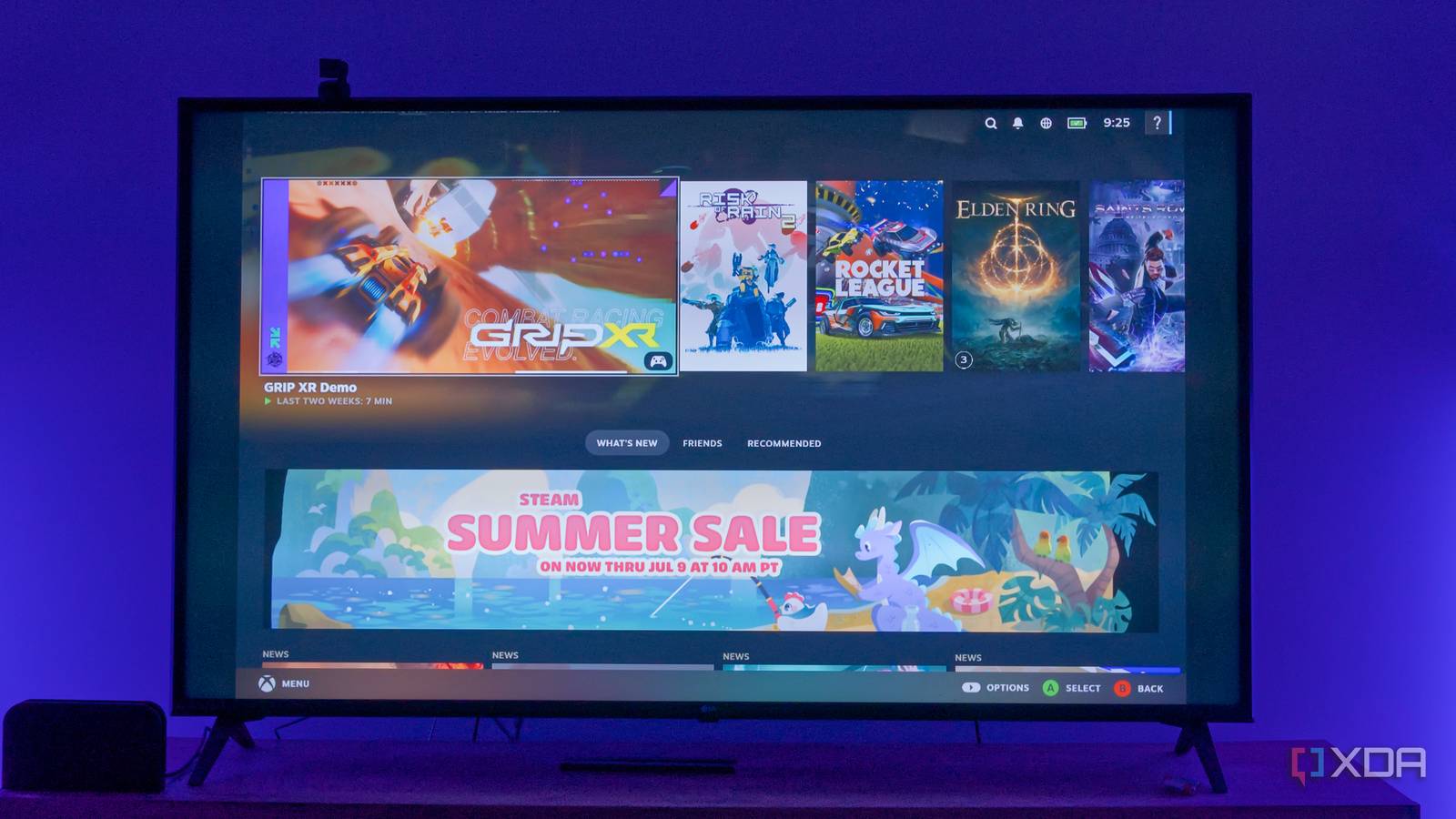
For everything else I tried, which includes Elden Ring, Saints Row IV, Risk of Rain 2, and the early preview demo for Grip XR, the experience was pretty solid across the board. I occasionally saw performance stutters, but this laptop also struggles to run some of these games in the first place. In the case of Grip XR specifically, I was able to verify that the stutters were also happening on the laptop itself.
This all happened with both the computer and the Chromecast connected via Wi-Fi, though both devices were in the same room as the router, so there was no reason for things to work terribly either. Still, I stuck to a 720p stream, and I saw a “slow connection” message a couple of times; that probably wouldn’t happen with a wired connection to your desktop PC. I’d wager you can take the quality higher with that kind of setup and a more powerful PC.
Related
Moonlight and Apollo help me experience my PC games the console way
My PlayStation is shaking in terror
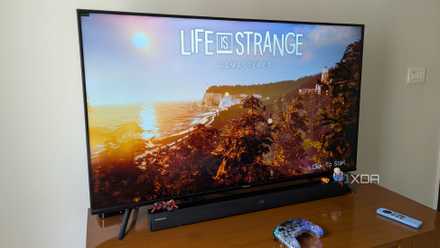
If you’re wondering why the screen has huge black borders, it’s because I’m using a laptop with a 16:10 display, while the TV is 16:9. If you’re using a desktop, you’re more likely to have a matching aspect ratio, so you won’t have this problem.
Use your PC’s power
Your TV box doesn’t need to be fancy
desk
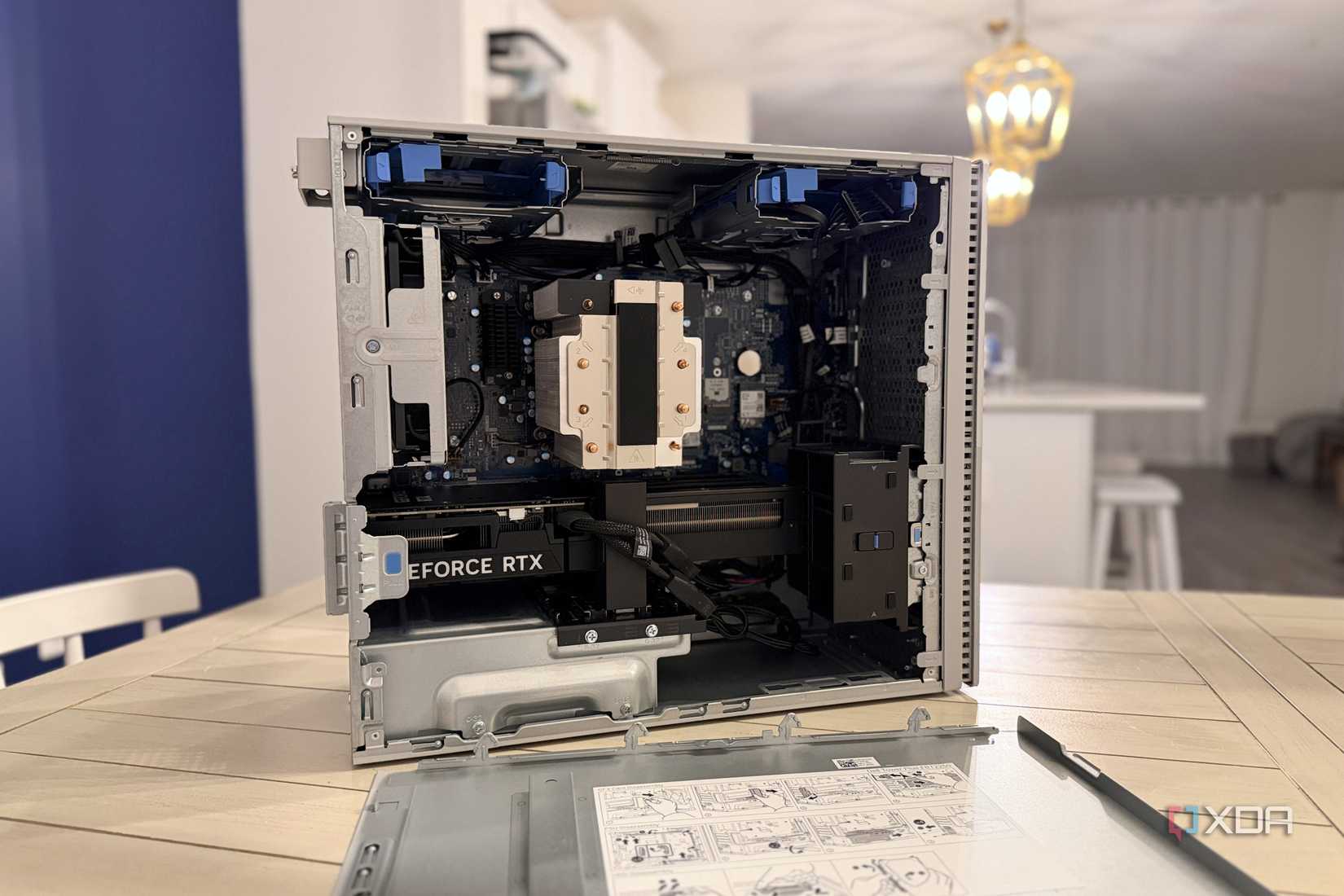
The most important part of this is that you can save a lot of money turning your living room into a console experience, because you don’t really need your TV box to be powerful. Using this method, all your games run on your desktop PC, leveraging the full power of that CPU and GPU, so you can raise graphics settings and have a smoother experience than you’d probably have with something like a Steam Machine.
I tested this with a Chromecast with Google TV (4K), which is coming up on its sixth anniversary, but it didn’t really matter because all this device does is stream a video feed from my PC, which does all the heavy lifting. So even if you have Android TV built right into the TV itself or an older box, you can still enjoy high-end PC gaming on your TV, so long as that power is somewhere in your house.
If you don’t have Android TV, one of these devices is far cheaper than buying a Steam Machine or a mini PC for your living room. A brand-new Google TV Streamer 4K costs $100 without discounts, and a Steam Machine costs over $1,000. And you can probably make do with a cheaper secondhand unit, too.
Related
I finally set up Steam Link for my TV, and now stream couch gaming from the other side of the house
Steam Link helped bring the joy back into PC gaming
Moonlight is a game-changer
I’ve never been a fan of cloud streaming, but streaming games on your own network is a fantastic way to make them available on all your devices with no extra cost, and that’s exactly what Moonlight does. In addition to Android TV, it also has Apple TV apps, and there’s even a community port for LG’s webOS TVs, so you can play your games easily on almost any kind of device, without the huge upfront cost of a new PC or console. Streaming quality is better than you might think, and your gaming PC can do a lot better rendering those games than a compact living room PC would.