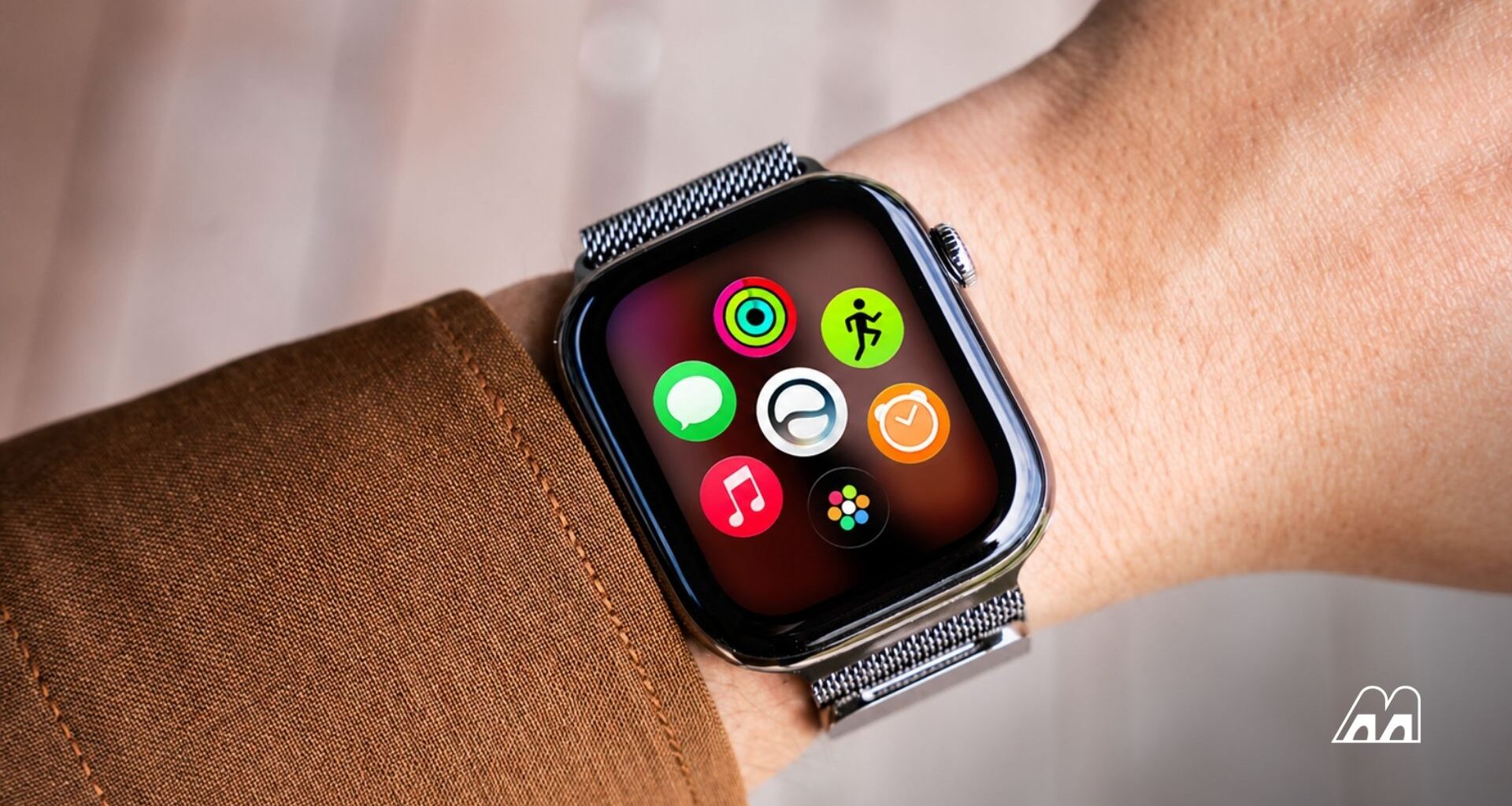
For 11 years, opening apps on your Apple Watch meant one of two things: scrolling through a honeycomb of tiny circles or swiping down an alphabetical list. Neither was fast. watchOS 27 finally changes that — and the fix might be the most useful thing Apple has done for the Watch in years.
What the Apple Watch Dynamic App Grid Actually Does
Press the Digital Crown on watchOS 27, and instead of the old app maze, you’ll see six large icons. Apple calls this the Dynamic App Grid. Five of those slots rotate based on what you use most, what time it is, and what you’re doing. The sixth — dead center — belongs to the new Siri AI app. That spot is permanent.
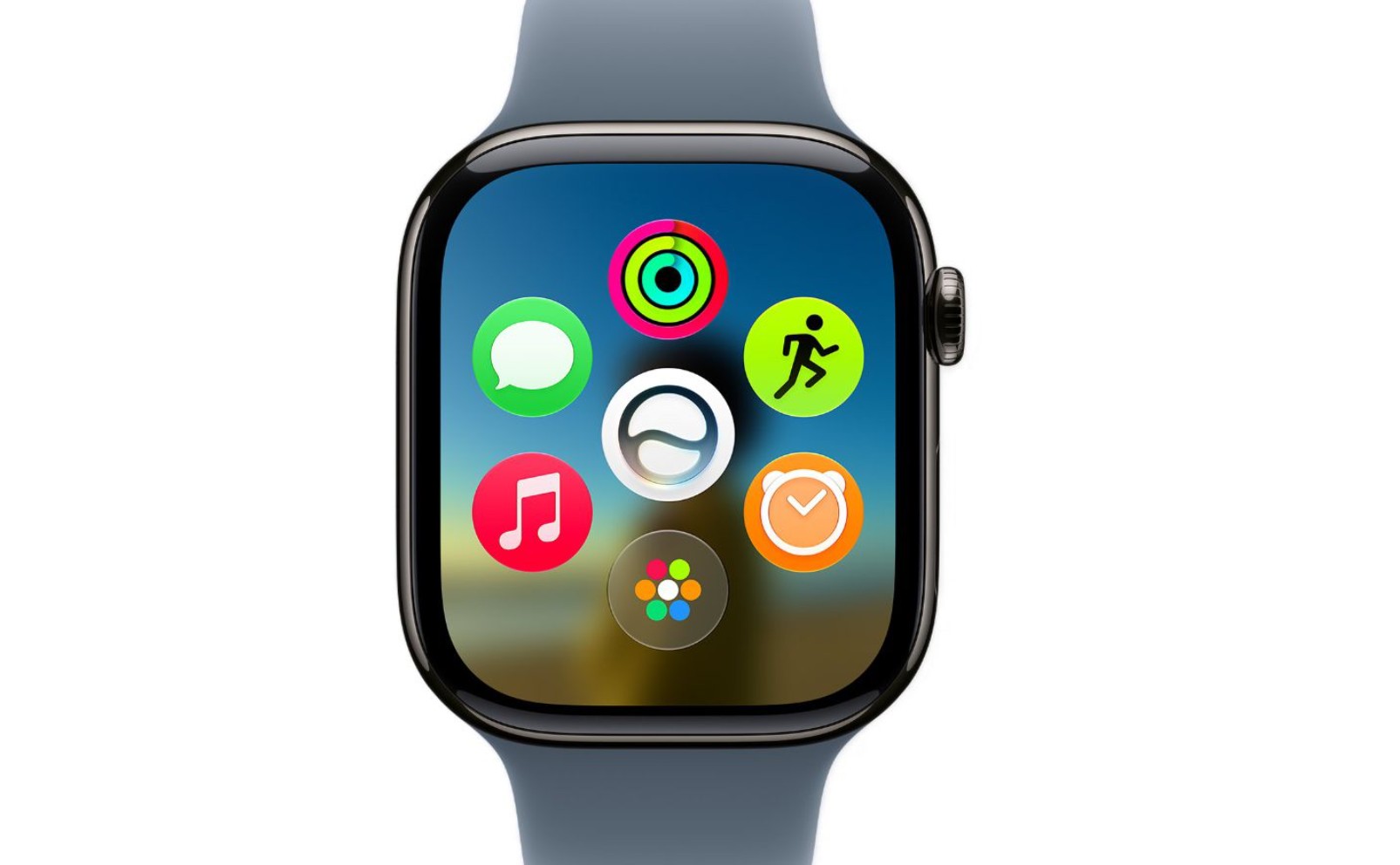
A small icon at the bottom still takes you to the full Grid View or List View if you need it. The old home screens aren’t gone — they’re just one tap deeper.
Why This Matters More Than Siri
Most people only use a handful of Watch apps regularly. Workouts, Messages, Weather, maybe a podcast player. The rest sit untouched. Apple clearly knows this. As 9to5Mac’s Ryan Christoffel noted, the Dynamic App Grid exists because a full-blown home screen never really made sense on a 2-inch display.
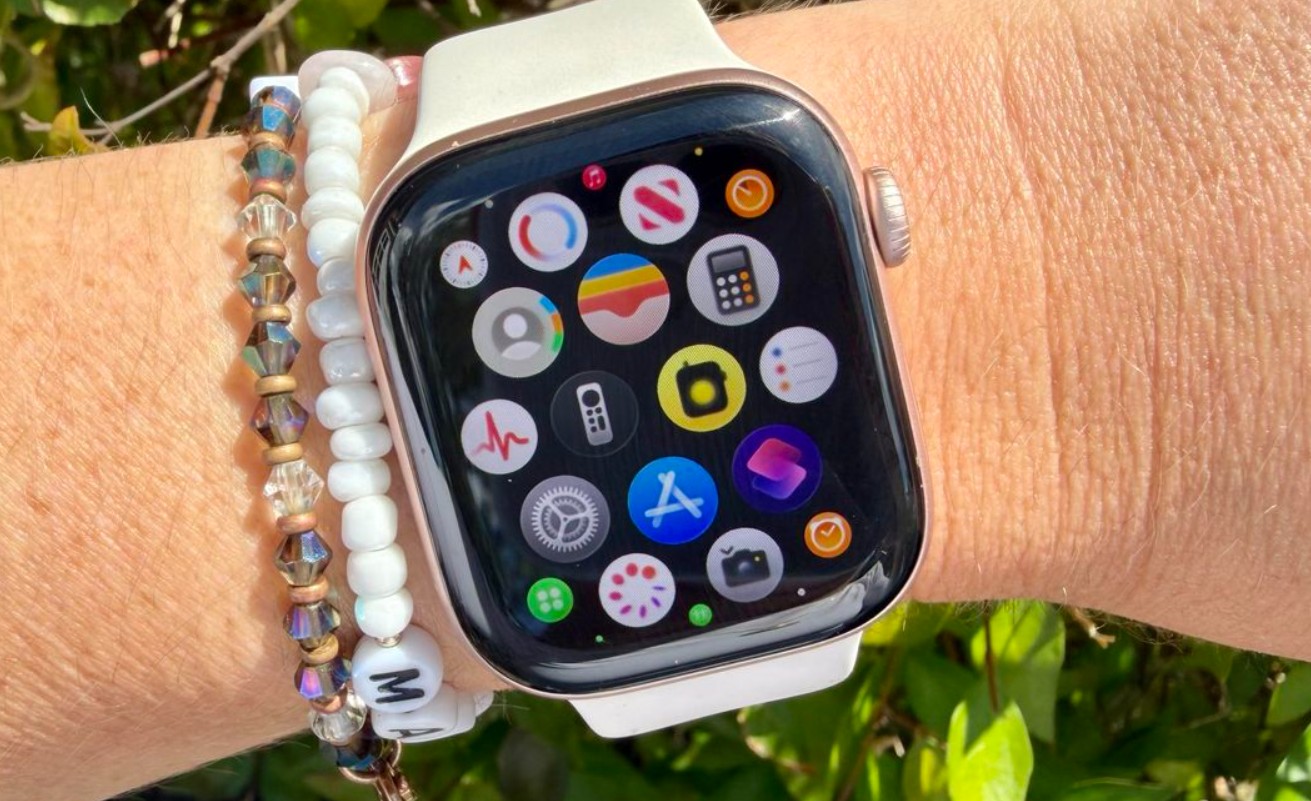
(App Grid Right Now Before The Update)
Here’s what we find more interesting. The Dynamic App Grid isn’t just a shortcut panel — it’s Apple quietly building an AI-curated interface on its most personal device. Your Watch now decides what you probably want to open before you’ve even thought about it. Head to the gym, and Workout shows up. Commuting? Transit and music surface instead.
That’s a fundamentally different design philosophy than what Apple has used on the Watch since 2015. It also mirrors what Google is doing with Gemini across Wear OS 7, which tells you something: the smartwatch race is no longer about hardware specs. It’s about which AI layer can anticipate your next move.
Siri AI Gets a Permanent Home on Your Wrist
Siri hasn’t always earned its spot on the Watch. For years, asking it anything complex returned some version of “here’s what I found on the web.” Not helpful when your hands are full.
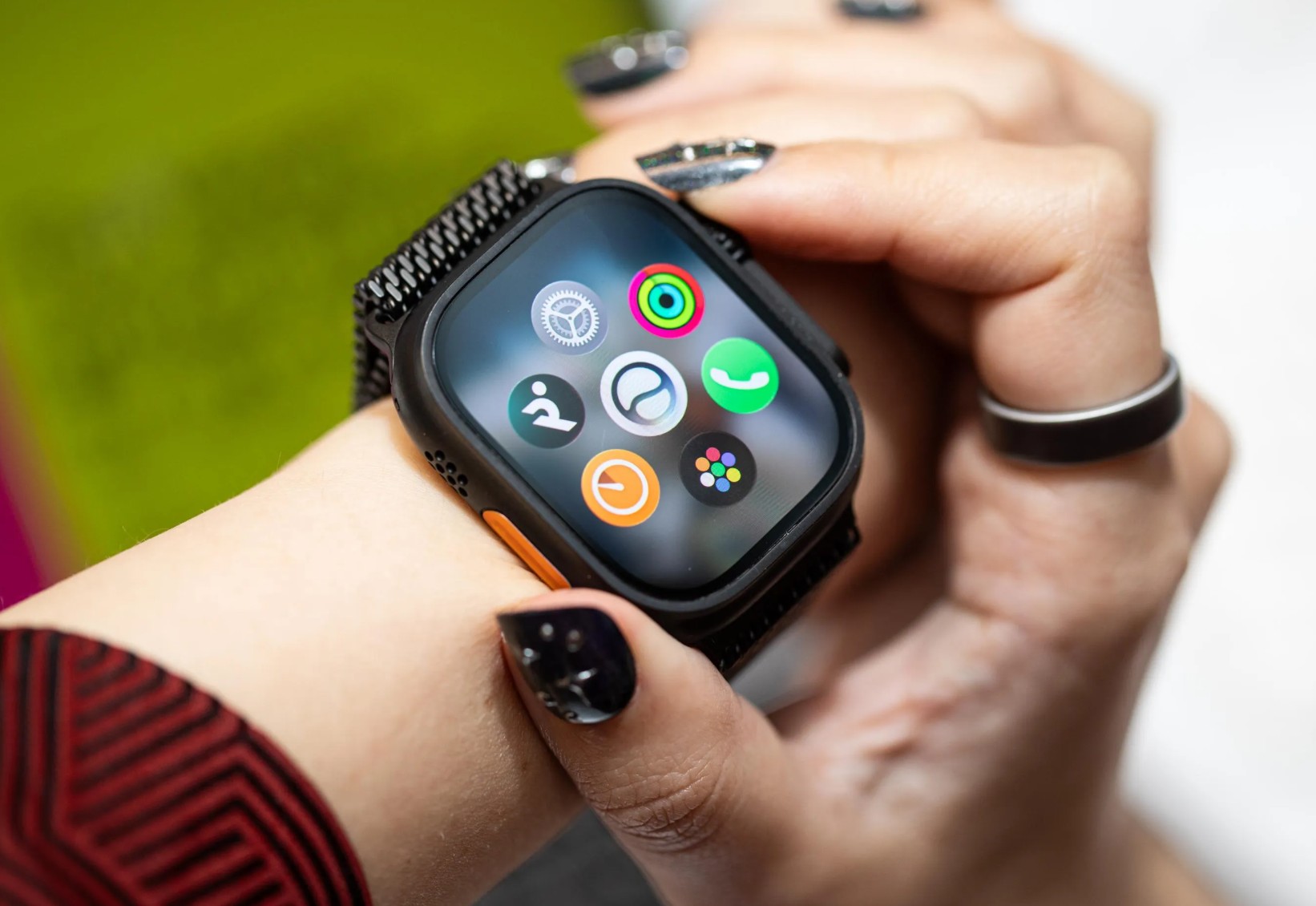
That’s changing. watchOS 27’s Siri runs on Apple Intelligence and, under the hood, Google’s Gemini models for more demanding queries. It can answer open-ended questions, pull personal context from your emails and messages, and take actions inside other apps — like setting a new Activity goal or sharing flight details with your family. The combination of the new grid and single-tap gestures makes the Watch noticeably easier to operate one-handed.
There’s a catch, though. Siri AI on Apple Watch doesn’t process anything locally. It needs a compatible iPhone nearby to handle the computing. Leave your phone at home during a run, and the smarter Siri won’t be there.
What’s Still Missing
The biggest complaint from the public beta? You can’t fully control the Dynamic App Grid. There’s no way to pin specific apps or lock the layout. Apple’s algorithm decides, and you deal with it. For people who rely on muscle memory — the kind who’ve had their app positions memorized for years — a home screen that rearranges itself every few hours is the opposite of helpful.
The Walkie-Talkie app is also gone. Apple quietly removed it in the first developer beta and hasn’t said whether it’s coming back. And despite years of requests, there are still no third-party watch faces.
Who Actually Gets watchOS 27
This is where things sting. Apple dropped support for every model older than the Series 9, including the original Ultra and Series 8. That’s a watch that’s barely three years old. The supported list is short: Series 9, Series 10, Series 11, Ultra 2, Ultra 3, and SE 3.
If you’re already considering an upgrade, the Apple Watch Ultra 4 redesign arriving this September is worth watching — it’s expected to bring blood pressure monitoring and doubled health sensors in a thinner titanium case.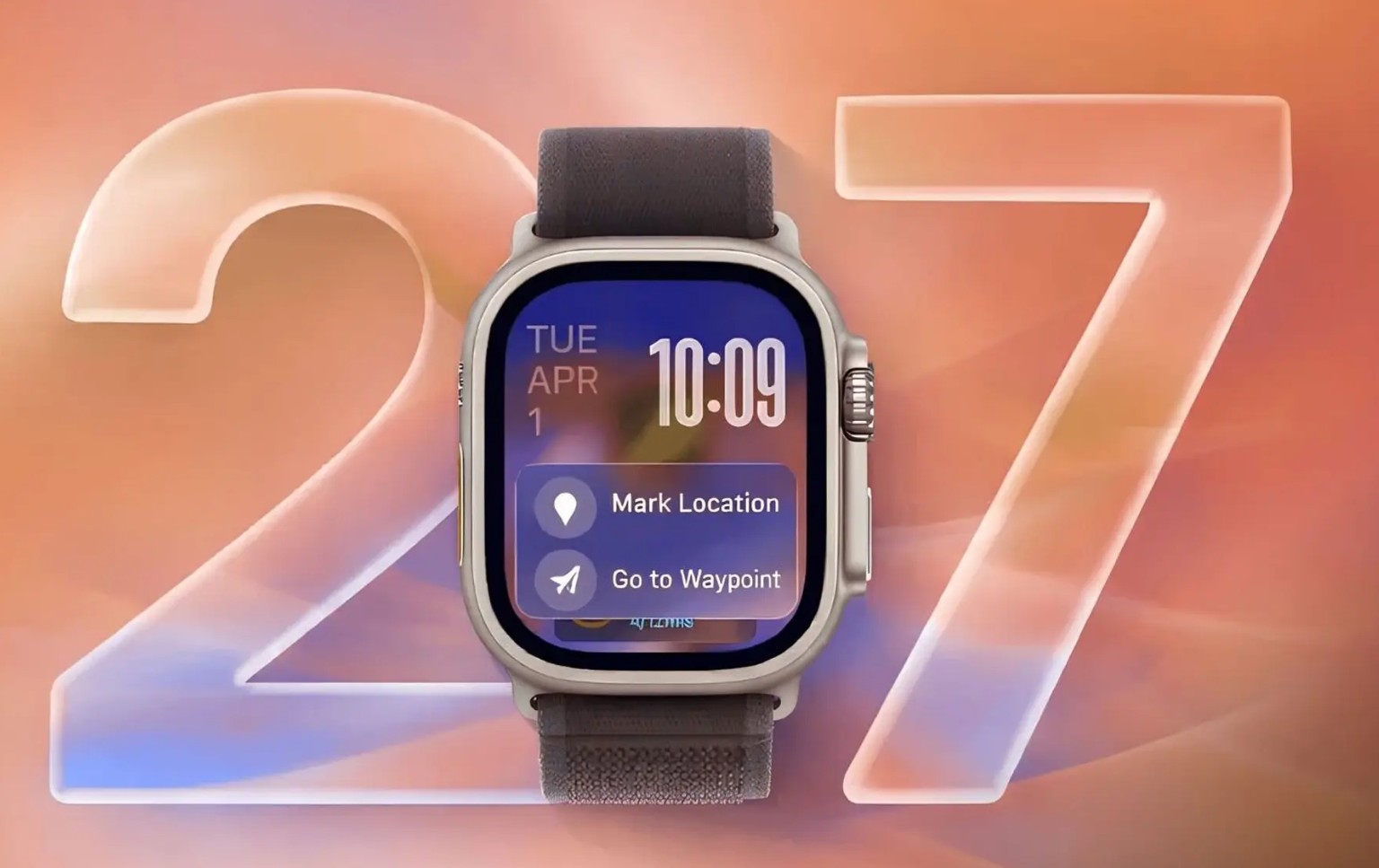
watchOS 27 isn’t a massive overhaul. But the Dynamic App Grid, combined with Siri AI earning a permanent home on your wrist, signals a clear direction: Apple wants the Watch to be an AI-first device. The honeycomb grid was a holdover from the iPhone era. It never worked well on a screen this small. Replacing it with an AI-curated shortcut panel is the right move — even if the execution still needs polish.
The public beta is live now. The full release arrives in September 2026 alongside new Apple Watch hardware.
FAQsCan I customize the apps on the Apple Watch Dynamic App Grid?
Not fully. Apple’s algorithm picks which five apps appear based on your usage, time of day, and context. You can’t manually pin or remove specific apps yet. The Siri app is permanently locked in the center. Apple may add more customization options before the final release, but nothing’s been confirmed.
Does the Dynamic App Grid work on older Apple Watch models?
No. watchOS 27 only supports Apple Watch Series 9 and newer, including Ultra 2, Ultra 3, and SE 3. Older models keep their current software and receive security patches. For the full breakdown, check out our guide to watchOS 27-supported devices.
What happened to the old honeycomb app grid?
It’s still there. The original Grid View and List View are both accessible through a button at the bottom of the Dynamic App Grid. Apple hasn’t removed them — they’re just no longer the default home screen when you press the Digital Crown.
Will Samsung Galaxy Watch get a similar AI-powered home screen?
Samsung’s Wear OS 7 update brings Gemini AI integration and redesigned widgets, but no equivalent of a dynamic, AI-curated app layout. For how Samsung’s 2026 wearable lineup compares to Apple’s, see our breakdown of Galaxy Watch Ultra 2 leaks.
How does Siri AI on Apple Watch differ from Google Gemini on Wear OS?
Both use AI for contextual suggestions, but Apple ties Siri deeply into personal data across your iPhone, iPad, and Mac. Gemini on Wear OS connects to Google’s broader services. For a closer comparison, read Memeburn’s report on Apple’s rebuilt Siri AI.
Vincee Cole is a technology journalist with four years of experience covering the full spectrum of modern tech — from consumer devices, artificial intelligence, to quantum computing, blockchain, and digital assets. His reporting cuts through complexity to deliver stories that are sharp, grounded, and relevant to both general readers and industry insiders. Previously, he worked with fintech research teams across Southeast Asia, analysing how emerging technologies are reshaping financial systems at scale.