
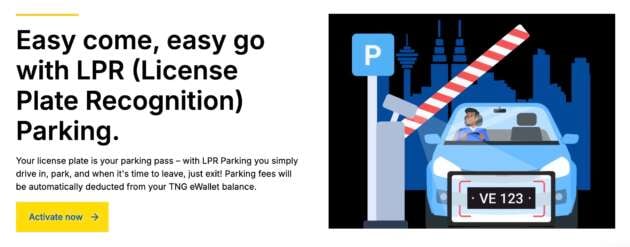
Did you know that Touch n Go has an LPR Parking feature that lets you breeze through parking at over 140 locations without having to take parking tickets, queue at the autopay machine or find a QR code to scan to pay. Drive in, drive out, that’s it.
We didn’t know till now too. LPR stands for license plate recognition and TnG’s LPR Parking works pretty much like Setel’s version and 1PAY at 1 Utama. Basically, your number plate is recorded when you enter the carpark, and it’s the same when you exit. The parking fee is then automatically deducted from your TNG eWallet balance.
Click to enlarge
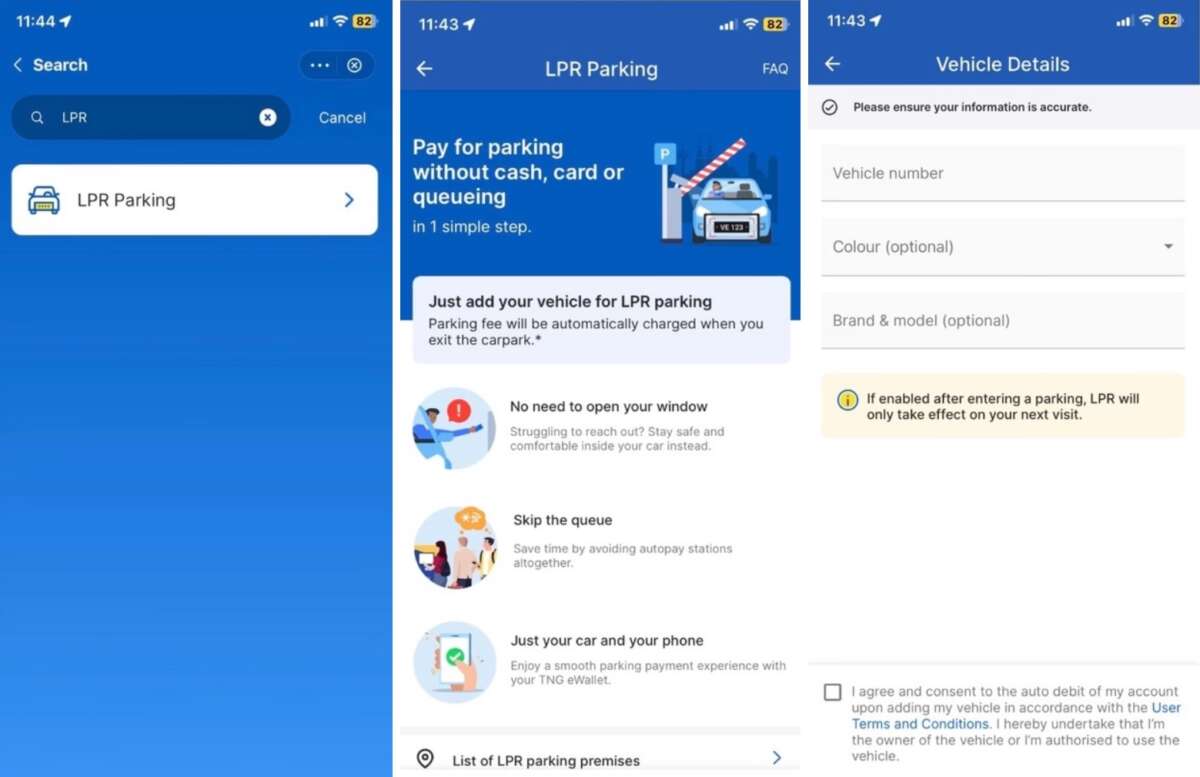
To sign up, look for the LPR Parking mini-app in your TNG eWallet app and select ‘add vehicle now’. You’ll only need to input your number plate, with vehicle brand, model and colour being optional. Follow the prompts and you’re done. You can register up to 10 cars. Note that if you’re doing this after you’ve entered a parking lot, LPR will only work the next round.
If you’re worried that should your phone run out of battery, or if there’s ‘no line’, it’s OK, LPR Parking doesn’t depend on your phone’s connection and will auto deduct the fee anyhow. If your eWallet has insufficient funds, you can exit using an alternative payment method, such as a physical TNG card. While there’s no minimum balance required to use LPR Parking, please ensure that you have sufficient credit to avoid inconvenience.
There’s also an on/off toggle next to the number plate in your app, should you want to turn off LPR Parking temporarily for a particular vehicle. By the way, there’s an ongoing campaign giving away RM50 TNG eWallet reload PINs. Activate LPR Parking for one entry and gain more entries as you use the function.
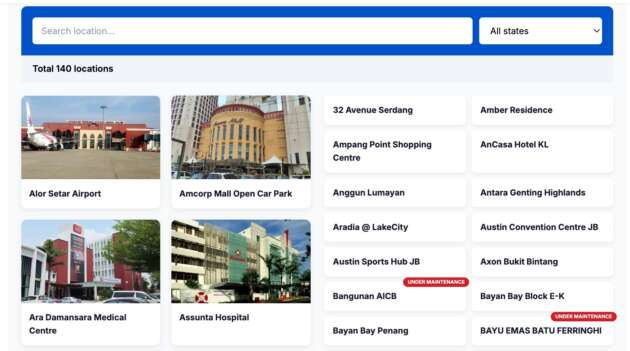
How useful is this will depend on whether your favourite spots are included. TNG says that its LPR parking is now at 140 locations and growing. We checked and couldn’t find top malls such as KLCC, Pavilion, Mid Valley, 1 Utama, Sunway Pyramid and IOI City Mall; but there are quite a few hotels and hospitals on the list.