
After using the OnePlus 7 Pro, which I consider one of the best Android phones ever, I was a bit skeptical about moving over to a phone with a punch hole. Fast-forward to now, punch holes are on every device. But that little circle at the top of my phone’s screen had just been there, doing nothing. Apple’s Dynamic Island is bad, but it uses some interesting software trickery to make up for that wasted space. While the punch hole doesn’t bother you much after a while, it’s still wasted space.
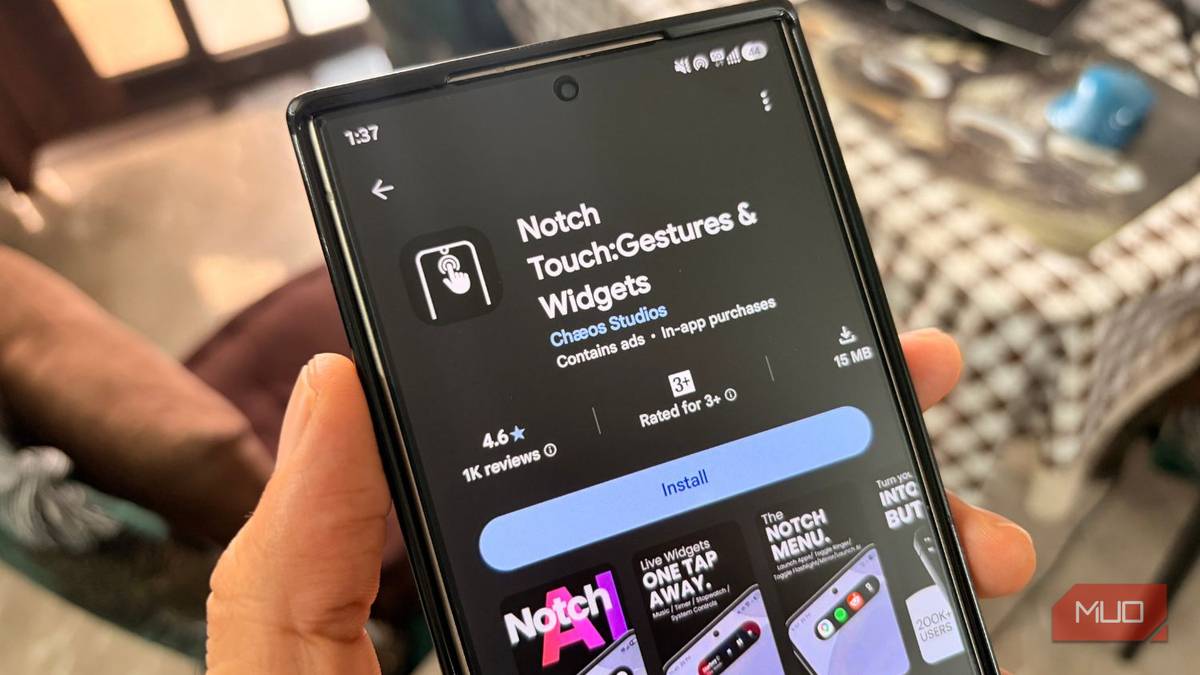
I’ve tried an app that makes the notch useful. In my hunt for something productive, I came across Notch Touch, an app that turns the notch into a real shortcut button.
Related
I Missed This iPhone Feature on My Android Phones: Here’s How I Added It
Scroll to the top with just one gesture.
The cutout wasn’t designed to be functional
Notch Touch turns it into a shortcut button
Sagar Naresh/MUO
Smartphone makers introduced the camera cutout so as not to add any functionality. It was added in the race to offer as much screen real estate as possible. Over the years, some brands have added interactive features to the notch via software, but that isn’t available on all Android phones.
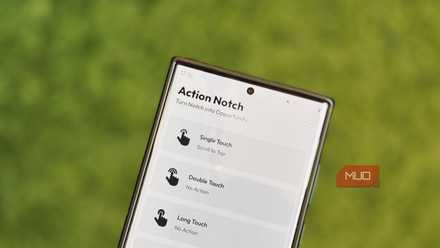
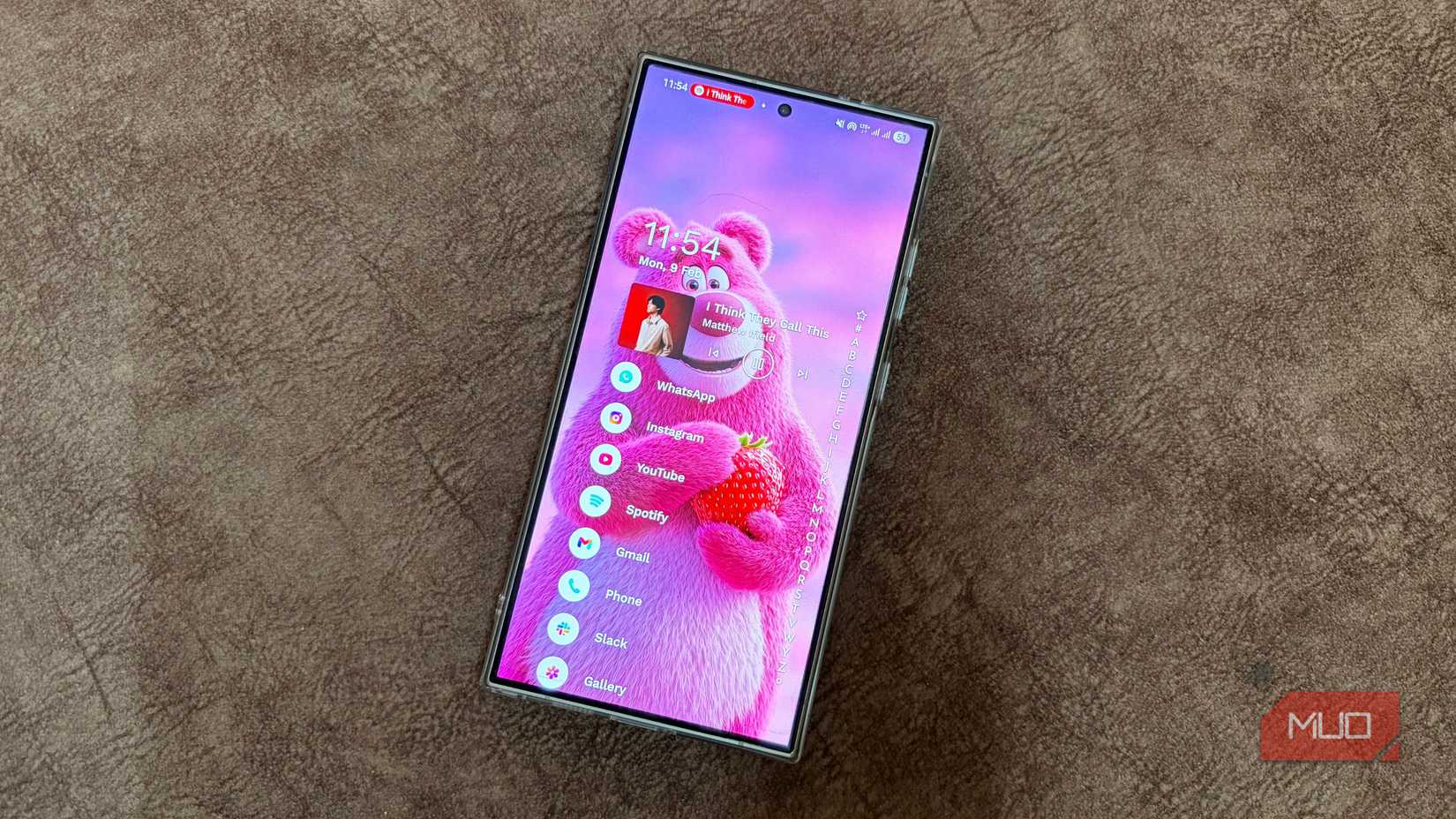
This is where Notch Touch comes in. Once installed, Notch Touch draws an invisible touch zone around your camera cutout and lets you assign gestures to it like single tap, double tap, long press, and directional swipes. You can assign actions like taking a screenshot, toggling the flashlight, opening the power menu, launching the camera, controlling music playback, flipping ringer mode or Do Not Disturb, and jumping straight into your most used apps.
Additionally, a pull-down widget pill shows live media controls, a focus timer and stopwatch, and quick sliders for brightness and volume.
What stood out to me is the context-aware part. You can set the same gesture to behave differently depending on what is happening. For instance, a double tap can open the camera, but if music is playing, that same double tap can skip to the next track instead. It is a small touch, but it is the kind of detail that makes gestures feel less like a gimmick and more like a feature.
Setting it up takes less than five minutes
Turning on the accessibility permission it needs
Getting started is pretty easy. Notch Touch is available on the Google Play Store. So, you don’t have to hunt around third-party sources or Play Store alternatives to get the app. It’s free, so you can install it without paying a penny.
Once installed, a robot-like mascot will greet you and ask if you would like a guided tour. I would suggest that you take that guide to understand the basic functionality of the Notch Touch app. You will have to toggle on Link Service to grant the necessary accessibility permissions.
Then you will be asked to calibrate the cutout by dragging the red rectangle around it. That is it. You can now set up gestures like single tap, double tap, triple tap, swipe left, swipe left and hold, swipe right, swipe right and hold, and tap and hold. For some gestures, you need to purchase the Pro version.
You can assign it to open a Notch Menu that houses your favorite apps for quick, easy access. You can also open Dynamic Widgets. One cool thing about Notch Touch is that you can also set a gesture to open a mirror, which opens your front camera like a mirror.
If you use Tasker, then you can use Notch Touch with it. So, if you have already built profiles, you can fire complex Tasker tasks directly from a tap on your notch, or use Tasker to remap your gestures dynamically in the background.
The AI and Quick Dial additions go further than I expected
The accessibility permission is worth pausing on
Sagar Naresh/MUO
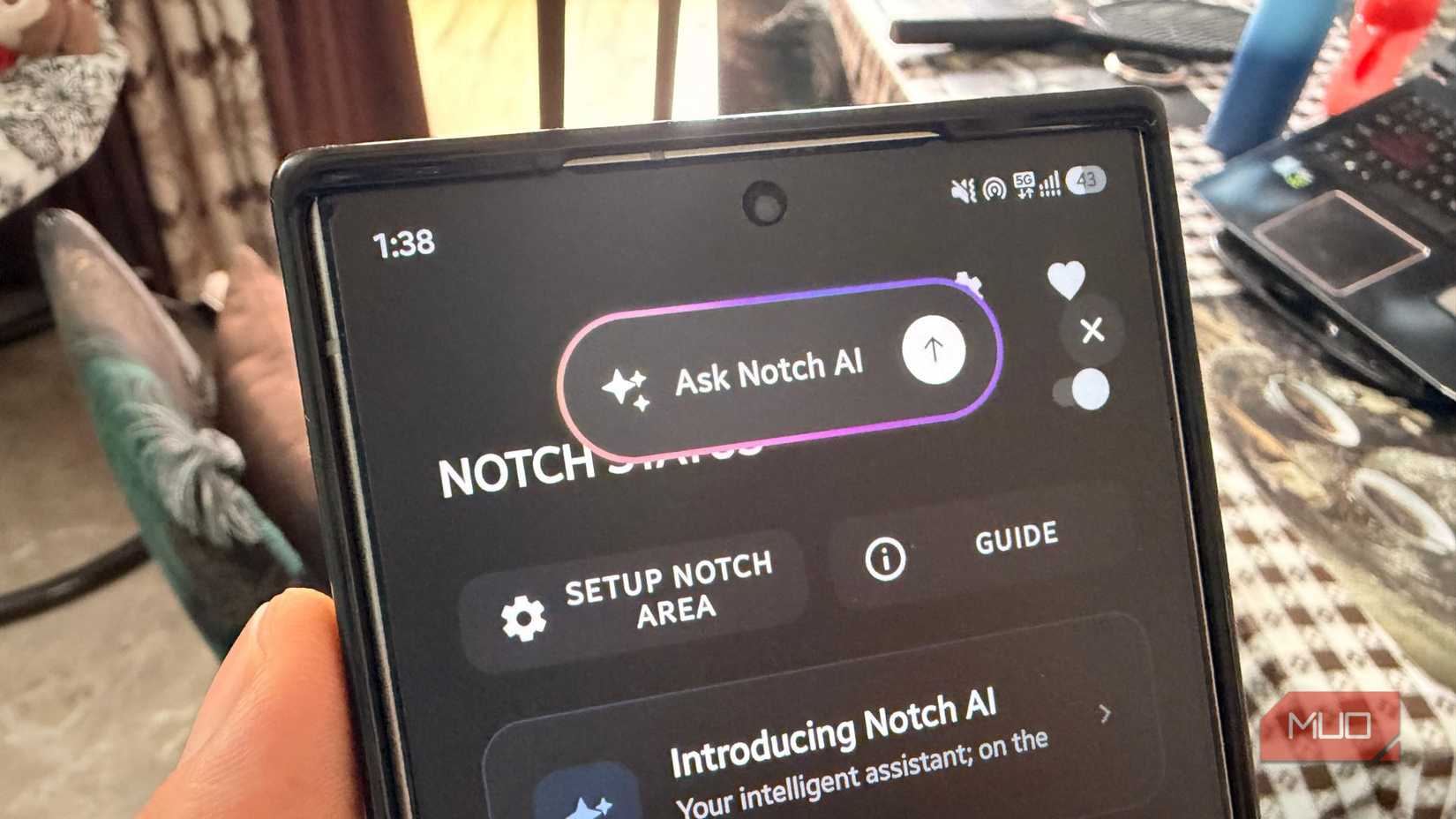
The Notch Touch app also lets you assign Notch AI and Quick Dial. This means you can tap the notch to pull up an AI assistant for quick questions or brainstorming without switching apps, or dial a favorite contact instantly. While I haven’t used the AI assistant shortcut much personally, Quick Dial has genuinely replaced a couple of taps I used to make through my phone app every day.
One thing to note: Notch Touch requires accessibility permissions. While several other apps require this permission to detect touches and swipes, Notch Touch uses it for the same purpose; it is a powerful permission. Be cautious: granting this permission lets the app read everything on your screen and simulate taps and swipes.
This is the reason why Google strictly regulates who’s allowed to build these services in the first place. While Notch Touch doesn’t do anything shady, it is important that you check in occasionally and revoke it if an app asks for anything more.
Related
I created my own Android gestures, and it changed how I use my phone
My phone finally does what I want with one swipe
It does bring something useful to the notch
If you love customizing your phone and want it to do more than what your phone company serves you by default, apps like Notch Touch close that gap. The app is free, and I did see ads (right when I launched it for the first time), but everything works as described. Although it won’t turn your phone’s notch into something as feature-rich as the Dynamic Island, it does something arguably more useful than doing nothing.