
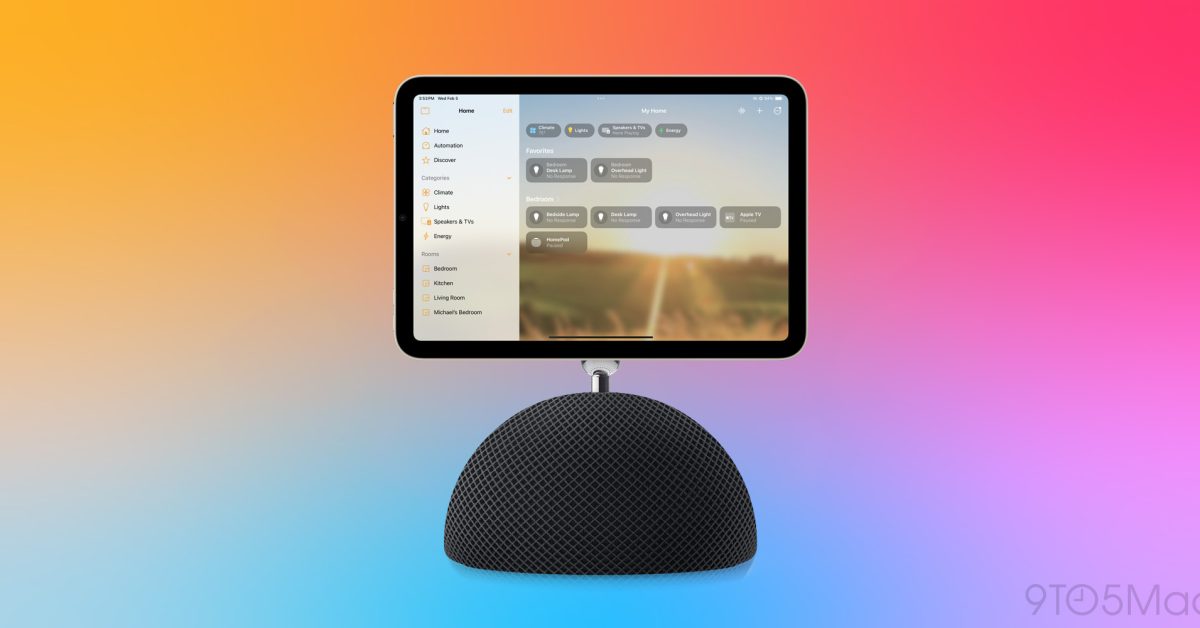
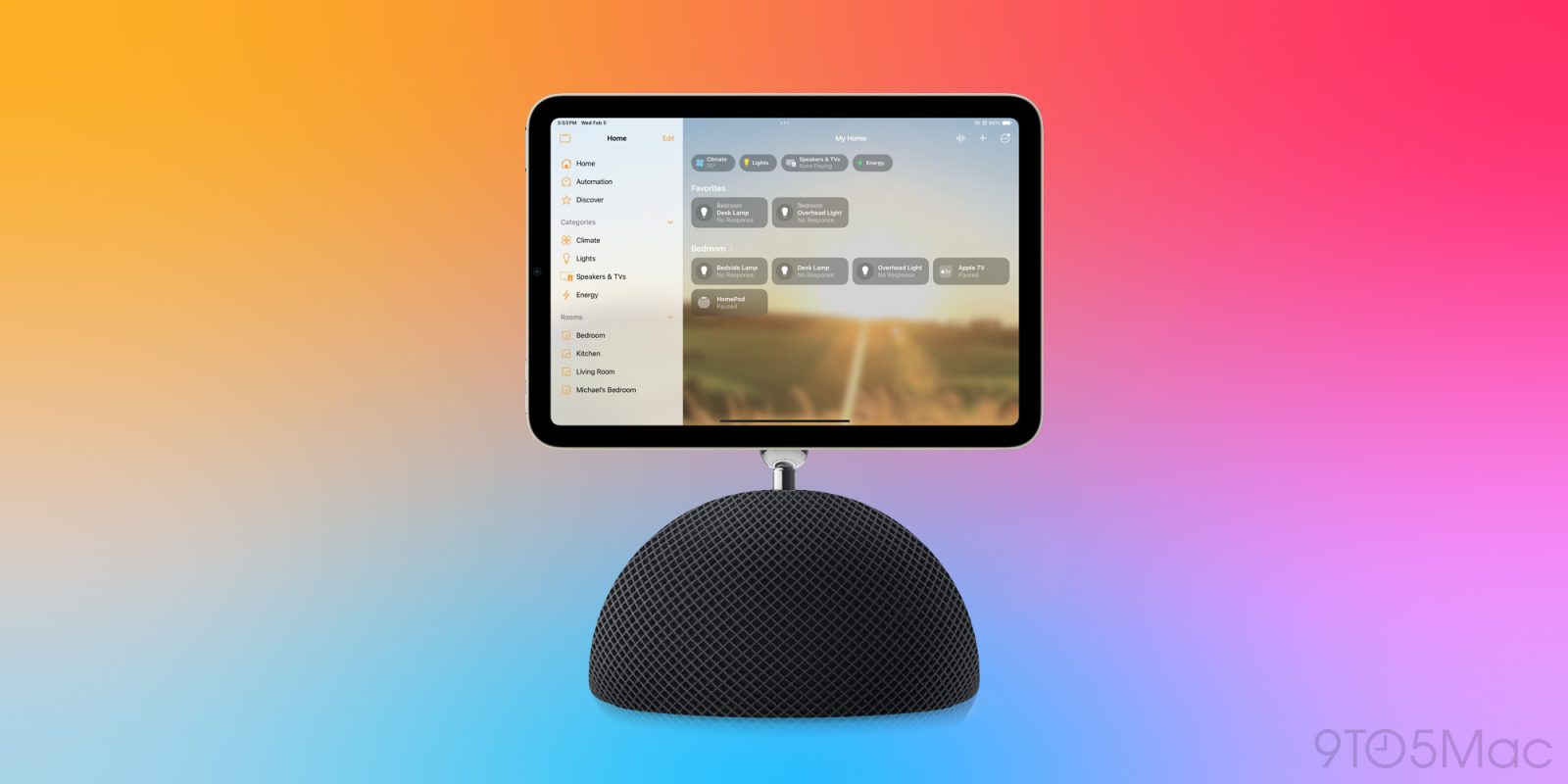
A leaker who previously found iPhone Duo features in Apple code has now done the same for the HomePad. The setup process for the upcoming device shares a feature with Apple’s foldable iPhone.
The leaker suggests that the setup process will be carried out in the Home app, and they shared three screen grabs from the process …
iPhone Duo StandBy mode
Apple’s StandBy mode offers a number of options for turning your iPhone into a useful data screen while it is being charged. Leaker pdfu previously shared five unannounced StandBy views for the iPhone Duo discovered in the Xcode simulator for the device.
Home Camera
Home Modular
Flow
Fade
Snoopy
HomePad setup screens
One of the StandBy screen options is Photo Face, and pdfu says that this will also be available for the HomePad.
Setting up Apple’s upcoming Home device includes a new step: creating a Photo Face.
It’s the same Photo Face coming to StandBy on iPhone Duo. That might explain why Apple hasn’t officially made StandBy available in the simulator.
Photo Face requires iCloud Photos. During setup,… pic.twitter.com/Zh3cvAcjPx
— pdfu (@itspdfu) September 30, 2026
They explain that the setup process has the device pull in a few high-res photos you can select immediately while your full photo library downloads from iCloud.
We’re expecting Apple’s Smart Home Hub to launch on October 13 with a design based on the iMac G4. You can read more about the reported design here.


FTC: We use income earning auto affiliate links. More.