
OKLAHOMA –
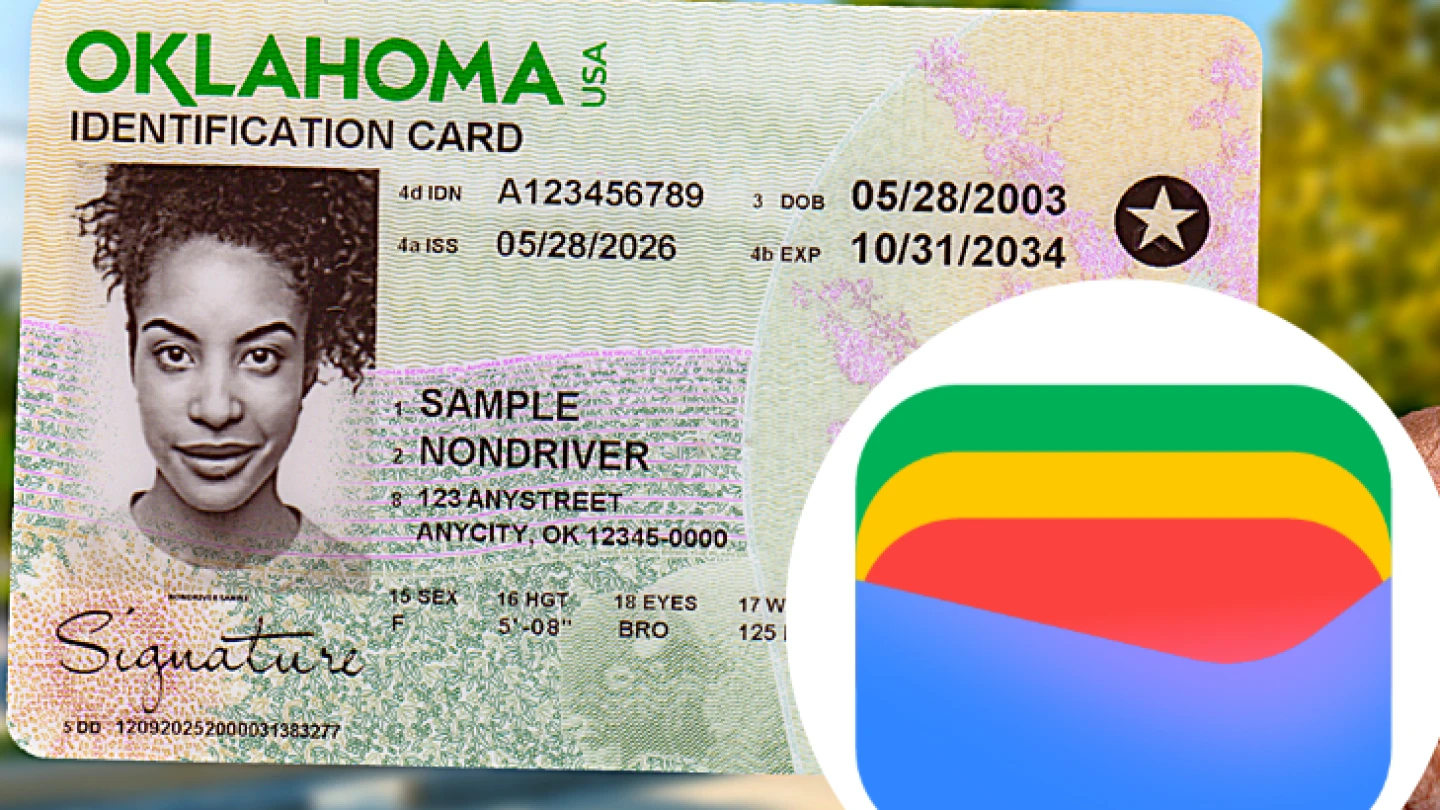
Oklahomans with eligible Android devices can now add their Oklahoma Driver License or State ID to Google Wallet, giving residents another way to securely carry and present their identification.
The digital ID can be used at participating Transportation Security Administration checkpoints, including Tulsa International Airport, OKC Will Rogers International Airport and more than 250 airports nationwide.
Digital IDs now available on Android
The launch expands access to Oklahoma Digital ID and gives customers another option for carrying their identification on a mobile device.
The digital credential is optional and does not replace a physical Driver License or State ID. Customers should continue to carry their physical credential.
Tulsa airport accepts digital IDs
Oklahomans can present their Driver License or State ID stored in Google Wallet at participating TSA checkpoints at Tulsa International Airport and OKC Will Rogers International Airport.
The digital ID can also be presented at participating businesses and organizations equipped to securely verify it.
Businesses can verify digital IDs
Service Oklahoma is expanding resources for businesses and organizations that want to accept Oklahoma Digital ID.
Oklahoma Reader, a free verification app from Service Oklahoma, allows businesses to verify only the information needed for a transaction. For example, a business can verify whether a customer is 21 or older without storing the customer’s information or a record of the transaction.
The Oklahoma Alcoholic Beverage Laws Enforcement Commission has provided guidance allowing businesses to accept Oklahoma Digital ID for age and identity verification when the credential is electronically verified using an ISO-compliant reader.
Businesses and organizations can find information about accepting Digital ID, Oklahoma Reader resources and regulatory guidance through Service Oklahoma.
How to add an Oklahoma ID to Google Wallet
Eligible Android users can add their Oklahoma Driver License or State ID through the Google Wallet app.
To get started:
Open the Google Wallet app or download it from Google Play.Select “Add to Wallet.”Select “IDs and personal info.”Choose Oklahoma.Follow the instructions to verify your identity using your physical credential.
Google Wallet stores the digital ID in encrypted form on the Android device and requires personal authentication to access it. When presenting the ID, customers can review the information being requested before deciding whether to share it.