
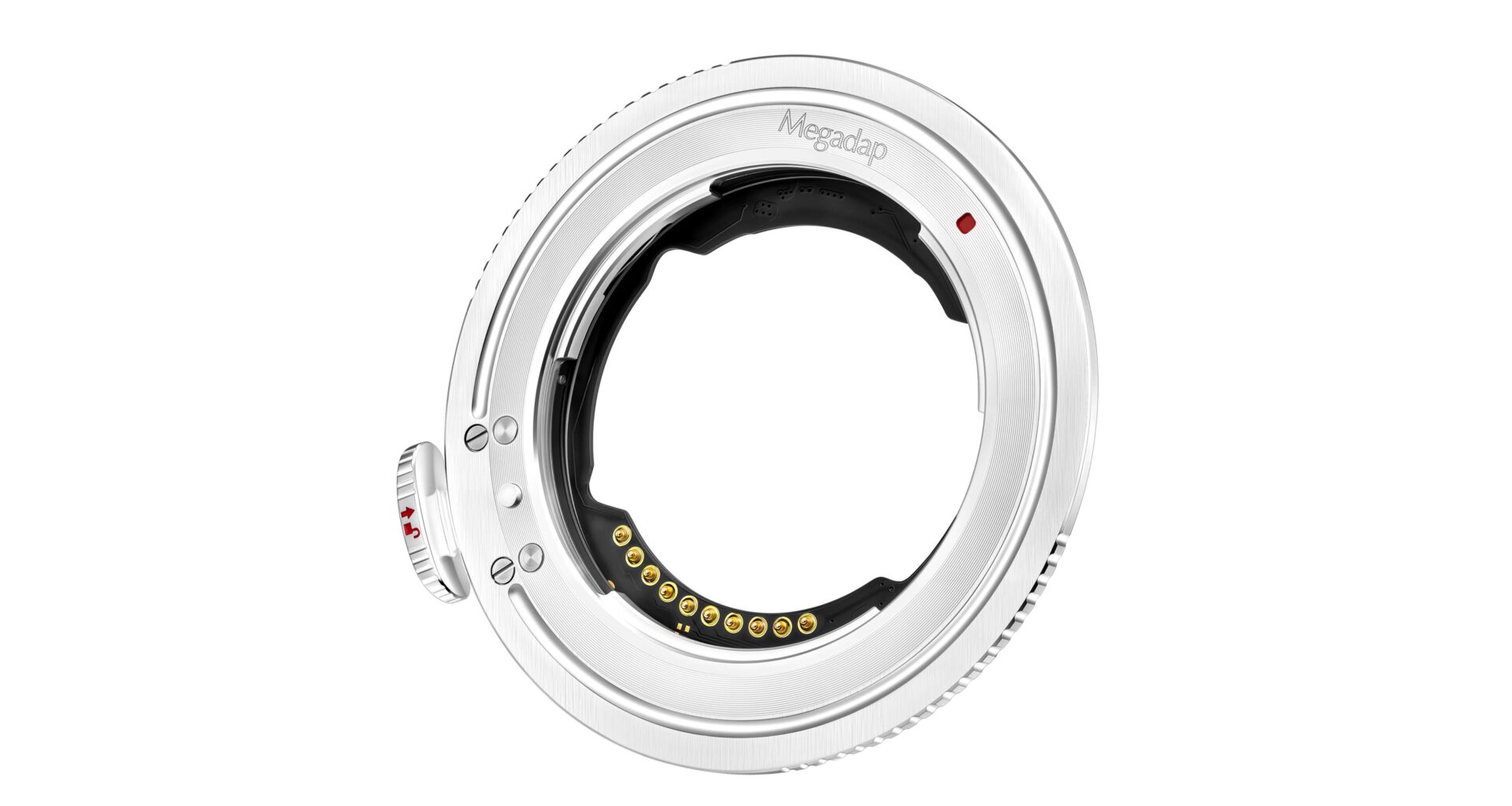
Megadap has released firmware version 2.07 for its Sony E to Nikon Z electronic mount adapters, including the ETZ21, ETZ21 Pro, and ETZ21 Pro+. The update is claimed to improve startup response times and operational stability. It also resolves some issues that occurred when using the Nikon Z5IIC.
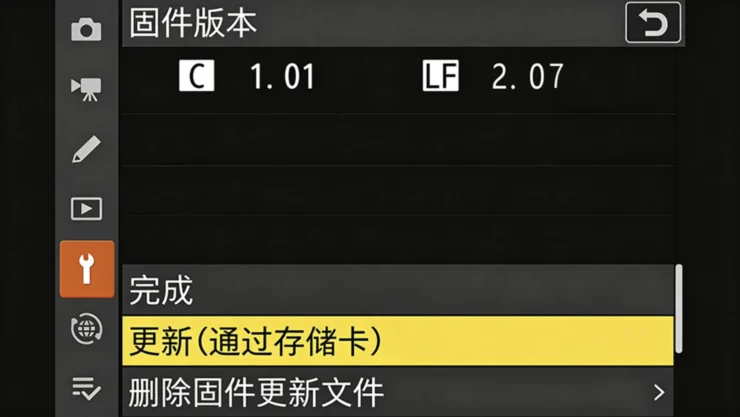
ETZ21 (including Pro and Pro+) Firmware 2.07
Optimized compatibility with certain zoom lenses and improved lens response speed at startup as well as operational stability throughout all operating conditions
Resolved an issue where certain lenses could not be used with the Z5IIC
You can download the firmware here.
Firmware upgrade method
Download the latest firmware for the adapter ring from the Megadap website.
Unzip the downloaded .ZIP file on your computer to obtain the .Bin format firmware.
Use a memory card slot or card reader to copy the .Bin format firmware to the root directory of the memory card in your camera. Do not rename the file.
*Note: Be sure to copy the firmware to the root directory of the memory card. (If the new firmware is placed in a folder within the root directory, the camera will not recognize it.)
Insert the memory card into the camera and turn it on. The adapter ring and lens must be installed together in the camera.
Select [Settings Menu] > [Firmware Version] and follow the on-screen instructions to perform the firmware update.
When the screen indicates that the update is complete, turn off the camera.
Turn on the camera and confirm that the firmware has been updated to the new version.