
Don’t miss out on our latest stories. Add PCMag as a preferred source on Google.
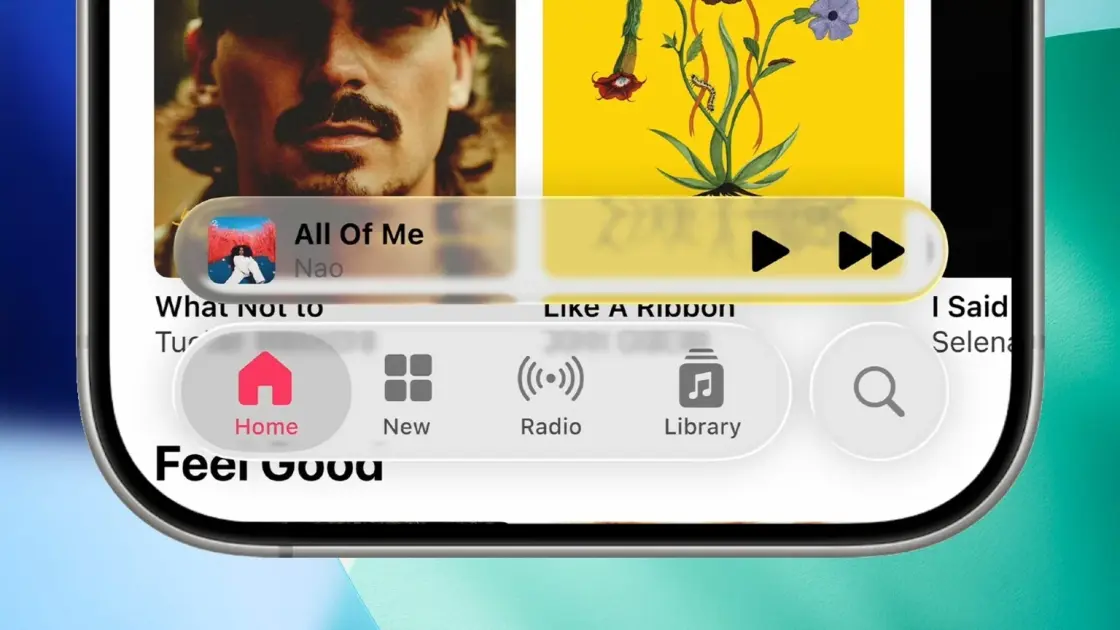
If you hate Liquid Glass on your iPhone, iPad, or Mac, a new toggle spotted in the latest developer beta for iOS 26.1, iPadOS 26.1, and macOS 26.1 allows you to customize the user interface’s transparency.
The toggle allows you to select either Clear or Tinted for the Liquid Glass design. Clear is the design you’ve been using since Liquid Glass launched in September, while Tinted is a new opaque option that adds contrast to the design.
There are two examples shown in the menu to help you make your decision, but it’s likely better to see how it looks over the top of the apps you use every day. The change will impact most design elements on your device, including the appearance of notifications and device settings.
This Tweet is currently unavailable. It might be loading or has been removed.
The video below from YouTube content creator Zollotech shows iOS 26.1 Beta 4 Developer Preview on an iPhone, so you can see the design in action across multiple services.
You can access this new feature by heading to Settings > Display and Brightness on both iPhone and iPad. Those on Mac will find it in the System Settings under Appearance. The feature is included in a menu called Liquid Glass.
Apple tells TechCrunch that all developers will find their apps automatically work with the user’s preference, meaning there’s no need for extra dev time.
Recommended by Our Editors
These features are currently part of a developer beta, but they are expected to be included in a new public beta in the near future. A wider public release of all three versions of the software is scheduled for a later date, although Apple has yet to specify the exact timing. (Last year, Apple released its iOS 18.1 update in October.)
If you can’t wait, read PCMag’s guide on how to tweak Liquid Glass on an iPhone.
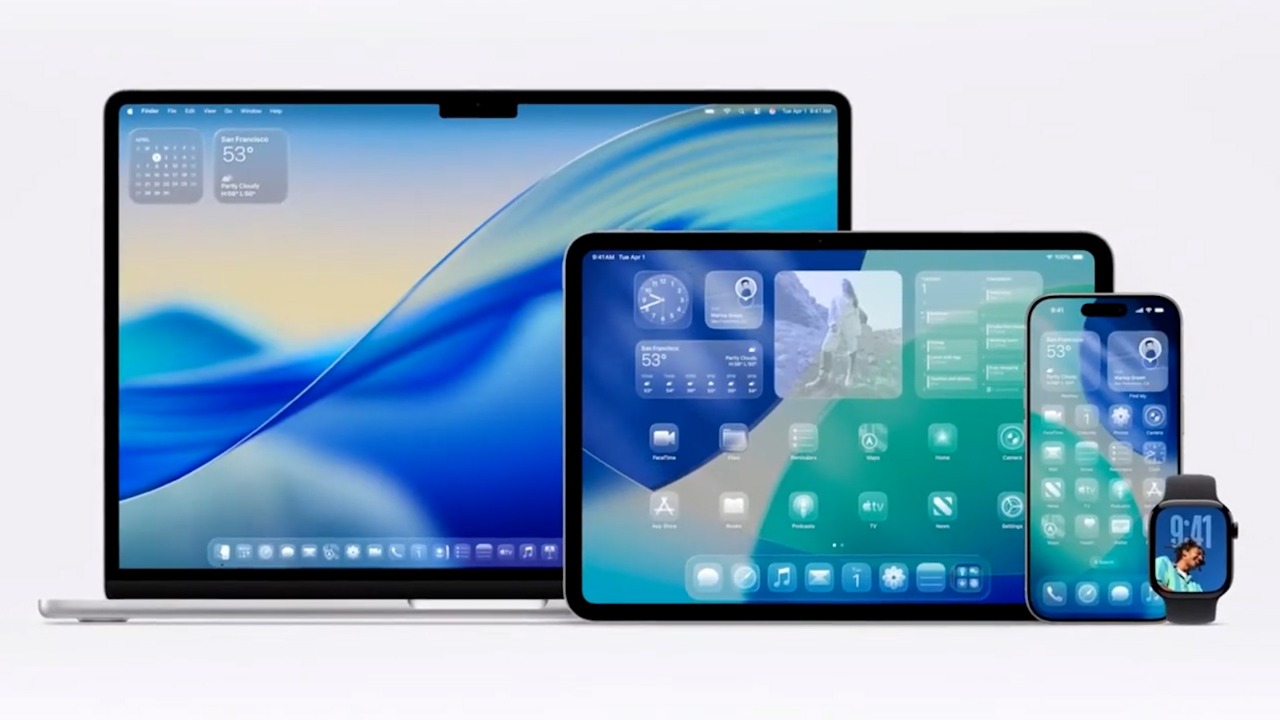

Apple Unveils Liquid Glass, a New Design Language

Get Our Best Stories!
Love All Things Apple?

Sign up for our Weekly Apple Brief for the latest news, reviews, tips, and more delivered right to your inbox.
Sign up for our Weekly Apple Brief for the latest news, reviews, tips, and more delivered right to your inbox.
By clicking Sign Me Up, you confirm you are 16+ and agree to our Terms of Use and Privacy Policy.
Thanks for signing up!
Your subscription has been confirmed. Keep an eye on your inbox!
About Our Expert

Experience
I’ve been a journalist for over a decade after getting my start in tech reporting back in 2013. I joined PCMag in 2025, where I cover the latest developments across the tech sphere, writing about the gadgets and services you use every day. Be sure to send me any tips you think PCMag would be interested in.