
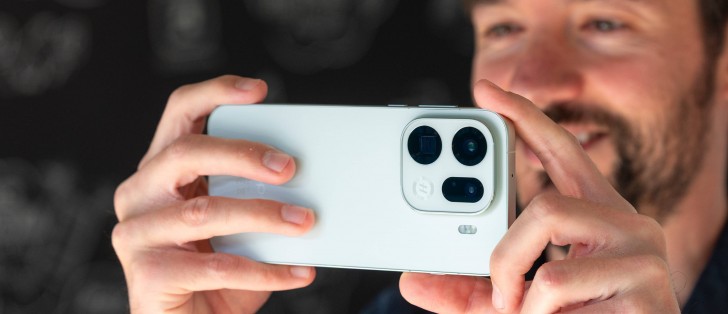
Oppo Hasselblad Teleconverter Kit hands-on
Alongside the Find X9 Pro, Oppo has also launched the Oppo Hasselblad Teleconverter Kit – a set of accessories for adding extra telephoto reach to the smartphone. We saw a similar add-on from vivo for the X200 Ultra and now the X300 series, and Oppo is joining in on the extended zoom action. There are a few differences, however – in the hardware, as well as in the software implementation.
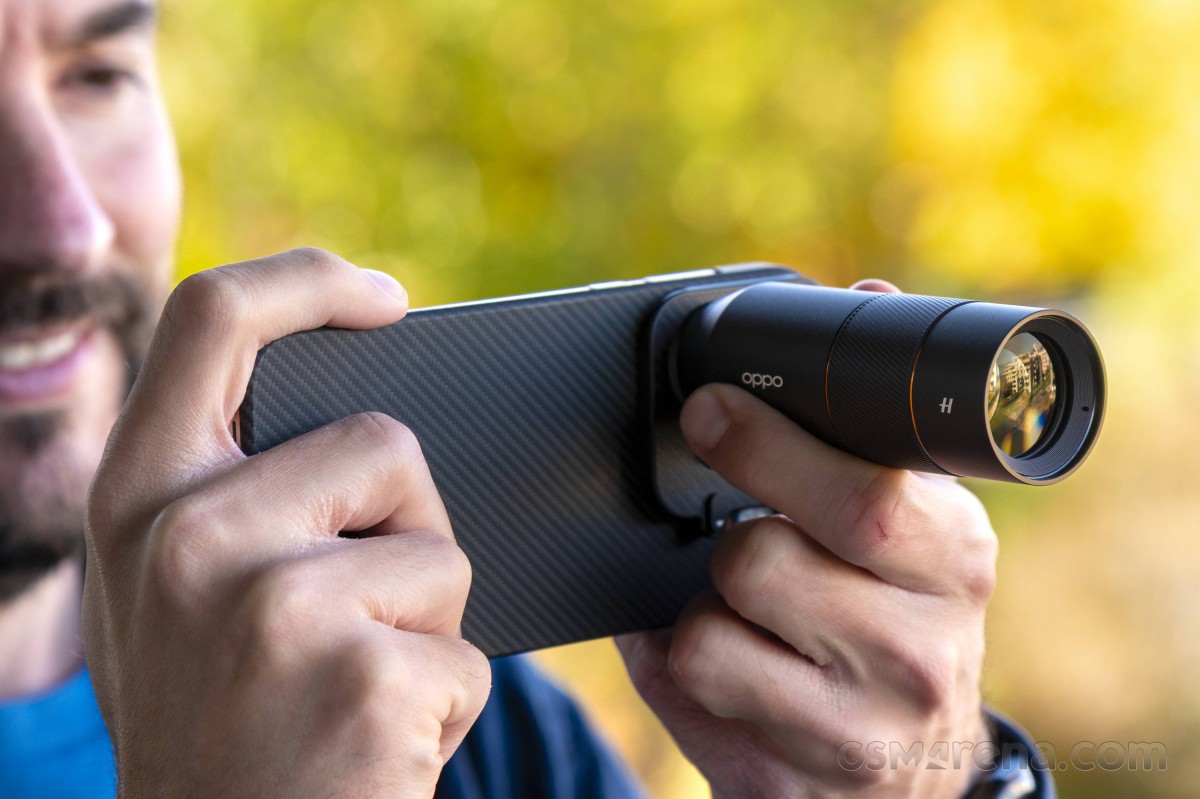
Oppo’s take is based on a slim aramid snap-on cover for providing the attachment point – it’s a much more compact and less in-your-face type of case than what vivo is offering. It’s essentially a three piece solution – the back cover itself, a metal slide-on attachment plate, and the actual telephoto extender (we’re happier calling it an ‘extender’ rather than ‘teleconverter’).
The thing is, in Oppo’s execution, the plate blocks the other two cameras, so if you detach the extender lens, your other two cameras remain blocked. You can, of course, unslide the whole plate with the lens attached to it, but then you can’t put on the lens’ back cap leaving the rear element unprotected in your bag.
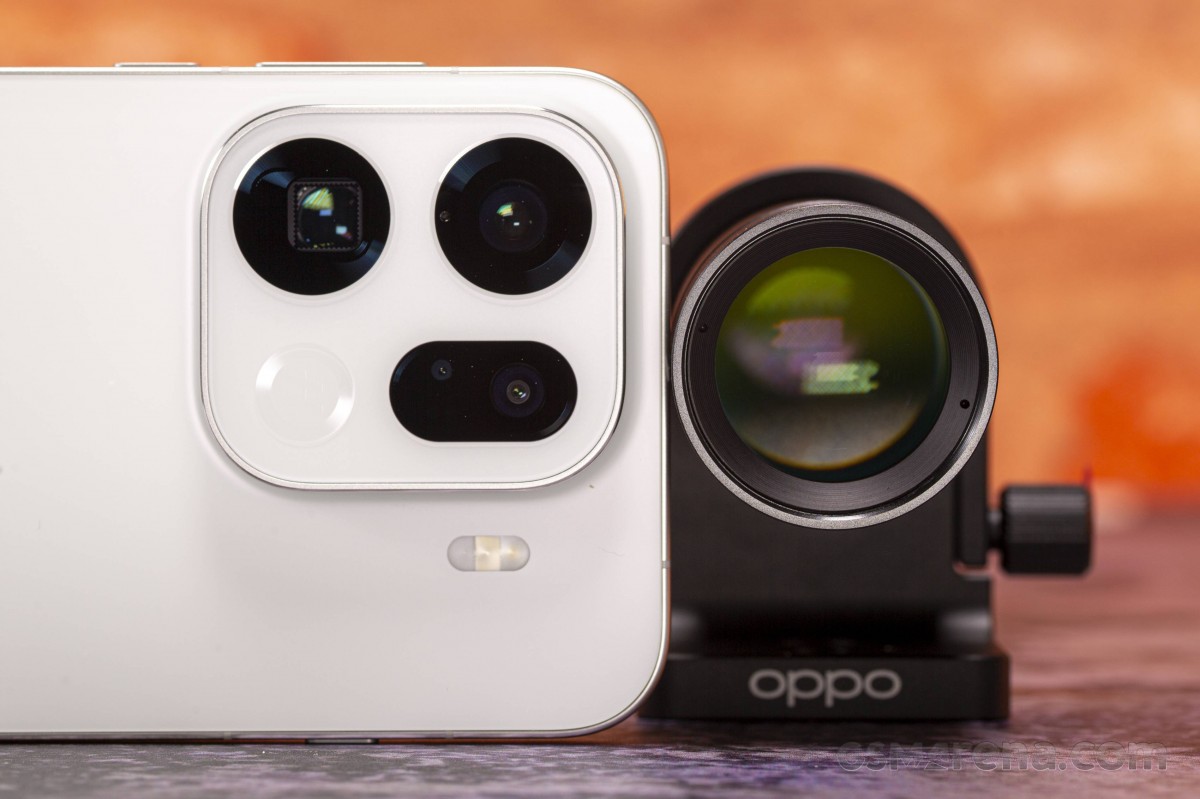
The front lens cap is also not entirely well thought out – you have to squeeze it from the outside even though it looks like it’s a pinch style. You also can’t reliably stand the lens on it, which is closer to being a real problem. On the one hand, it’s more ‘premium’ than the simple friction-hold cap on the vivo/Zeiss extender.
A needlessly big and heavy tripod collar is also included.
The lens offers 3.28x zoom over the 70mm-equivalent focal length of the phone’s telephoto camera, for a total of 230mm. The lens itself weighs 167g, the case-plate-lens assembly adds up to 213g (with the front cap on), and a full setup with the phone included tips the scales at 437g (still minus the chonky 72g tripod collar).
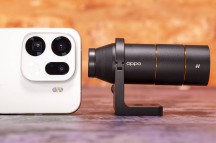
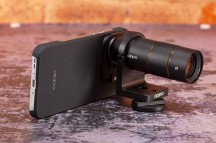
Oppo Hasselblad Teleconverter Kit
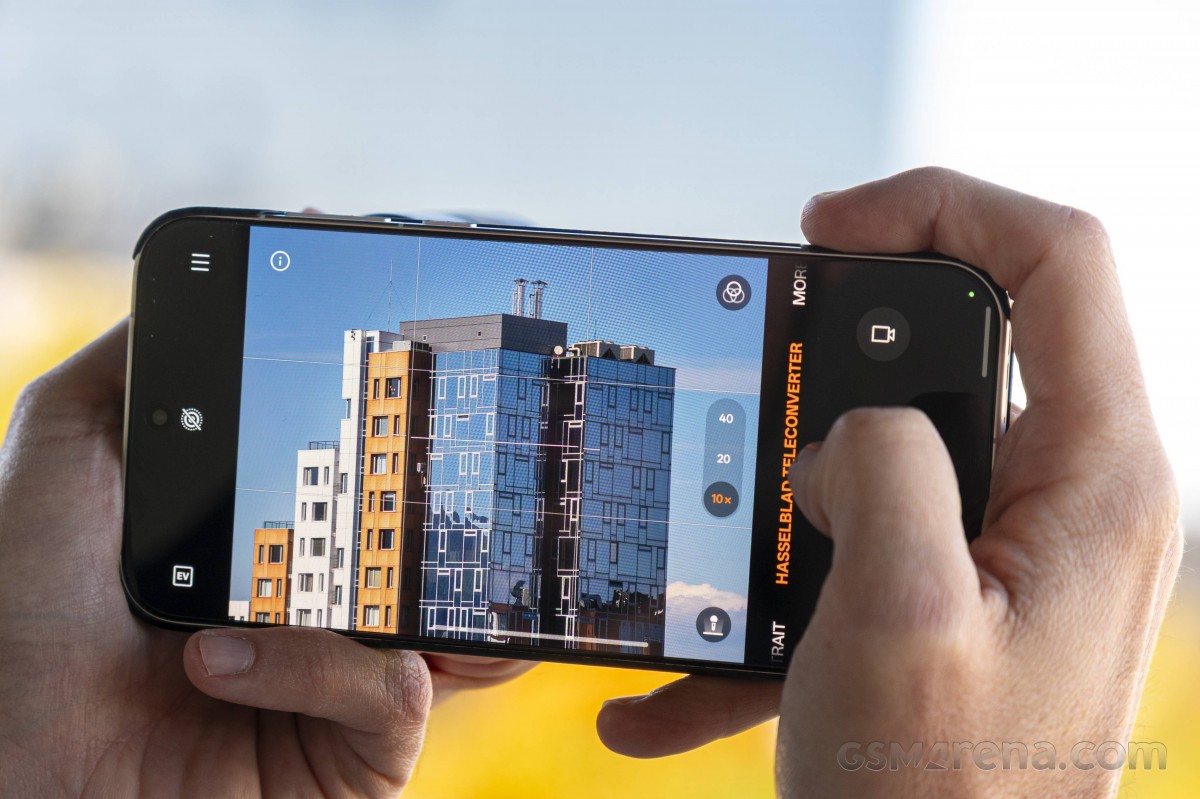
The software implementation is flawed in a couple of ways, but it’s decently usable. For one, “Hasselblad Teleconverter” is much too long a mode name to have taking up space on your mode carousel.
The other thing is that it’s a mode in the first place. Inside it, you have a switchable interface between all-auto stills and video, but you can’t, for example, use the Extender in Pro mode with its manual controls (unless, of course, you’re willing to live with the inverted image it provides and stay out of Teleconverter mode). The vivo X200 Ultra implementation was like that, but for the X300s they’ve made the teleconverter a toggle in the viewfinder that’s available for any mode – a much more versatile approach.
Either way, you get three preset zoom levels – the native 10x, as well as 20x and 40x.
Oppo Hasselblad Teleconverter Kit samples
We took a few samples with the teleconverter and at the native focal length the quality is simply awesome. We’ve already said we’re fans of the camera that’s taking those pictures and the extender is easily up to the same high standard. You need to keep in mind that depth of field is quite shallow, so even with relatively distant subjects it’s a good idea to shoot with some extra intent on what’s your subject and maybe tap on it to make sure.








Daylight samples, teleconverter, 10x
While the minimum focusing distance increases notably compared to using the phone’s telephoto camera on its own (113cm from phone to subject vs. 9cm), you can still get some wonderful closeups, while keeping a healthy distance from whatever you’re shooting – not that these plants are likely to snap back at you.




Daylight samples, teleconverter, 10x, closeups
Going back to shooting distant subjects, the 20x zoom level (or 460mm equivalent focal length) starts to introduce some softness, but it’s still very usable.








Daylight samples, teleconverter, 20x
The 40x zoom is stretching things a bit too much – you probably wouldn’t think to try and zoom to 12x with the 3x camera, and even if you did, you wouldn’t expect miracles. Well, same with the 10x extender at 40x.







Daylight samples, teleconverter, 40x
While the phone itself doesn’t have a direct shortcut to 10x (at least in this software build – Oppo likes to change things up a bit in this respect), you can always pinch to zoom to 10x for comparison purposes. You don’t need us to tell you which shots look better.




Daylight comparison, 10x: Teleconverter • Phone only
The teleconverter works nicely in the dark as well, particularly at 10x, of course. Finding subjects to shoot might be trickier, though, and it’s always a good idea not to be confrontational with the security personnel at government buildings you’re taking pictures of after hours.








Low-light samples, teleconverter, 10x




Low-light samples, teleconverter, 20x




Low-light samples, teleconverter, 40x
Again, you stand to gain some detail, sharpness, and clarity if you shoot at night with the teleconverter compared to using the bare phone at the same zoom level.




Low-light comparison, 10x: Teleconverter • Phone only