

Everything in today’s chatbots, like ChatGPT, Claude and Gemini, revolves around the little text box where you tell it what you want it to do. It should come as no surprise then that the key to getting good results from any AI chatbot is to write better prompts.
There are entire subreddits on Reddit dedicated to text prompts people have found useful in ChatGPT and want to share with others, but generally we can follow some simple rules for writing better prompts. Here are four ways to optimise your prompts that work for all AI chatbots:
1. Be as descriptive as possible
TechRadar AI Week 2025

(Image credit: OpenAI/Microsoft/Google)
This article is part of TechRadar’s AI Week 2025. Covering the basics of artificial intelligence, we’ll show you how to get the most from the likes of ChatGPT, Gemini, or Claude, alongside in-depth features, news, and the main talking points in the world of AI.
There are plenty of situations where you want AI to get creative. This could be for producing images, stories, ideas for a presentation or even generating dynamite business ideas. In all cases, the more contextual details you give the chatbot about your situation, the better.
Best picks for you
So, instead of hitting ‘Create image’ then typing some keywords like, “desert, night, animals”, think about what you want in the scene. What are the objects, people and setting? Then think about the style it should be in and the mood of the scene. It’s also better if you write in full sentences, rather than brief keywords
Imagine that you are briefing a real artist on the painting you’d like them to draw. So, in this example you could say something like, “Create an image of a desert at night, with a camel looking out onto a pyramid as lightning strikes, lighting up the entire scene. The image should be as photorealistic as possible.”

(Image credit: OpenAI)
You’ll get much better results with a descriptive approach, but you can take it further. If you want images of people to look realistic, then another great tip for text prompts is to add some real world camera settings, like “Close-up portrait, 85mm lens, soft golden hour lighting”.

(Image credit: OpenAI)
When it comes to creative writing, it’s exactly the same: The more detailed and specific instructions you can provide in your interactions, the better. So, instead of writing a simple prompt like, “Write me an essay on the witches in Macbeth”, you could specify a word length, and tell ChatGPT the major themes you want the essay to hit, and also the reading level of the audience you are going for.
So, you could type something like, “Write me a 1,000-word essay about what affect the witches have in Macbeth, specifically on his levels of ambition and on the interplay of the fantastic and the real throughout the play. You should be writing for a secondary school level of education.”
From a prompt like this you get a much better result.
In all cases, you can keep refining the answer that the AI gives you until you get exactly what you want – a prompt isn’t a one-shot and you’re done kind of deal. So, for an image you could say, “Make the image look more like a painting by Johannes Vermeer”, or for the essay above you could type “I’d like the essay to also consider the themes of decay in Macbeth”, and ChatGPT will refine its results for you.
Don’t miss these
2. Ask the chatbot what not to do
(Image credit: Future)
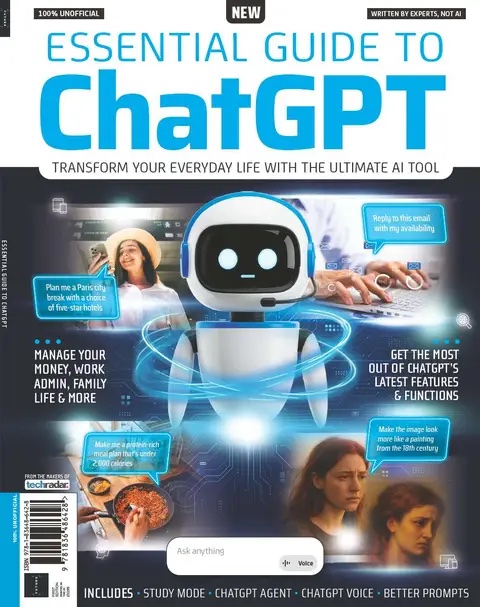
This article originally appeared as part of Essential Guide to ChatGPT, available now at MyFavoriteMagazines. Essential Guide to ChatGPT is full of top tips and expert advice, covering everything you need to know about the world’s most popular AI – from the basics to some of its latest features and functions.
As well as describing what you want ChatGPT to do, it’s also a good idea to tell it what you don’t want it to do. For example, for some reason ChatGPT loves to use the em dash (—) in the text it produces. This is the super-long hyphen that functions like a comma, colon or parentheses. While it is popular in America, it looks odd to most UK readers, and it’s also a giveaway that text has been produced with ChatGPT. So, it’s sometimes a good idea to add, “Don’t use em dashes in your text” at the end of prompts.
If you have ChatGPT’s memory feature turned on in Settings then you can also write something like, “Never use em dashes in your written responses” and it should remember to never use them again. The same can be done with any stylistic quirk that you don’t like that ChatGPT produces.
For example, when you ask ChatGPT to come up with ideas, it will often produce a bullet point list, and this can be annoying if you want it to produce some beautiful flowing text instead. A good way to prevent this from happening is to add, “Do not use bullet points in your answer”, to the end of your prompt.
3. Try roleplaying

Get your chatbot to channel its inner Steve Jobs. (Image credit: Getty Images/Rick Smolan)
When it comes to having a conversation with a chatbot, you might like to set up a roleplay situation where you ask it to imagine that it is an expert in something and ask it to respond as an expert would. So, for example, you could say, “You are an expert in the field, now tell me 3 things that I should know to start with”.
Since the chatbot appears to know the sum of all human knowledge, asking it to act like an expert in a field might sound counterintuitive, but it does alter the results you get with it quite a lot. Give it a try.
Alternatively, if there’s a particular person, living or dead, who inspired you then you can ask the chatbot to become that person and have a conversation with you. This can be surprisingly effective. Writing, “You are Steve Jobs, not just inspired by him, but you contain all his knowledge and experience, now ask me why I haven’t changed the world yet”, can lead to some very interesting conversations!
4. Try these three useful prompts

The right prompt can make all the difference. (Image credit: Getty Images/Surasak Suwanmake)
There are a few phrases you can use in chatbots that I’ve found particularly useful, and can be applied to varied situations. These have produced such good results for me that I think it’s worth going through them here:
Using the phrase: “Use the entire history of our interactions – every message exchanged, every topic discussed, every nuance in our conversations”, at the start of a prompt can be a good way of making sure that the chatbot will take into account everything you’ve told it before.
Specifically asking the chatbot to “Avoid generic responses” is also a good tip. If you want to go further, then asking it to “deliver a detailed, logical, well-argued response” is also a good tip if you want a longer reply.
Finally, if you are trying to use the chatbot to help you break a habit you find difficult to break, then you might like to add something like, “Recognise that I might be resistant to your initial suggestions or find the subject difficult to talk about, and adjust your approach accordingly”.
Follow TechRadar on Google News and add us as a preferred source to get our expert news, reviews, and opinion in your feeds. Make sure to click the Follow button!
And of course you can also follow TechRadar on TikTok for news, reviews, unboxings in video form, and get regular updates from us on WhatsApp too.
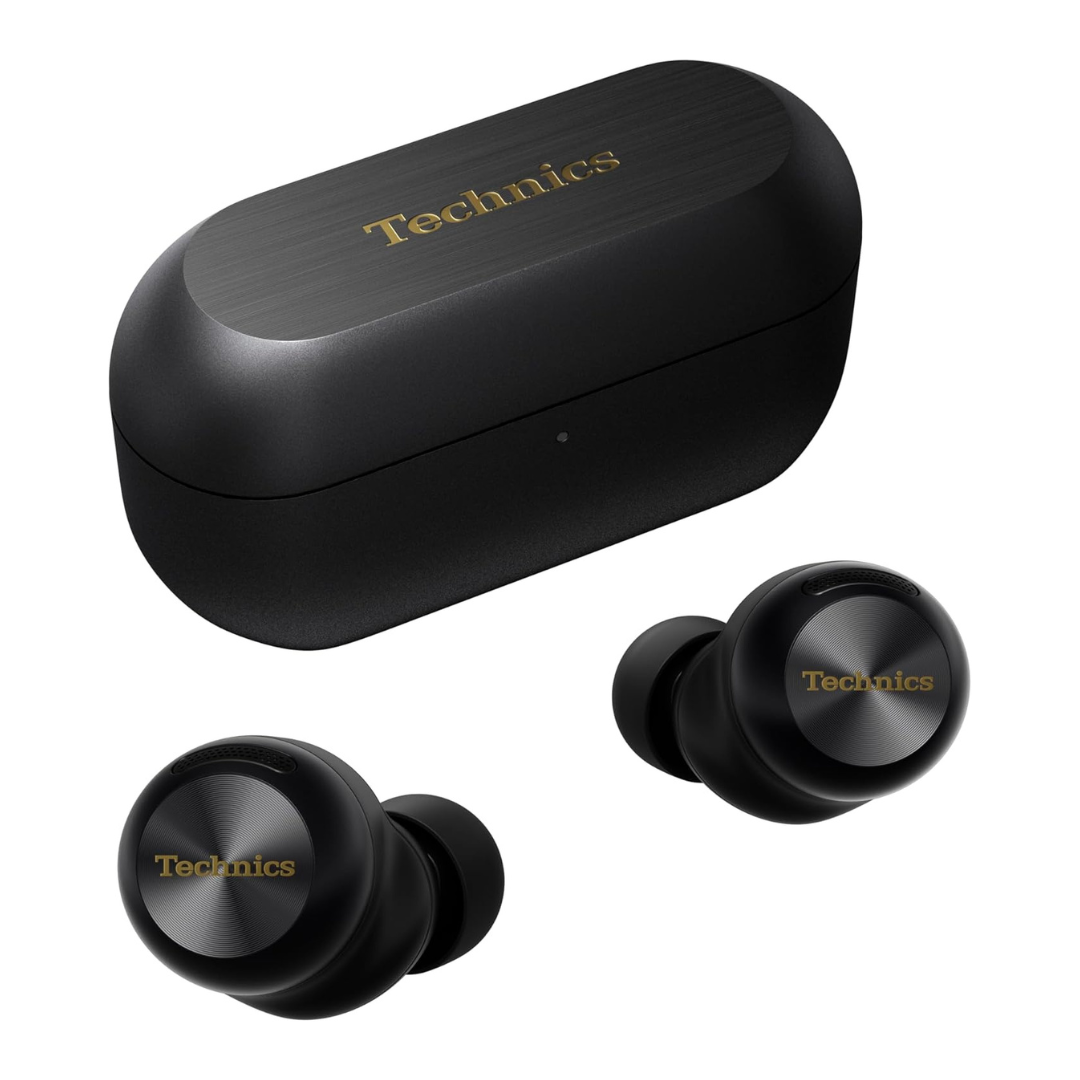
The best wireless earbuds for all budgets
Our top picks, based on real-world testing and comparisons