
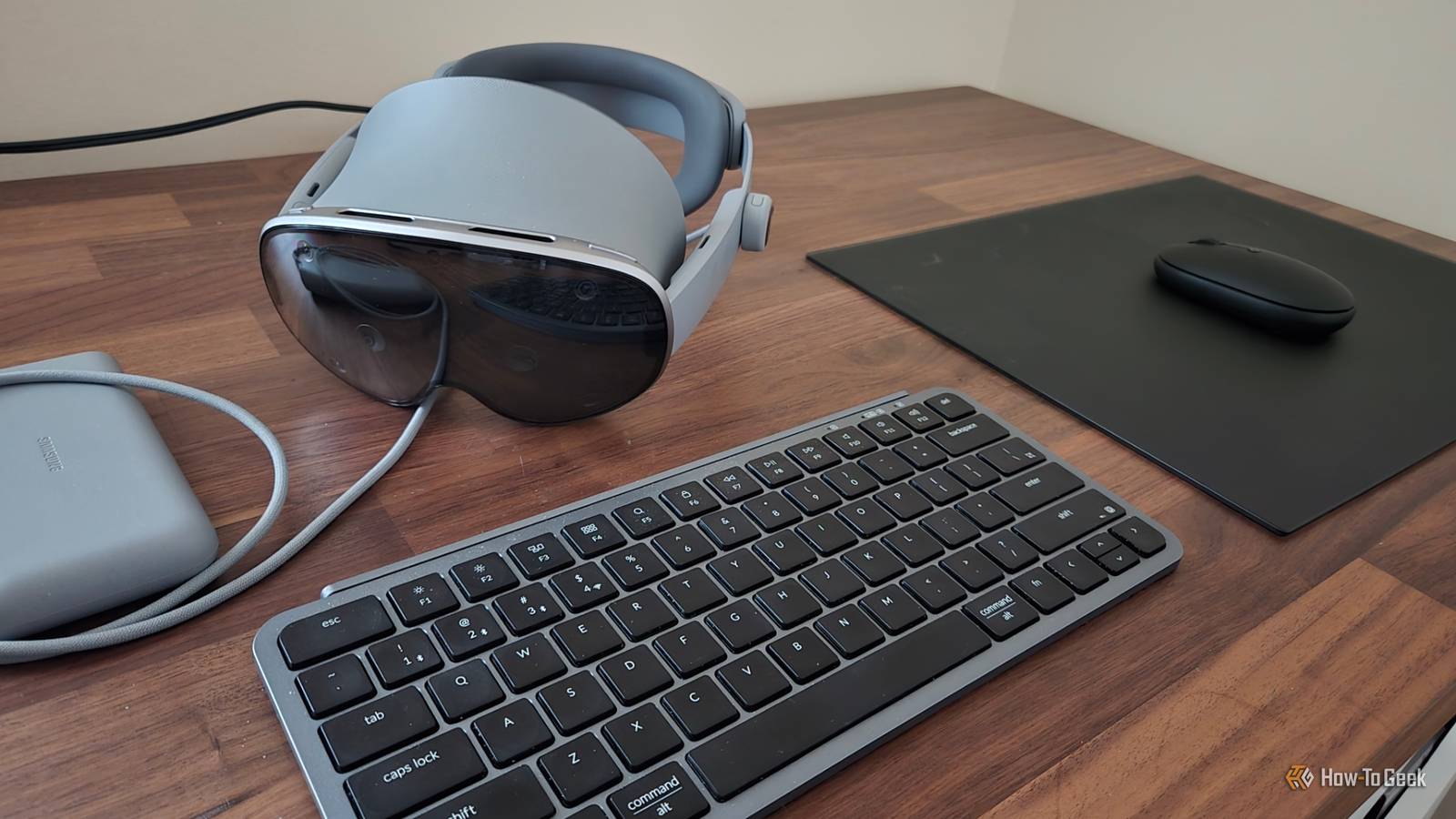
I never had much interest in VR headsets, but XR is a different story. I like the idea of working with virtual windows floating around me in my physical space. So after experimenting first with AR glasses, I took the plunge with a full-blown XR headset, and while it wasn’t cheap, I’m glad I did.
I purchased Samsung Galaxy XR to serve as a spatial computer I use for work, and I’m already getting more use out of it than a conventional computer monitor. If you’re also tempted to replace your monitor with a spatial computer, here’s the thing—don’t cheap out. It’s the high-resolution screens and wide range of cameras that make headsets like Galaxy XR and the even more expensive Apple Vision Pro cost so much more than a Meta Quest 3, but those technologies are necessary if you want the experiment to work out in the long haul.
Cheaper headsets use LCD panels
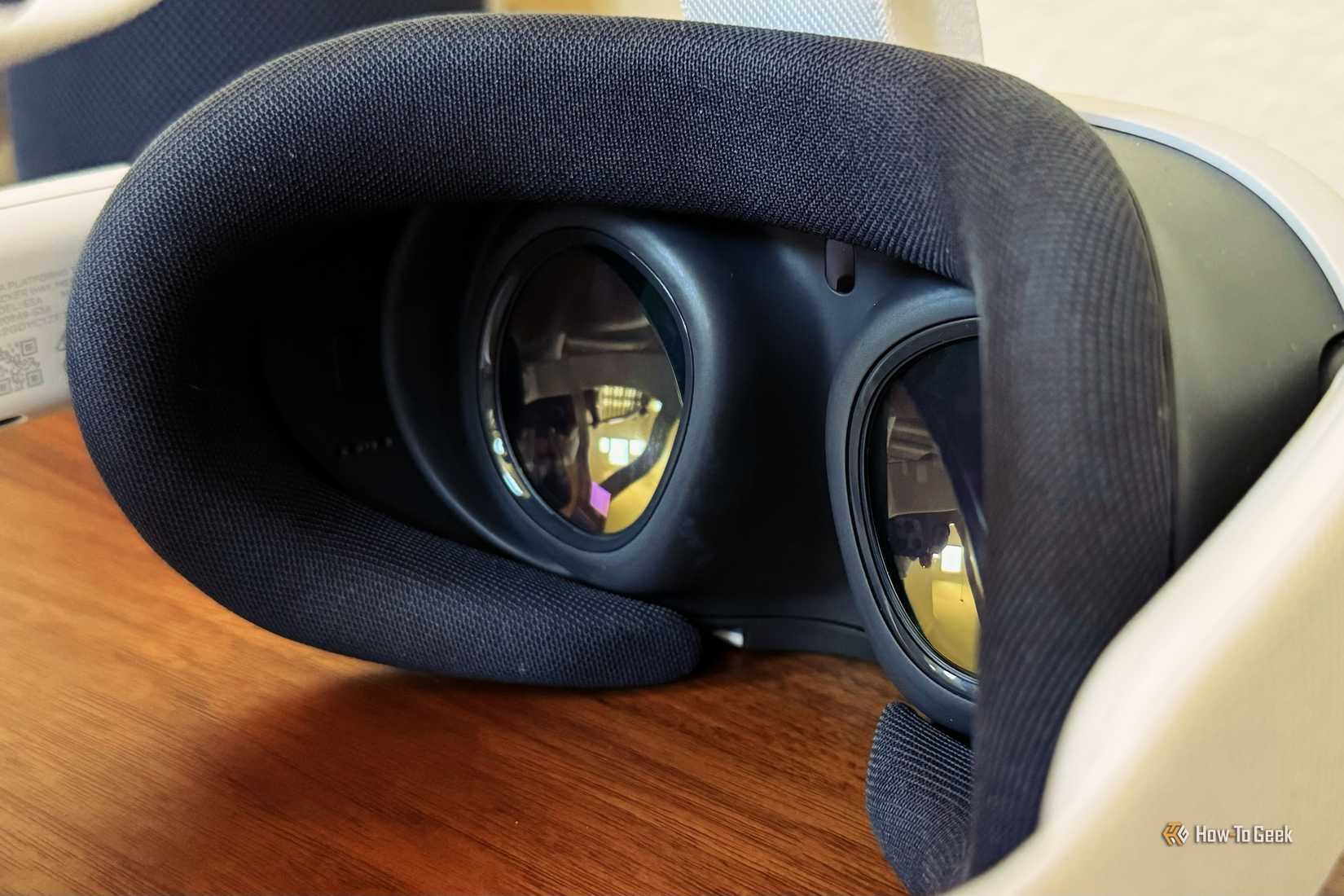
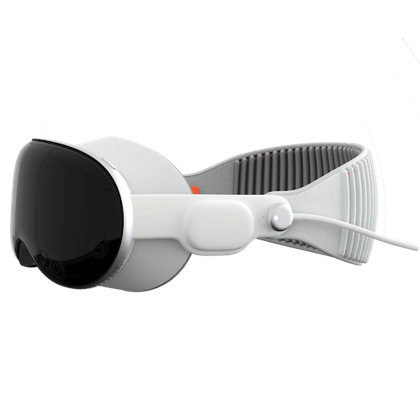
Samsung Galaxy XR and Apple Vision Pro both use Micro-OLED screens paired with binocular pancake lenses. These are not cheap to produce, and given the niche use-cases, the economies of scale aren’t yet doing them many favors. These panels account for much of the price difference between the Meta Quest 3 and the Galaxy XR in particular, since the two headsets otherwise have a similar Qualcomm processor and specs that, while they favor the Galaxy XR headset, aren’t nearly as distant as the Meta Quest is from the processing power in the Apple Vision Pro.
Yet these screens make all the difference. The Meta Quest 3 relies on LCD screens instead. They’re functional, but they still look like you’re looking at a display in front of your eyes.
Credit: Tyler Hayes / How-To Geek
With Micro-OLED, I don’t feel like I’m looking at a screen. The biggest tell is the fuzziness of the video passthrough coming from the outward-facing cameras. That’s a problem for higher-quality cameras and greater processing power to solve, not the type of display.
Spending more gets you higher resolutions
The Apple Vision Pro offers a resolution of 3660 x 3200 per eye, which was significantly higher than other existing consumer VR headsets—until Galaxy XR arrived with a higher resolution of 3552 x 3840. In practice, the larger numbers don’t necessarily mean a better image, and the quality is comparable between the two. Both are leagues apart from what you get on cheaper VR headsets.
The Meta Quest 3 has a significantly lower resolution of 2064 x 2208 per eye. In further evidence that the upcoming Steam Frame is not intended as an XR headset, its resolution is only slightly higher, at 2160 x 2160. These numbers are fine for games or for watching video on several virtual screens at once, but they don’t cut it for sustained hours of productivity.
Cheaper screens lead to fuzzy text
I’m writing these words via my Galaxy XR headset, and I’ve already written thousands more on this device over the past few weeks. While I’ve had to acclimate to the weight, I rarely feel eyestrain. The resolution is high enough to feel easy on my eyes.
This is what cheaper headsets lack, and there’s no workaround that resolves the issue. Text won’t be as sharp. Images won’t be as crisp. Some people will be able to adjust just fine, but there’s a solid chance that you won’t be one of them.
Better headsets mean less discomfort
Face-mounted headsets have two main drawbacks: weight and motion sickness. Pancake lenses weigh more, which contributes to the relative bulk of the more expensive options. But with the right head straps, the pressure from weight can be reduced. Motion sickness is a different story.
VR-based motion sickness largely stems from your brain perceiving you’re moving when, in reality, you aren’t. However, other signs that you aren’t looking directly into reality don’t help. Even if a low-res LCD doesn’t make you feel nauseous, it may still increase the chances of you having a headache from extended use.
If a good headset is out of your budget, waiting may be best
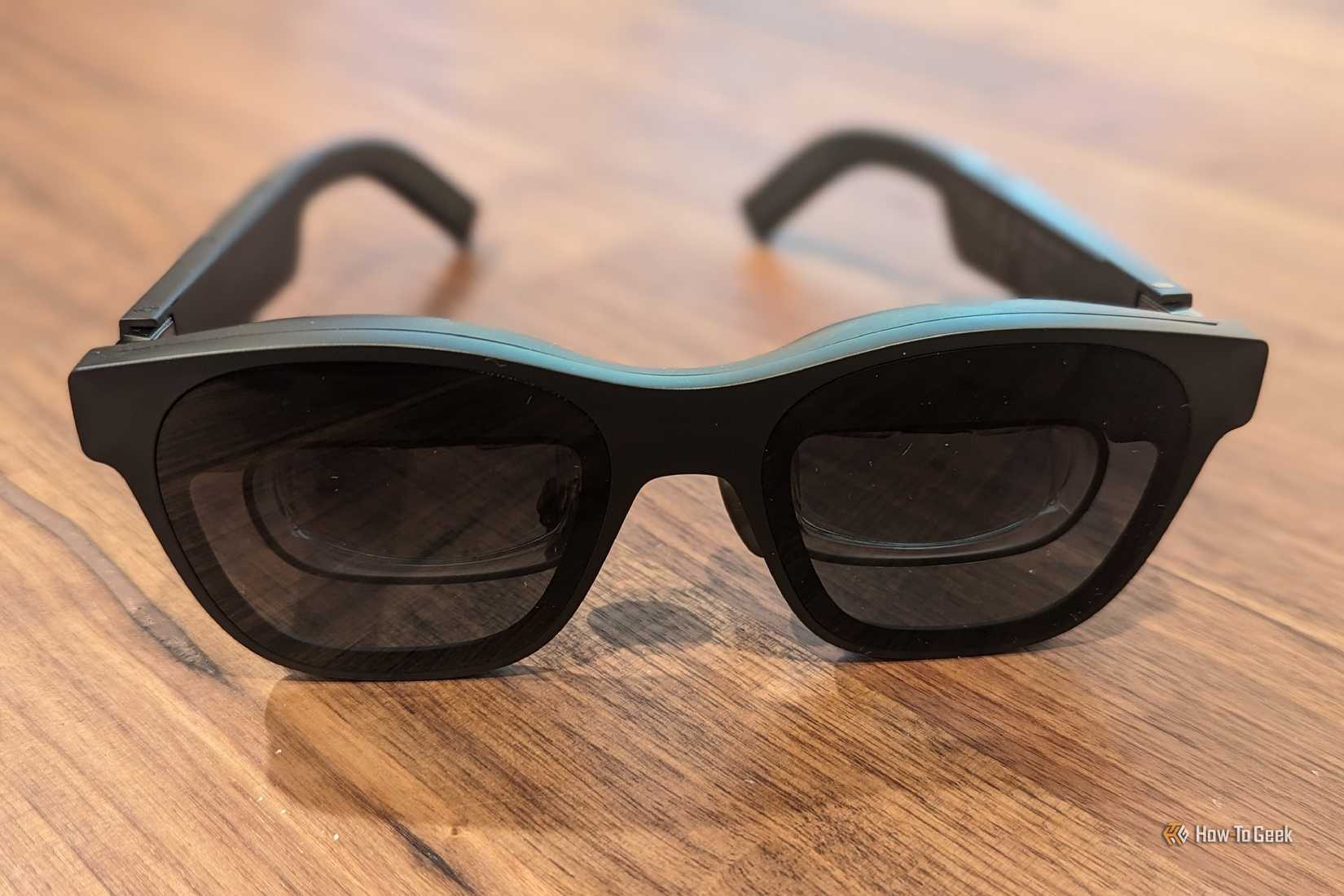
Personally, I rather save up for a high-end headset than settle for a cheaper one. This isn’t like a PC or phone, where a lower-res display isn’t pretty but doesn’t make too big a difference in practice. I own a pair of XREAL Air 2 Pro glasses, and while I did try replacing my computer monitor with those AR glasses for a while, the lower resolution eventually did me in. Despite the use of OLEDs, it still felt like there were screens directly in front of my eyes, and I felt the strain. Not so with Galaxy XR.
Credit: Bertel King / How-To Geek
Wait long enough, and you may not have to spend close to two grand for a high-resolution experience. As UploadVR has reported, companies like TCL are developing high-density OLED panels that could hopefully enable mid-range headsets. Galaxy XR and Apple Vision Pro were never intended for everyone and instead serve as showcases of what future technologies can do. It just happens to be nice that, for such experimental products, they’re fully functional—capable enough even for some of us to dive in face first today.
My virtual workspace doesn’t allow me to see more at one time than a large 4K or ultrawide monitor. Instead, it changes the nature of how I work. Rather than staring straight ahead of me for several hours straight, I can look all around. I can shift the location of my displays whenever I feel like adjusting my posture, and I can take them with me when I move to a different chair. While I do wish headsets were lighter, discomfort is a problem third-party mods can help with, and I already have some on the way.
Brand
Samsung
Resolution (per eye)
3552 x 3840
Display Type
Micro-OLED
Storage
256GB
Connectivity
Wi-Fi, Bluetooth
Battery Life
2.5 hours
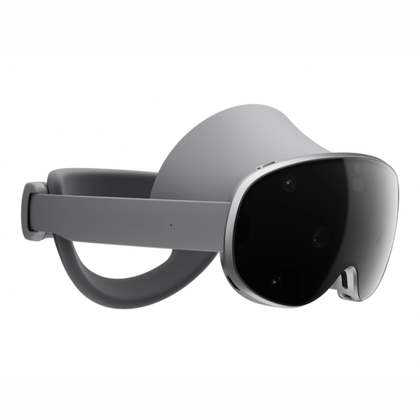
Samsung Galaxy XR is a mixed reality headset and the first to ship with Android XR. It runs nearly all Android apps in addition to content specifically designed for XR and VR alike. With full Play Store access, the ability to sideload apps, and an unlocked bootloader, the Galaxy XR is the most open headset at the time of its release.
Apple
Display Type
micro-OLED
Storage
256GB, 512GB, or 1TB
Connectivity
Wi-Fi 6E
Battery Life
2-2.5 hours
Tracking Technology
Hands and eyes
Audio
Spatial Audio with dynamic head tracking