
ConclusionFor a long time, AMD’s AI ecosystem has felt both limited and extremely complicated to work with, especially when compared to NVIDIA’s solutions, which are effectively the default choice and backed by a huge amount of documentation, guides, and community knowledge. If you wanted to run modern AI workloads on AMD hardware, you were usually in for a frustrating experience involving experimental builds, compiling stuff yourself, missing features, and fragile setups. AMD clearly wants to be taken seriously as an AI company, and over the past year they have been mobilizing additional resources around tooling, ROCm, and PyTorch support. In that context, the AI Bundle, which was announced at CES this year, makes a lot of sense as a technology demonstrator, both for users and for investors. It gives you an easy way to try local AI on your own device, without relying on the cloud and all the usual disadvantages that come with it such as cost, privacy concerns, latency, and loss of control over your data.
AMD has a unique technological capability and that’s their unified memory design on their APUs. The GPU, CPU, and NPU all use the same memory pool, which removes the hard VRAM limits that normally define what is and is not possible on dedicated GPUs from both NVIDIA and AMD. In my testing, I was able to load a huge OpenAI 120B parameter model on a small and lightweight 14″ Strix Halo laptop—something that would normally require extremely expensive enterprise GPUs with 80 GB+ VRAM. Now of course, loading the model in a laptop using shared memory means it will run much slower than on a $10k GPU with 96 GB VRAM, but it’s an excellent solution at a fraction of the cost for development and early-stage testing.
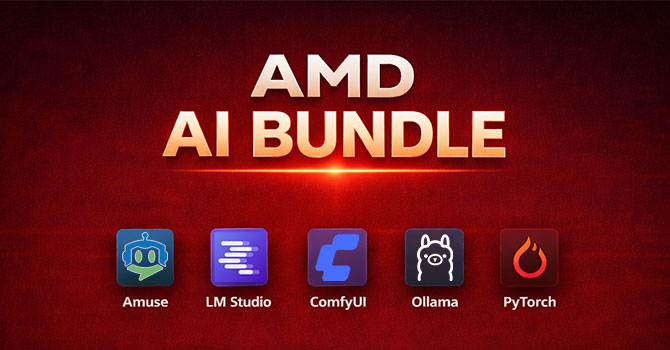
The selection of software in the bundle covers a good range of use cases. Amuse and LM Studio feel mature and well-thought-out, with good user interfaces, straightforward model downloads, and no need to deal with Huggingface accounts, API keys, or manual environment management. Ollama is more limited, but extremely easy to use and a good entry point if you just want to experiment with local LLMs for the first time. ComfyUI is clearly aimed at more advanced users and gives you a lot of power and flexibility, even if its setup and first-run experience are currently far from friendly. Overall, I was positively surprised by how usable the bundle already is.
At the same time, the way this is delivered today feels awkward. Having all of this bundled into the graphics driver installer does not really feel like the right long-term solution, and in many ways it should be a separate product with its own installer, update mechanism, and proper uninstall support. The most obvious explanation is simply reach: AMD’s graphics driver is by far their most downloaded piece of software, and this guarantees that a lot of people will see and try this. It generates impressive installation numbers, which look good for investors, but it also means a much larger user base that can provide feedback and help AMD improve both the software and the underlying platform. I appreciate that this doesn’t bloat the downloaded installer size, that it’s not enabled by default.
There are still plenty of rough edges. The installer experience is confusing, component selection is inconsistent, uninstalling the AI apps is unnecessarily difficult, and ComfyUI in particular feels poorly integrated into the system. Disk space usage is also not very transparent, and when you actually start running AI workloads, the system is clearly pushed hard, with noticeable fan noise and heavy memory usage. None of these are dealbreakers, but they do underline that this is very much a first version.
Taken as a whole, though, the AI Bundle already succeeds at its main goal. It shows you that AMD hardware can run serious AI workloads, it makes local AI accessible without cloud dependencies or subscriptions, and it finally makes the AMD AI software stack feel coherent and usable instead of experimental. If AMD continues to invest in the platform and cleans up the packaging, installer, and integration issues, this could become a genuinely important part of the Radeon ecosystem, rather than just a one-off technology showcase.