
Your phone is brimming with hidden sensors that make it smart in ways you don’t always notice. They auto-adjust brightness, perform motion-detected actions, and even automatically adjust volume levels for speakers and earpiece. But what you may not realize is that these tiny sensors can save you money by replacing gadgets you were about to buy.
From something as simple as a spirit level to something as specialized as a metal detector, your smartphone sensors are far more capable than you realize. Your smartphone might be the most versatile tool you already own, and the sensors are a big reason for this flexibility,
Accelerometer and gyroscope
Don’t buy that spirit level
Tashreef Shareef / MakeUseOfCredit: Tashreef Shareef / MakeUseOf
Every smartphone has a 3-axis accelerometer that tracks motion and orientation. It powers features like lift-to-wake, step counting, and image stabilization. The gyroscope works alongside it, measuring angular velocity to smooth out orientation changes. Together, they make your phone surprisingly good at tasks that usually require dedicated tools.
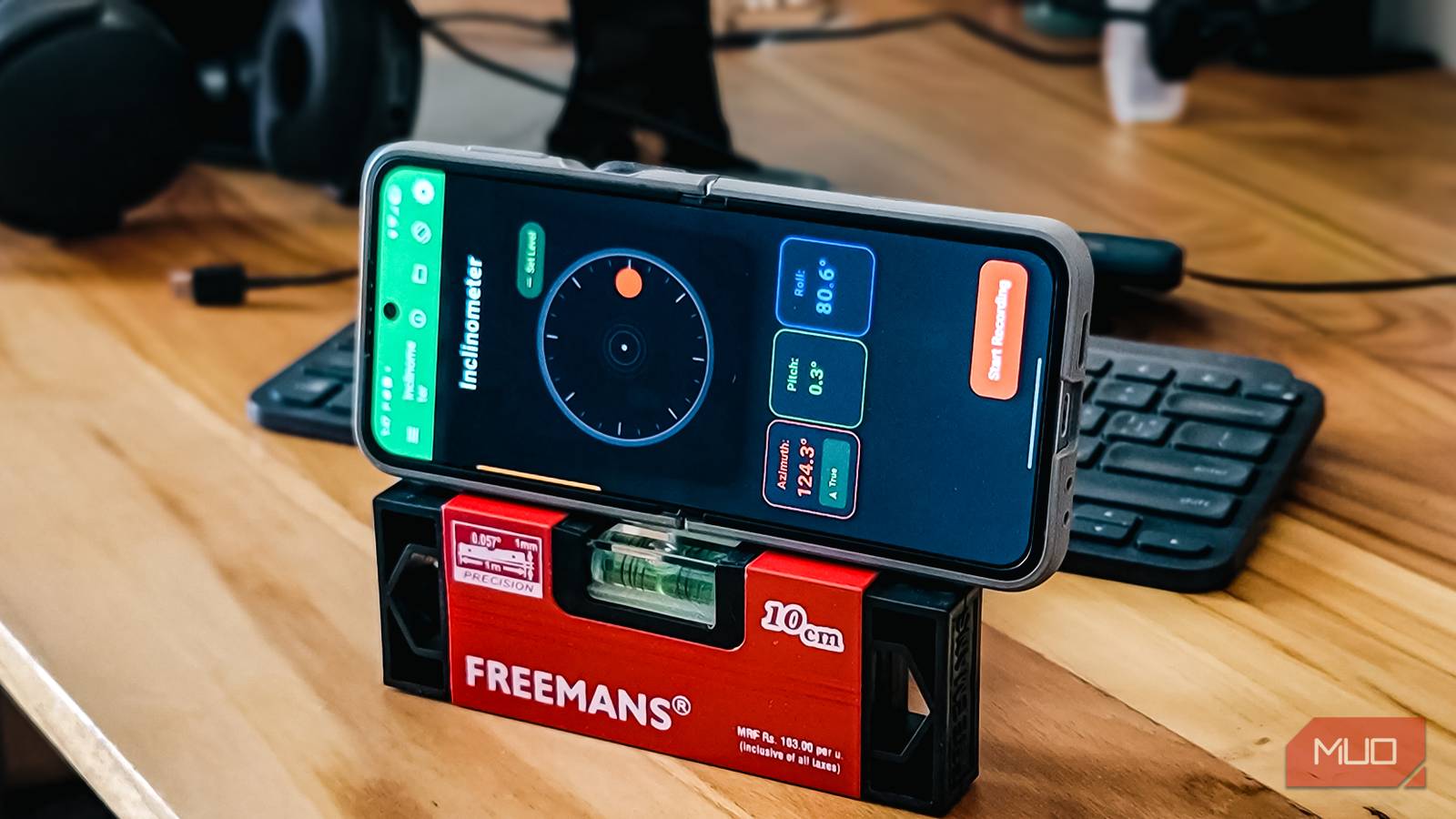
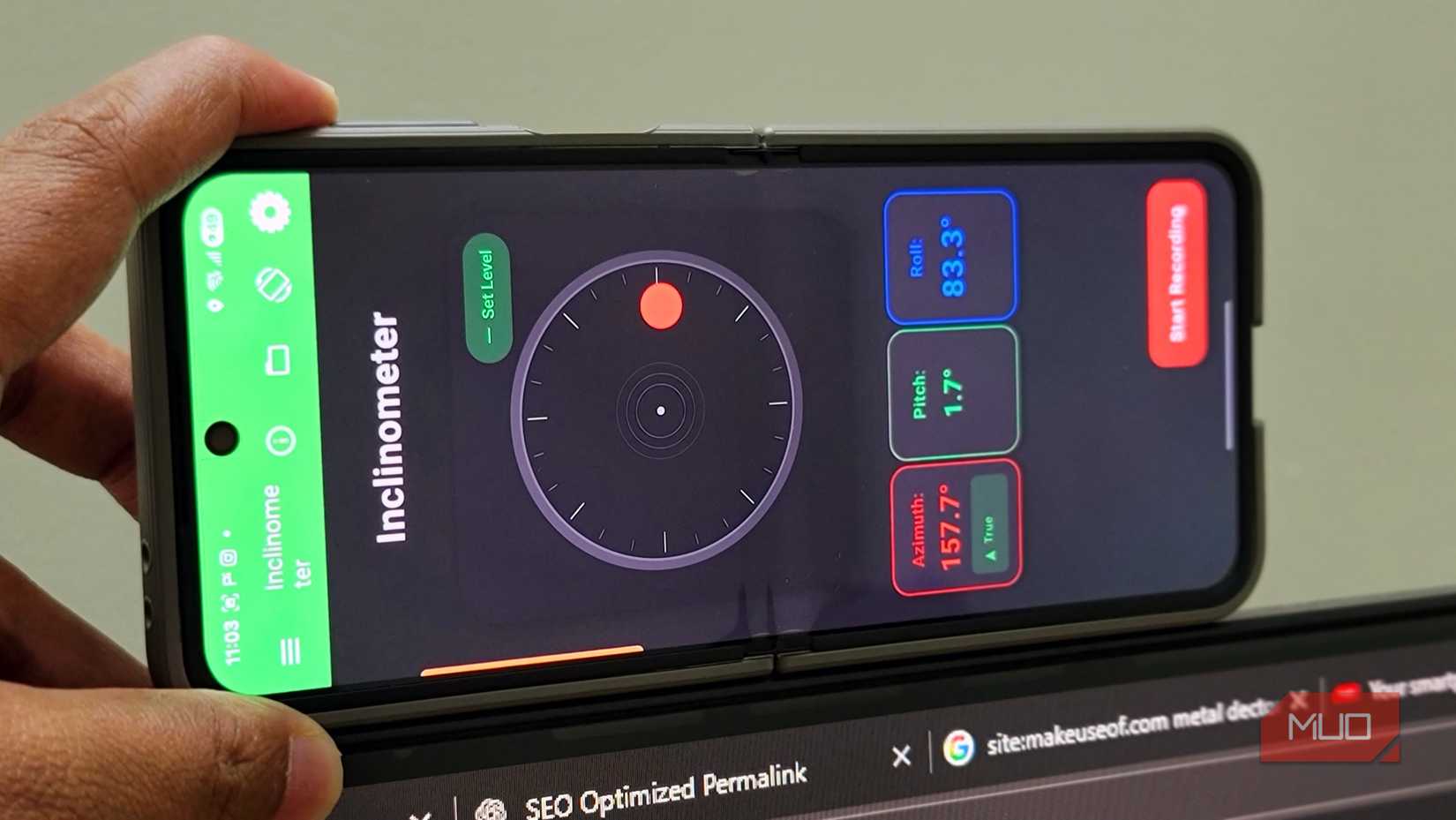
Take the spirit level. I used to keep a small bubble level in my toolbox for hanging frames and checking if shelves were straight. Then I noticed my carpenter use his phone to do the same thing for a minor repair work, and it was surprisingly accurate. There are dedicated spirit level apps like Bubble Level, but they’re riddled with ads to the point of being unusable unless you pay for premium. Instead, I use the Physics Toolbox Suite’s Inclinometer feature. It’s been accurate in my testing and has little to no ads.
The app uses the accelerometer to measure acceleration due to gravity along each axis, while the gyroscope improves orientation tracking and smooths angle readings. You get a digital readout showing exactly how many degrees off-level a surface is. For hanging picture frames or checking if furniture is even, it works just as well as a physical level.
OS
Android, iOS
Price model
Free with $4.99 one-time upgrade to Pro
Physics Toolbox is a data recording app that uses your smartphone’s sensors to display scientific information for analysis. It can showcase sensor data, record it, and export it as a CSV file for advanced users. It’s available as a testing playground for curious users or a robust option for researchers and teachers.
Microphone array
Don’t get that decibel meter yet
Credit: Brady Snyder / MakeUseOf
Dedicated SPL meters offer excellent sound measurement and display noise levels in decibels (dB), provided they are calibrated for accuracy. But for something I’d use sparingly, spending even $30 didn’t make much sense. And I’d probably need to carry it around, making it impractical for most people.
That said, knowing noise levels around you has real uses. You can stay under legal limits for loud music at night, which is a great way to avoid law enforcement showing up at your door because your neighbor complained of noise. It’s also helpful in measuring how loud your Bluetooth speaker gets, checking if your car horn is excessively annoying, or setting up a quiet space for online classes for your children.
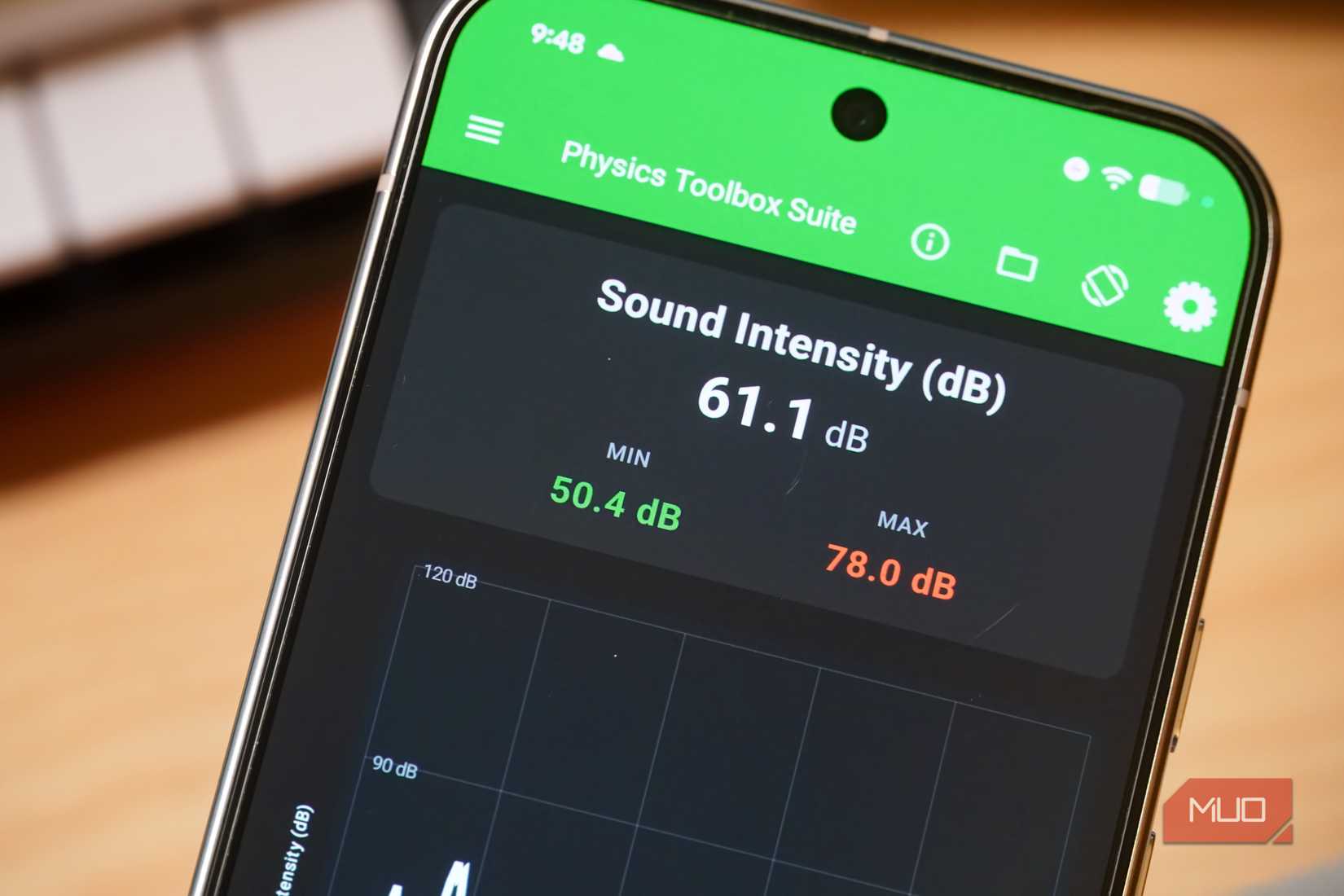
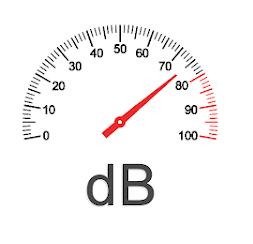
I personally don’t like loud music, whether it’s from headphones or the TV. Instead of arguing with my siblings that it’s too loud, I simply show them the decibel reading. When the level hits 90 dB, it becomes hard to argue. I get them to lower it below 70 dB for my own sanity and also save them from potential hearing damage in the long run. Proofs work better than arguments, I suppose.
Your phone’s microphone can measure sound levels with surprising accuracy, typically within ±2 dB over the 65–95 dB range. Apps like Sound Meter display real-time readings and even log measurements over time. It won’t replace a professional meter for workplace compliance testing, but for everyday use, it’s more than enough.
OS
Android
Pricing model
Free, Premium
Sound Meter is a digital decibel measurement tool that uses your device microphone to sample audio pressure, calculate sound levels, and display calibrated real-time dB values for environmental noise monitoring.
Magnetometer
Replaces your metal detector
The magnetometer in your phone senses magnetic fields, primarily helping maps orient correctly and enabling compass apps. But it has a more interesting use: metal detection. Since the sensor responds to changes in magnetic flux, it can detect ferrous metals nearby.
I discovered that my phone has a metal detector when I needed to find a stud behind drywall before hanging a heavy shelf. You just need an app to access it. Physics Toolbox’s magnetometer view shows live graphs of magnetic field strength across X, Y, and Z axes. When you move your phone near metal, you’ll see spikes in the readings that make detection obvious.
This works for practical DIY tasks like locating electrical wires or metal pipes behind walls before drilling. It’s also helpful in checking stainless steel quality, because high-grade stainless steel (304, 316) is often non-magnetic, so if a stainless steel-labeled item triggers strong readings, you might be looking at lower-grade material. Just don’t expect it to find small or non-ferrous items. It works best with larger magnetic objects.
Barometer
Skip that portable altimeter
Tashreef Shareef / MakeUseOfCredit: Tashreef Shareef / MakeUseOf
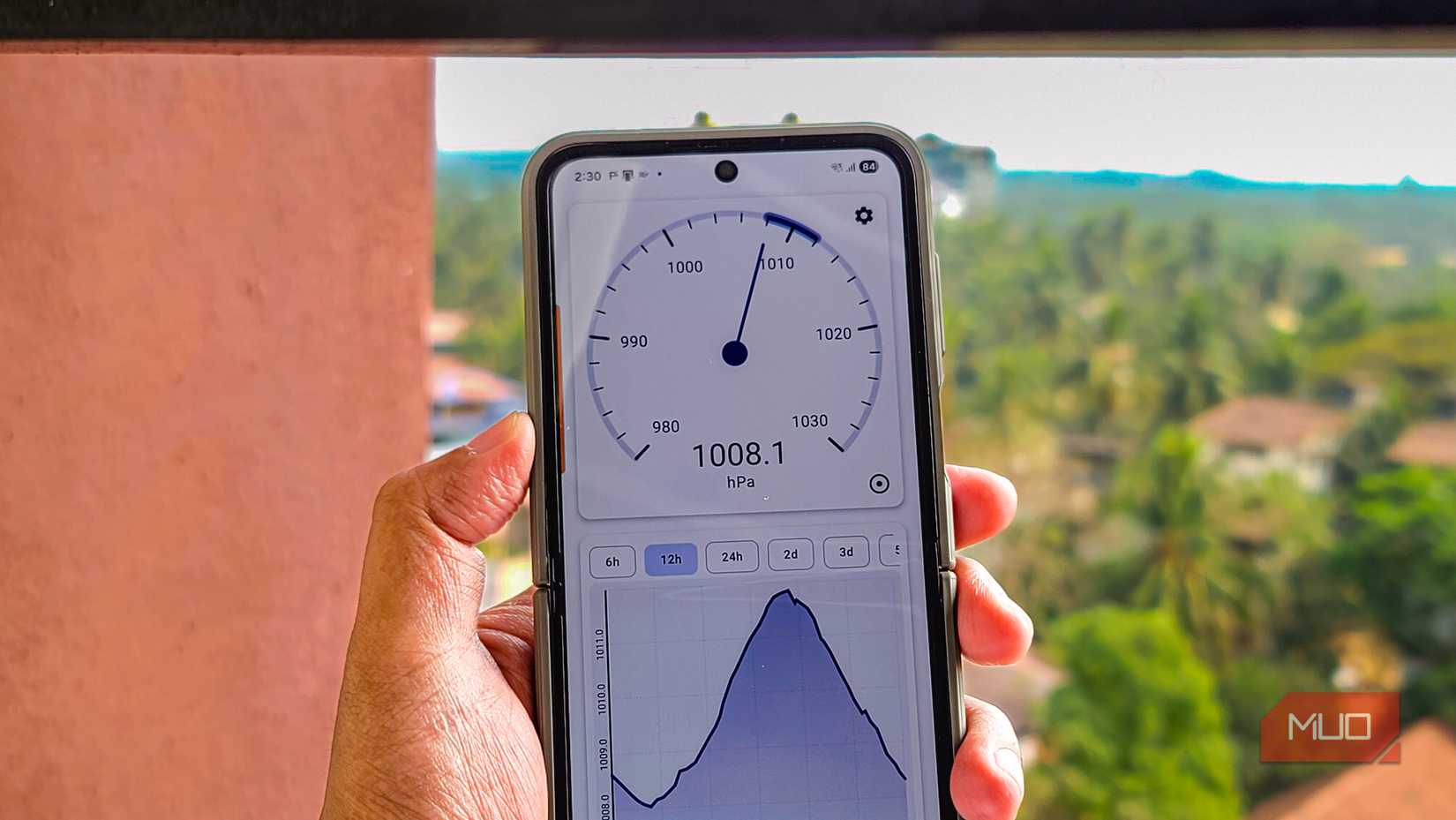
Many Android phones include a barometer that measures atmospheric pressure. It’s primarily there to improve GPS accuracy by helping determine altitude, but with the right app, it becomes a valuable tool on its own.
I started tracking barometric pressure after reading that trout feeding patterns respond to air pressure changes. Using an app like Barometer+ Pressure Tracker, I can check pressure trends before heading out. You can use it alongside your weather app to verify local conditions. Weather forecasts pull data from stations that might be miles away, but your phone’s barometer reads the pressure exactly where you’re standing.
The barometer also doubles as an altimeter for casual hiking. It won’t match a dedicated GPS device for mountain climbing as the accuracy degrades above 3,500 meters. Still, it’s perfectly usable for day hikes and general outdoor activities. Anglers even use pressure readings to predict fish activity, since many species respond to atmospheric changes.

OS
Android
Pricing model
Free
Barometer + Pressure Tracker delivers precise offline atmospheric pressure monitoring, smart storm alerts, detailed history, and customizable charts and gauges, ideal for weather tracking enthusiasts and professionals using sensor-equipped devices.
Proximity and ambient light sensors
Budget light meter alternatives
Pankil Shah / MakeUseOfCredit: Pankil Shah / MakeUseOf
The proximity sensor detects when something is close to your phone’s screen, which is why the display turns off during calls. The ambient light sensor sits nearby, constantly measuring surrounding brightness to auto-adjust screen brightness. Both work silently in the background, but you can put them to more creative use.
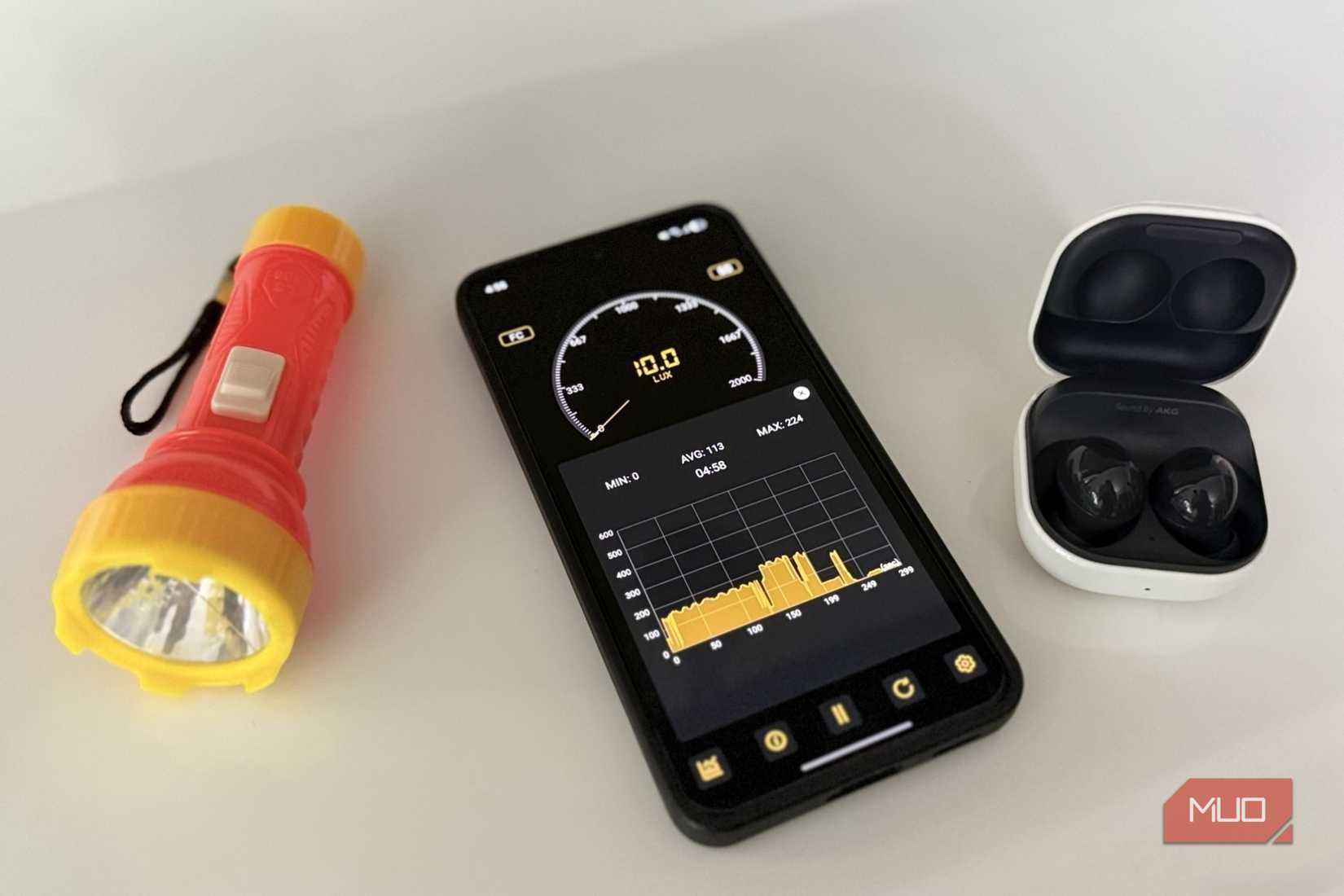
The ambient light sensor, in particular, can function as a basic lux meter. Using an app like Light Meter – Lux Meter, I’ve compared brightness levels in different rooms to decide where to place houseplants. It’s also useful for checking whether LED bulbs actually deliver the brightness they claim or measuring how much natural light a workspace gets throughout the day.
The readings aren’t lab-calibrated, but they’re consistent enough for comparisons. If you’re deciding between two spots for a reading lamp or checking whether car headlight restoration actually improved output, relative measurements are often all you need. A dedicated lux meter costs $20–50, and unless you need professional accuracy, your phone does the job perfectly fine.

OS
Android
Pricing model
Free, Premium
Light Meter is a lux measurement tool that uses your device’s light sensor to calculate illumination levels and display real-time lux values for monitoring ambient lighting conditions accurately.
Phone sensors aren’t perfect, but they’re free
These sensors won’t match the precision of professional instruments. Your phone’s magnetometer can’t detect small non-ferrous metals, the barometer loses accuracy at extreme altitudes, and the light sensor isn’t calibrated for scientific measurements. But for everyday tasks, including checking if a shelf is level, monitoring room noise, or finding a stud in the wall, they’re surprisingly capable.
The real value of the course is the convenience it offers. Since you carry your phone everywhere, you already have these sensors in your pocket all the time. Instead of buying single-purpose gadgets that sit in a drawer 90% of the time, try the free option first. Apps like Physics Toolbox Suite and phyphox let you experiment with your phone’s sensors you didn’t know existed. You might find one or two that do exactly what you need.