
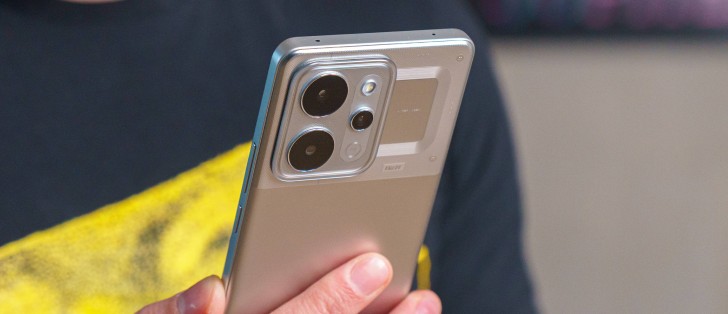
Realme UI 7 on top of Android 16
Like the most recent releases from Realme, the P4 Power is running on the latest Realme UI 7.0 based on Android 16, too. The company promises 3 major OS upgrades and 4 years of security patches, which in theory sounds okay, but since the phone’s battery is promised to last you at least 8 years, we’d expect at least slightly longer software support to keep the phone relevant.
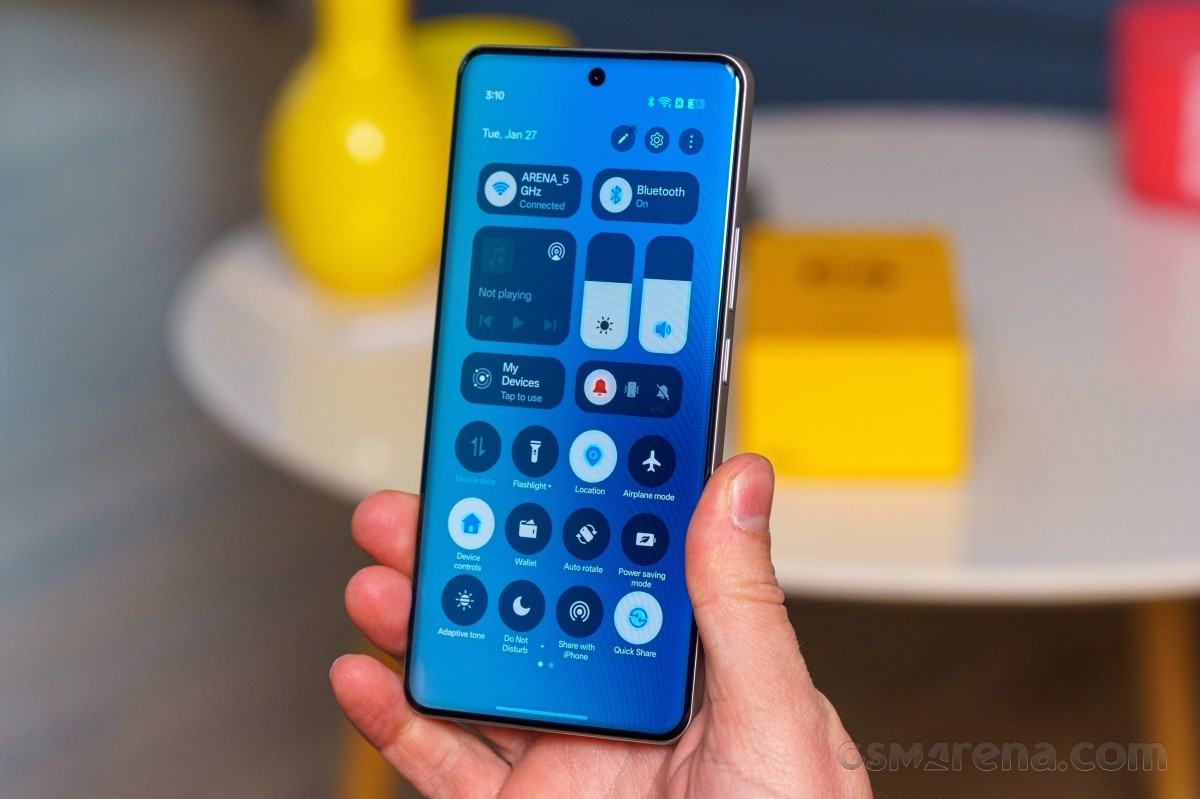
If you’ve used Oppo’s ColorOS or OnePlus’ OxygenOS, you will feel right at home. These three Android overlays are basically identical. Most recently, we reviewed the Realme 16 Pro+ and the Realme GT 8 Pro, both of which are running on the exact same software as the P4 Power we have here. So we suggest heading over to the Realme GT 8 Pro review’s software section and read more about the software..
Stylistically, there are little to no changes to the new ColorOS 16, aside from some minor tweaks to some UI elements and animations. Two notable additions to the new ColorOS are category grouping in the app drawer and the option to rename apps, so you can find them more easily.
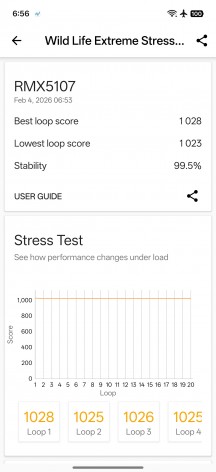
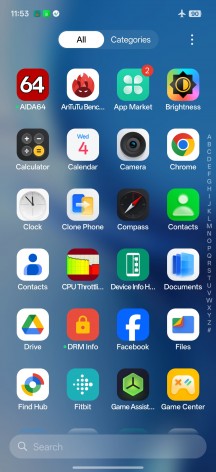
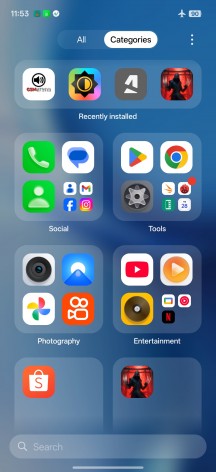
Home screen • App drawer • App drawer
However, since the Realme GT 8 Pro is a higher-tier device, it has more features than the P4 Power. For instance, the Realme GT 8 Pro has AI Notify Brief and AI Search in the Next AI sub-menu, whereas the P4 Power doesn’t. The somewhat popular Mind Space feature that you would typically find on OnePlus devices and other higher-end Oppo and Realme phones is nowhere to be found either.
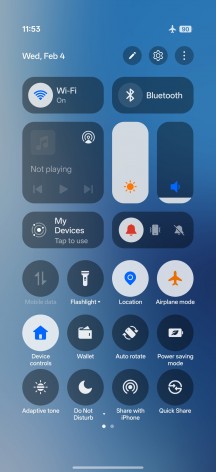
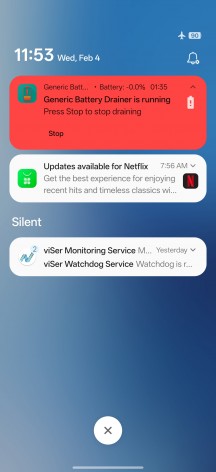
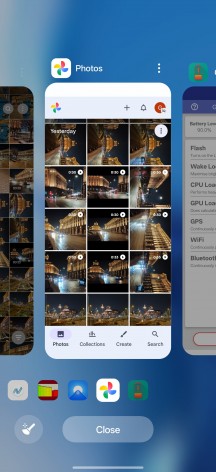
Quick toggles • Notification shade • Recent apps
The AI Studio app, which lets you leverage generative AI and generate images and animations, is also absent.
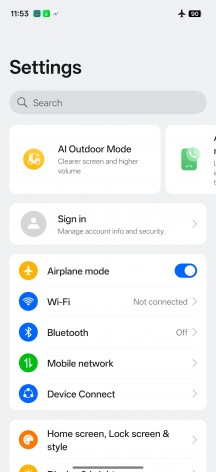
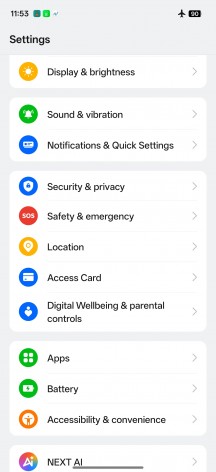
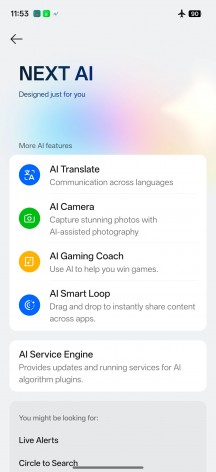
Settings menu • Settings menu • Next AI features
Still, AI Eraser, AI Unblur and other AI-powered photo editing tools are available in the default gallery app. The usual Google-supplied AI bits are also in place, like the Gemini Live and Circle to Search.
Last but not least, Realme UI 7.0 introduces the so-called Flux Engine, which is a system-level optimization engine. It’s marketed to make the user experience feel smoother and snappier. It uses a Flux Animation Framework and Flux Scheduling Algorithm for faster response and more fluid visuals.
Benchmark performance
The Realme P4 Power sports a MediaTek Dimensity 7400 Ultra chipset. That’s a slight upgrade over the Dimensity 7300 Ultra. The Dimensity 7400 Ultra is a modern chipset, manufactured on an efficient 4nm process.
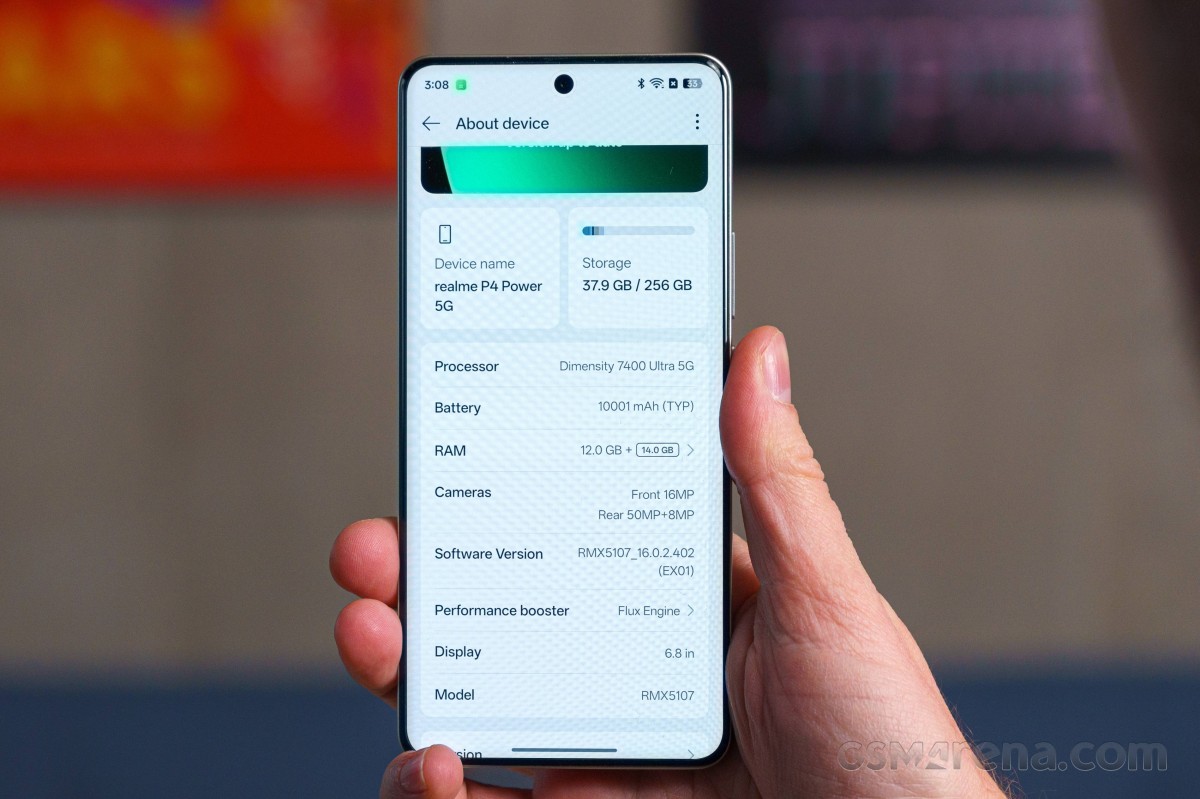
In the CPU department, the chips have four 2.6 GHz Cortex-A78 units and another four 2.0 GHz Cortex-A55 ones. The GPU is the same Mali-G615 MC2 as the Dimensity 7300 Ultra. So, essentially, in terms of raw performance, the two chips should be very close.
The available memory options are 8GB/128GB, 8GB/256GB and 12GB/256GB. All variants use UFS 3.1 storage chips. And even though it’s a budget handset, we were expecting at least 256GB base storage, which has become standard even in this price bracket.
While the Realme P4 Power seems to utilize the Dimensity 7400 to the fullest, it’s still not enough to overtake most of its competitors. The device is comparable only to the Redmi Note 15 Pro 5G, which employs the same silicon, while the Nothing Phone (3a) and the (3a) Pro rely on a tad faster Snapdragon 7s Gen 3 chip. But perhaps the Motorola Edge 70 gives you the best performance per INR with its Snapdragon 7 Gen 4 SoC. It has a more powerful CPU and the best GPU by a long shot.
Sustained performance
The Dimensity 7400 isn’t a very demanding chipset, so it’s no wonder the handset handled our CPU and GPU stress tests with ease.
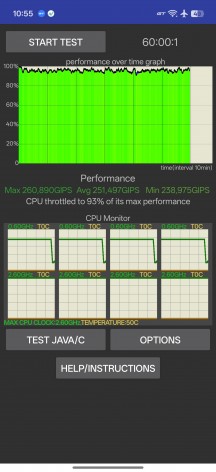
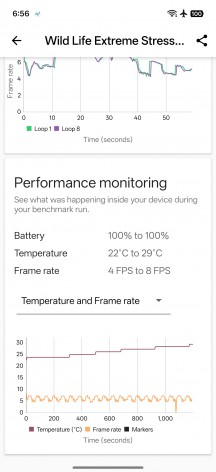
CPU and GPU stress tests
Even the outer temperatures were pretty low. Even after an hour of CPU stress testing, the chassis remained warm, but not hot.