

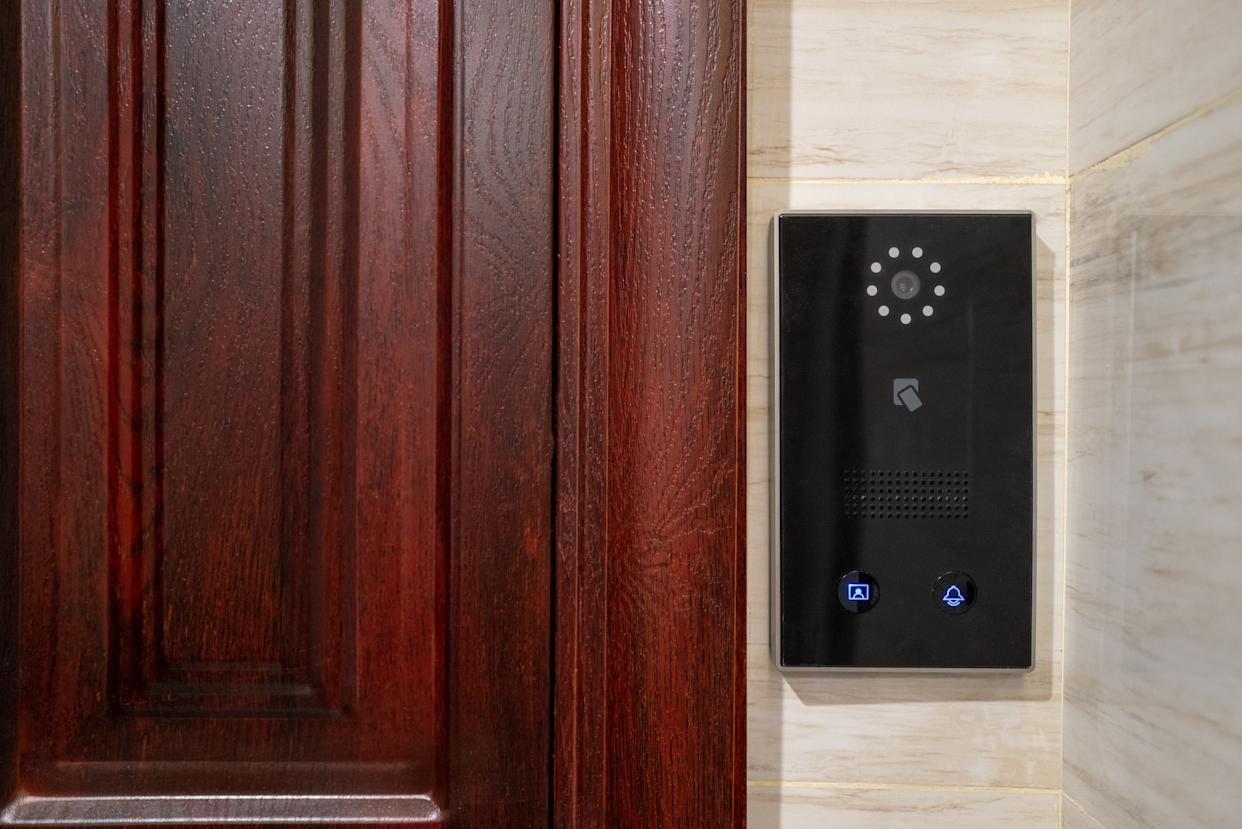
Smart door lock at the door of the room.
(xiaokebetter via Getty Images)
With families all sharing the home broadband over half term, it’s not uncommon for speeds to slow down as young people download games while grown-ups stream TV.
But could “phantom devices” in British homes be making things worse?
Experts at broadband comparison site Uswitch say that three in five (60%) of British people have been dissatisfied with Wi-Fi speeds in the past three months, while 77% of parents report that their family’s “online time” increases at half-term.
But the research found that “phantom devices” could be making things worse, with the average household now juggling 16 connected gadgets and one in 10 homes having 30 or more gadgets connected at once.
What are phantom devices?
Phantom devices are online, always-on devices that families may not be aware can affect broadband speeds.

Shot of a woman adjusting a wall-mounted digital thermostat in a living room.
(Maskot via Getty Images)
These range from smart TVs, which often download shows in the background, to devices such as video doorbells, which often upload large video files to the cloud.
Many families are completely unaware that such devices are competing with phones and laptops for connectivity and can cause Wi-Fi slowdowns.
The research found that 38% of families are unaware that technology such as smart speakers can consume bandwidth, even when not directly “in use”.
Which are the worst?
The research showed that the most common smart devices in British homes are smart TVs, which are found in 82% of households.
This is followed by video doorbells (39%), smart speakers (39%) and smart thermostats (24%).
The researchers say that smart doorbells, in particular, can be disruptive because they send large video files to the cloud.
Smart TVs can also be bandwidth hogs, with many defaulting to streaming videos in extremely high quality.
Max Beckett, Uswitch broadband expert, explained: “Unused gadgets and sensors are constantly talking to your router in the background, which can clog up your connection and cause frustrating buffering when you are trying to watch a movie or play a game.
“As half term sees a surge in demand across UK households, it is important to know that Wi-Fi struggles are not just caused by too many people being online. Some devices take up bandwidth even when you haven’t touched them for days.”
What can you do?
Most routers will let you see all the gadgets connected to your Wi-Fi network – to see it, log into the device’s admin page and look for “Connected Devices” or similar.
This can help zoom in on apps that might be consuming bandwidth in the background.
Apps such as Fing also make it easy to see all devices connected to a network.
Beckett said: “Smart devices are becoming part of our daily lives, but it is easy to forget about old tablets, smart speakers, or smart plugs that are still plugged in and connected to your network.
“Take a moment this week to do a quick digital spring clean. If there is a device you no longer use, or an old piece of tech that is still switched on, disconnect it from your WiFi or power it down completely.”