
Tracking is heavily stigmatized and for all the right reasons, especially in the digital world. The concerns usually come from the potential privacy risk associated with tracking features on modern devices.
I’m not immune to feeling scared about it, just like every other person who takes privacy seriously. But more than any other device, I’m especially careful about tracking on my phone because that’s the device I use the most and stays with me the most.
However, not everything about tracking is bad. Some are more necessary and helpful than they appear to be. They all work behind the scenes, and you barely notice them on your phone.
Most modern Android phones are equipped with these tracking features. Although they may seem niche because not many people are aware of them, those features are widely available.
Here are the things that your phone is quietly tracking — and yes, it’s cool.
Related
The best secret short codes for your Android phone
Unlock hidden features on your Android phone with these secret codes
It quietly identifies unused apps and limits them
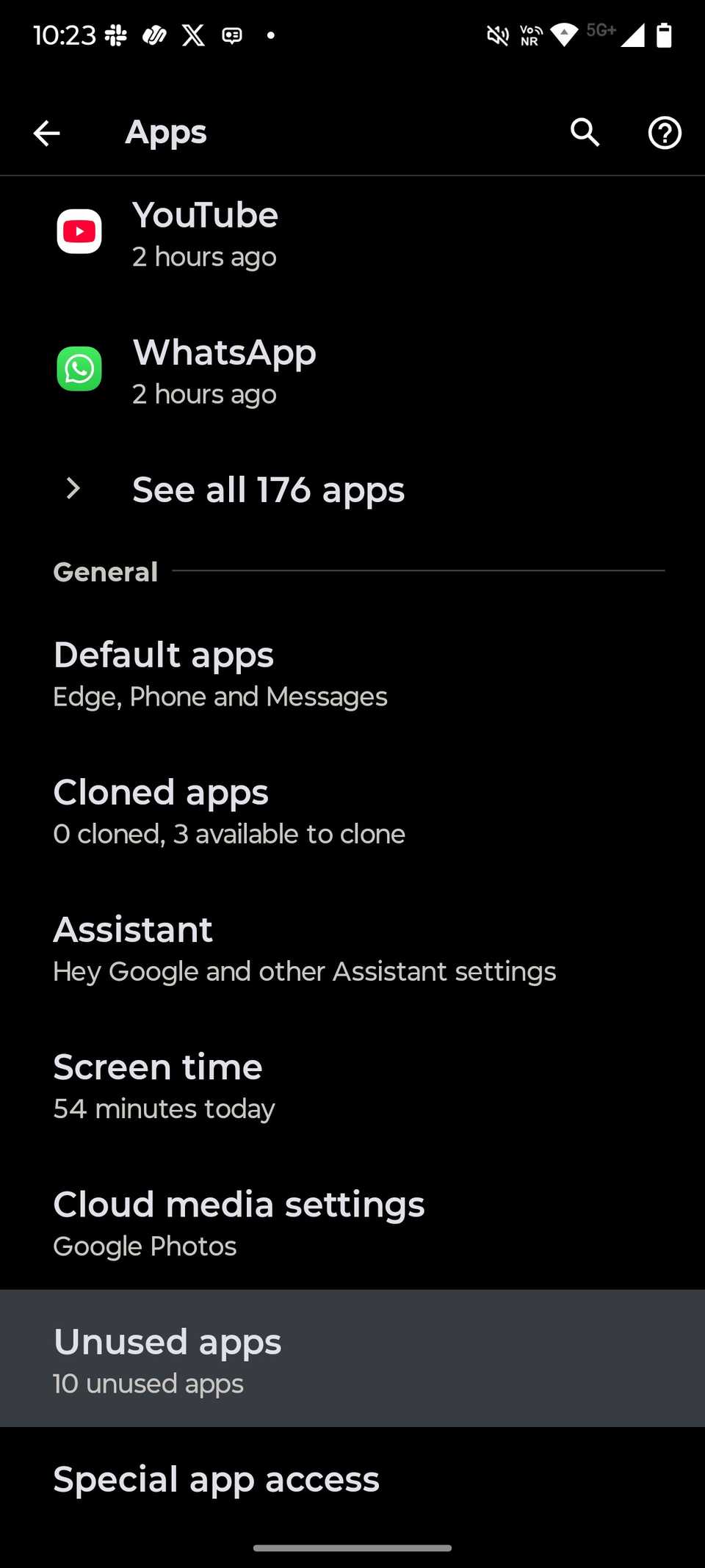
Priorities change over time, and so do the apps that you need to use daily. But the problem with this is that your phone can slowly accumulate several unused apps if you forget to uninstall them.
Android keeps track of them behind the scenes and automatically puts them to sleep. This helps your phone in many ways.
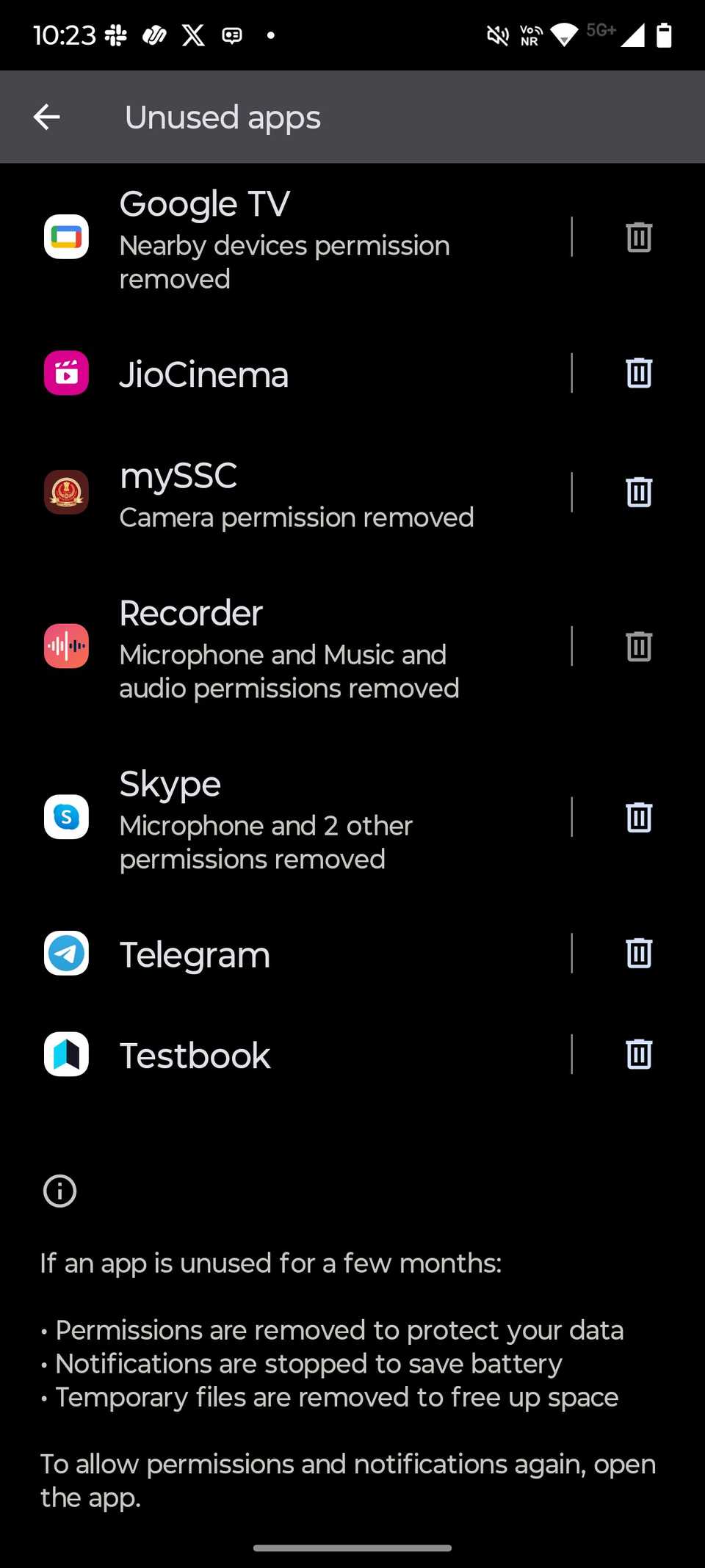
When you stop using an Android app for a few months, Android automatically revokes all the permissions you granted to protect your data.
It also stops notifications from those apps to save battery. Android also automatically deletes cached data for apps you haven’t used in a long time. You’ll find the complete list of apps that were put to sleep in Android settings.
You can reverse this action by removing those apps from the list or by opening them. This does not stop Android from keeping an eye on them, along with other apps on your phone, to check if they remain unused for a long time.
Your phone is quietly tracking your movement
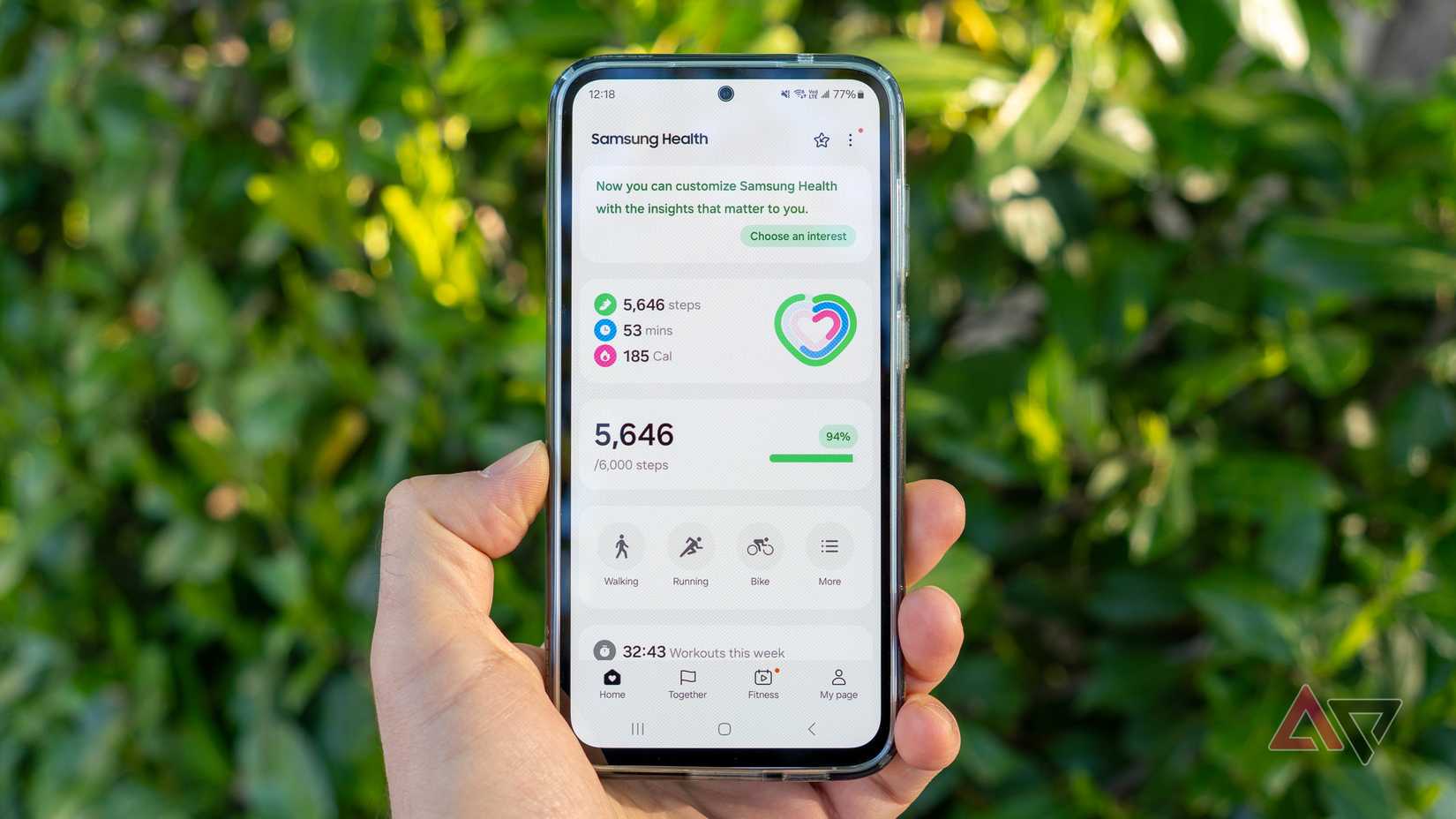
Sensors like the Accelerometer and Gyroscope are available on almost all modern-day Android smartphones.
These two are hidden sensors on your phone that continuously track movement to detect walking and rotation in real-time.
In Samsung Galaxy handsets, the Accelerometer is the sensor that works behind the scenes to count the number of steps you walk every day.
It also plays a central role in the on-body detection of the Extend Unlock feature. It detects continuous movement and keeps your phone unlocked as long as the phone is in motion.
While motion sensors detect movement with accuracy, your phone’s GPS and network data quietly record where you have been.
You can see all the previous places you visited and how you visited them on a given day by using Google Maps’ Timeline feature.
Those motion sensors are required to detect whether you visited a place by walking or driving. So, all these sensors are at play in determining where you have been and how you get there.
All of this sounds cool and convenient. Since I use both Extend Unlock and Google Maps’ Timeline, I love this type of tracking even more.
Android keeps a history of every recent notification you receive
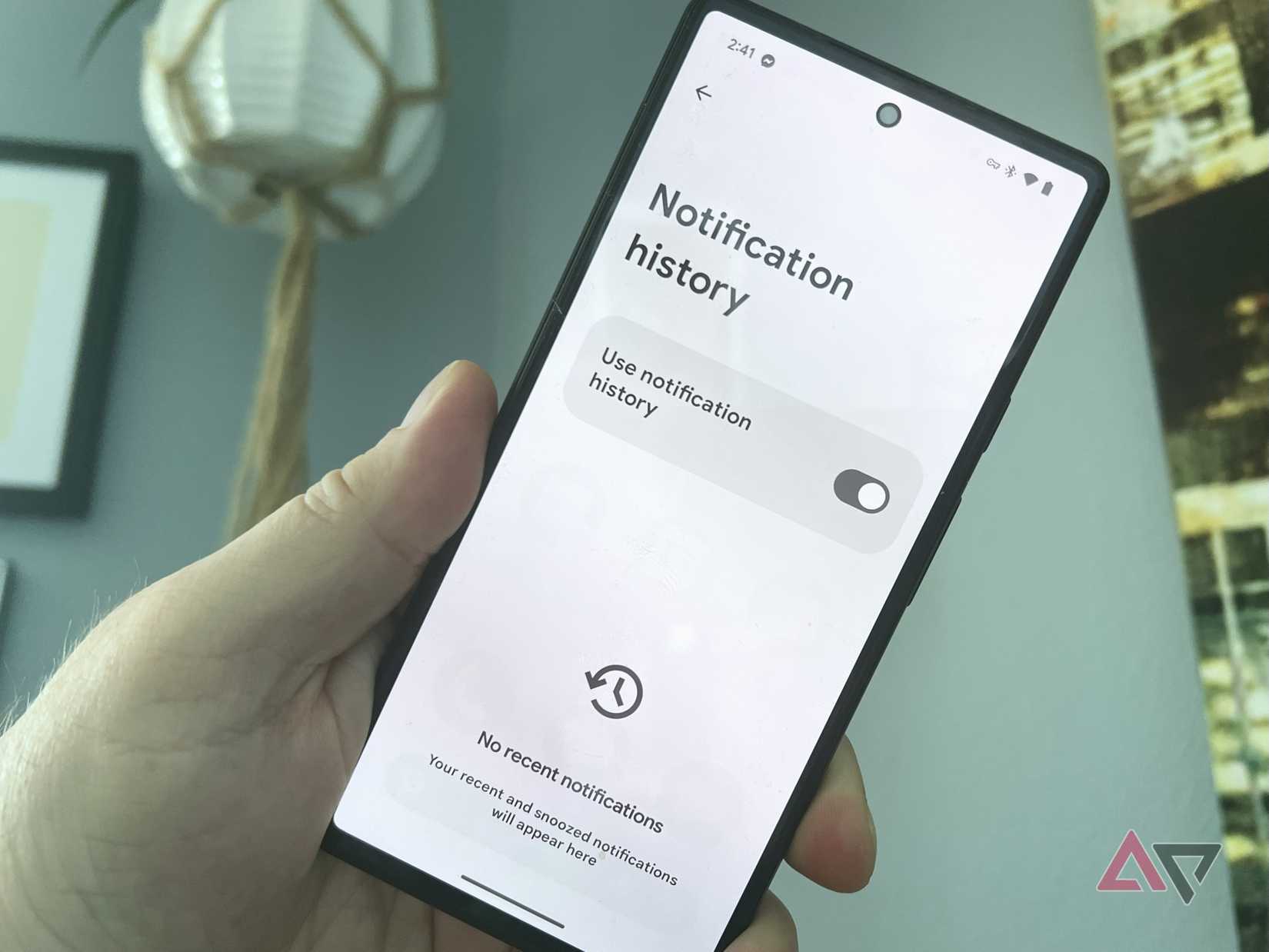
Notification history is a core Android feature, and that means you’ll be able to use it on almost all modern Android handsets.
It keeps a record of all the notifications you received in the last 24 hours. You will also be able to revisit those notifications that you accidentally dismissed.
The Notification history feature is available in the Settings, though you might have to dig deep into it to find it, depending on which Android skin you use.
The best way to find it is by opening the Settings and then typing Notifications history in the Search bar. You’ll see it pop up there if your phone is running Android 11 or later. Turn it on if it isn’t enabled by default on your phone.
Not only does this sound cool, but it gives you a second chance to act on messages that you somehow missed. I check my Notifications history page almost daily to ensure that I haven’t missed anything important in the last few hours.
I missed deal notifications from Amazon a few times in the past, but I ultimately managed to cash in on them after spotting them on the Notification history page.
It’s cool, gives you a second chance, and can save money.
Use your phone’s tracking to your advantage
As useful as some of Android’s tracking features are, not everyone will be comfortable with each one of them.
I, for one, don’t use the on-body detection in Extend Unlock because of it failing to distinguish between the phone’s real owner and any random person.
On the other hand, features like notifications and movement tracking can be beneficial to almost everyone. However, what you should avoid is trusting random third-party apps for this, which can put your privacy at risk.